


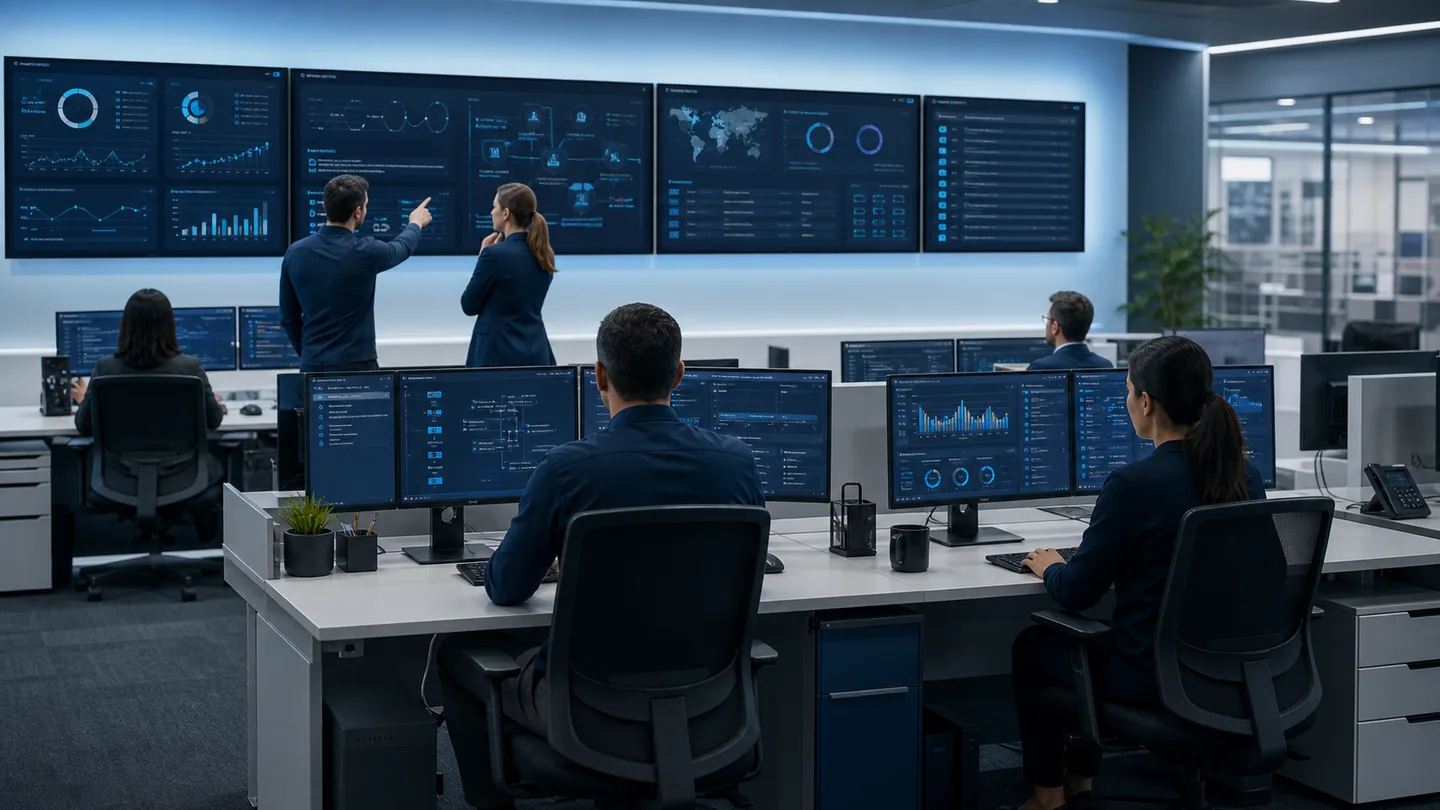
Lunixar RMM
RMM means Remote Monitoring and Management
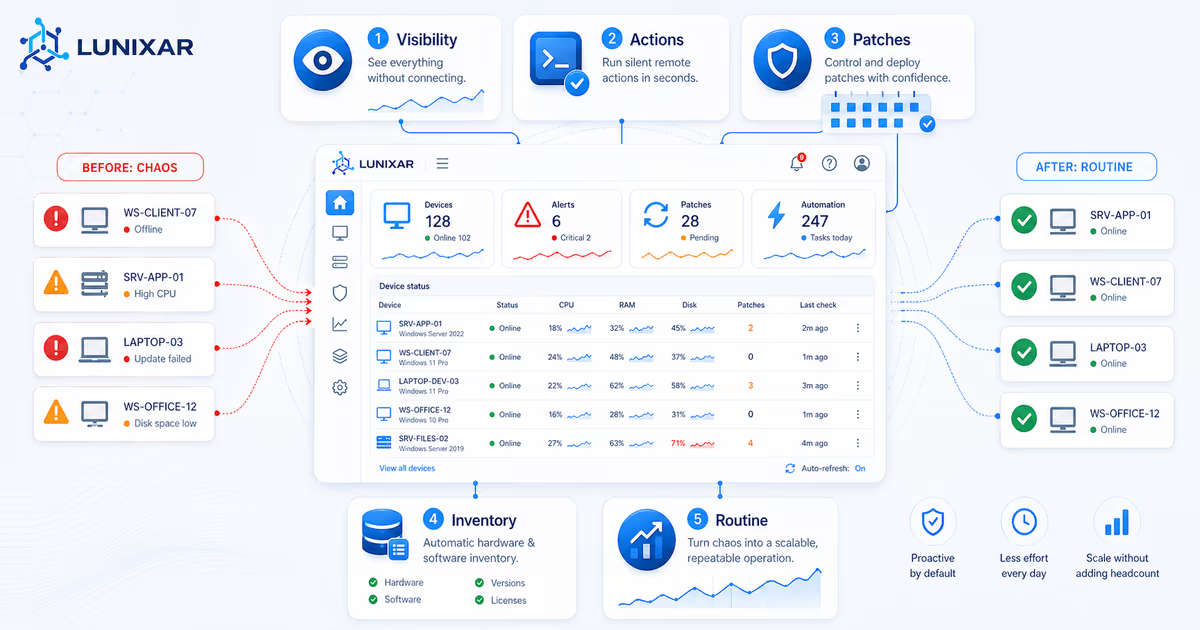
In practice, RMM software helps MSPs, technicians, and IT teams know which devices are active, which issues need attention, and which actions can be run without checking each endpoint manually.

RMM answer
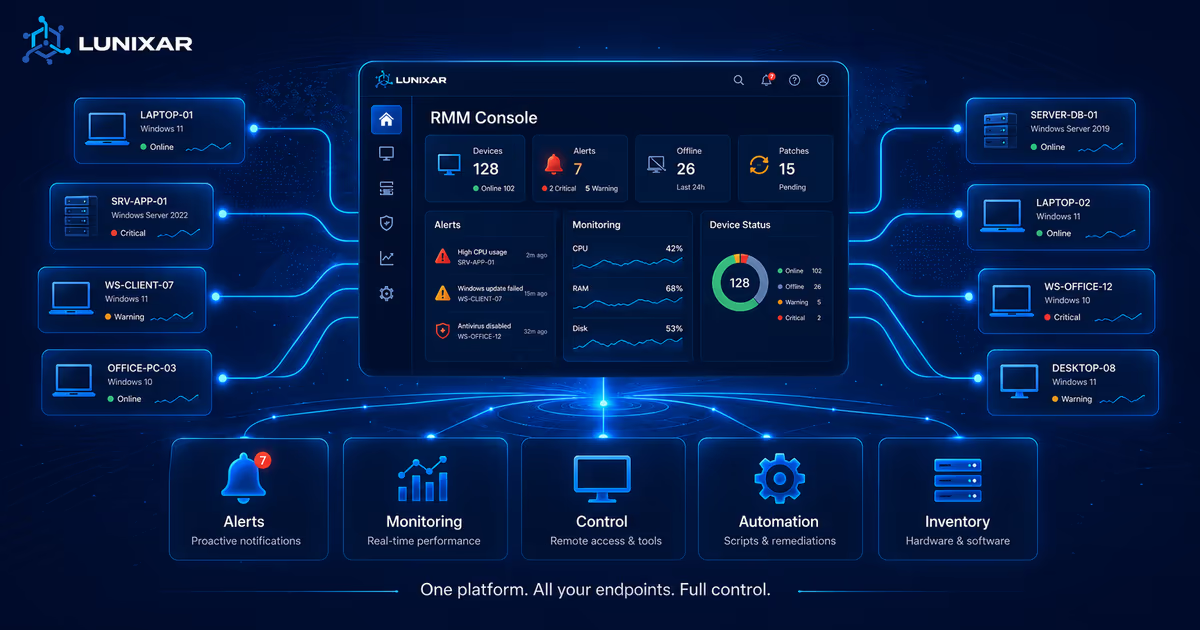
RMM centralizes monitoring, management, remote support, patching, alerts, inventory, and automation for managed endpoints.
Lunixar RMM
In practice, RMM software helps MSPs, technicians, and IT teams know which devices are active, which issues need attention, and which actions can be run without checking each endpoint manually.
Direct answer
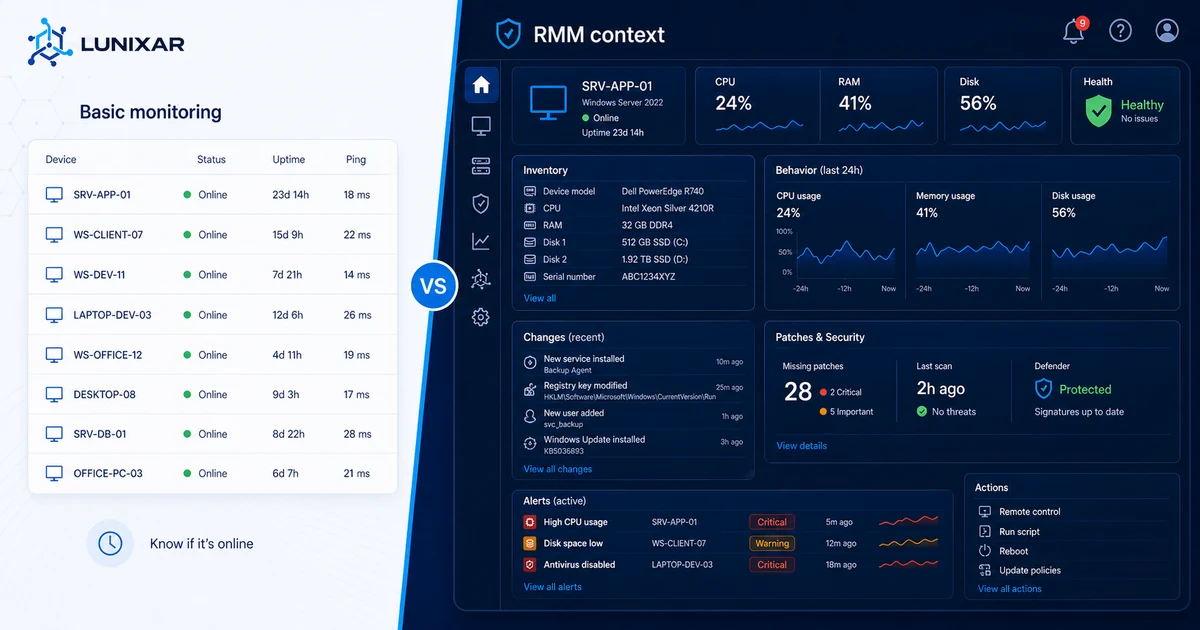
Visibility into CPU, RAM, disk, antivirus, agent state, hardware, software, and historical snapshots per device.
Windows, Linux, and application update tracking, vulnerability context, security alerts, and Linux posture visibility.
Authorized remote access for Windows endpoints, script execution, fleet actions, and reports to document operational work.
Lunixar RMM
Related
Questions
RMM stands for Remote Monitoring and Management: monitoring and managing endpoints remotely from a central console.
No. Remote access is one part of the workflow. RMM also includes monitoring, inventory, alerts, patching, automation, reports, and security controls.
MSPs, independent technicians, and internal IT teams use RMM software to manage distributed endpoints or multiple clients.
Yes. Lunixar supports Windows and Linux. Linux coverage includes monitoring, inventory, Bash scripts, system patching, and security posture visibility; interactive remote control is focused on Windows.

Lunixar RMM
Start a 2-week trial with no credit card and up to 5 devices included.
Start free trial

