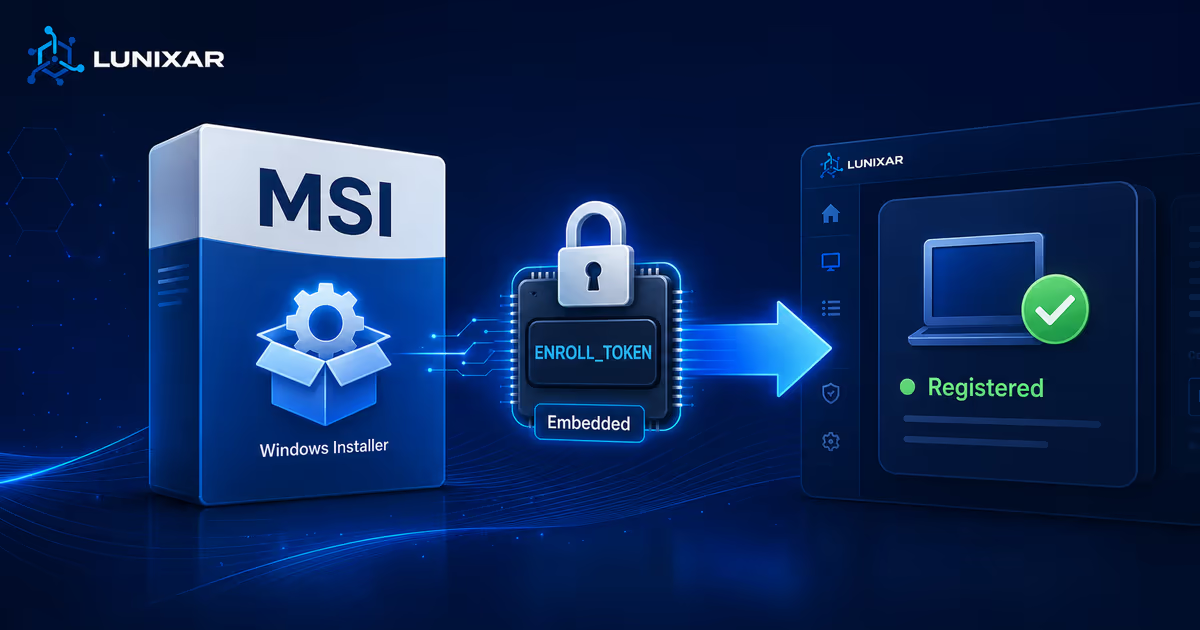
When an RMM is used correctly, the agent installer should be clear: who generated it, which tenant it belongs to, when it expires, and which rules control device enrollment.
In abuse scenarios, though, the installer can also be disguised. Renaming an MSI so it looks like another tool, an internal document, or a generic file reduces user visibility and makes later investigation harder.
That is why Lunixar changed the flow: agent installers can no longer be renamed from the platform.
This is not a cosmetic detail. It is an operational security control.

What changed
Previously, the visible installer name could become a source of ambiguity: a file with a valid token could circulate with an unclear name, away from the original deployment context.
Now the installer keeps a Lunixar-controlled name. That name stays tied to the generation flow, tenant, platform, and purpose of the file.
This makes deployments easier to review:
- the technician knows they are using a legitimate Lunixar installer;
- the customer does not receive a file with a misleading name;
- support can correlate the installer with the expected enrollment flow;
- security has less ambiguity when reviewing evidence.
Why this reduces RMM abuse
RMM abuse rarely depends on a single failure. It usually combines several small gaps: a fake account, a forwarded installer, a generic filename, aggressive remote execution, and weak traceability.
Blocking renaming closes one of those gaps. An attacker loses a simple way to present a legitimate agent as something else.
The control also fits Lunixar's existing defenses:
- enrollment tokens with expiration;
- installer usage limits;
- independent token revocation;
- EV-signed installers;
- audit trail for sensitive changes and events;
- remote execution policy to reduce LOLRMM patterns.
The point is not to treat the filename as the only defense. The point is to stop the filename from being an easy weak spot.
What to do when you need deployment context
Instead of renaming the file, the control should live in the right place: token description, tenant, organization, generation date, usage limit, and revocation state.
If a deployment is for a site, customer, or specific batch, that context should live in Lunixar and in the operational runbook, not hidden in a filename that can be changed, lost, or forwarded.
That leaves a cleaner review path:
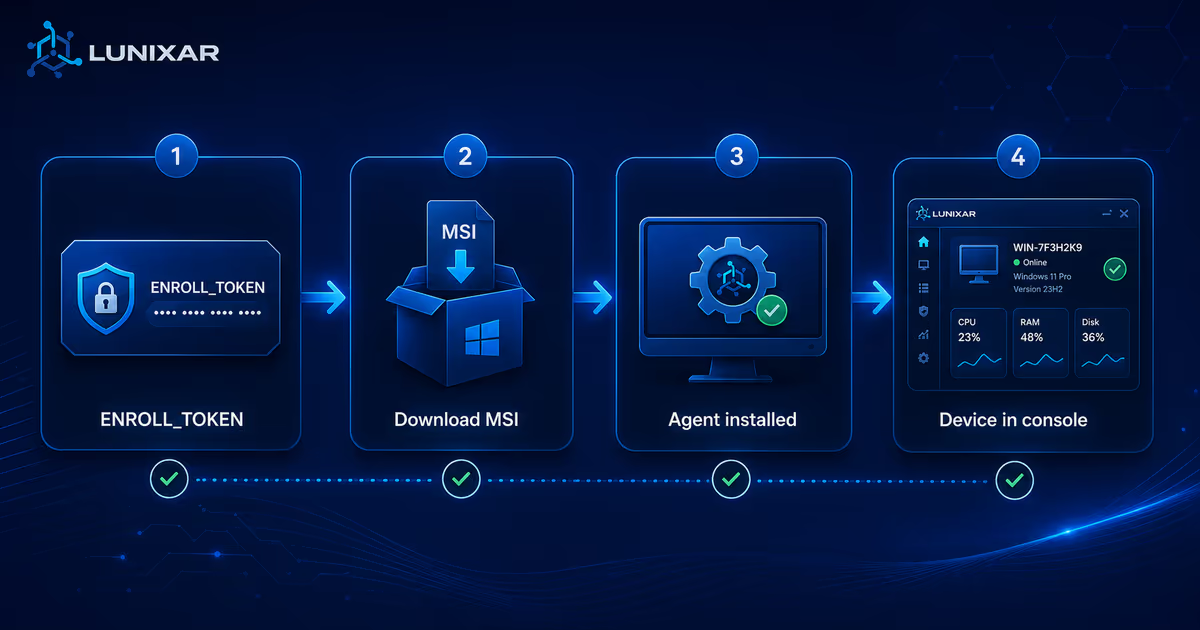
- generate the installer from Lunixar;
- distribute it through the authorized channel;
- confirm how many endpoints enrolled;
- revoke the token when the deployment is finished or suspicious activity appears.
Impact for MSPs and IT teams
For legitimate operations, this should not add friction. The installer remains downloadable, executable, and compatible with controlled deployment workflows.
What changes is that the file can no longer be disguised from the platform. For MSPs, that makes the process easier to explain to customers. For internal IT teams, it reduces uncertainty during security review or software approval.
In large deployments, document this rule alongside expiration, usage limits, and revocation. If an installer leaves the intended path, the next step is not to rename or hide it. The next step is to revoke the token and generate a new one with clear scope.
A small control that supports the whole model
RMM abuse prevention is built in layers. MFA protects the account. RBAC limits access. Remote execution policy blocks risky chains. Expiring, usage-limited tokens reduce the impact of a file shared too broadly.
Installer rename blocking adds another layer: less ability to disguise the agent and more consistency when auditing deployment.
It does not replace identity verification or execution policy. It complements them.
For the full model, review RMM abuse prevention and the LOLRMM guide for Lunixar.