

MSP
How to Scale an MSP Without Hiring More Technicians
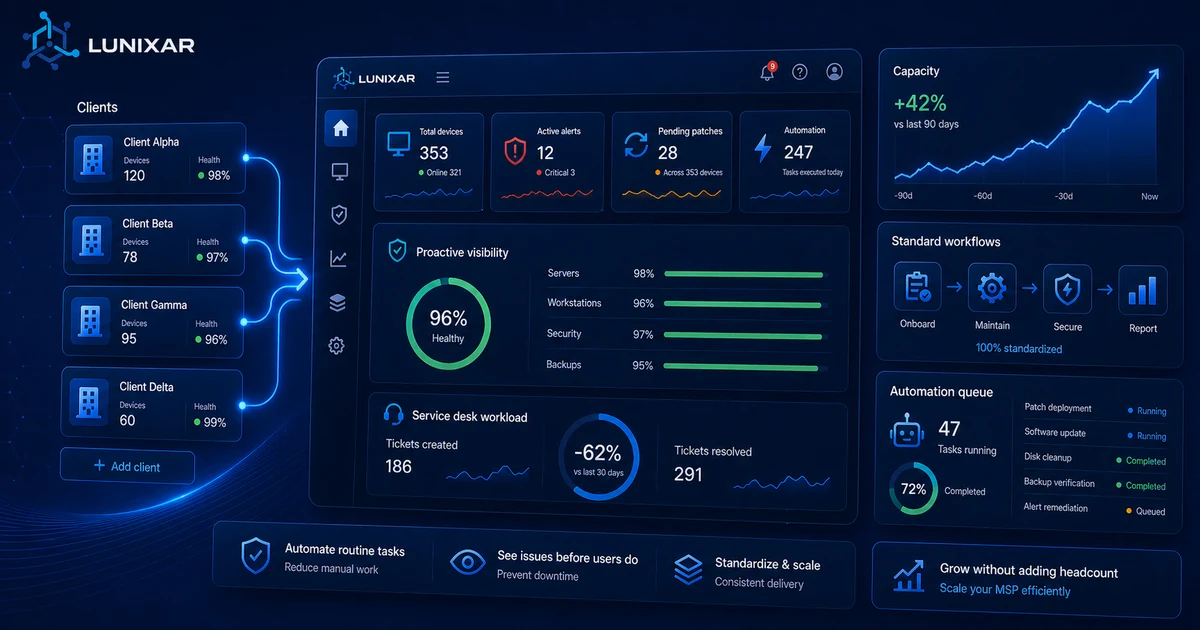
Hiring more techs isn't always the answer. Here are the levers that actually move the needle.
Read guide
Operational orchestration
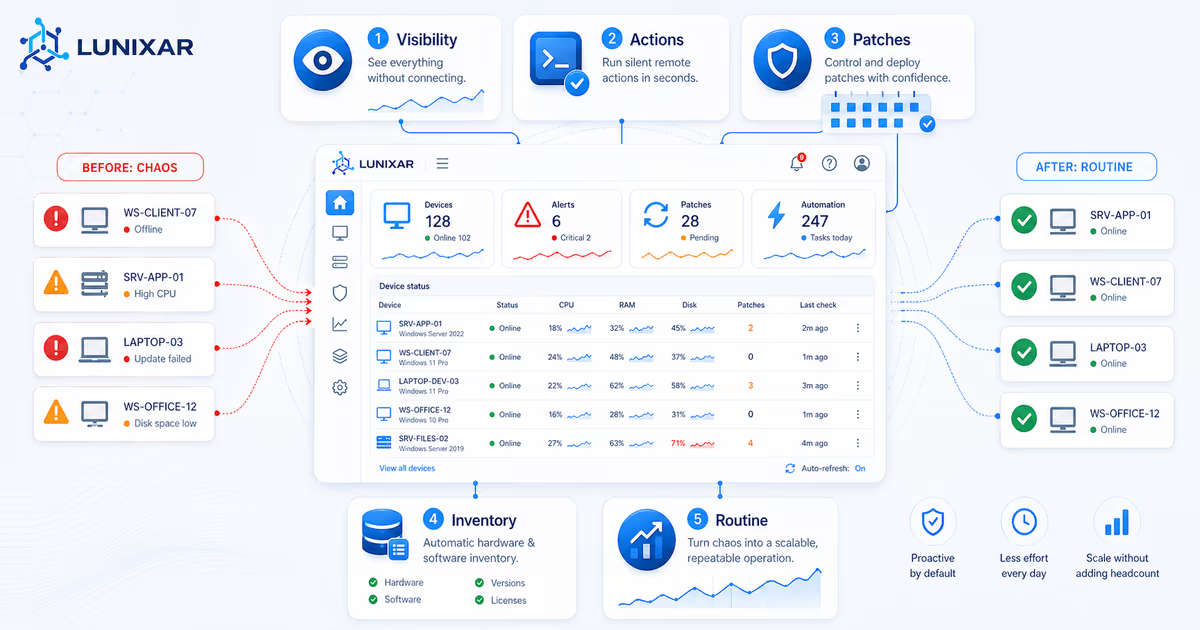
Standardize flows, reduce manual work, and turn repetitive tasks into controlled execution with Lunixar.
Built for teams that need more speed, fewer manual errors, and stronger traceability across operations.
Operational orchestration
The experience combines scheduled execution, configurable workflows, and outcome tracking so IT can scale operations on a more organized foundation.

FAQ
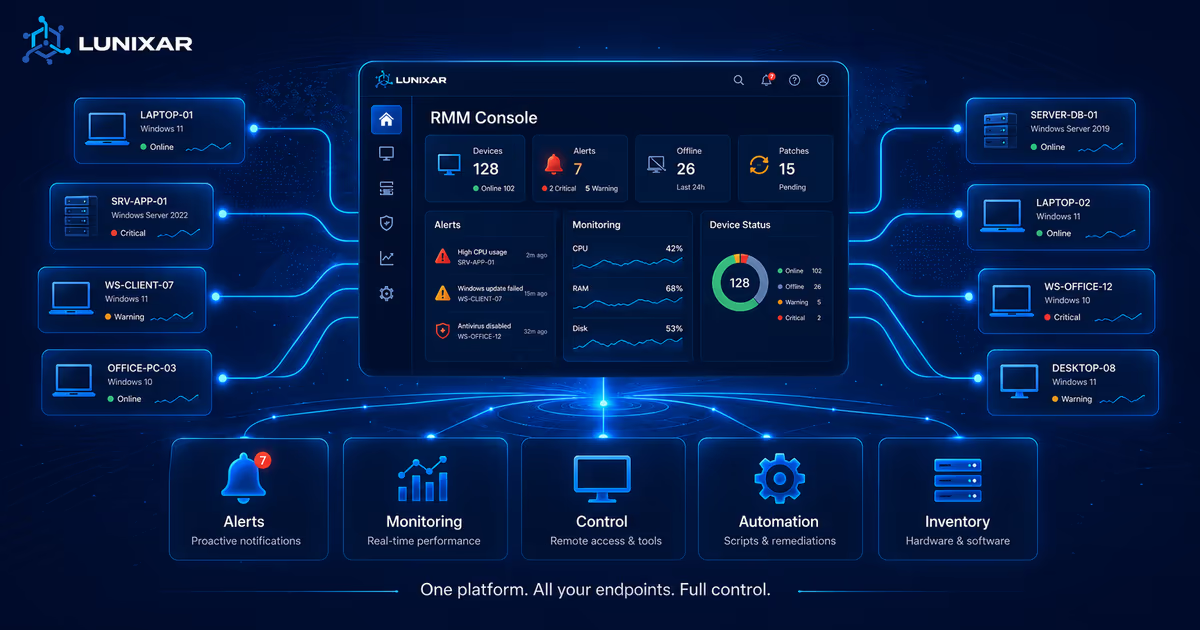
PowerShell, CMD, and Bash. You can run scripts on Windows and Linux devices from the console without manual remote access.
Yes. Bulk execution lets you select multiple endpoints and launch the same script on all of them simultaneously, saving time on repetitive tasks.
Yes. Every execution is recorded in the activity log with the initiating user, date, and script output result.
Scheduled automation with recurring tasks is in development and will be available soon on the platform.