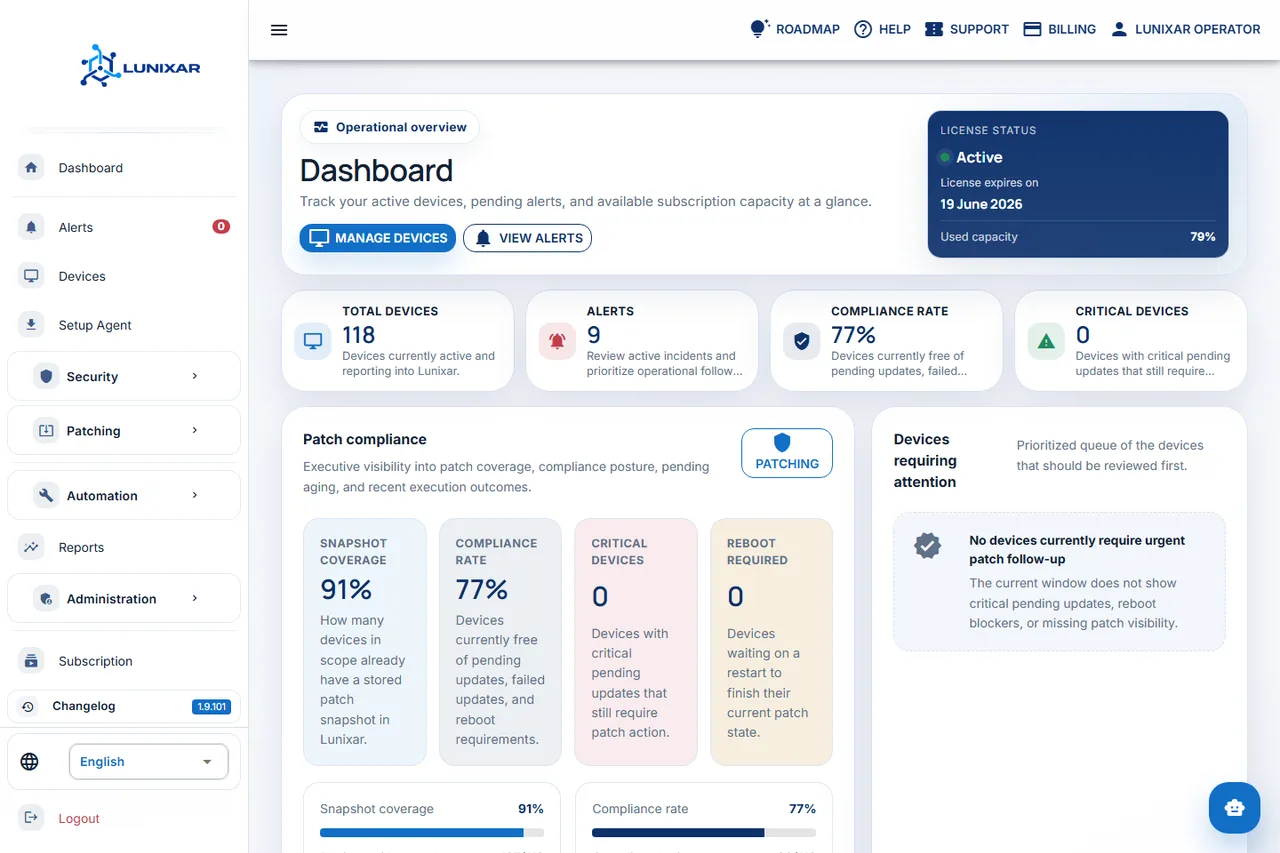
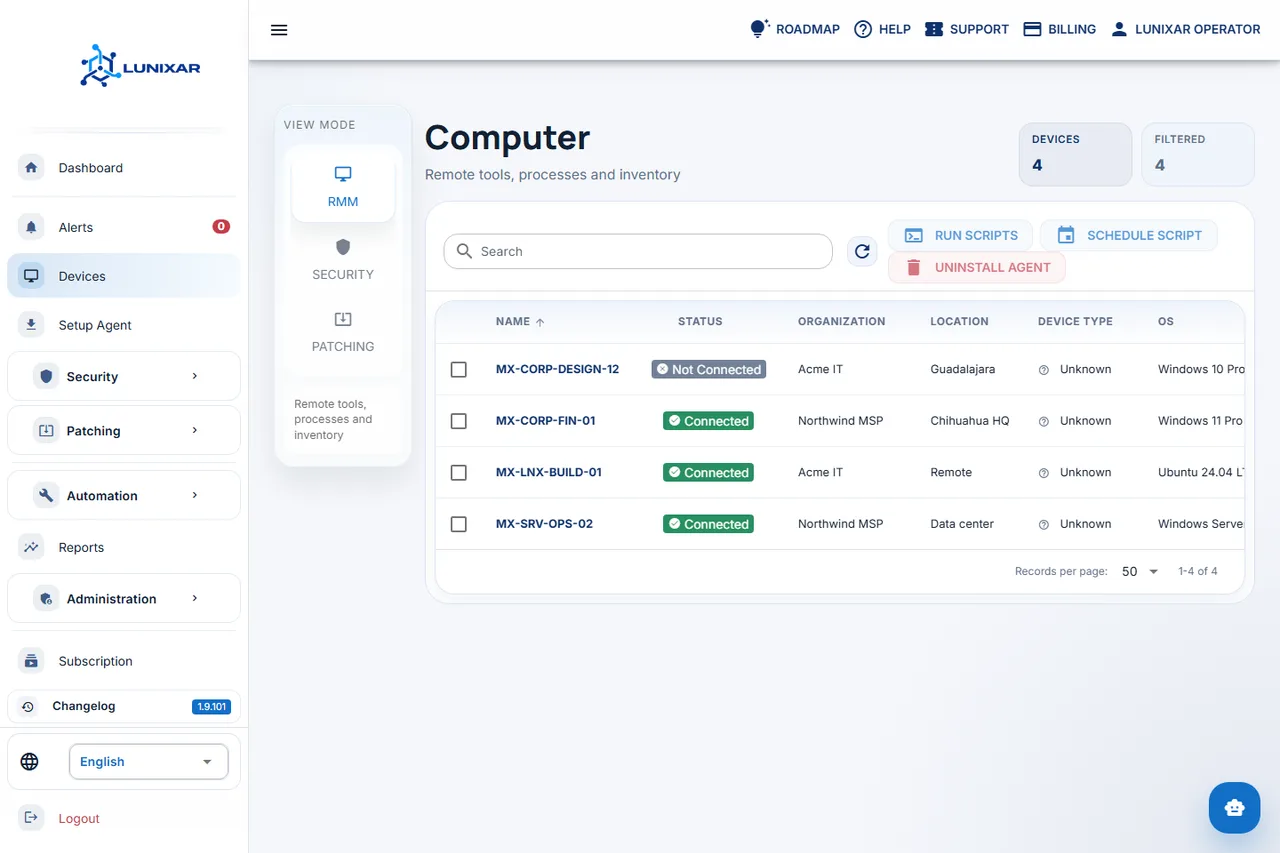
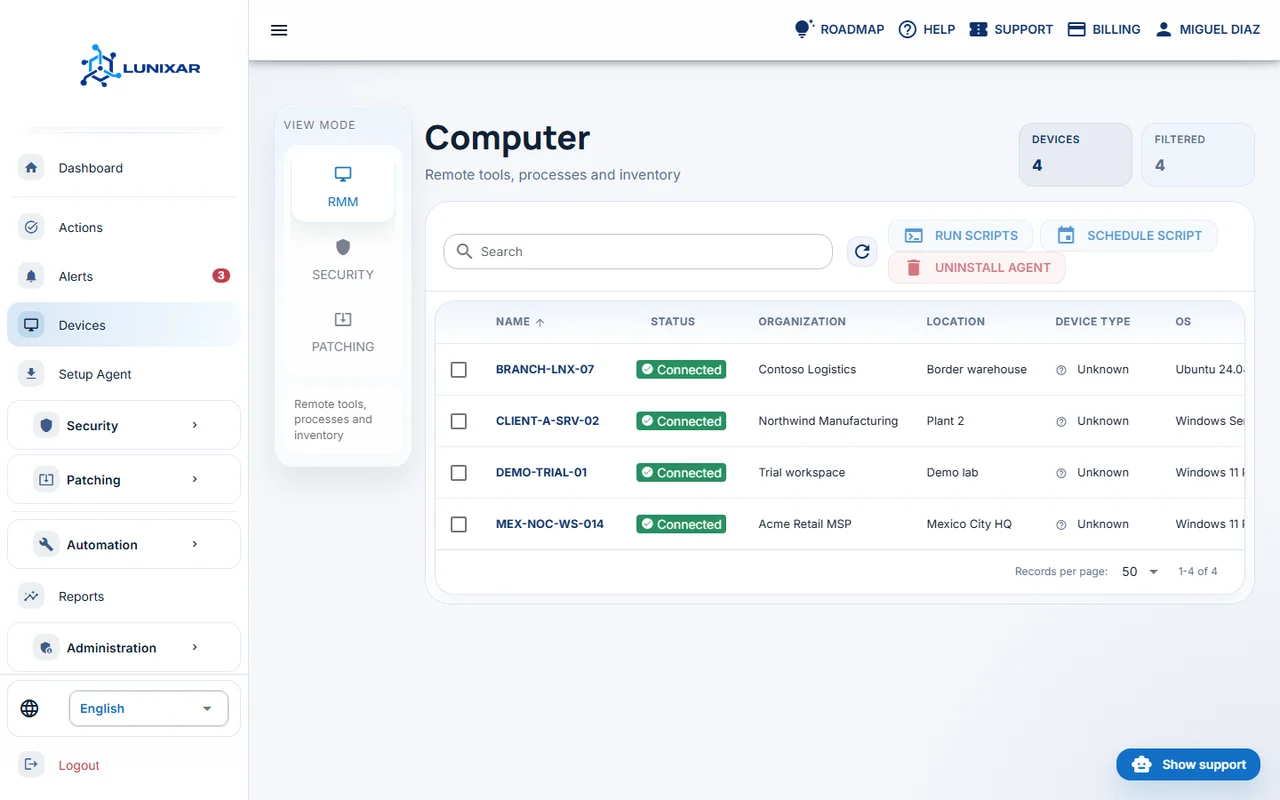
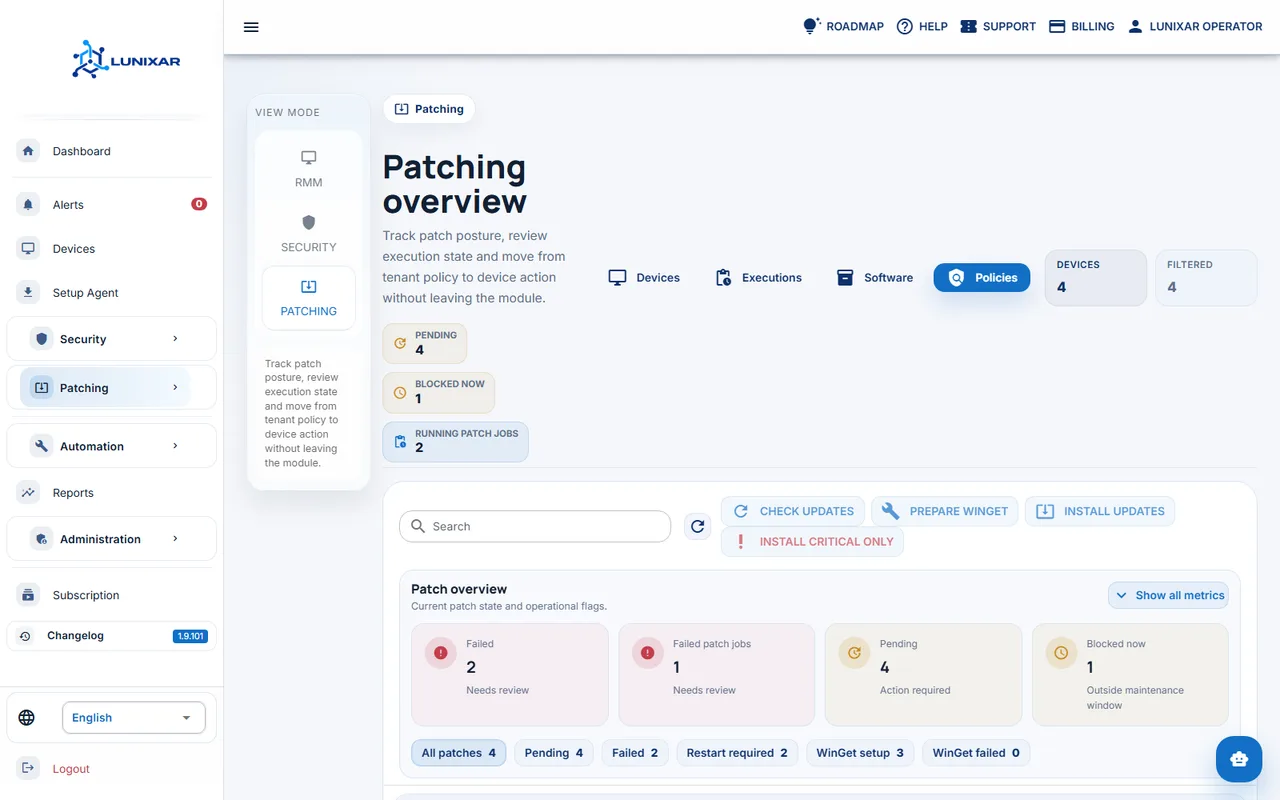
2-week free trial, no credit card required, and up to 5 devices included.
Short answer
Lunixar is RMM software for monitoring, managing, patching, and supporting endpoints.
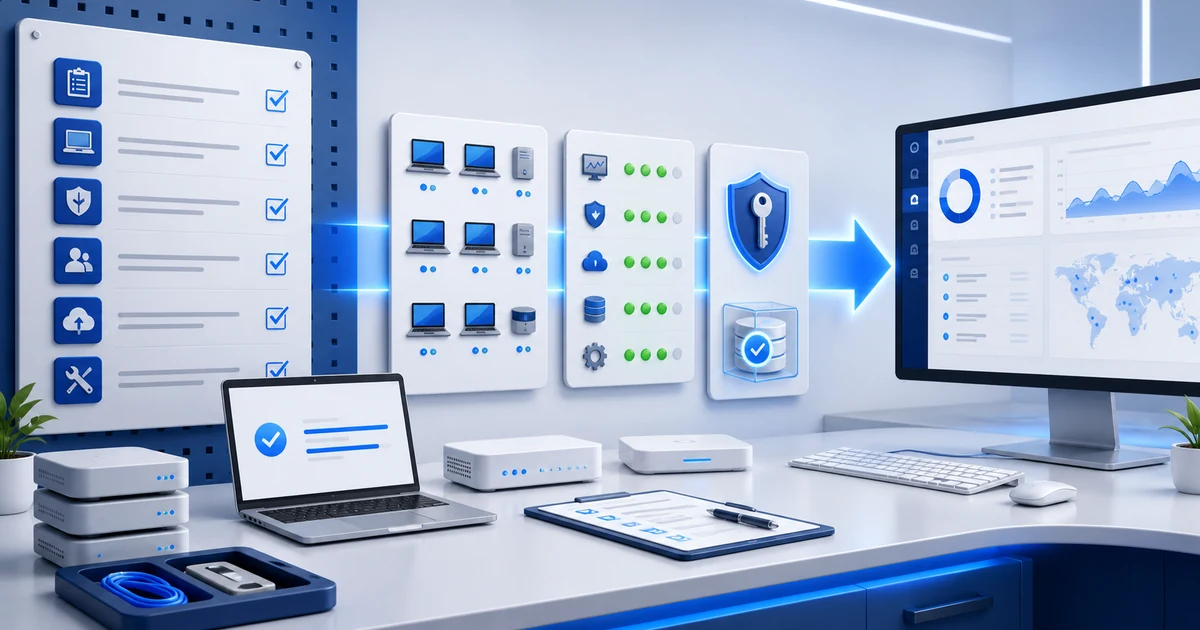
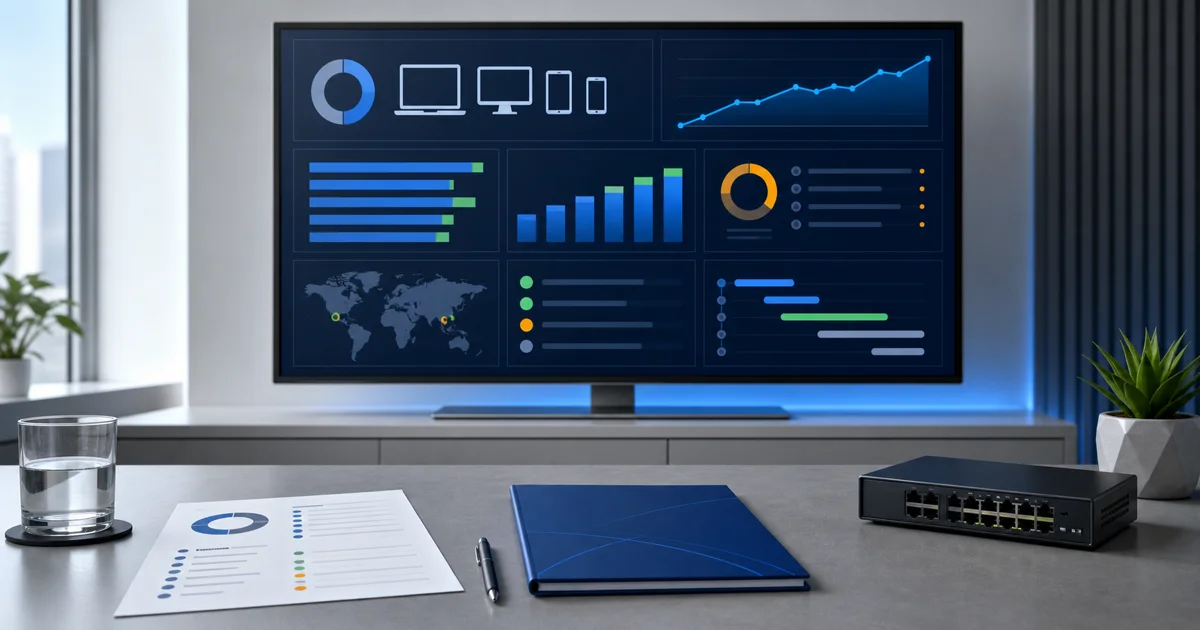
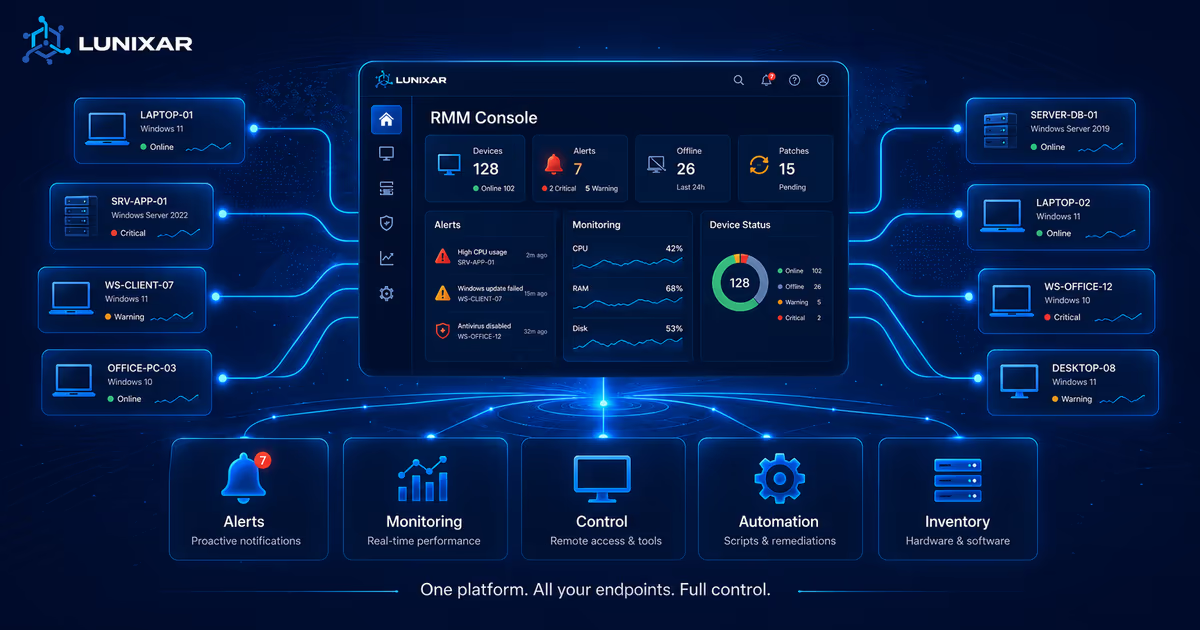
MSPs and IT teams use Lunixar RMM to centralize endpoint visibility, alerts, inventory, patching, remote support, automation, reporting, and abuse-prevention controls.
Lunixar RMM
A clearer operating model for managed endpoints
Lunixar is evaluated by the workflows it supports: service desk coordination, proactive monitoring, security response, and repeatable maintenance.
Unified RMM consoleEndpoint inventoryMSP and client coverageSecurity responsePatch maintenance
Buying checklist
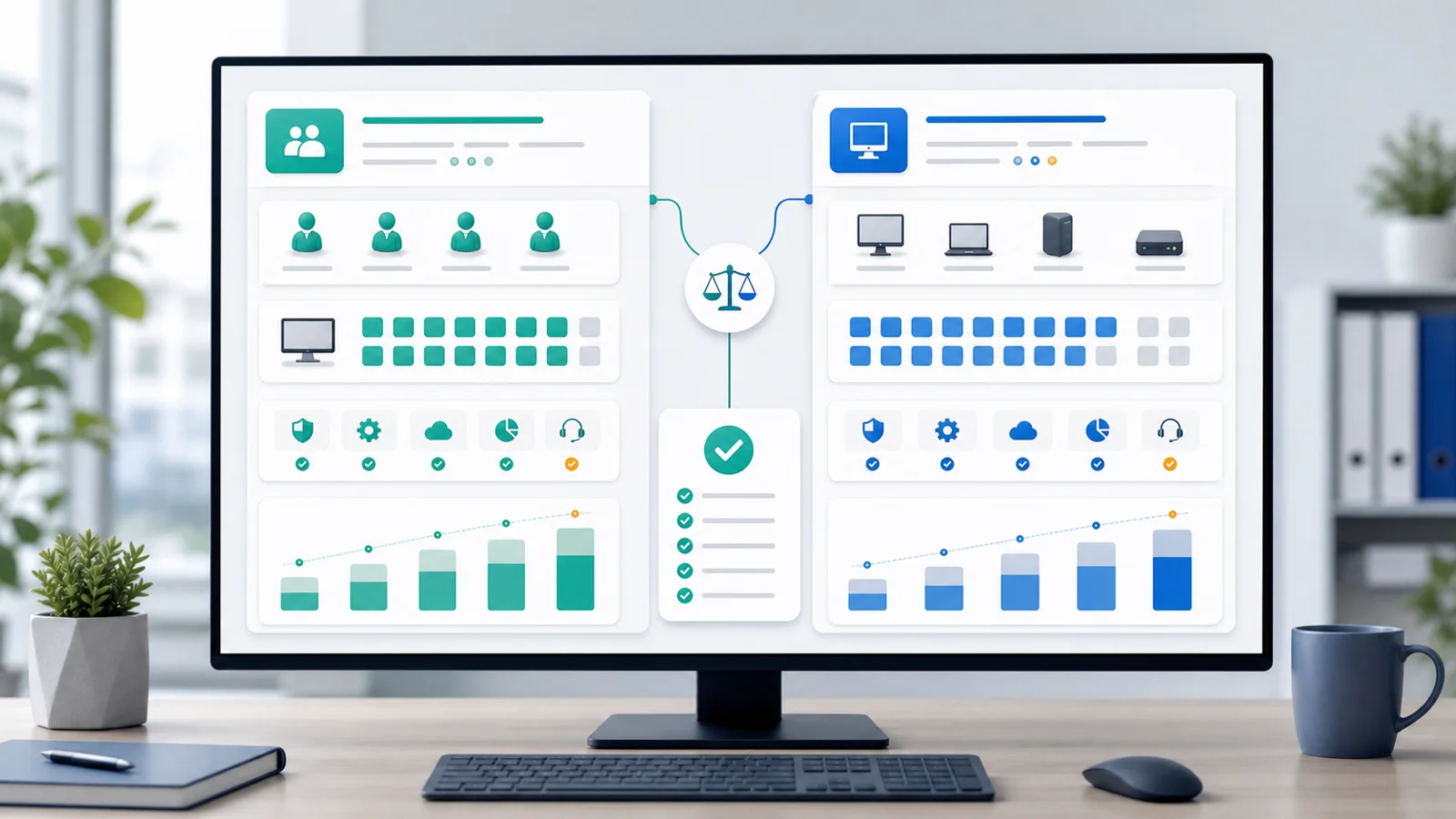
Evaluate RMM, security, and pricing together
Security model
Review MFA, sessions, policy controls, and platform protections.
An RMM platform to run IT operations with control and speed
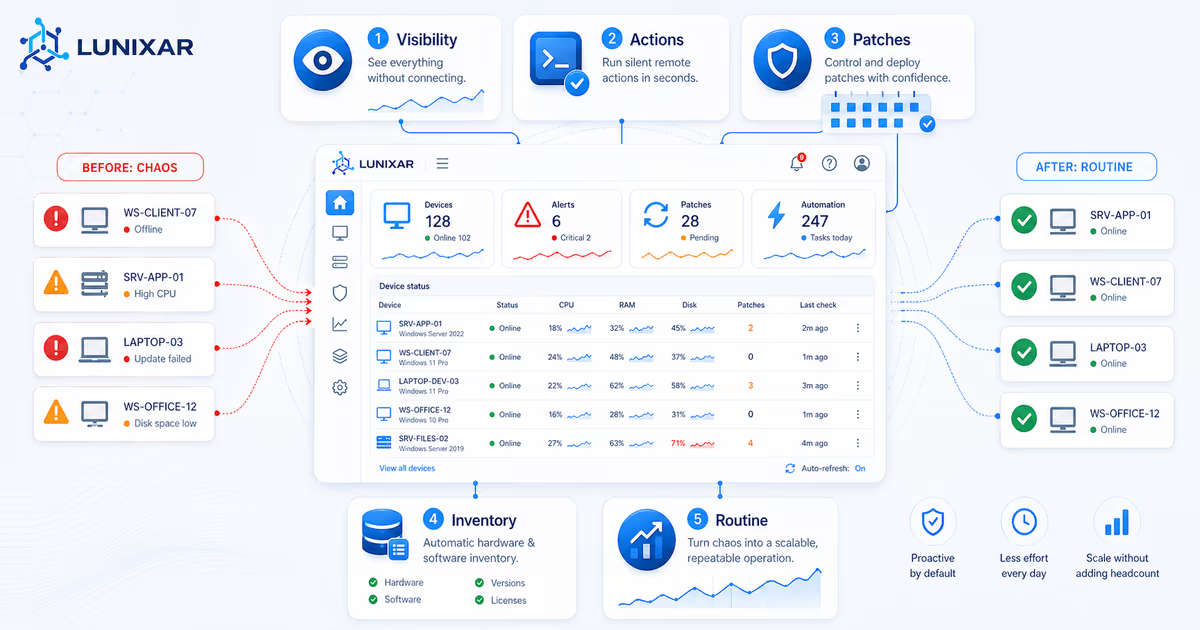
Lunixar centralizes per-device visibility, remote support, script execution, patching, vulnerabilities, alerts, reports, and network context so daily operations become more predictable and scalable.
What RMM means
Remote Monitoring and Management (RMM)
RMM means Remote Monitoring and Management: an approach to monitor, manage, and support devices remotely from a central console without scattered manual processes.
Who it is built for
Teams that need to operate endpoints with less friction
Managed service providers (MSPs) handling multiple clients.
Internal IT teams with distributed operations.
Organizations that need faster response times for incidents.
Core features
Key capabilities for endpoint operations with more context
Hardware and software inventory
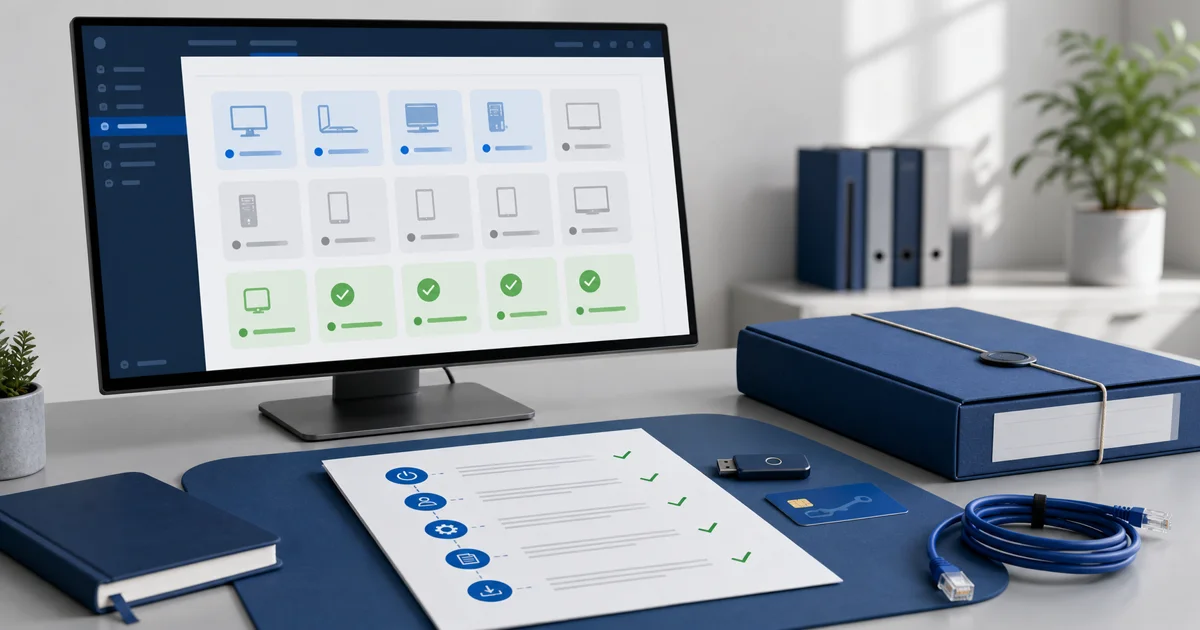
Per-device visibility into status, configuration, installed software, and historical changes.
Remote access from browser and Windows app
Remote support with WebRTC, secure relay, and automatic fallback without switching tools during support workflows.
Automation, scripts, and fleet actions
Automate repetitive tasks and standardize operational actions across your team.
Windows, Linux, and third-party patching
Manage operating system and application updates, with WinGet preparation and post-install verification on Windows.
Vulnerabilities and risk prioritization
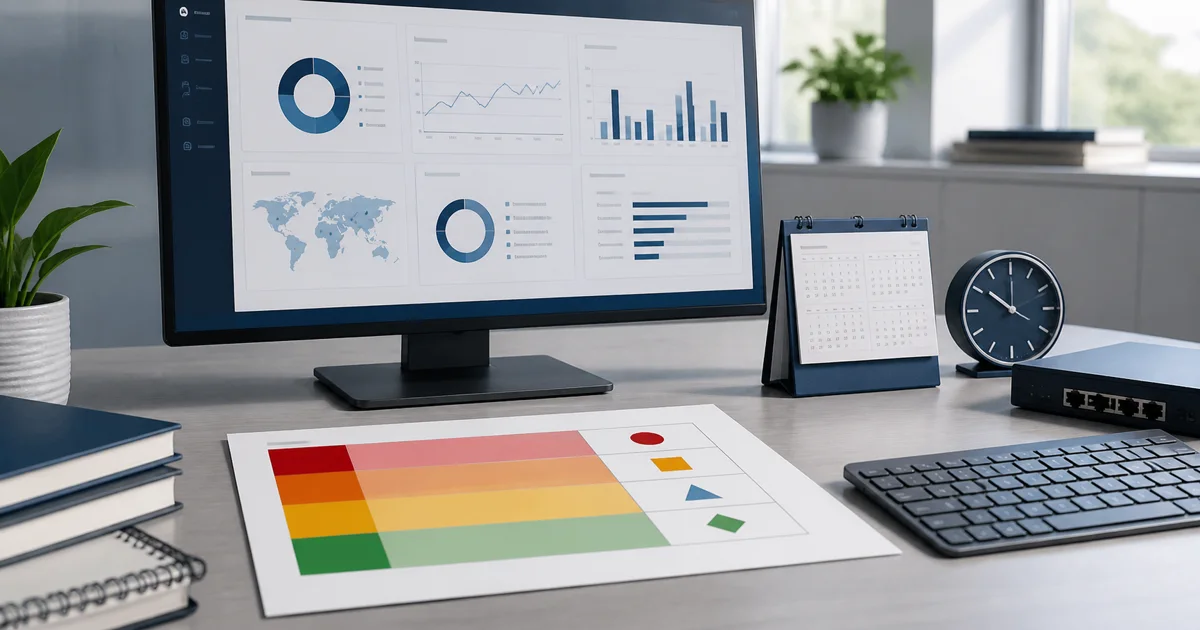
Correlate inventory with CVE, CISA KEV, and EPSS data to detect exposure, prioritize findings, and document exceptions.
Network discovery and SNMP
Detect unmanaged devices, use suggested local IP ranges, and review SNMP v2c snapshots to extend visibility.
Action Center and compliance
Prioritize alerts, offline devices, failed patches, pending reboots, and security posture from an actionable view.
Reports, tickets, and support operations
Export inventory, patching, security, and alert reports, while keeping support requests with status, priority, and SLA context.
Benefits
Operational outcomes you can expect
Faster response time in remote support.
Less manual work in recurring tasks.
More consistency in IT operations processes.
Better visibility to prioritize incidents, vulnerabilities, and high-impact operational work.
Fast answers
Frequently asked questions about Lunixar RMM
What is RMM?
RMM means Remote Monitoring and Management: software for monitoring, managing, and remotely supporting endpoints from a central console.
Who is Lunixar RMM for?
Lunixar RMM is built for MSPs, independent technicians, and internal IT teams that operate managed endpoints and need monitoring, inventory, patching, alerts, reports, automation, and authorized remote support.
What does Lunixar RMM include?
It includes monitoring, hardware and software inventory, patch management, vulnerability context, alerts, reports, remote access from the browser and Windows app, scripts, automation, and controls to reduce RMM abuse.
Does Lunixar work with Windows and Linux?
Yes. Lunixar supports Windows and Linux endpoints. Linux coverage includes monitoring, inventory, Bash scripts, system patching, and security posture visibility; interactive remote desktop is focused on Windows.
How can I try Lunixar?
You can start a 2-week free trial with no credit card required and up to 5 devices included.
How does Professional compare with the Device Plan?
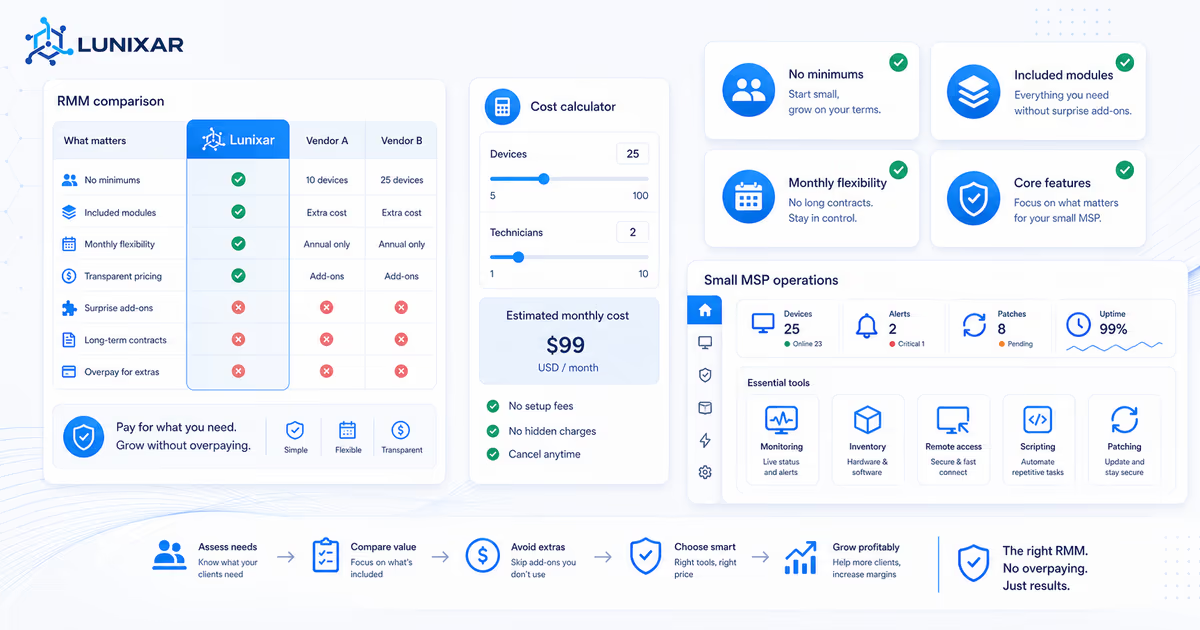
Professional is recommended for serious operations: USD 79/month or USD 790/year per technician, with 250 shared endpoints per license. The Device Plan costs USD 0.75 per endpoint/month or USD 7.50 per endpoint/year and works for pilots or small fleets. Extra Professional endpoints are added in 100-endpoint packs at USD 39/month or USD 390/year.
Explore solutions
Child pages to go deeper by area
Lunixar RMM
Device management
Inventory, monitoring, and operational context by endpoint.
The first month does not close with a nice email. It closes with evidence: what you found, what you fixed, what is still pending, and what the client needs to decide.
RMM isn't just another IT acronym. It's the difference between finding out about problems before your users do — or after. Here's what it does and how it works.
A new IT business does not need to wait years to operate with discipline. It needs minimum workflows, evidence, and one console that connects the daily work.
Your first monthly IT support package should include scope, limits, routine, evidence, and clear pricing. It is not just recurring billing for emergencies.
Enterprise RMMs are not built for every MSP. Compare pricing, contracts, included features, and real operating cost before choosing an RMM for a small MSP.