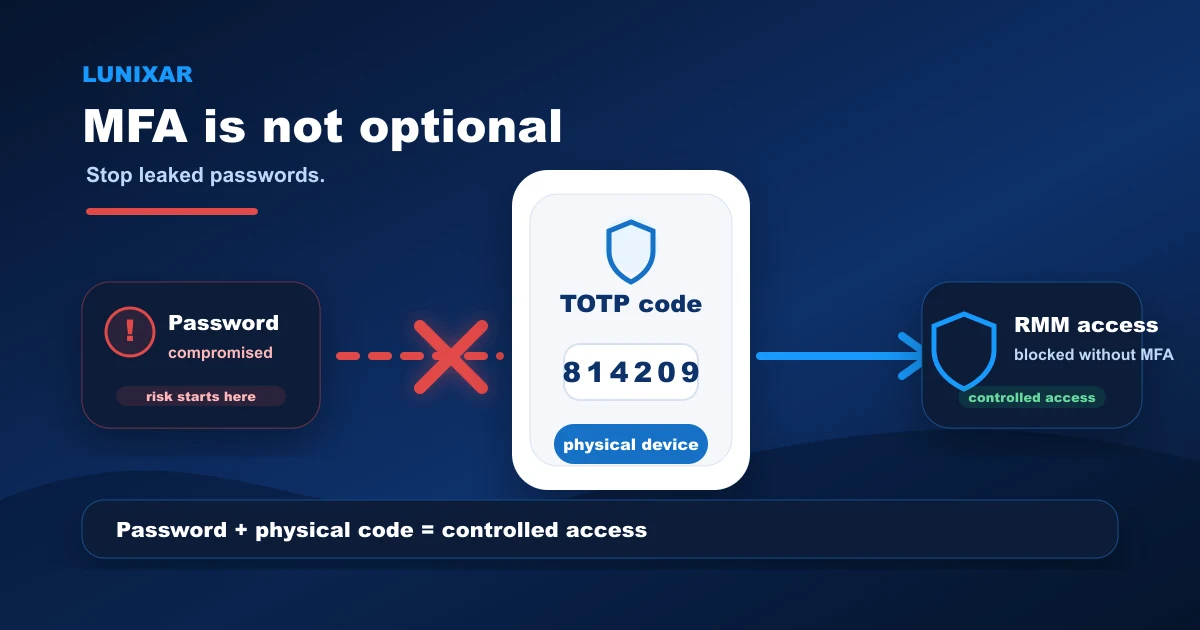
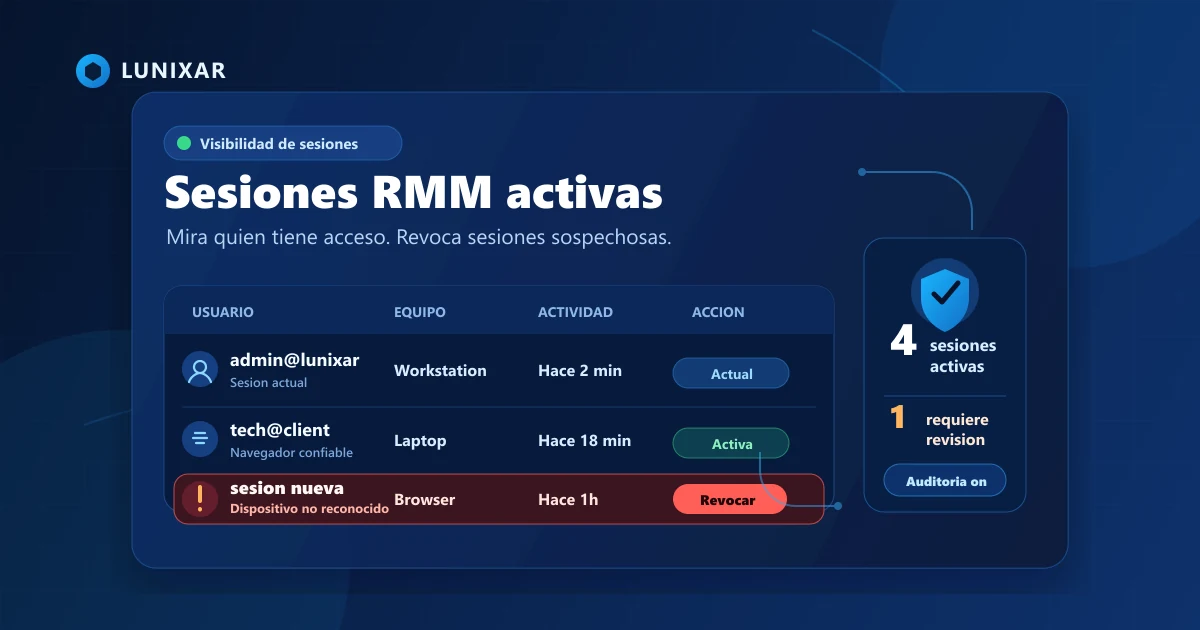
Remote access. Mass script execution. Fleet-wide automation.
In the wrong hands, an RMM isn't a support tool. It's a weapon. There's a name for it: LOLRMM (Living Off the Land RMM). An attacker installs a legitimate agent, uses it to run scripts, move laterally, and maintain persistence — no custom malware, no signatures to detect, nothing that looks obviously wrong.
Lunixar is built to prevent exactly that. From the outside and from within.
What an RMM can do when it's not controlled
An RMM agent on an endpoint has real access: run commands, download files, open remote sessions, create local users. If someone uses that access with bad intent, the damage is done before any alert fires.
The most common LOLRMM attack vectors:
- Download and execute payloads from the internet:
curl,wget,iwr,irm | iex - Create persistence: Windows services, scheduled tasks, Run/RunOnce registry keys, local admin users
- Reverse tunnels to maintain access even if the RMM port gets blocked
- Silently install additional remote agents like AnyDesk, ScreenConnect, MeshAgent, or TacticalRMM
The most dangerous scenario isn't an outside hacker. It's a tenant that registers with fake credentials and starts operating as if everything's legitimate.
Practical tip: if your RMM doesn't control what a tenant can execute, any compromised account is an open door to the entire fleet.
Content policy: what Lunixar blocks by default
Tenants without verified trust have automatic restrictions on remote execution. Lunixar blocks download-and-execute combinations in scripts, terminal input, and scheduled runs:
Invoke-WebRequest/iwr,Invoke-RestMethod/irmcurl,wget,Start-BitsTransfer,bitsadmin,certutilStart-Process,msiexec,cmd /cInvoke-Expression/iex,wscript,cscript,rundll32,regsvr32- Any HTTP/HTTPS indicator in scripts combined with execution
The irm https://... | iex pattern — the go-to for malicious PowerShell installers — is blocked specifically. Scripts that combine remote download and execution are saved with IsMalicious = true. Blocked executions land in the audit log with WasBlockedBySecurityPolicy and the exact policy reason.
Blocked destination rules are managed from the platform admin panel and enforced at account registration, interactive terminal, saved scripts, schedules, and WebSocket execution.
Practical tip: trusted tenants can be enabled for up to 30 days max, with a recorded approval reason and full audit trail. Access expires — it doesn't auto-renew.
Trust tiers: every tenant starts restricted
Lunixar doesn't trust any tenant by default. There are five states:
| State | What it means |
|---|---|
trial | Trial instance. One active installer per platform, max 5 uses, 3-day validity. |
unverified | Active account, identity not verified. No open terminal, no custom scripts, no bulk scheduled execution. |
verified | Identity verified. Normal operation with active audit logging. |
trusted | Extended trust for full remote execution, granted by platform admin, 30-day TTL max. |
restricted | Sanctioned. Terminal, scripts, schedules, and viewer sessions blocked. Tenant isolation and data preserved. |
blocked | Fully blocked. Login and dispatch stopped. |
trial
Trial instance. One active installer per platform, max 5 uses, 3-day validity.
unverified
Active account, identity not verified. No open terminal, no custom scripts, no bulk scheduled execution.
verified
Identity verified. Normal operation with active audit logging.
trusted
Extended trust for full remote execution, granted by platform admin, 30-day TTL max.
restricted
Sanctioned. Terminal, scripts, schedules, and viewer sessions blocked. Tenant isolation and data preserved.
blocked
Fully blocked. Login and dispatch stopped.
Enroll tokens carry expiration and max-use limits. Compromised tokens get revoked without affecting the rest of the tenant. Agent installers also keep a Lunixar-controlled name and cannot be renamed from the platform, reducing disguised-file risk.
Practical tip: when a tenant moves to restricted, basic support operations stay active. Only sensitive remote execution gets cut.
Detection and audit: everything leaves a trace
If a tenant starts behaving like an attack vector, Lunixar detects it and escalates:
- Scripts and commands blocked by policy are audited in
script_logswith reason and timestamp - Tenant abuse score is computed from signals: many installers generated, many endpoints enrolled quickly, frequent blocked commands, suspicious geographies or ASNs, residential-looking networks
- Cases that cross the threshold automatically enter the internal abuse operations queue
- The platform kill switch covers the full cycle: block the tenant → revoke active installers and tokens → cut active SignalR sessions → stop pending dispatch → flag agents for quarantine
Trust-level changes carry a timestamp, the user who made them, and an optional reason. Suspicious tenants can move into high-retention audit mode — more evidence from scripts, terminal, installers, enrollments, and viewer sessions, retained for longer.
Practical tip: the policy block history is one of the cleanest signals of intentional abuse. Many blocks in a short window, same tenant, same script pattern — that's already a pattern worth acting on.
Tool catalog and persistence detection
Lunixar maintains a catalog of known RMM tools: AnyDesk, ScreenConnect, MeshAgent, Atera, TeamViewer, TacticalRMM, UltraVNC, NetSupport, and more. If a script or process tries to install or activate any of them, it's classified and blocked based on the tenant's trust level.
Persistence detection covers the most common LOLRMM attack patterns:
- Windows services and scheduled tasks
- Run and RunOnce registry keys
- Local users with administrator privileges
- Unauthorized firewall exceptions
- Reverse tunnels
- Linux systemd units and cron jobs
For unverified tenants, any script that tries to create persistence is blocked before it reaches the agent. Per-tenant allowlist mode lets you declare your organization's legitimate domains and binaries — everything else is blocked by default.
Practical tip: if you use additional remote access tools with your clients, declare their domains in the tenant allowlist. Without that, third-party installers may get blocked.
---
LOLRMM isn't a theoretical risk. Attackers are already using legitimate RMM platforms as attack vectors — and platforms without internal controls are the first ones to get abused. Lunixar is built from the ground up to not be that vector: content policy, trust tiers, complete audit trail, and active persistence detection.