




Real-time device status
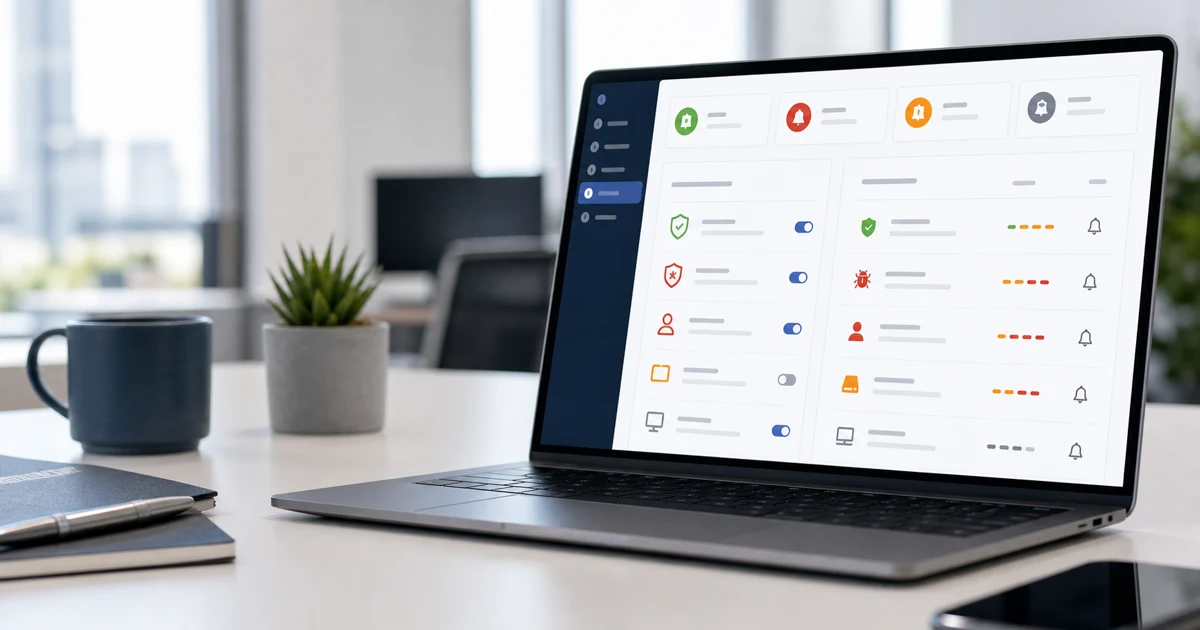
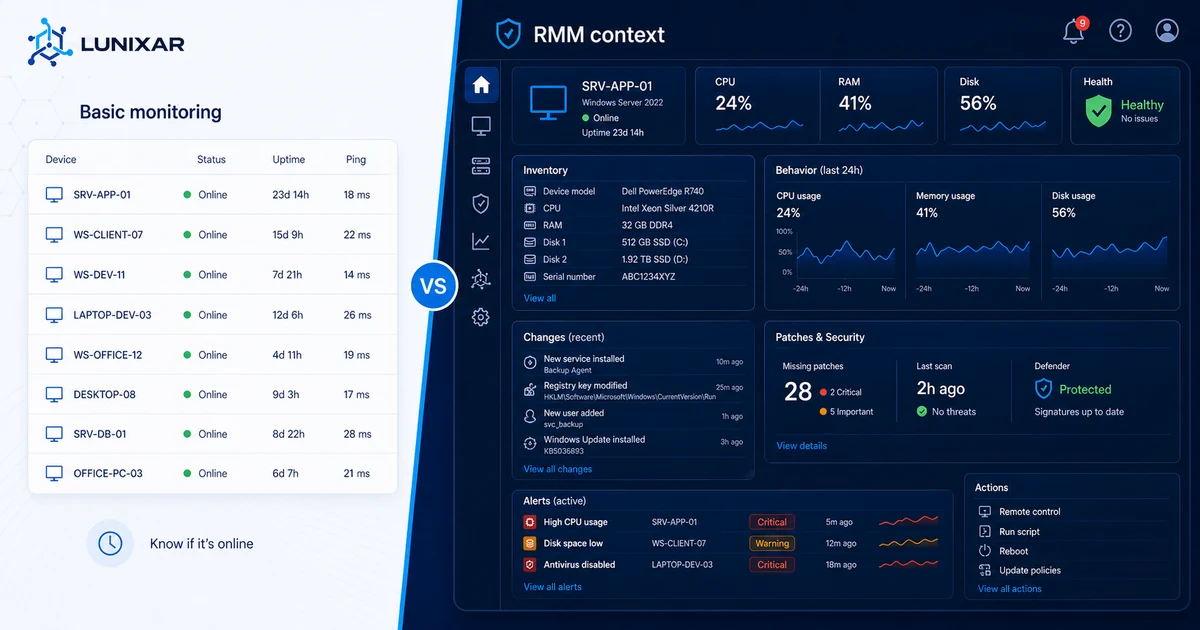
Live view of each device operational state: online, offline, with active alerts, or without recent activity.

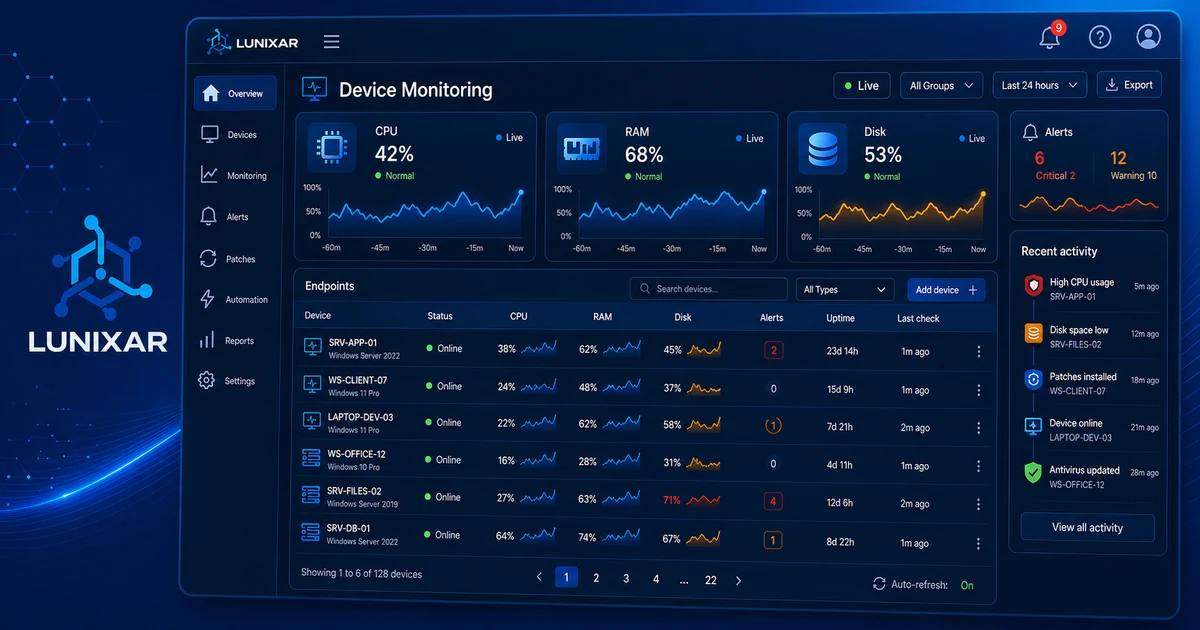
Device monitoring
Real-time visibility into CPU, RAM, disk, services, and critical alerts across every managed endpoint in Lunixar RMM.
2-week trial, no credit card required, up to 5 devices included.
What it solves

Capabilities
Every feature is available from day one of your trial — no extra modules or advanced configuration required.
Live view of each device operational state: online, offline, with active alerts, or without recent activity.
Usage metrics for processor, memory, and storage with configurable thresholds to trigger automated alerts.
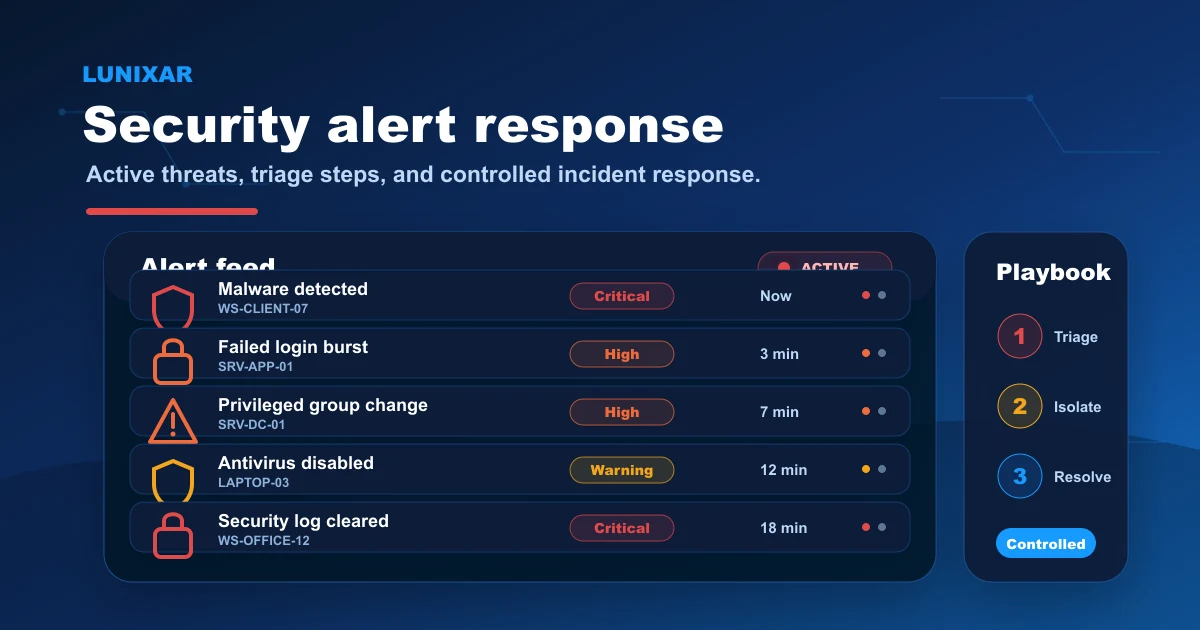
Event-driven alerts to detect in real time: disabled firewall, antivirus issues, high resource usage, and more.
Visibility into critical OS services and processes, with the ability to act directly from the same platform where supported.
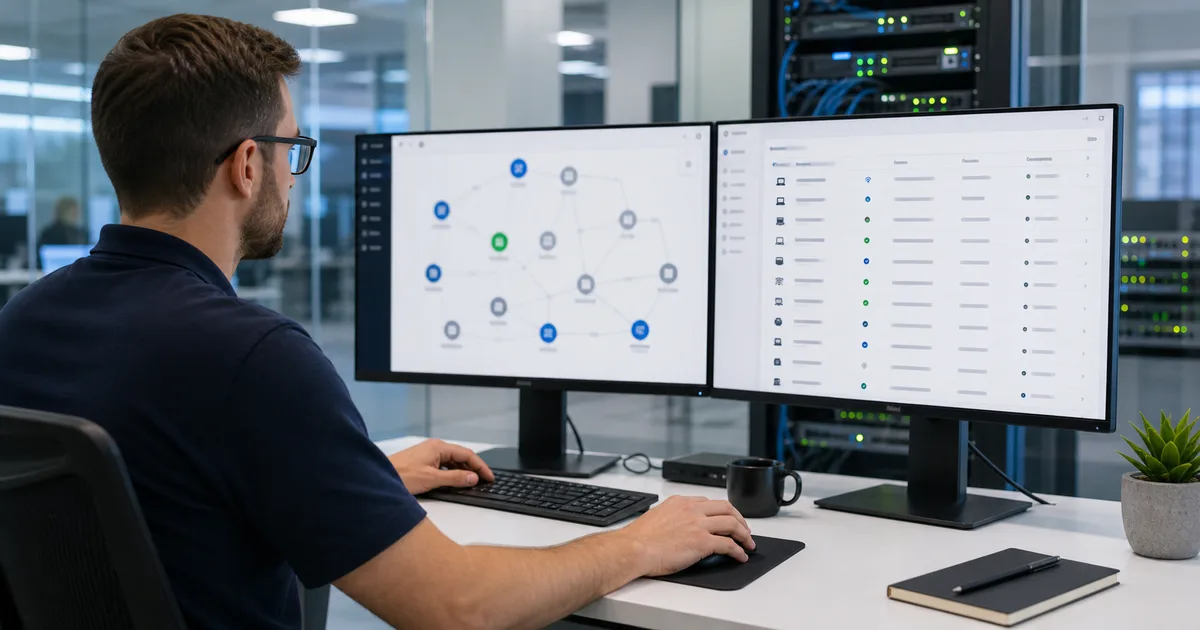
Detailed record of physical components, OS, installed software, and recent changes per device.
Activity history, last connections, active users, and relevant events for diagnosis without needing remote access.
Outcomes
FAQ
CPU, RAM, disk usage, hardware temperature, and network status. All metrics update continuously while the agent is active.
The portal shows the last known state and marks the endpoint as offline. You can configure an alert to be notified when a device loses connection.
The agent sends updates at short intervals. The exact frequency depends on platform configuration and device connectivity.
Yes. The agent establishes a secure outbound connection from the device to the platform, with no need to open inbound firewall ports.


Next step
Try Lunixar RMM with no credit card required. Install the agent on up to 5 devices and activate monitoring in minutes.

