
Lunixar RMM

Patch management for Windows and Linux environments

Apply OS updates and third-party app patches from Lunixar, with full control over what gets deployed and when.

Covers Windows Update, Linux packages, and a continuously growing third-party app catalog for Windows.
Windows UpdateLinux (apt/yum)Third-party Windows
Update control

Keep devices secure and current without relying on manual processes.

Lunixar identifies devices with pending patches, lets you approve or exclude specific updates, and executes deployments within the maintenance windows you define.

Operating system covered
Update the OS on Windows and Linux devices from a single console, with no extra tools required.
Third-party apps on Windows
Patch popular applications using a catalog that keeps growing based on team demand.
Granular control
Approve, exclude, or defer individual patches for specific devices or groups.
Core capabilities

What the patch module covers

A focused set of tools to reduce vulnerability exposure and keep your managed inventory up to date.

Windows Update

Deploy Windows OS updates to managed endpoints. Security patches, cumulative updates, and feature updates — all from the Lunixar console.

Linux packages

Update packages on Linux devices using native package managers (apt, yum). Keep your Linux fleet current without manual intervention.

Third-party apps (Windows)

Patch popular third-party applications on Windows with a continuously growing catalog. Close security gaps in the most commonly targeted software.

Maintenance windows

Schedule patch deployments for off-hours or low-activity windows to minimize disruption to end users.

Patch status visibility

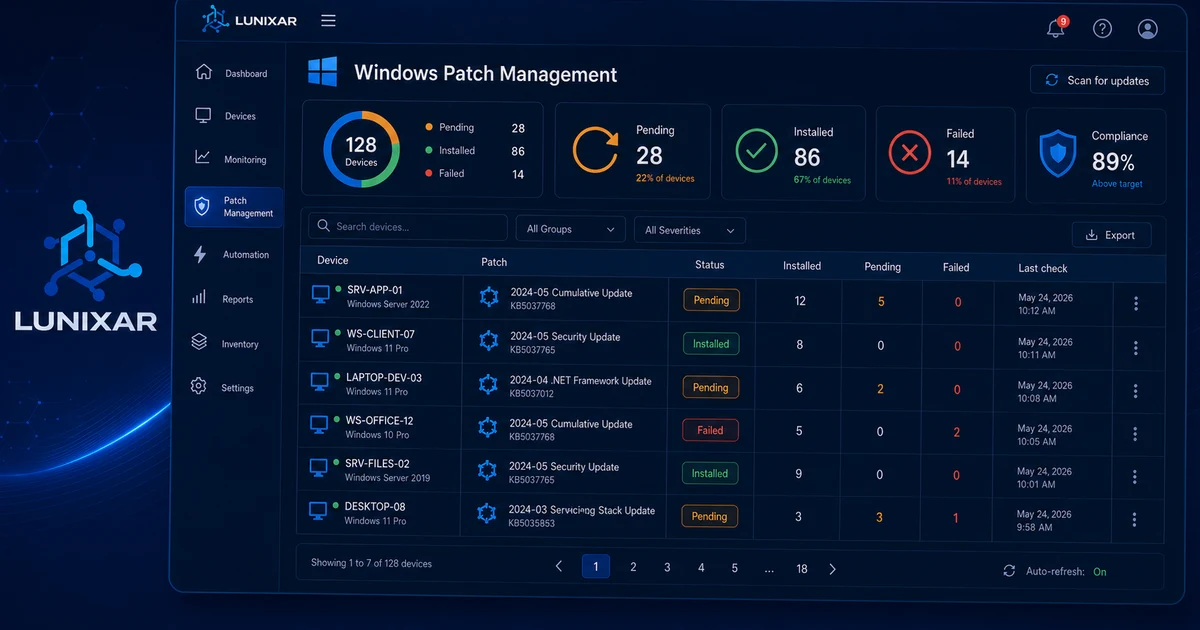
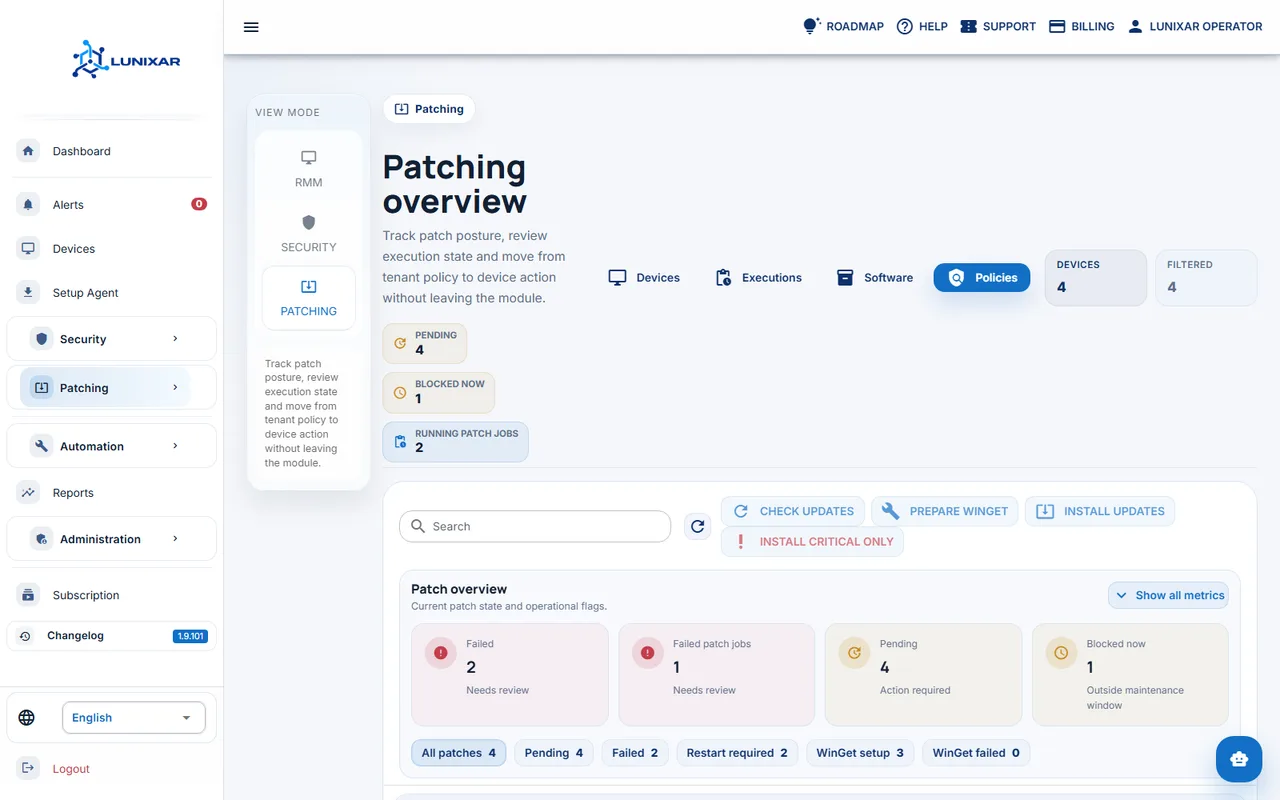
See at a glance which devices are up to date, which have pending patches, and which failed — across all managed endpoints.

Approve or exclude

Decide which patches to apply and which to defer. Approve updates globally or selectively per device or group.

3-step process

Scan, approve, deploy

Built to move fast on the operational side while staying conservative on risk — you decide what gets applied and when.

01

Scan and detect

Lunixar scans managed endpoints and identifies which OS updates and third-party patches are pending for each device.

Pending patch list per device
02

Review and approve

Review the pending patch list, approve the updates you want to apply, and exclude any that should be deferred or skipped.

Confirmed patch set, exceptions logged
03

Deploy and verify

Lunixar deploys the approved patches during the scheduled window and reports the outcome for each device.

Per-device report: succeeded, failed, or pending

Every deployment is logged with per-device status: succeeded, failed, or pending.

Fast start

Start patching today

Access patch management as part of Lunixar RMM, with no additional per-module cost.

Get started