

CPU and memory
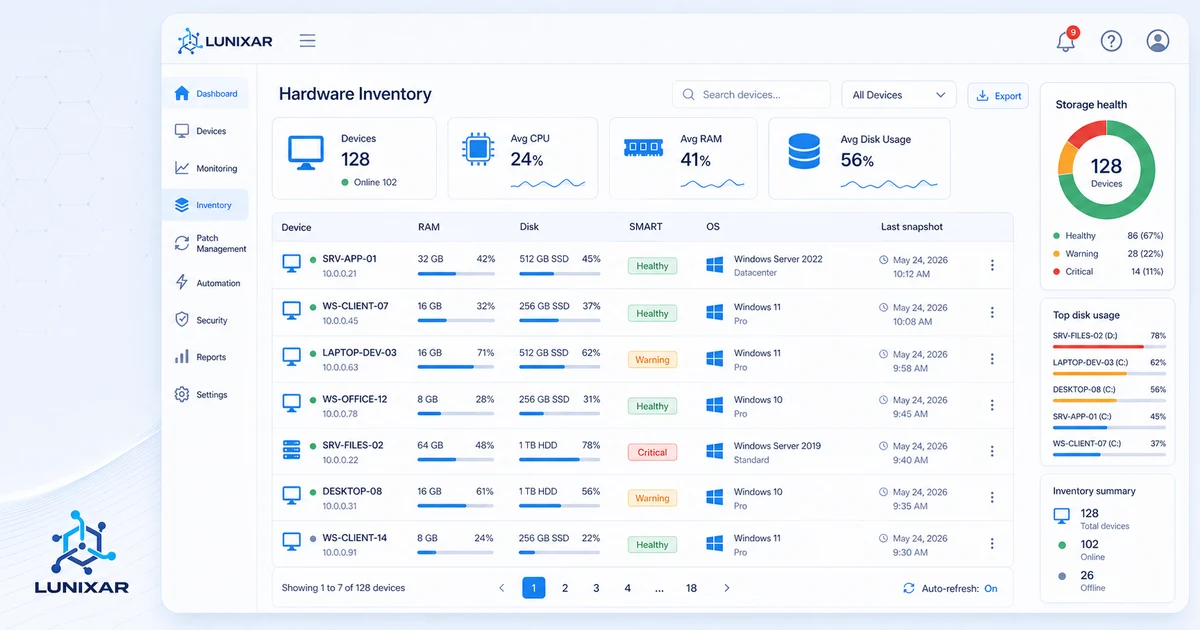
Processor model, cores, frequency, and architecture. Total and in-use RAM capacity per device.

Device inventory
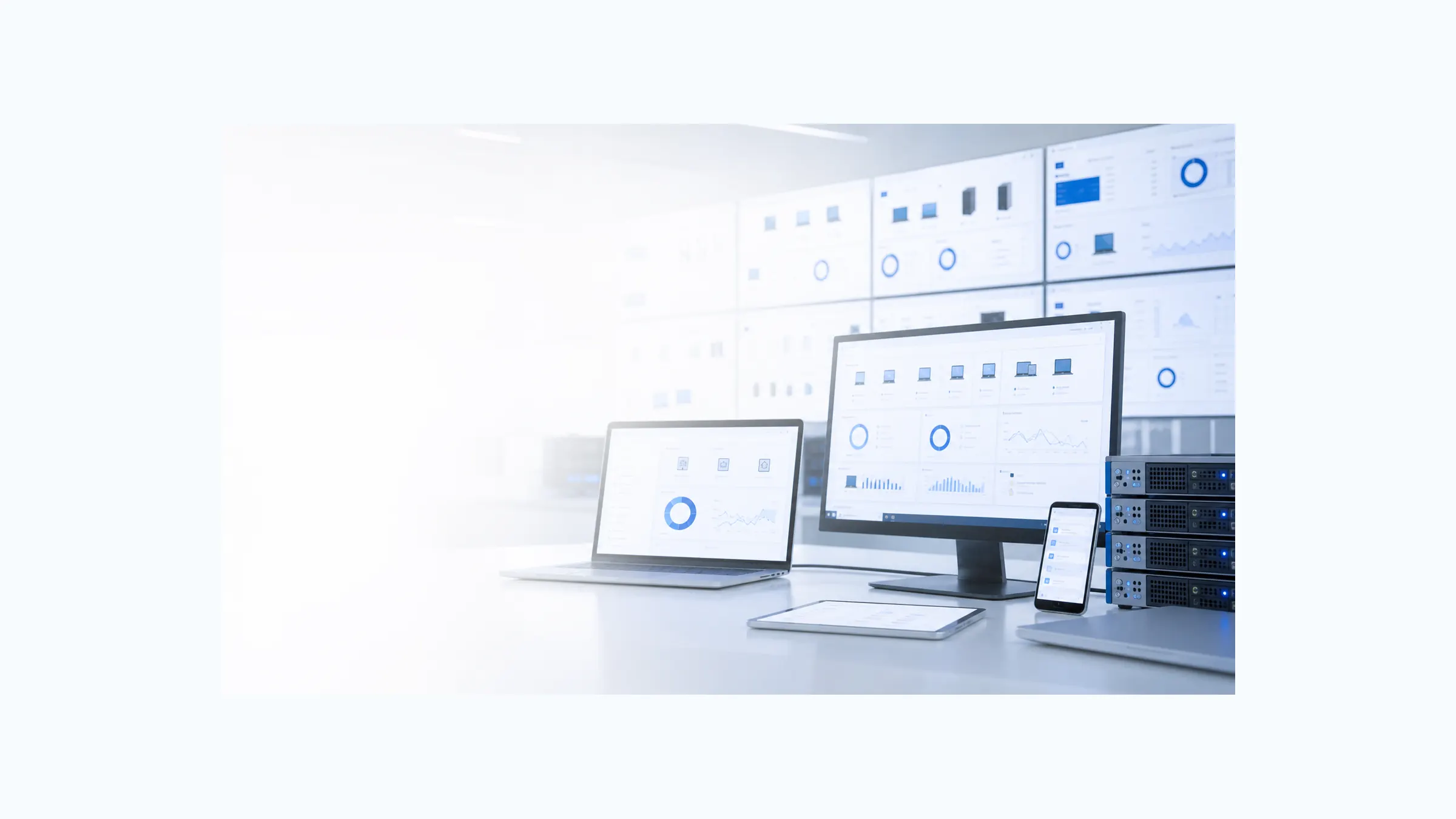
Access complete details for every managed device: hardware components, installed software with versions, and historical snapshots available from the console.
Available from day one of your trial. Demo device included to explore without an agent.
What inventory covers
Capabilities
Inventory updates every time the agent publishes a snapshot. No manual scans required.
Processor model, cores, frequency, and architecture. Total and in-use RAM capacity per device.
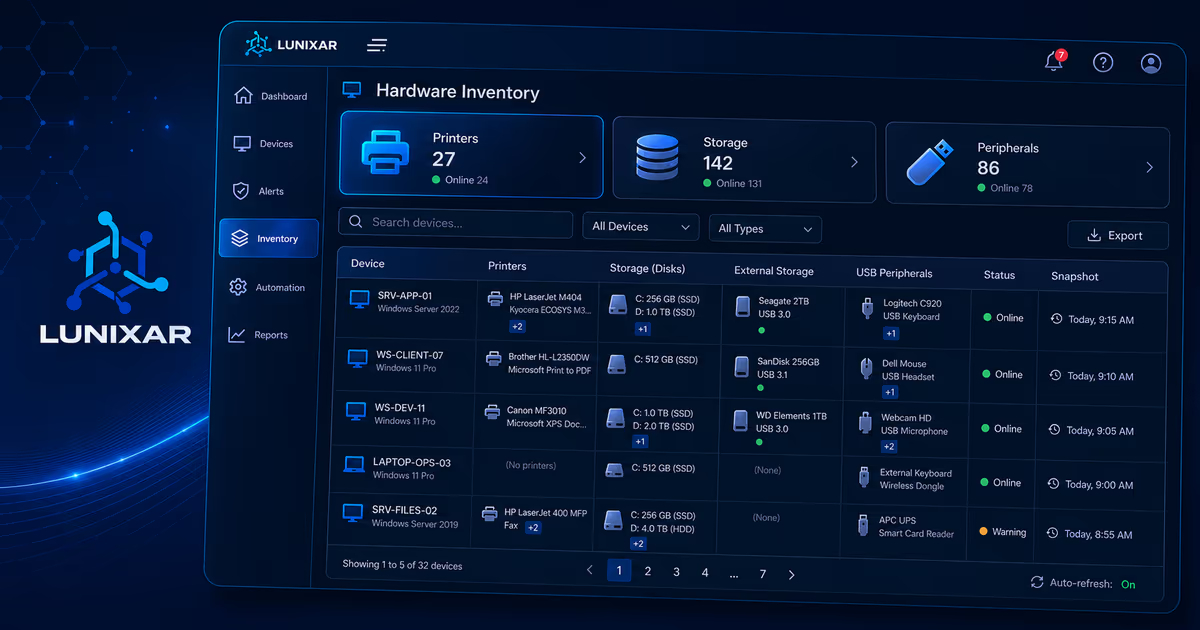
Detected disk drives with type (SSD/HDD), total capacity, available space, and SMART health status when available.
Network adapters, IP address, MAC, connection type, and link state per interface.
Full application list with name, publisher, version, and install date. Exportable to CSV, XLSX, or PDF from the reports module.
Up to 5 hardware and software snapshots retained per device. Detect inventory changes over time.
New tenants get a demo device with simulated inventory to explore the console before installing a real agent.
3-step process
The agent collects endpoint data, delivers it to the platform, and makes it available in the console and reports.
1
The Lunixar agent collects hardware and software data from the endpoint — CPU, disks, network, installed apps — and builds the snapshot payload.
2
The WebSockets service receives the snapshot, decompresses it, and persists it in the database — keeping the last 5 versions per device and per type.
3
Inventory is accessible in device detail and the reports module, with export to CSV, XLSX, and PDF.
FAQ
CPU model, RAM capacity and usage, disks (type, capacity, free space), operating system, version, and installation date.
Yes. The inventory lists each installed application with its name, version, and publisher — just like the installed programs list in Windows.
Yes. Every time the agent syncs with the platform, the inventory reflects the current state of the device without manual intervention.
Yes. The console allows filtering and searching by application name across all managed endpoints to quickly identify what is installed on each machine.