




Enroll real test devices
Add up to 5 devices and confirm inventory, status, and agent visibility from the console.

Free trial
Install the agent on your first Windows or Linux devices and validate monitoring, automation, patching, and Windows remote support with full access from day one.
No commitments. Cancel at any time.
14-day validation
Use the trial to confirm the real operating flow, not just the signup. These checks help decide whether Lunixar fits your team.
Add up to 5 devices and confirm inventory, status, and agent visibility from the console.
Check performance, disk, antivirus, Defender, and account activity signals before relying on the workflow.
Confirm the support flow your technicians or internal IT team will use when a user needs help.
Compare Technician and Device plans once you know endpoint count, operating model, and growth path.
Compare plansWhat's included
The trial isn't a stripped-down version. You get the same product your clients will use from the very first day.
CPU, RAM, disk, services, processes, and real-time alerts for every registered endpoint.
Run scripts on one or multiple devices to automate maintenance and configuration tasks.
Remote access to managed Windows endpoints from the browser or Windows app.
Visibility into pending patches and selective installation for Windows, Linux, and third-party Windows apps via WinGet.
Detailed, automatically updated record of every device registered on the platform.
Set thresholds and events to receive notifications before problems impact users.
How to get started
01
Sign up at app.lunixar.com with your email. No credit card or billing details required.
02
Download the Lunixar agent for Windows or Linux and install it on the devices you want to manage. Takes under 2 minutes per machine.
03
The agent starts collecting data immediately. Within minutes you have status, inventory, and alerts for your first devices.
FAQ
No. The Lunixar RMM free trial does not require a credit card or any payment details. You only need to create an account with your email address.
You can add up to 5 devices during the 2-week trial. Enough to validate a full workflow with real devices.
At the end of the 2 weeks you can subscribe to a paid plan to keep operating. If you decide not to continue, your account becomes inactive with no charge.
Yes. The agent works on Windows 10, Windows 11, Windows Server, and compatible Linux distributions using .deb, .rpm, or .tar.gz packages.
Yes. The trial includes full access to monitoring, automation, remote support, patch management, and inventory. No features are locked or gated.
Before the trial
A trial should prove more than installation. Review how Lunixar handles MFA, session control, remote execution policy, non-renamable installers, and RMM abuse prevention.
Start today
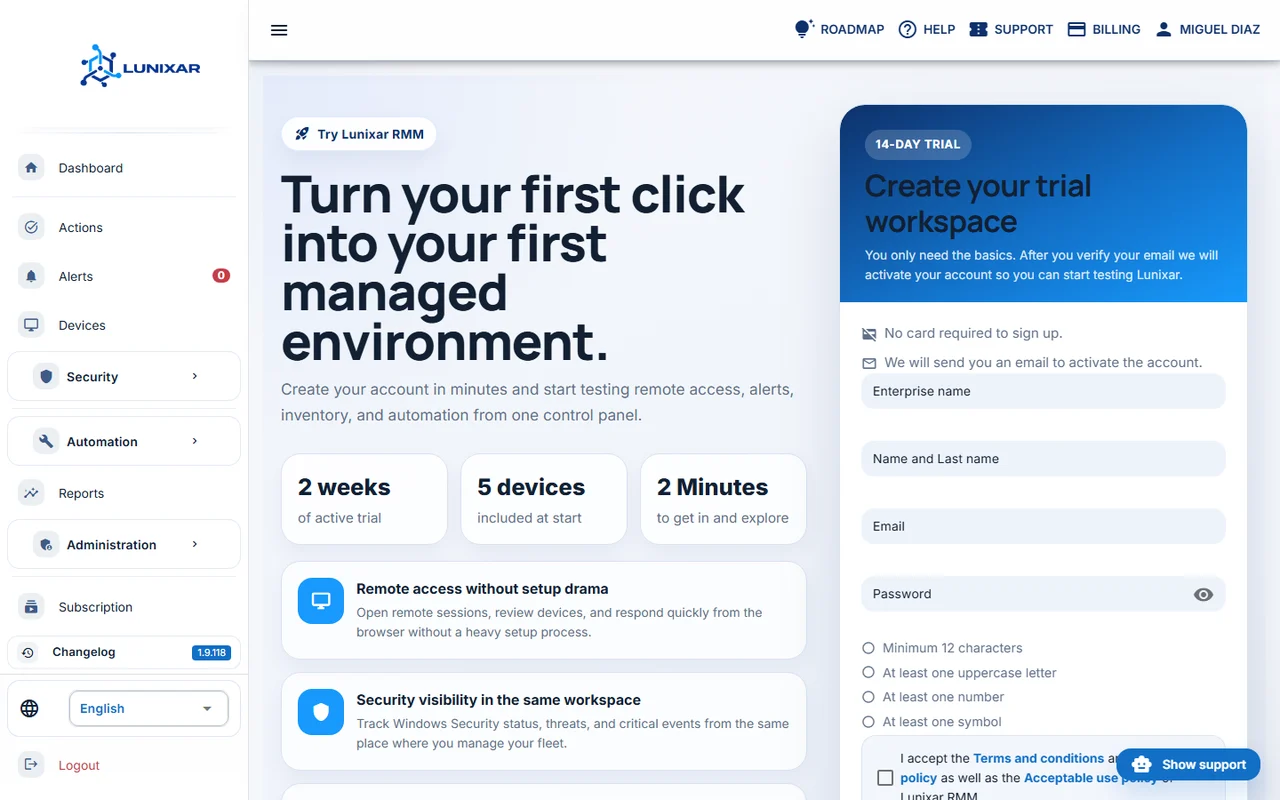
No credit card. No commitment. 2 weeks to validate Lunixar RMM with your own devices.
Create free account


