
CPU and RAM
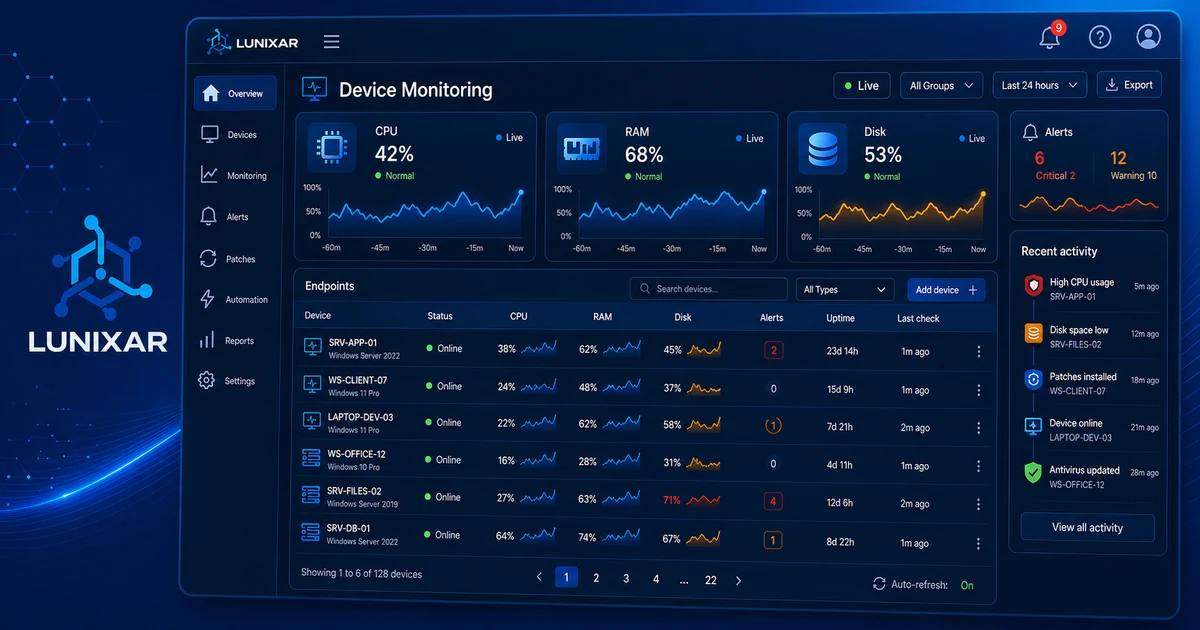
Alert when processor or memory usage exceeds the configured threshold for a sustained period, avoiding false positives from transient spikes.

Alerts & notifications
Detect critical performance, hardware, and security conditions on every managed device, with automatic email notification to the right people.
Automatic enrollment for account owner and new users.
Alert coverage

Alert types
All alert types are active from day one of your trial, with no additional configuration required.
Alert when processor or memory usage exceeds the configured threshold for a sustained period, avoiding false positives from transient spikes.
Early detection when available storage on an endpoint falls below the defined limit.
The agent analyzes SMART hardware attributes and alerts when imminent drive failure is detected — before data loss occurs.
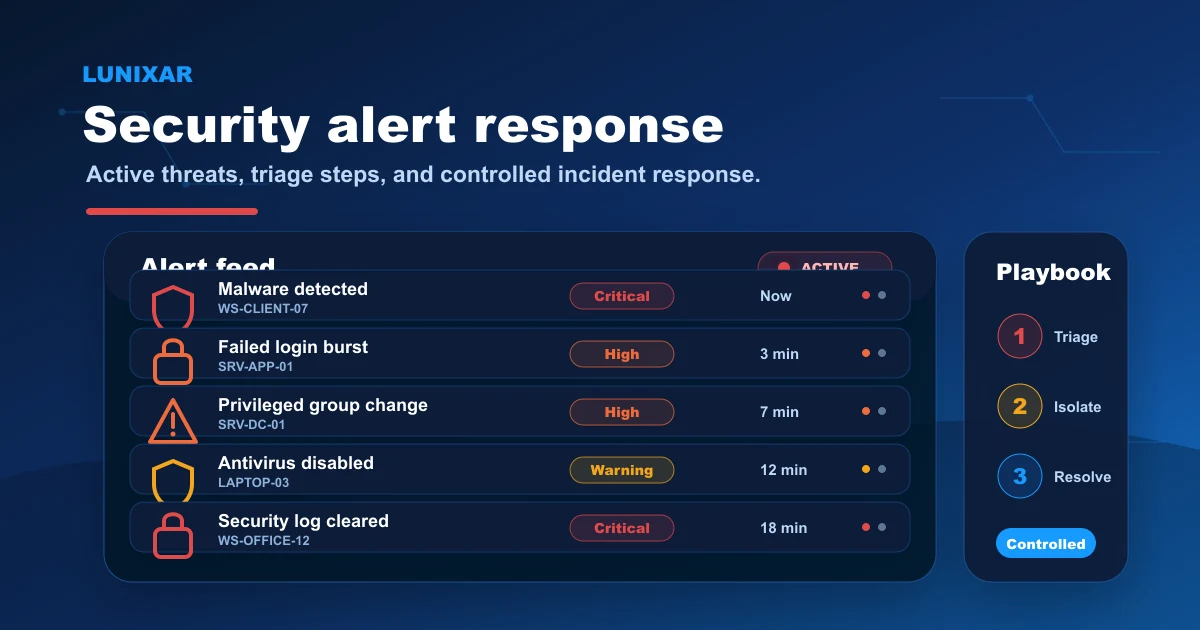
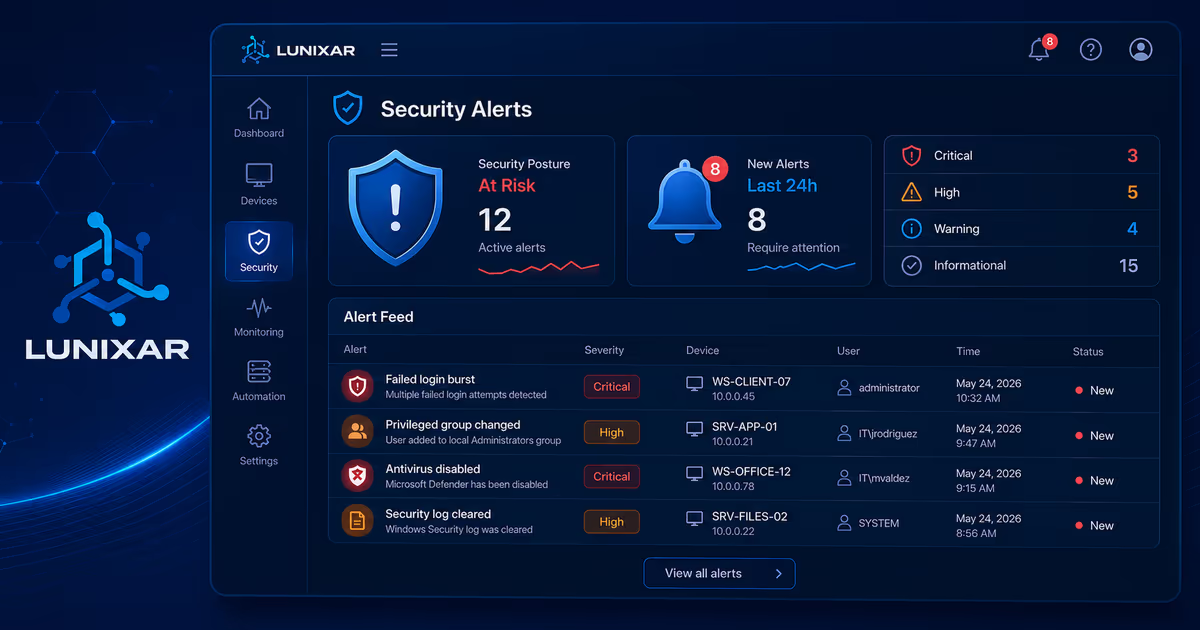
Immediate alert when antivirus is disabled or when Windows Defender detects an active threat on the device.
Failed login burst, account lockout burst, and security log cleared events — all tracked and notified.
Privileged group membership changes, audit policy modifications, and Windows Defender exclusions added.
3-step process
The agent monitors conditions in the background, persists the alert in the platform, and sends the notification in seconds.
1
The Lunixar agent continuously evaluates CPU, RAM, disk thresholds, and OS security events on every endpoint in the background.
2
When a condition exceeds the threshold or a critical event is recorded, the alert is generated and persisted in the platform with type, category, and severity.
3
Lunixar sends an email notification to the enrolled recipients for that alert type, including device name and event context.
FAQ
The system generates alerts for high CPU, RAM, or disk usage, critical temperatures, service state changes, and connectivity issues detected by the agent.
Email notifications are sent to the account owner and to technicians with access to the affected device.
Yes. The Linux agent reports CPU, RAM, and disk metrics just like on Windows, triggering alerts when thresholds are exceeded.
Coming soon. Currently thresholds are defined at the platform level. Per-device configuration will be available in a future release.