


Remote Support
What to Check Before Connecting to an Endpoint
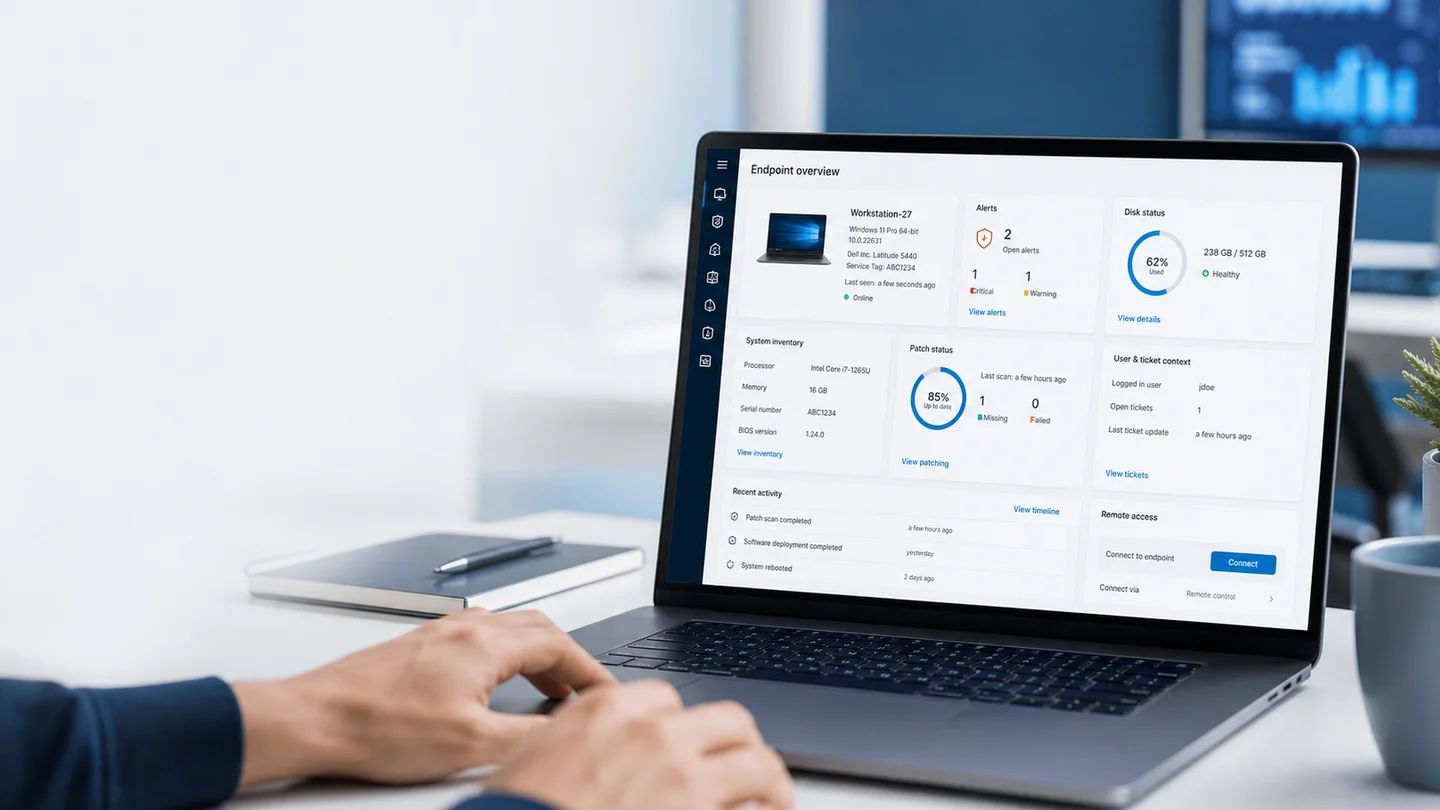
Before you start the session, confirm who asked for help, which endpoint you will touch, what recent alerts exist, and whether anything changes the plan.
Read guide
Remote operations
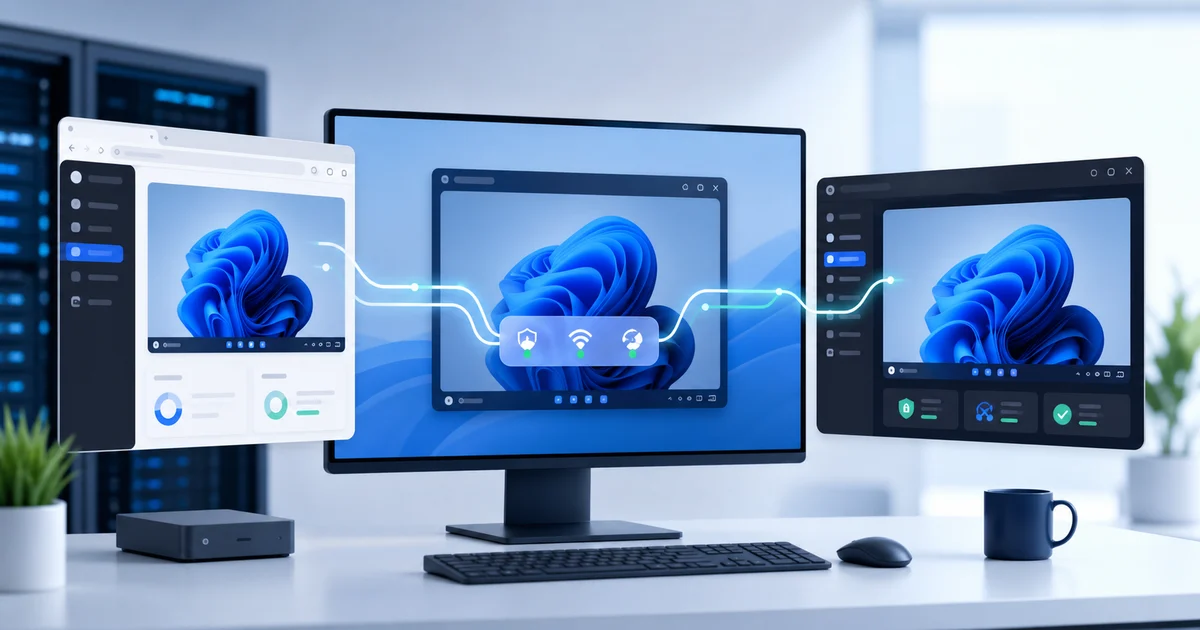
Access your devices in seconds with no complex setup and full security.
Built for authorized support on devices you manage or have permission to access.
FAQ
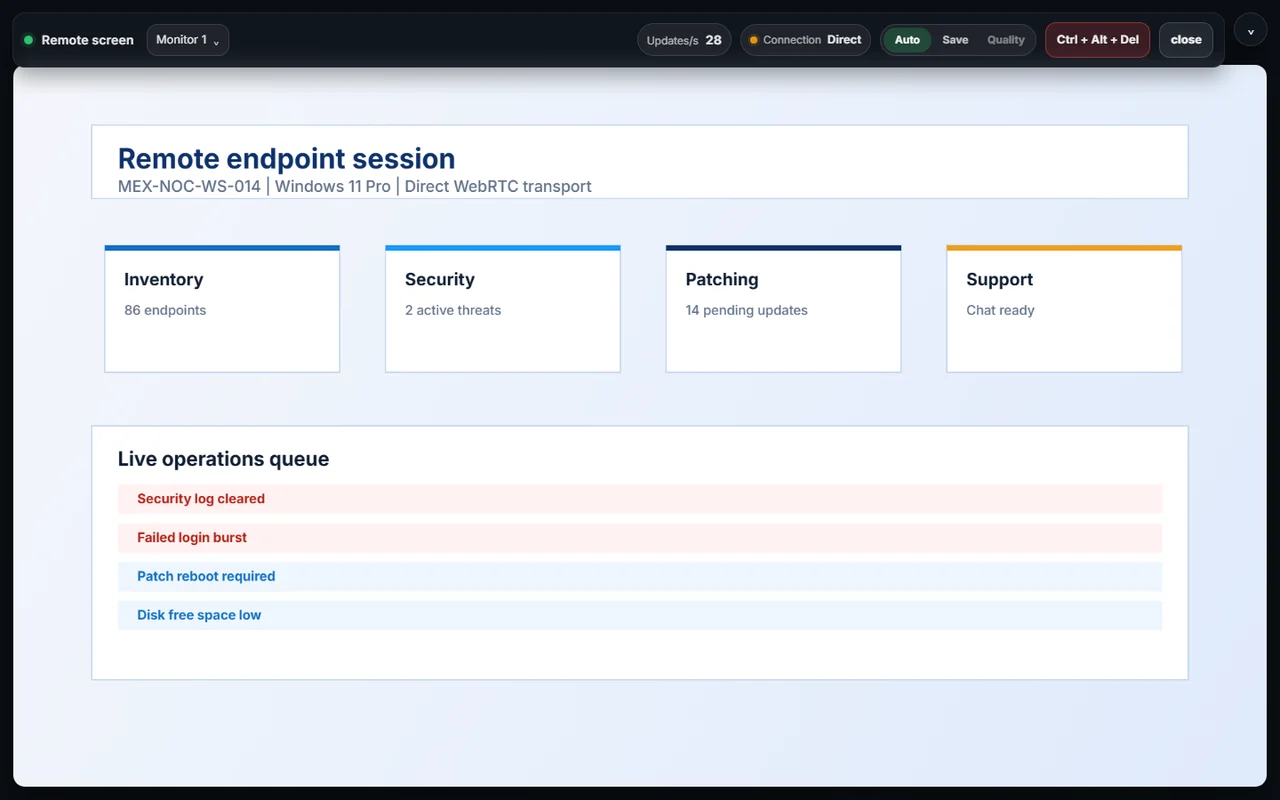
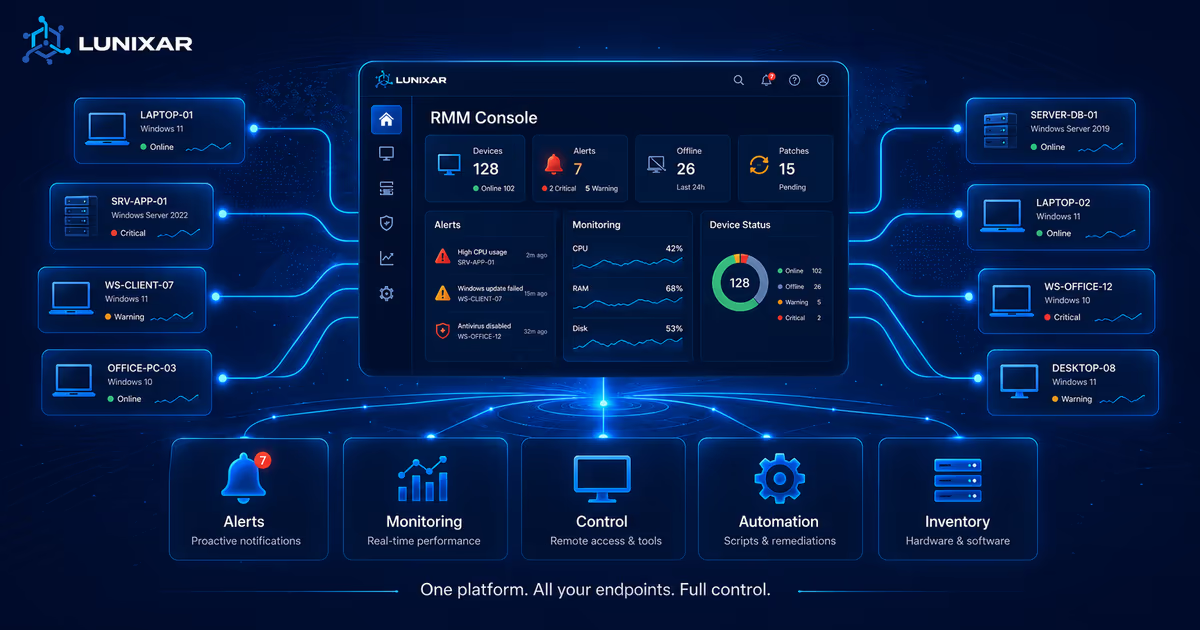
Interactive remote connection is available for Windows devices with the Lunixar agent installed. Linux devices support inventory, monitoring, scripts, patching, and security posture, but not interactive remote access.
No. The agent establishes a secure outbound connection from the device to the platform. No additional network configuration is needed.
It depends on your plan. The Professional includes access for the account owner and team users.
Install the Lunixar agent on the target Windows device and have an active account. From the portal you can start the session directly with no additional network configuration.

Fast start
Enable your free account and manage up to 5 devices