

MFA and password hashing
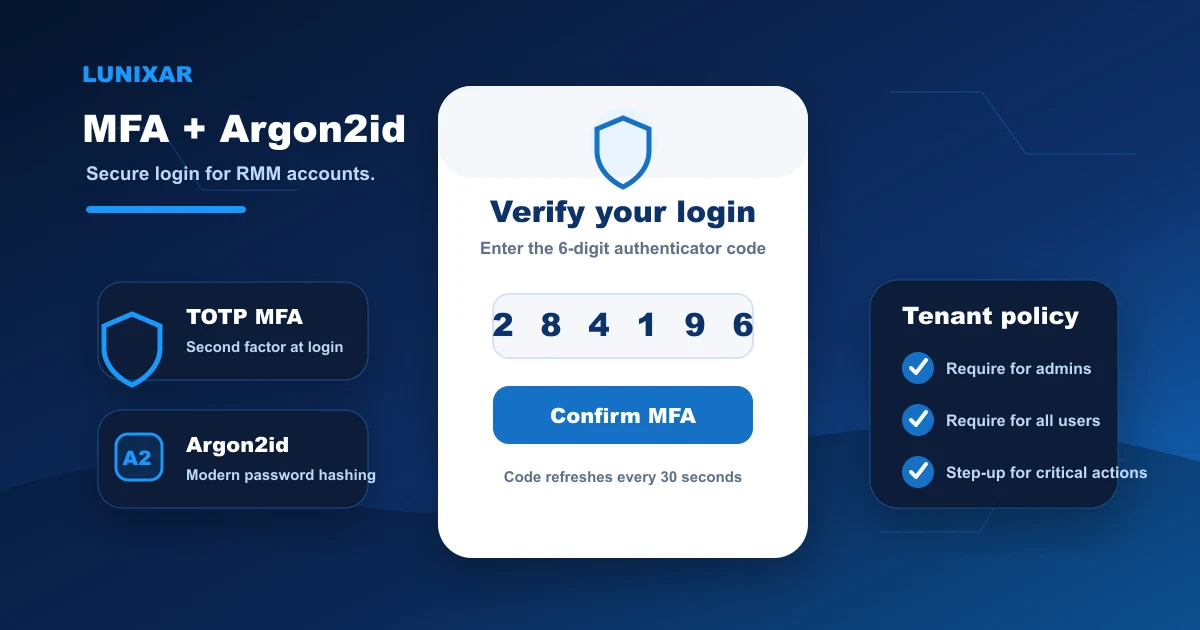
TOTP with authenticator apps and recovery codes. Passwords stored with Argon2id; legacy accounts migrated on first login. Tenant-level MFA policy can be enforced for all users.

Platform security
Lunixar is built so that access is verified, tenant isolation is total, and remote execution has explicit controls. MFA, Argon2id, content policy, trust tiers, and complete audit trail — with no exceptions in the critical layers.
Applies to backend, WebSocket, agent, and viewer. No exceptions to tenant isolation or RBAC.
3-layer model

Implemented controls
Every control on this list is code-verified. No roadmap items or promised features here.
TOTP with authenticator apps and recovery codes. Passwords stored with Argon2id; legacy accounts migrated on first login. Tenant-level MFA policy can be enforced for all users.
Complete isolation across backend, WebSocket, agent, and viewer. RBAC on every endpoint — no cross-tenant access possible.
Tenants without verified trust cannot combine download and execution. Extended trust carries a 30-day TTL. Network block rules also apply to registration and terminal.
Cross-cutting reinforcements
Redis-backed brute force protection, refresh token reuse detection, and MFA step-up. CSRF double-submit, security headers, and revocable active sessions.
Obfuscated binaries with no .pdb files, auto-updates verified by SHA-256 and URL allowlist. Enroll tokens carry expiry and max-use limits; agent installers cannot be renamed from the platform.
Blocked executions land in script_logs with the exact reason. Trust-level changes carry timestamp, user, and reason.
3-layer security model
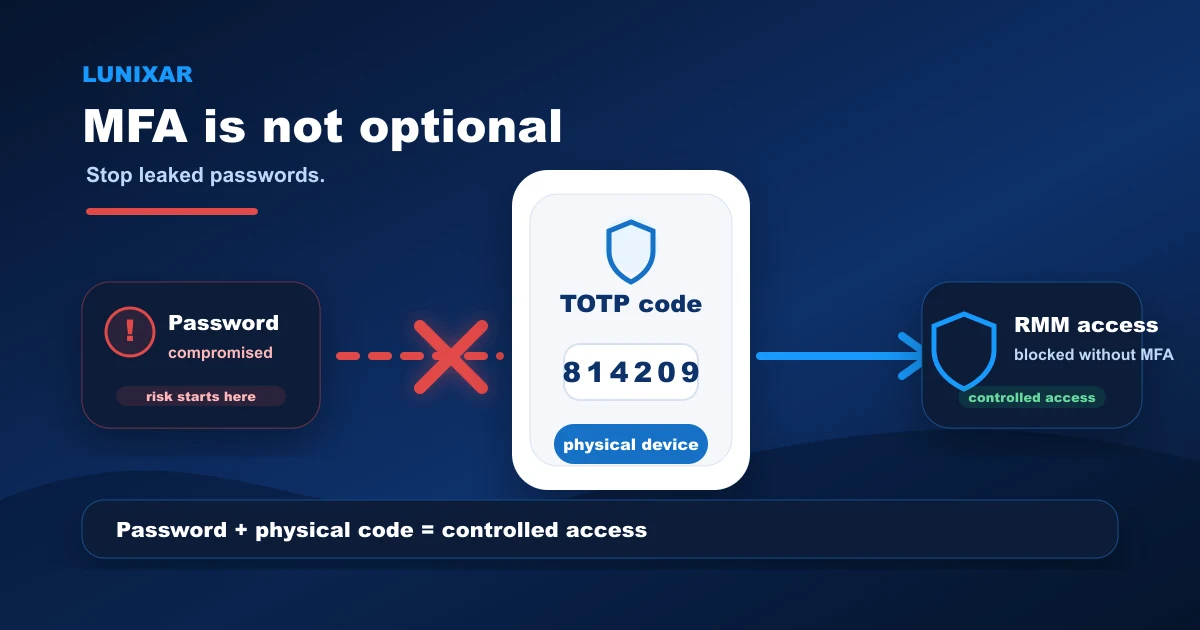
The three security layers apply in order. Without verified identity there is no access; without permissioned access there is no operation; without verified trust there is no sensitive remote execution.
1
Login protected with Argon2id, Redis-backed brute force protection, and TOTP MFA configurable as mandatory per tenant. Sensitive actions require a recent MFA step-up even when the session is active.
2
RBAC verifies permissions at every layer. Tenant isolation prevents any cross-account access. Every request to the backend, WebSocket, and viewer passes tenant and role validation.
3
Content policy blocks download-and-execute combinations for unverified tenants. Blocked destination rules apply to terminal, scripts, schedules, and account registration. Everything blocked lands in the audit log.
FAQ
TOTP with authenticator apps such as Google Authenticator, Authy, or any compatible app. When MFA is enabled, single-use recovery codes are generated. Tenants can configure MFA as mandatory for all their users.
Tenant isolation is implemented across all layers: backend, WebSocket, agent, and viewer. Every request validates the user's tenant before accessing any data. There are no cross-tenant access paths — not through misconfiguration.
For tenants without verified trust, the script is blocked before it reaches the agent. It is saved with IsMalicious=true on the platform, and the execution is recorded in script_logs with WasBlockedBySecurityPolicy and the exact reason.
Yes. The platform exposes active sessions from account settings. You can view each active session and revoke it individually without needing to change your password.
RMM abuse prevention
The security page explains the platform model; the abuse prevention page focuses on remote execution policy, non-renamable installers, tenant restriction, audit, and report intake.