This is the complete guide to evaluating an RMM in real operations. If you only need the definition, start with the short answer to what RMM software is: a system for remotely monitoring and managing endpoints from one central console.
Three external references help frame that evaluation:
- CIS Control 1 treats asset inventory as a foundational control because teams cannot manage or protect assets they do not know about.
- NIST SP 800-40 Rev. 4 describes patch management as a lifecycle of identifying, prioritizing, installing, and verifying updates.
- The joint CISA, NSA, and MS-ISAC advisory on RMM software abuse shows why authorized access, traceability, and security controls matter when operating these tools.
You keep hearing "RMM" everywhere — in MSP forums, in vendor demos, in conversations with other techs — and nobody actually explains it properly.
Some say it's "remote monitoring." Others say "device management." Someone else calls it "like AnyDesk but better."
None of those answers are entirely wrong. But none of them tell you what's actually going to change in your day-to-day if you start using one.
Here's what an RMM actually does — no fluff.
What RMM means (and what it doesn't)
RMM stands for Remote Monitoring and Management.
The core idea: instead of finding out about problems after the user already called you, an RMM gives you eyes on your clients' (or your company's) machines all the time, from a single platform.
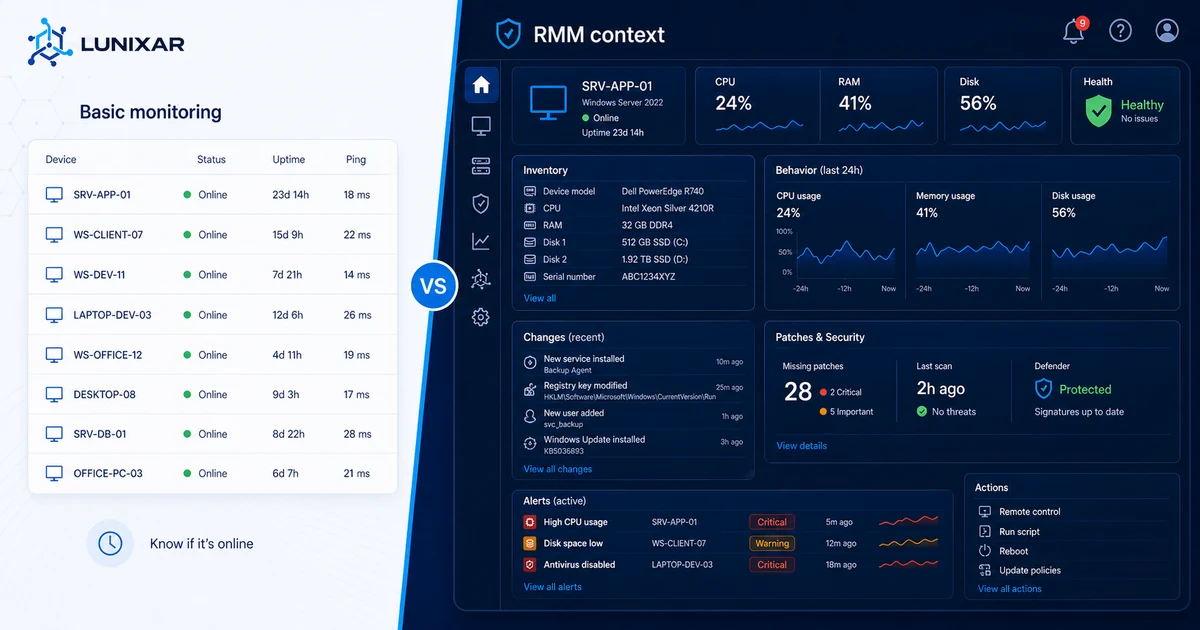
It's not just "remote access." AnyDesk gives you remote access too. The difference is that an RMM doesn't wait for something to break: it monitors continuously, alerts you early, and lets you act from the same place you saw the alert.
The 5 components that make it work
An RMM isn't a single tool — it's a set of capabilities that work together:
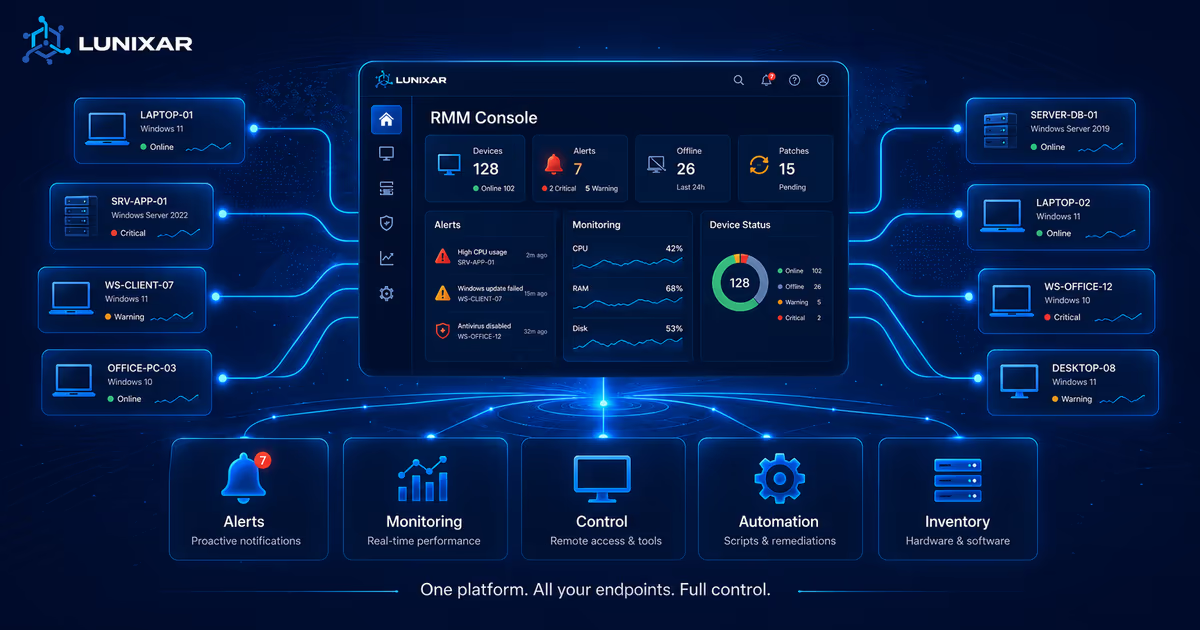
Endpoint monitoring. A lightweight agent installed on each machine reports in real time: CPU, RAM, disk, service status, whether the antivirus is on or off. If something goes out of range, you get an alert — without the user having to tell you anything.
Hardware and software inventory. You know exactly what's on each machine without connecting to it: OS version, installed programs, RAM, disk size. That context is there before you touch anything.
Integrated remote access. Not as a separate tool — directly from the same platform where you see alerts and inventory. The flow is: I see the alert → I open the device → I fix it. All in one place.
Script execution. PowerShell, CMD, Bash. To automate the things you do over and over — clearing temp files, restarting services, applying configs — across one machine or a hundred at once.
Patch management. You see which devices have pending updates and apply them from the platform, without relying on the user or on Windows Update doing its thing on its own schedule.
Who an RMM is for
MSPs (Managed Service Providers) — teams that manage IT infrastructure for multiple clients. For them, the RMM is the backbone of the operation. Without it, managing 20 clients with 5 technicians is a recipe for burnout.
Internal IT teams — the IT department at a mid-sized company with 80, 150, or 300 endpoints to maintain. Same needs: centralized visibility, automation, fewer reactive tickets.
Independent technicians — the freelancer supporting 3 or 4 clients. It might have seemed like "too much" before, but with current per-device and per-technician pricing, the math has changed.
What an RMM is not: a tool for end users. It's for the technician — the one responsible for keeping machines running.
How it's different from AnyDesk or TeamViewer
AnyDesk and TeamViewer are remote access tools. They do one thing very well: get you into a machine once there's already a problem.
An RMM does that too — but it also:
- Knows the problem exists before you get the call.
- Has full device context without you connecting first.
- Lets you act without interrupting the user (background scripts).
- Applies actions in bulk across dozens of machines.
- Keeps a history of alerts, actions, and changes.
The honest comparison: AnyDesk is a screwdriver. An RMM is the full workshop.
Signs you already need one
It's not always obvious when to make the move. These signals make it clear:
- You find out about problems when the user calls — never before.
- You spend more than 5 minutes per ticket asking "what does the error say?" or "how much RAM does this machine have?"
- Maintenance tasks (patches, cleanups) are done manually, machine by machine.
- You don't know what's installed on a device without connecting to it.
- Every new client adds stress because you don't have a system — you have instinct.
Sound familiar? Then the question isn't whether you need an RMM. It's how much longer you're going to wait.
An RMM isn't magic — it's a system
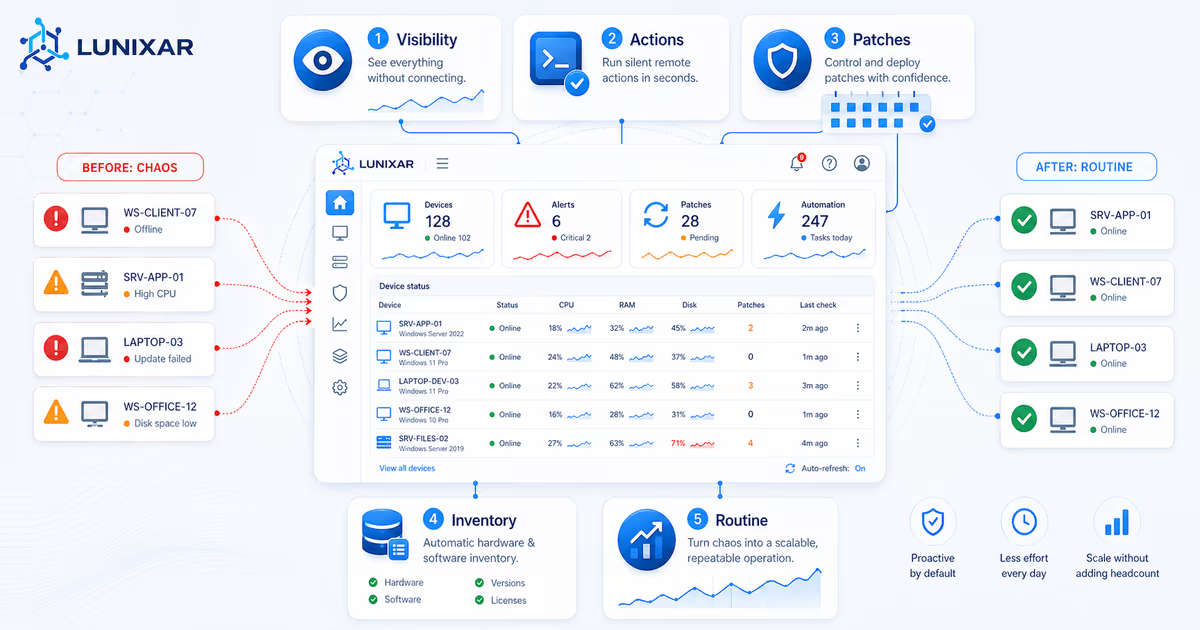
Having an RMM doesn't solve everything on its own. What it gives you is the infrastructure to work with a system instead of pure instinct.
Visibility to know what's happening before anyone tells you. Context so you're not starting every ticket from zero. Automation so you stop repeating things you already know how to fix. Control to act from anywhere without depending on the user.
When that becomes the default, your operation stops being reactive — and you feel that difference in every shift.
Lunixar RMM is built with that logic: monitoring, inventory, remote access, scripting, and patching in one platform, with published prices and a 2-week free trial with no credit card. Professional starts at USD 79/month per technician and the Device Plan starts at USD 0.75/endpoint/month for small fleets and pilots. So you can see the difference before committing to anything.
Related reading to keep going
If you want to turn this topic into a real operating workflow, continue with these guides: