Lunixar now has MFA: TOTP, Argon2id, and tenant-level policy
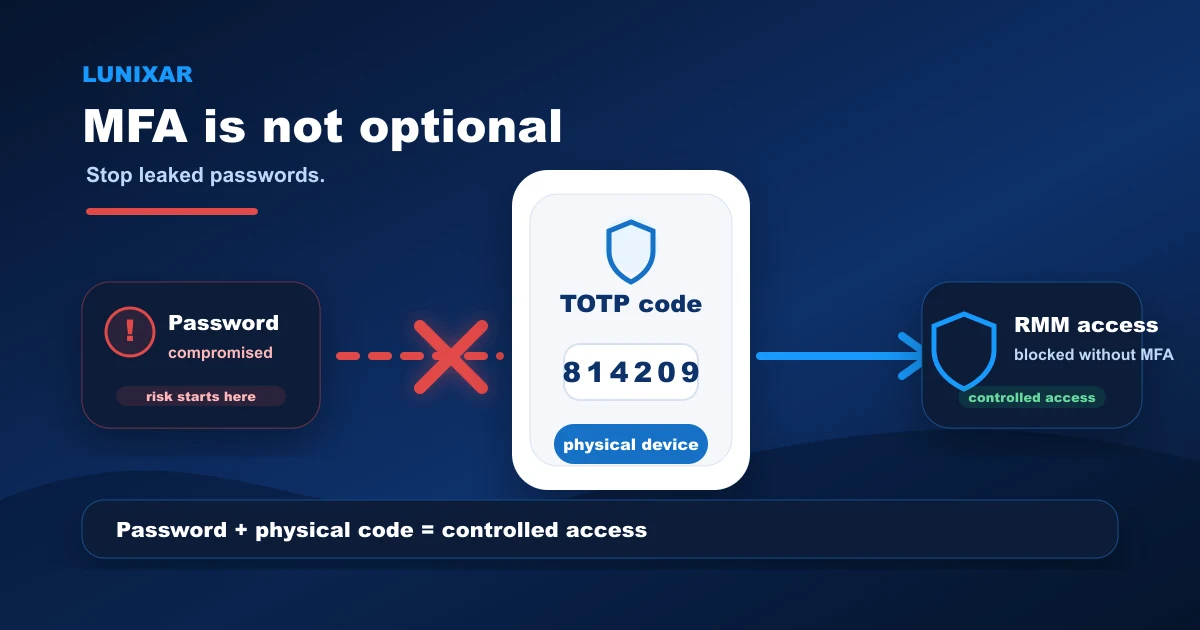
Your RMM account is one of the highest-value targets in your entire IT operation.
Whoever gets in, gets access to terminals, scripts, and every device in your fleet.
That is why Lunixar now has MFA.
This update adds TOTP two-factor authentication, Argon2id password hashing, tenant-level mandatory MFA policy, and active session management.
1) Why MFA matters in an RMM
A leaked password from any other service can become direct access to your Lunixar account if you reuse credentials or if your email gets compromised.
And when that happens with an RMM account, the damage is not limited to a file or an email.
It extends to every device you manage.
Adding a second verification layer at login is not just a best practice.
It is a decision that meaningfully reduces real risk.
2) TOTP and Argon2id: what changed
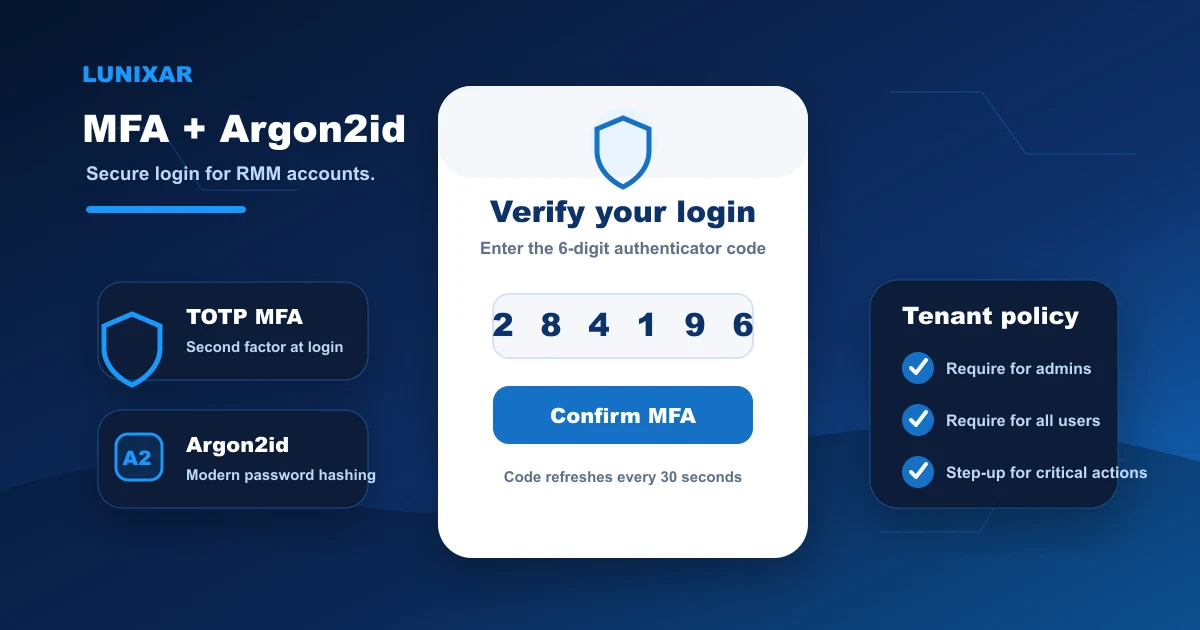
Users can now enable two-factor authentication with any TOTP-compatible authenticator app — Google Authenticator, Authy, Microsoft Authenticator, or any other.
Setting up MFA generates single-use recovery codes for emergency access.
Passwords are now stored with Argon2id, the most robust hashing standard available today.
Legacy accounts migrate automatically to Argon2id on the first successful login — no action required.
3) Tenant-level MFA policy
Tenants have control over how MFA applies across their organization.
An administrator can configure:
- MFA required for admins — all users with admin permissions must complete MFA.
- MFA required for all users — no user in the tenant can log in without MFA enabled.
When policy is active and a user has not set up MFA yet, login routes them through the setup flow before issuing session cookies.
4) MFA step-up on high-risk actions
MFA does not only apply at login.
For sensitive actions — running fleet scripts, modifying users, generating installers, or accessing the remote viewer — the platform requires a recent TOTP verification before proceeding.
This means that even with an active authenticated session, the most critical actions ask for additional verification before they execute.
5) Active sessions: visibility and control
From the account profile, you can now see all active sessions tied to your user.
Each session shows device information and recent activity.
You can revoke individual sessions or close all other sessions with a single click — no password change required.
6) What comes next
The MFA setup flow currently exposes the manual key and otpauth:// URI for adding the account to your authenticator app.
A QR code will be added in a future update to simplify the setup process.
Closing
With this update, Lunixar access is protected by a real second verification layer.
TOTP, Argon2id, tenant policy, step-up on critical actions, and revocable sessions from the account.
All active today, with no additional configuration needed to start using it.
Turning MFA into an operating routine
The technical change only works if it becomes part of the process. For MSPs and IT teams, the practical path is to roll adoption in stages: administrators first, users with sensitive permissions next, and then the rest of the tenant.
That rollout should be paired with active session reviews, documented recovery codes, and a clear rule for high-risk actions. If an account can run scripts, generate installers, or open remote access, it should have MFA enabled before it operates in production.