The network always tells a story.
The problem is that nobody is reading it most of the time.
You have endpoints with agents, printers that only appear when they fail, switches with no clear owner, guest laptops, cameras, access points, powered-off machines, and devices that "someone plugged in" without telling the team.
That is not a small detail. What is not inventoried can still consume network capacity, create tickets, introduce risk, and disrupt operations.
1) Start with local network context
An RMM should not depend only on endpoints that already have an agent.
The right question is:
what else exists around my managed endpoints?
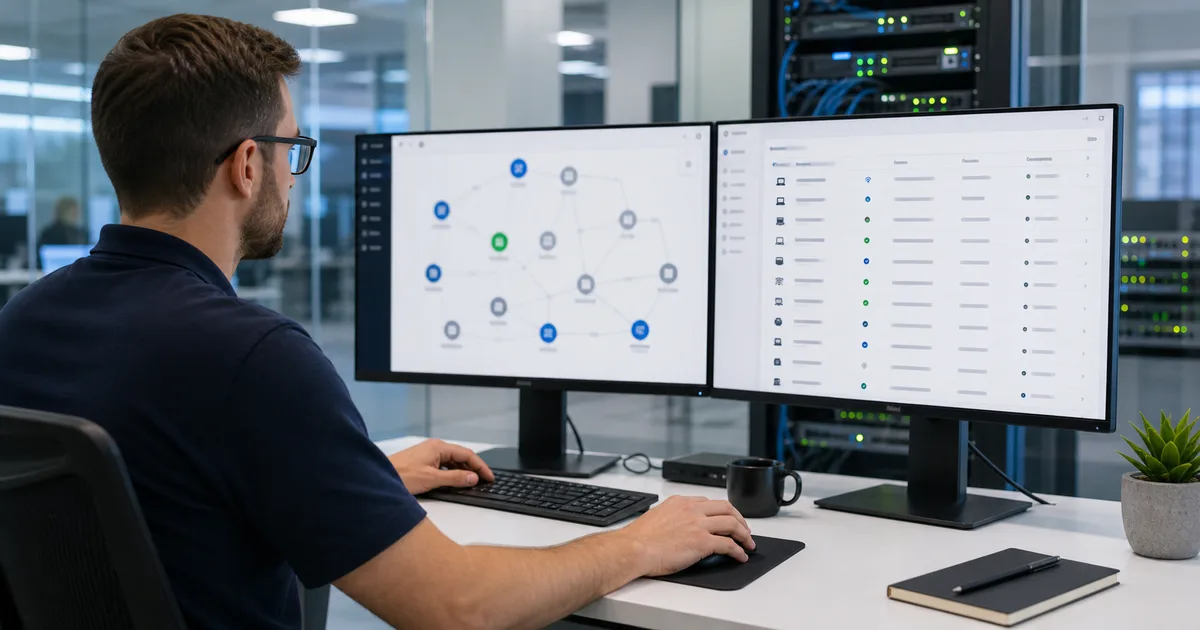
To answer that, you need basic network signals: IP range, MAC address, detected name, likely vendor, last seen time, device type, and discovery source. It is not a perfect CMDB on day one. It is a practical view that keeps you from operating blind.
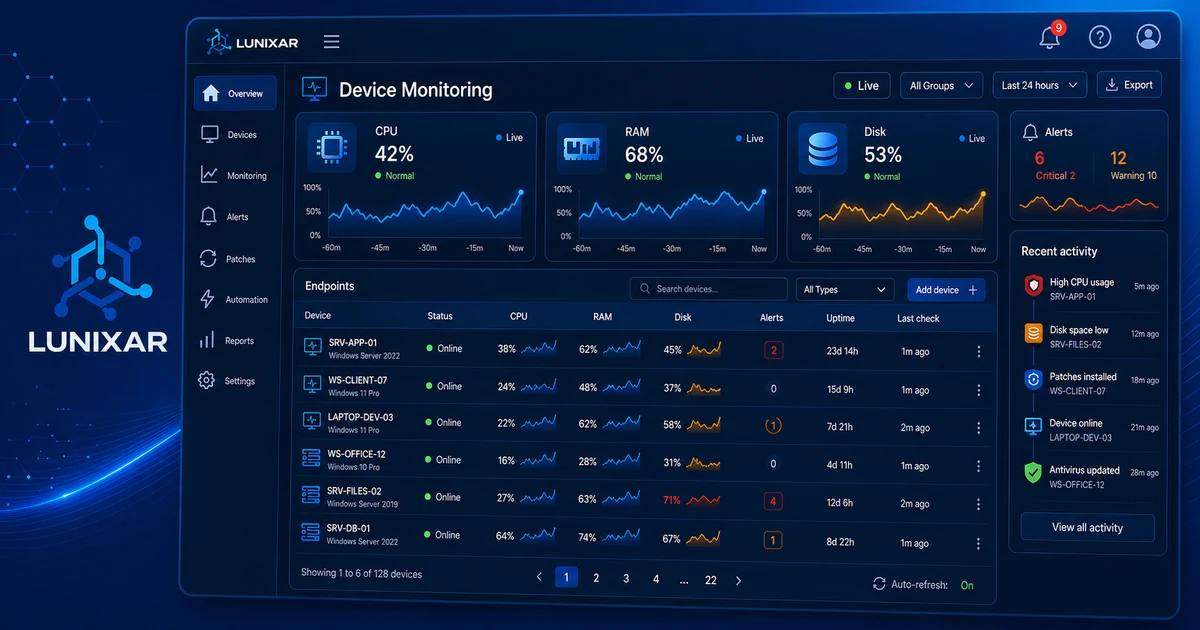
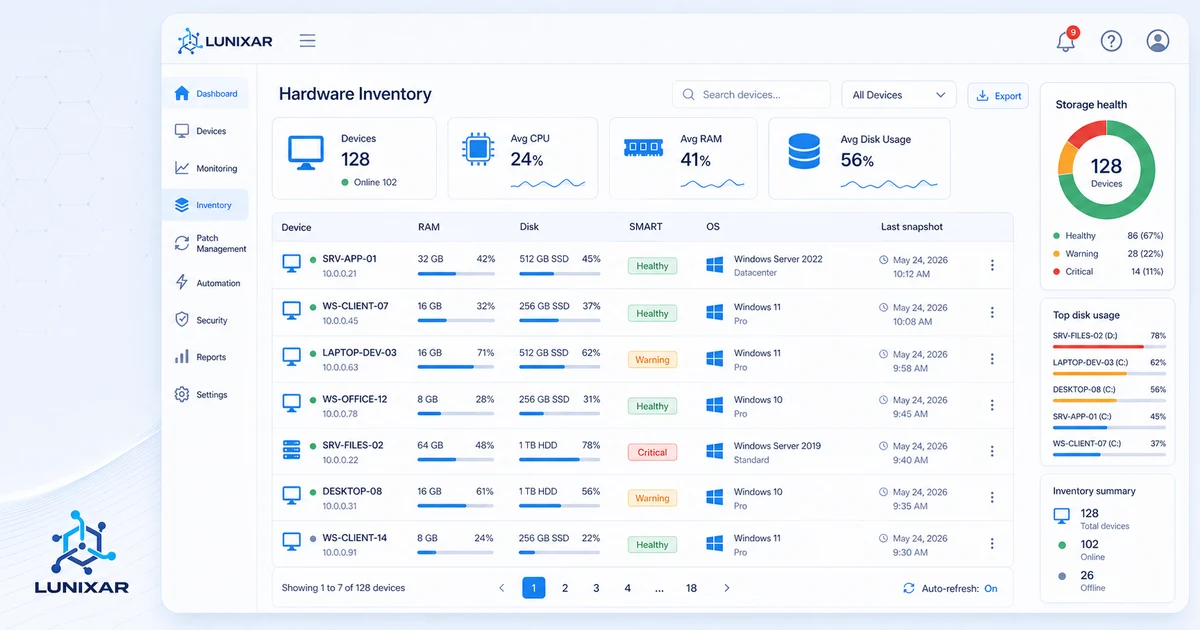
That context connects with device monitoring and inventory. If a managed endpoint sits in a subnet, the RMM can help you review what else lives nearby: printers, gateways, switches, access points, or machines without an agent.
2) Classify before deciding
Not every discovered device needs the same action.
A flat list of IPs is not very useful. The useful step is separating:
- Managed endpoint: already has an agent, inventory, and monitoring.
- Known endpoint without an agent: should be evaluated for enrollment.
- Infrastructure: router, switch, firewall, access point, printer, or NAS.
- Temporary device: visitor machine, test machine, or replacement hardware.
- Unknown: needs validation before you ignore it.
That classification prevents two common mistakes: installing an agent where it does not belong, and leaving a machine unmanaged when it should be covered.
3) Use SNMP v2c as a snapshot, not blind trust
SNMP can provide useful context for network infrastructure: interfaces, system name, description, basic status, and some counters.
But SNMP v1/v2c relies on shared communities, not a modern strong authentication model. CISA recommends managing these protocols carefully, avoiding default values, and preferring more secure configurations when available.
If your operation still uses SNMP v2c for snapshots, use it with discipline:
- read-only access;
- non-default community;
- limited segment scope;
- polling only from authorized management IPs;
- credential rotation and documentation;
- no SNMP exposure outside administrative networks.
The goal is not to "trust SNMP." The goal is to add one more signal for understanding what exists on the network and what needs follow-up.
4) Turn findings into operational work
Network discovery is not valuable because of how many devices it finds.
It is valuable because of what you do next.
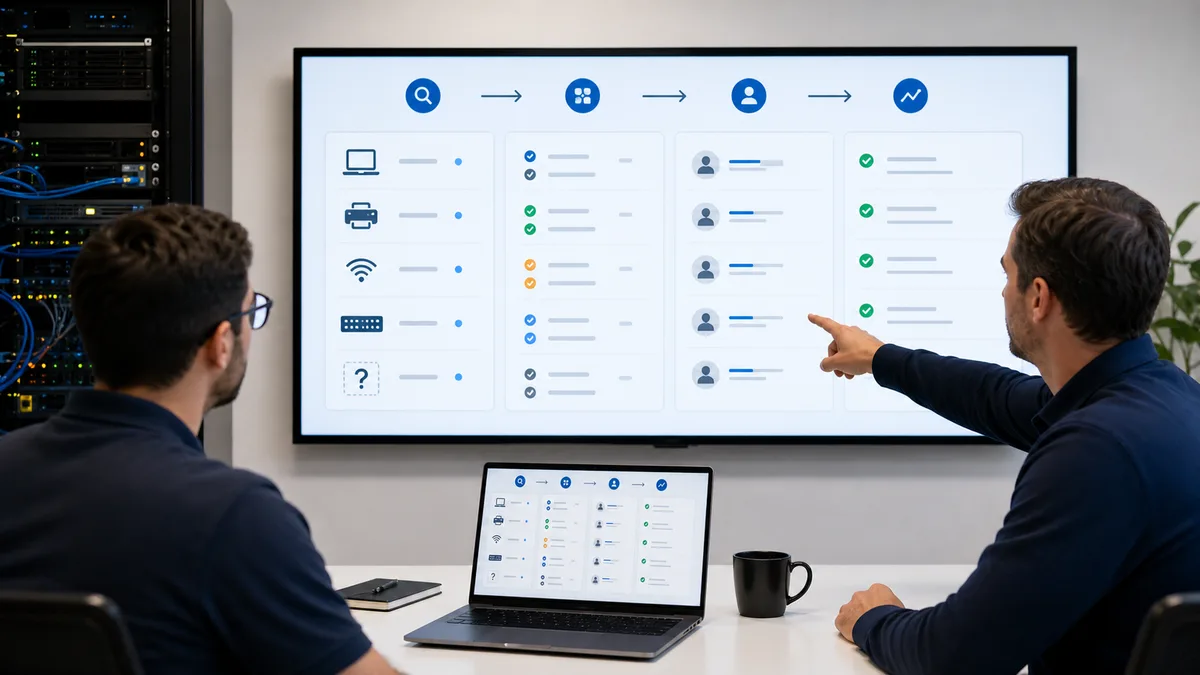
A healthy flow looks like this:
- Detect devices in a segment.
- Classify by type and confidence.
- Relate them to client, site, or tenant.
- Assign an owner or technician.
- Enroll endpoints that should have an agent.
- Monitor relevant infrastructure.
- Mark exceptions and temporary devices.
Without that follow-up, discovery becomes another list nobody reviews.
5) Connect network, inventory, and alerts
An unmanaged device rarely appears in isolation.
It may line up with a printer ticket, Wi-Fi instability, a gateway change, an endpoint that moved subnets, or a disk alert on a nearby server.
That is why discovery should live close to:
- hardware and software inventory;
- device monitoring;
- weekly RMM console review;
- RMM vulnerability management.
When those pieces connect, the conversation changes. It is no longer "we found 43 IPs." It becomes "there are three ownerless devices on the client's network, one critical printer without monitoring, and two laptops that should be enrolled."
6) What an RMM should answer
A good network discovery workflow should answer quickly:
- which segments were reviewed;
- which new devices appeared;
- which ones are already managed;
- which ones are infrastructure;
- which ones have no owner;
- which ones should be enrolled;
- when they were last seen;
- what changed since the previous snapshot.
Lunixar RMM connects monitoring, inventory, and operations so that visibility does not live in loose spreadsheets. The goal is not to fill a pretty map. The goal is to reduce gaps: machines without agents, infrastructure without follow-up, and changes nobody documented.
To evaluate the full flow, review device monitoring, inventory, and Lunixar RMM for MSPs.