When a remote session fails, it does not feel like a networking issue. It feels like wasted time.
The technician waits. The user waits. The ticket gets longer. And if the issue is urgent, every reconnect attempt breaks the support flow.
That is why we improved screen share in Lunixar RMM with WebRTC support for both the browser viewer and Remote Viewer EXE.
The goal is not to change how technicians work. The goal is to give each session a more efficient path when the network allows it, while keeping an automatic fallback when it does not.
What changes in remote access
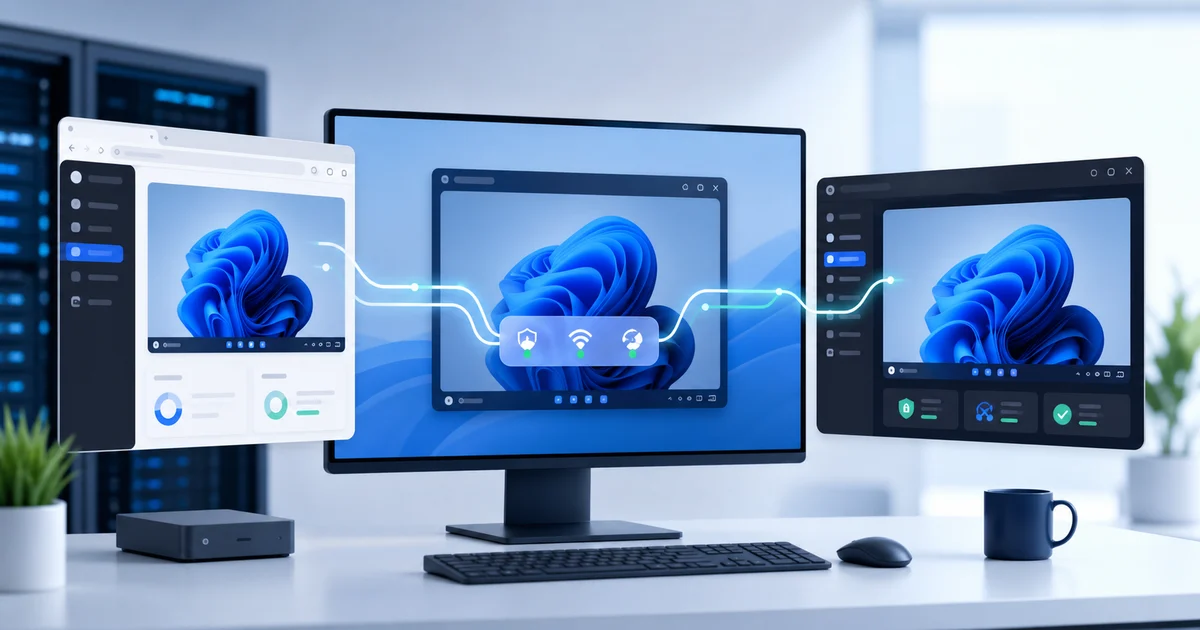
Lunixar can now optimize screen transmission with WebRTC in compatible sessions.
In practical terms, that means:
- A direct route when network conditions allow it.
- Secure relay when the network is more restrictive.
- Automatic server fallback if the WebRTC route cannot be established.
- Support from both the browser and Remote Viewer EXE.
The technician does not need to manually decide how the session should travel. Lunixar attempts the best available route and keeps the fallback path ready so support can continue.
Why WebRTC helps technical support
WebRTC is a standard technology for real-time communication. It is designed to move interactive media or data between authorized endpoints with less friction.
In a remote support workflow, that matters for three reasons.
First, it can reduce unnecessary hops when the network allows a more direct route.
Second, it can use secure relay when the environment is more locked down.
Third, it keeps the remote experience inside the RMM workflow instead of forcing technicians into a separate remote-access tool.
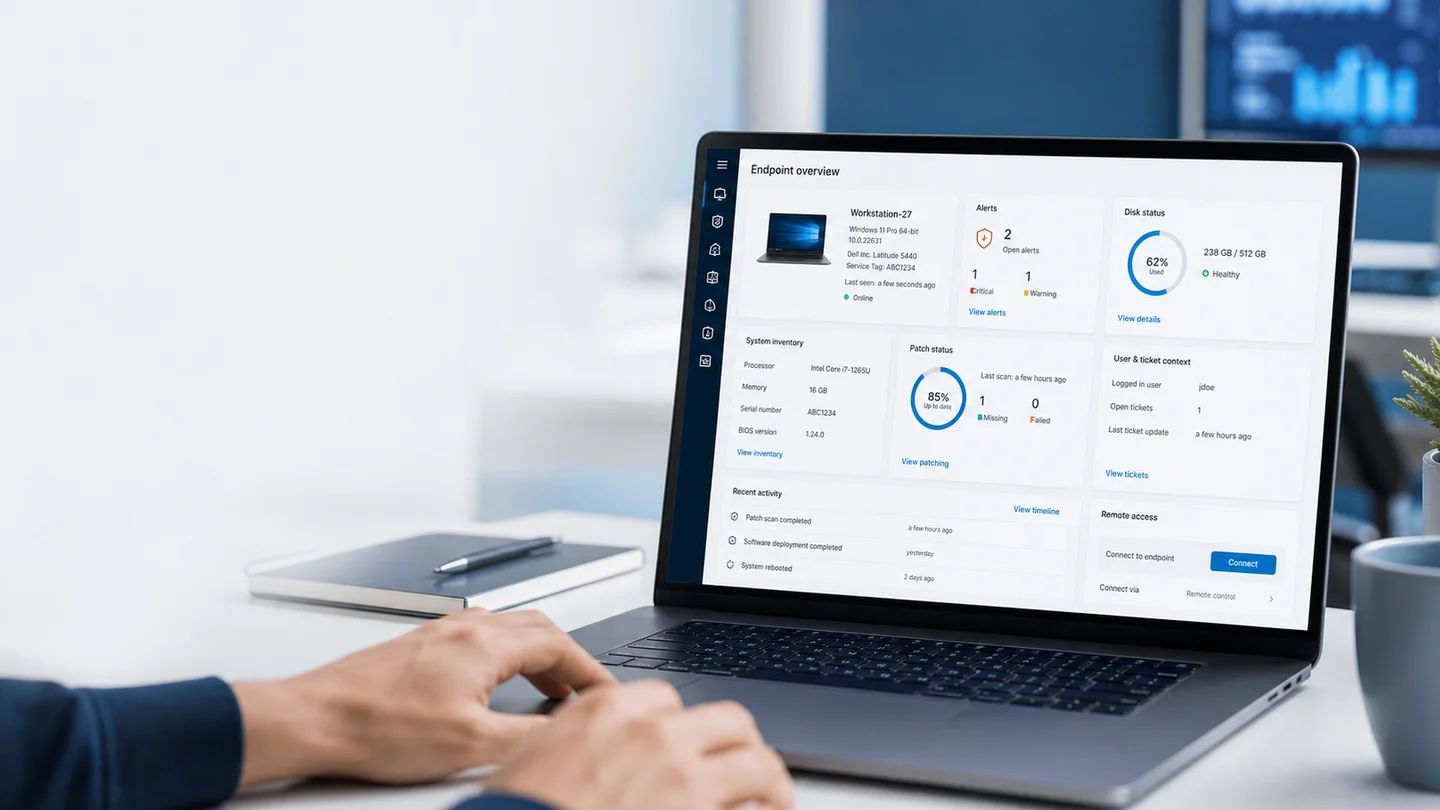
For an MSP or IT team, the value is not simply "it uses WebRTC." The value is that the support session feels more responsive while staying connected to the same place where the technician sees alerts, inventory, and endpoint context.
Direct when possible, fallback when needed
Real networks are messy.
There are firewalls, NAT, corporate policies, unstable Wi-Fi, home users, office networks with different rules, and devices that are not always under the same conditions.
That is why the right approach is not to promise a single route.
The right approach is to support multiple paths:
- If the network allows a direct route, Lunixar can use it.
- If the network requires relay, the session can use a secure relay path.
- If WebRTC cannot be established, the session automatically returns to the server path.
That last part matters. The improvement does not remove the fallback. It preserves it.
In remote support, continuity is more important than a standalone technical promise.
Security: the route changes, the controls do not
A fair question with WebRTC is whether remote access becomes less controlled.
In Lunixar, the answer is no.
Transport optimization does not replace RMM controls:
- The session still requires authorization.
- Permissions still follow RBAC.
- Sensitive actions keep MFA or step-up checks when required.
- The session remains bound to the correct device.
- Session events remain auditable.
- The endpoint banner remains in place when required.
In other words: the transmission route can change, but the trust model does not.
Browser and Remote Viewer EXE
Lunixar supports remote access through two experiences:
- The web viewer, for browser-based support.
- Remote Viewer EXE, for teams that prefer a dedicated Windows app.
The WebRTC improvement applies to both flows.
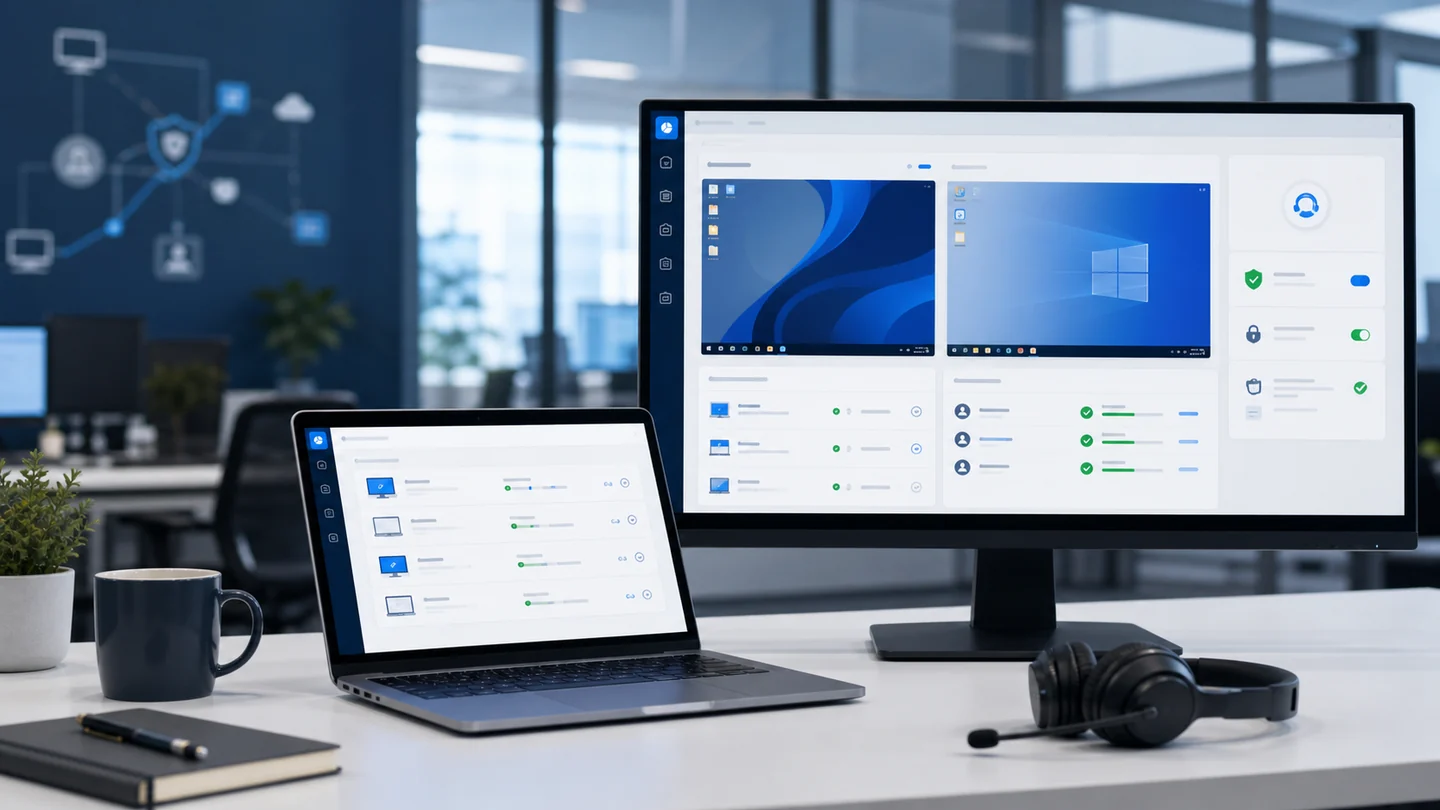
That gives technicians more flexibility. They can use the browser when speed matters and Remote Viewer EXE when their operation prefers a dedicated app, without losing the authorized-session model.
What this means for MSPs and IT teams
In day-to-day operations, this improvement means:
- Less friction when starting support.
- Better continuity when the network changes.
- A more modern screen share experience.
- Less dependence on external remote-access tools.
- The same centralized control inside Lunixar RMM.
It is not just a technical upgrade.
It is an improvement to the full workflow: alert, context, remote access, action, and follow-up.
Closing
Remote access should not feel like a separate tool outside the operation.
It should be part of the same system where you monitor endpoints, review inventory, handle alerts, take action, and keep an audit trail.
With WebRTC in the browser and Remote Viewer EXE, Lunixar RMM improves screen share without giving up what matters most: control, security, and session continuity.
If you want to evaluate the full workflow, start the 2-week Lunixar RMM trial and test remote support with your own endpoints.