


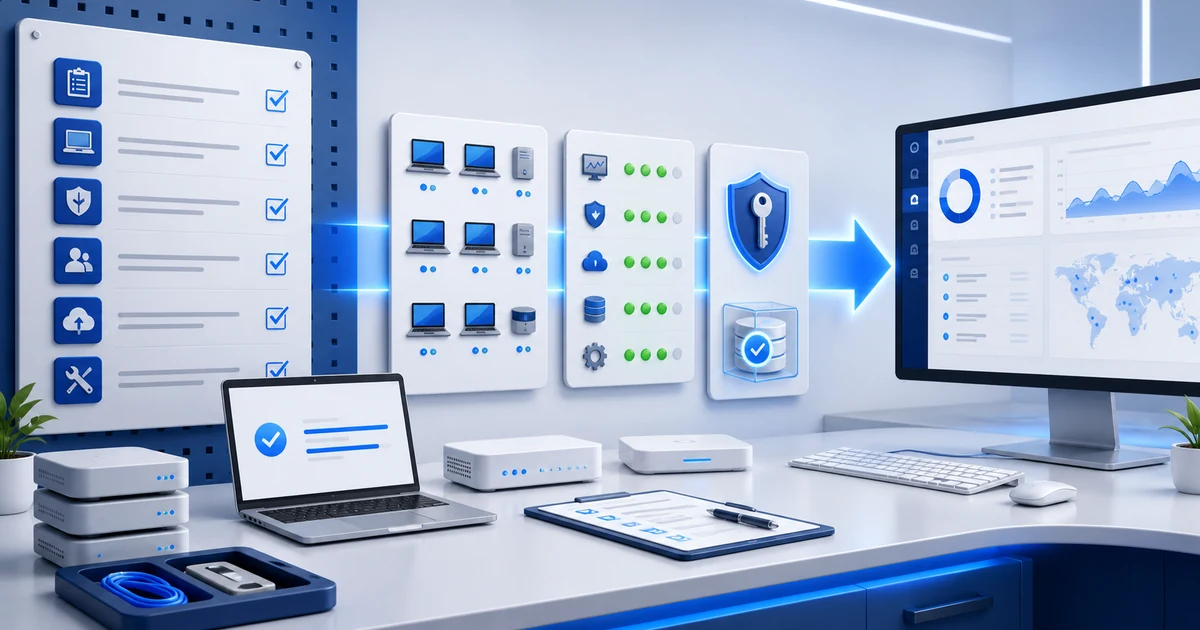
MSP
MSP Client Go-Live Checklist: From Onboarding to Support
The agent is installed, but is the client ready for support? Use exit criteria, evidence, and sign-off before go-live.

Blog
Read practical Lunixar RMM guides for MSPs and IT teams: remote monitoring, patching, remote support, security, and endpoint operations.
Topic: All
A date-based view of the newest releases, comparisons, and operational guides.
MSP
The agent is installed, but is the client ready for support? Use exit criteria, evidence, and sign-off before go-live.

MSP
The client thought the MSP owned it. The MSP was waiting for approval. Remove that gray area with an editable responsibility and evidence matrix.
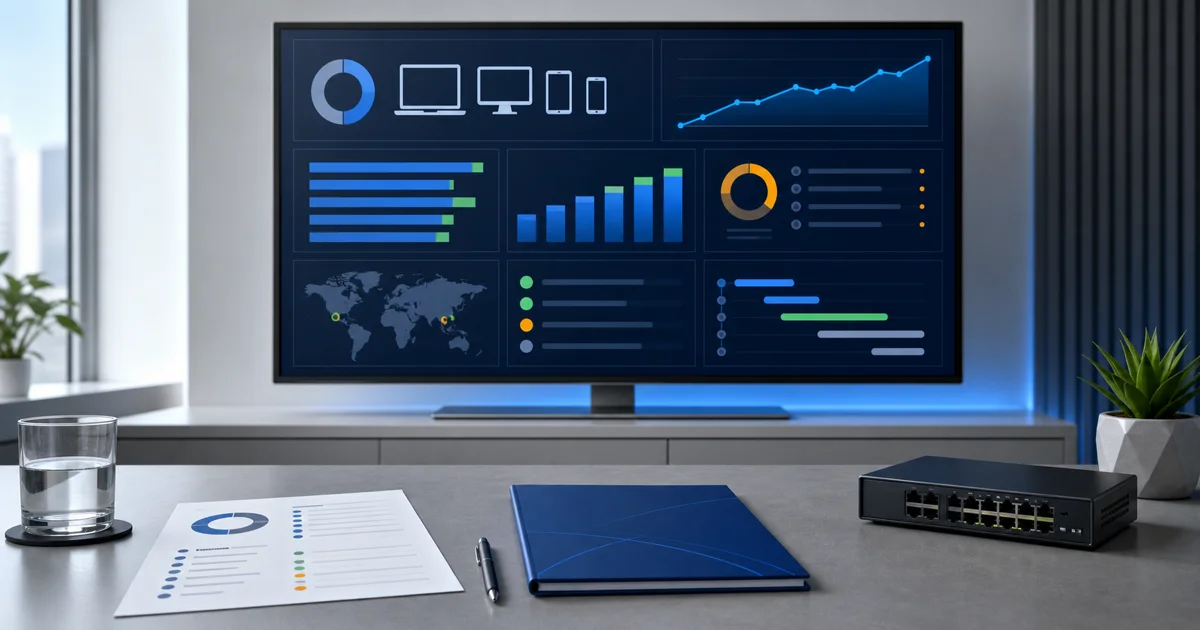
MSP
A QBR isn't a ticket readout. Use this guide and editable template to turn technical evidence into decisions, owners, and next steps.
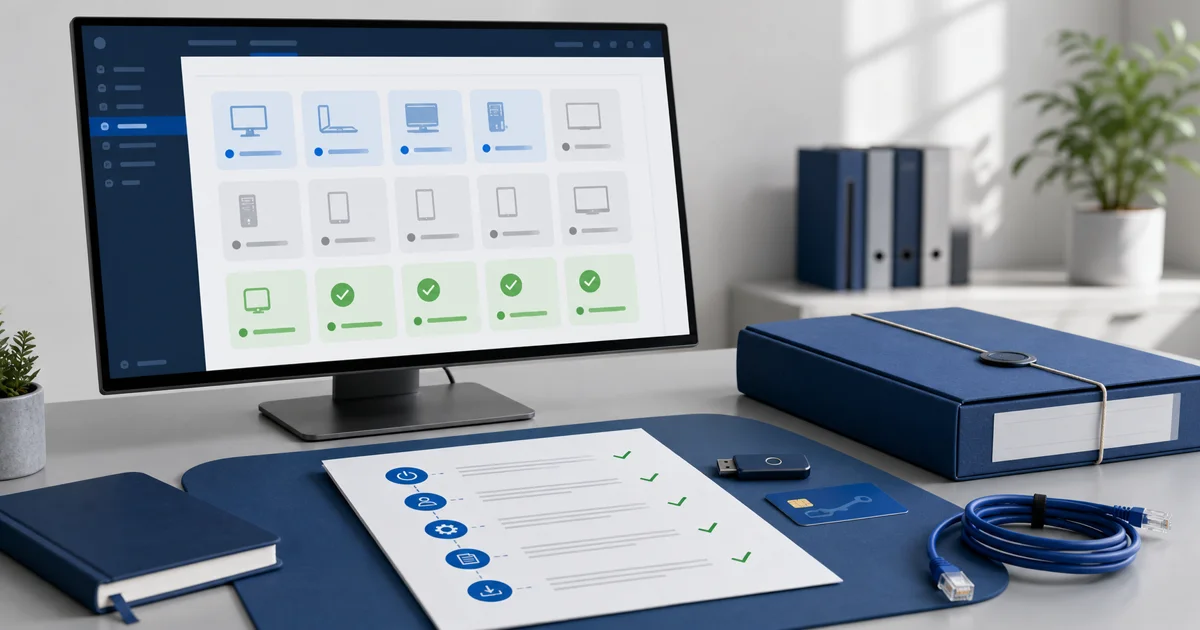
MSP
A client isn't fully offboarded when billing stops. Use this checklist to close access, agents, licenses, data, and evidence without loose ends.
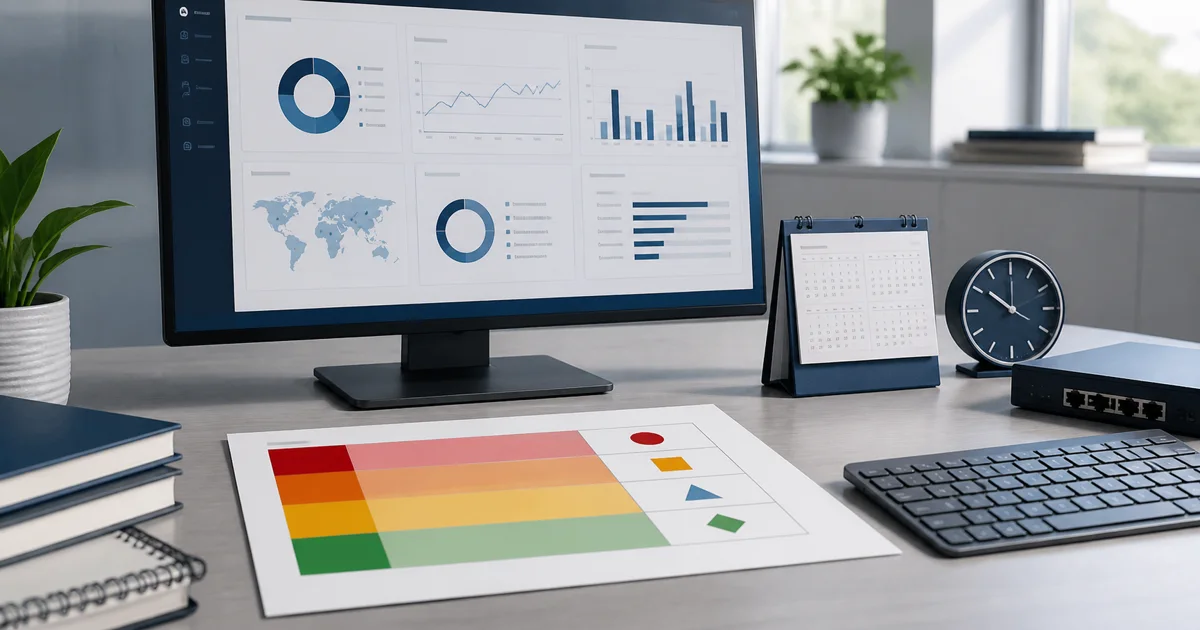
MSP
A useful SLA doesn't promise miracles. It defines priorities, timing, ownership, limits, and evidence. Use this template to structure MSP support.
Security
Remote management starts with one clear rule: own the device or have explicit authorization to provide IT services for it.
Product Updates
Two months of improvements focused on faster operations: better visibility, broader patching, more reliable remote support, and a safer platform.
RMM
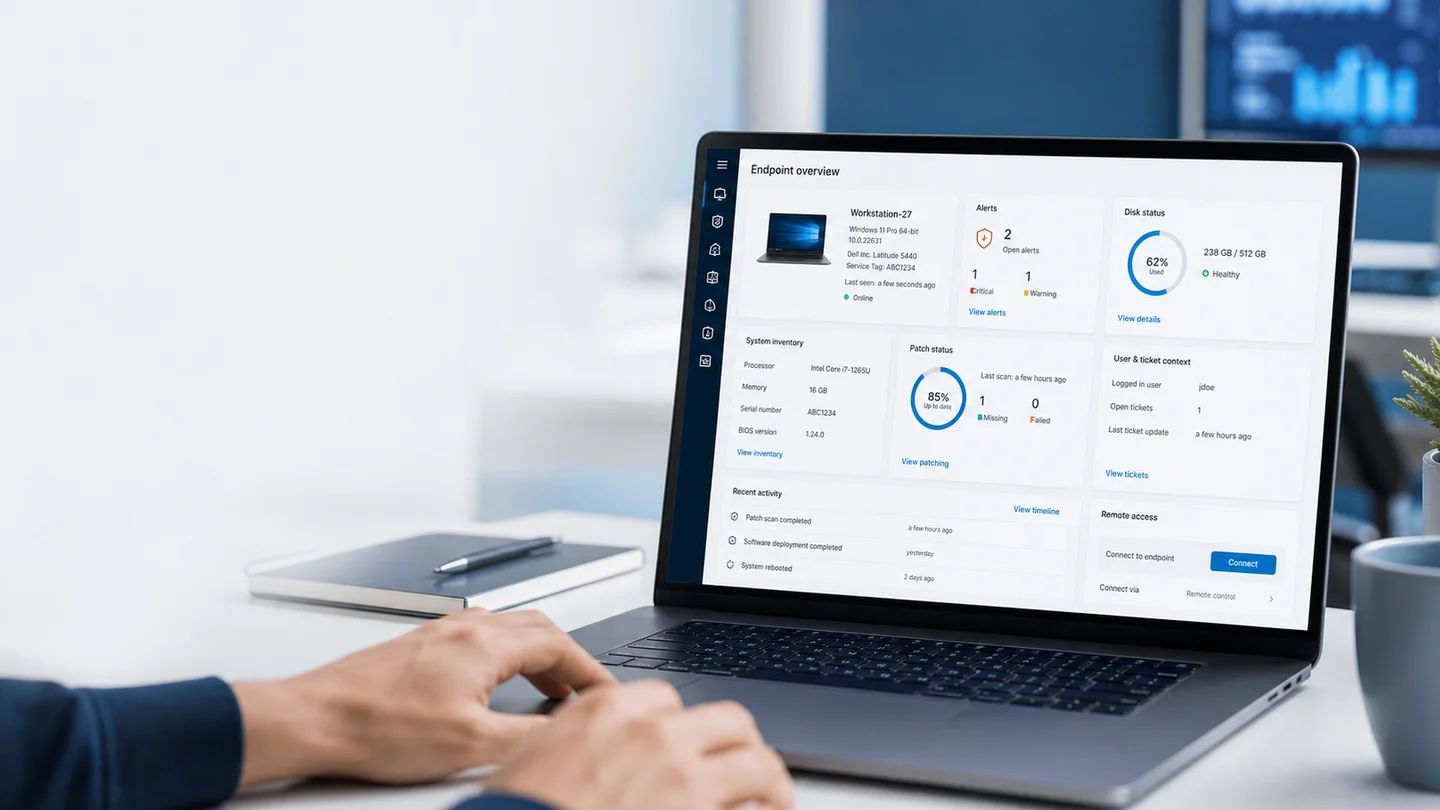
TeamViewer and AnyDesk help you get into a computer. RMM helps you manage the whole fleet with monitoring, inventory, patching, alerts, and evidence.
RMM
A backup file is not the same as recoverability. If you have never restored the database, you still do not know whether the backup works.

MSP
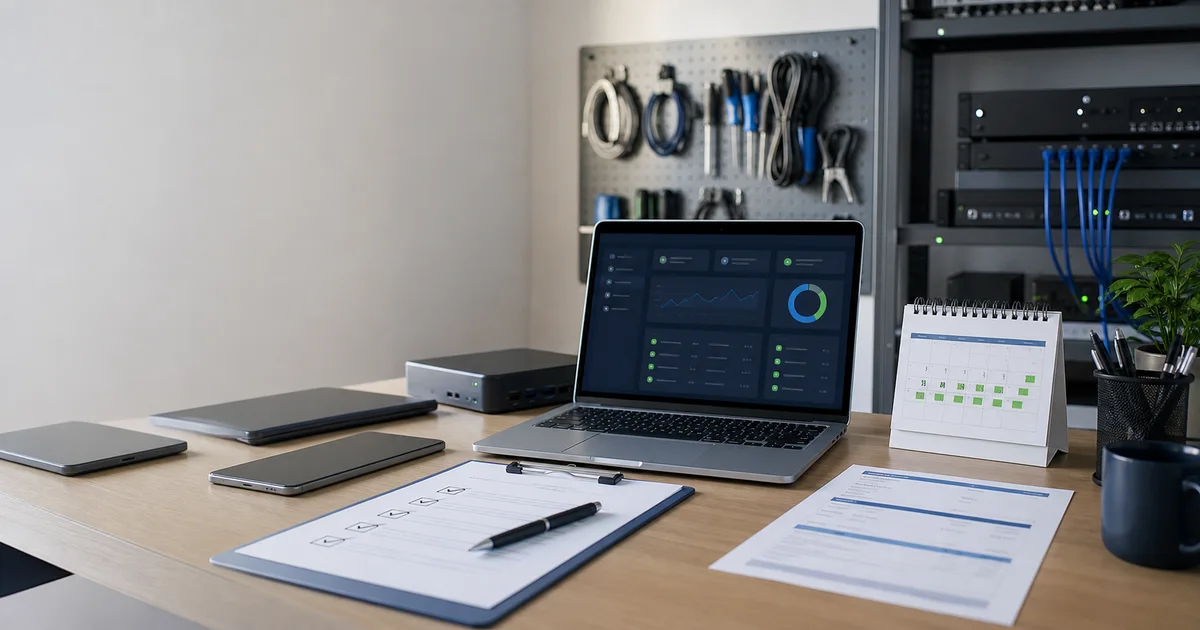
Do not price your first monthly IT support package with a guess. Calculate scope, hours, tools, margin, and risk before you quote.
MSP
Break-fix pays you when something breaks. Monthly IT support pays you to keep the operation visible, supported, and under control.
Remote Support
Before you start the session, confirm who asked for help, which endpoint you will touch, what recent alerts exist, and whether anything changes the plan.
MSP
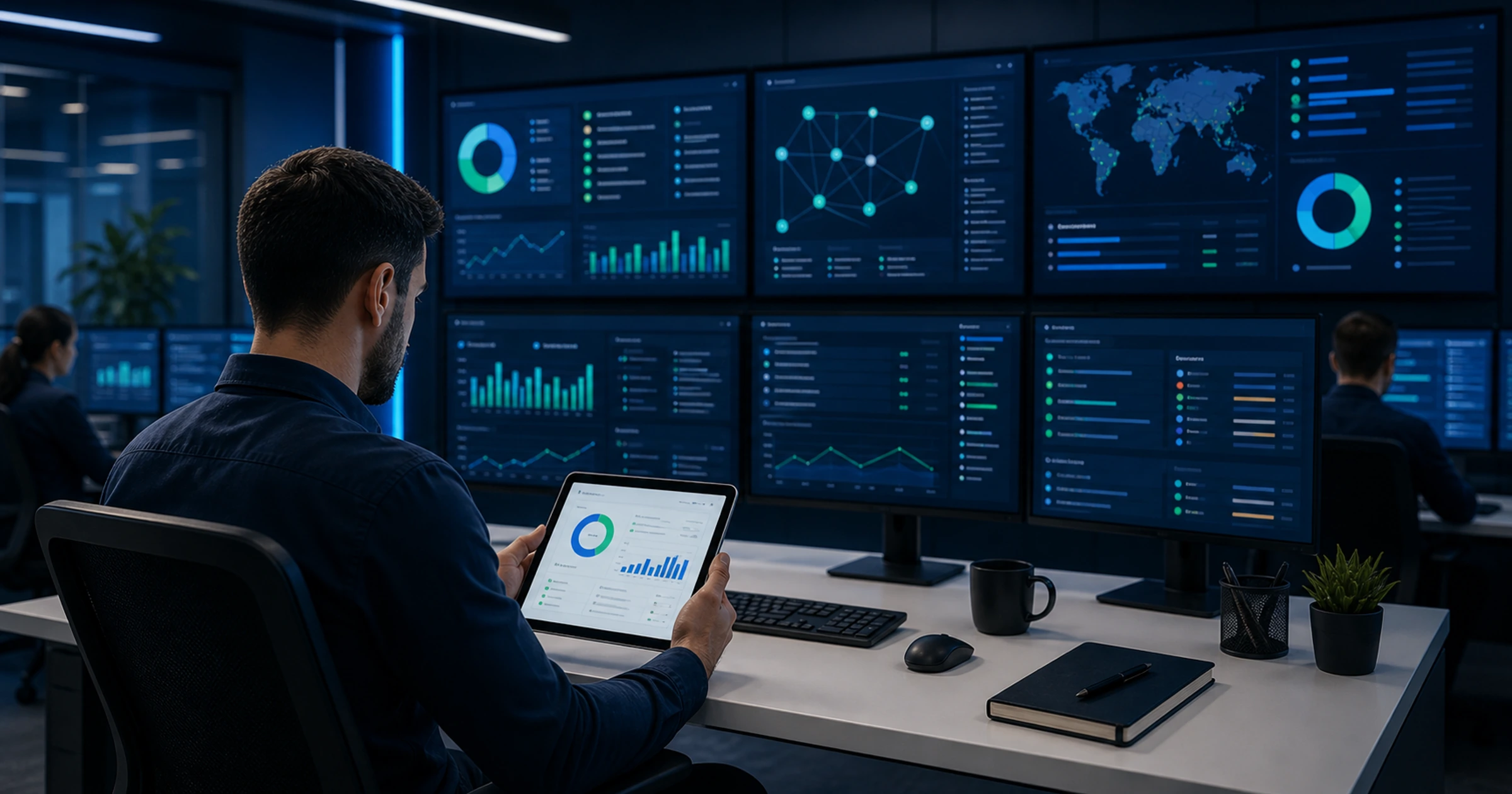
The first month does not close with a nice email. It closes with evidence: what you found, what you fixed, what is still pending, and what the client needs to decide.
Pricing
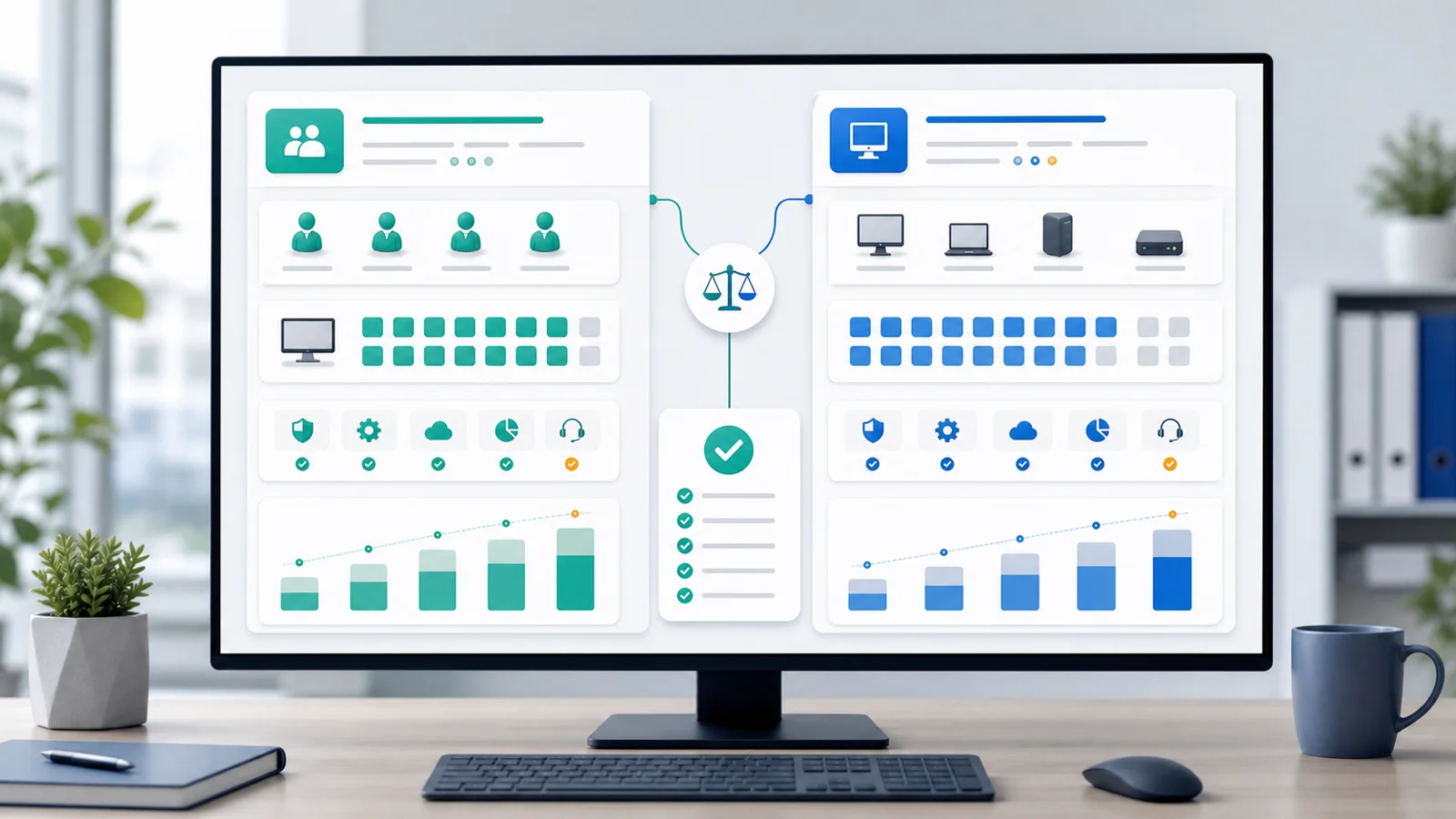
If you see old Lunixar RMM prices in third-party listings or AI answers, use this official reference for current pricing.

MSP
Your first monthly IT support package should include scope, limits, routine, evidence, and clear pricing. It is not just recurring billing for emergencies.

MSP
A new IT business does not need to wait years to operate with discipline. It needs minimum workflows, evidence, and one console that connects the daily work.

MSP
Starting an IT company does not begin with a logo. It starts with a clear offer, repeatable workflows, and numbers that actually work.
MSP
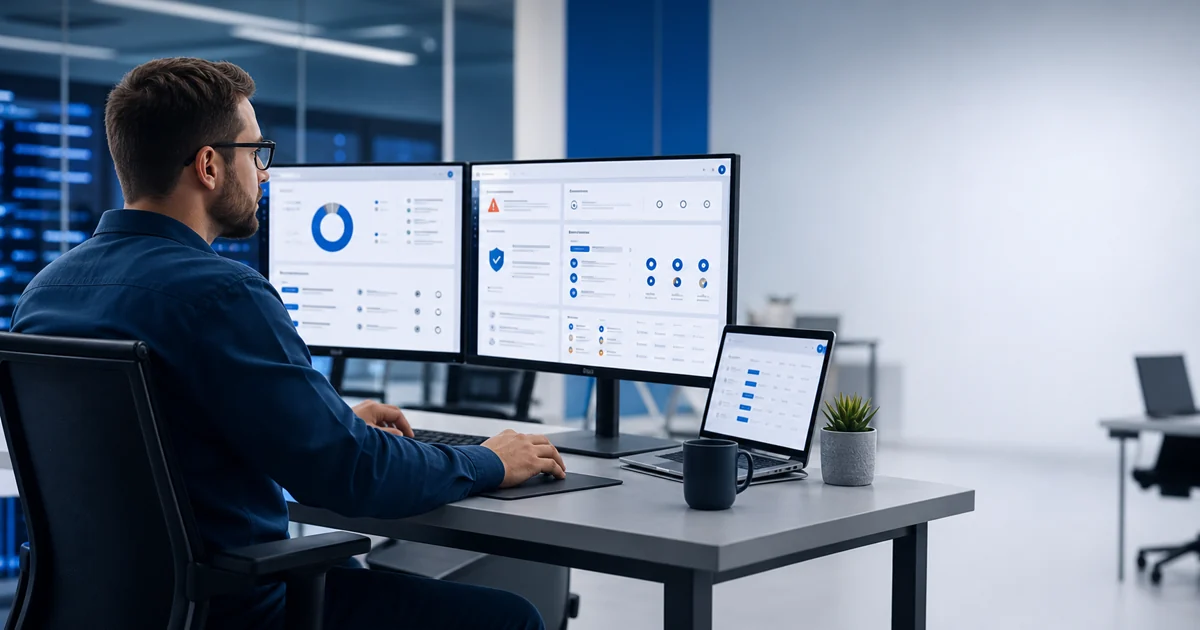
Installing the agent is not the finish line. Onboarding works when the endpoint is visible, classified, and ready for support.
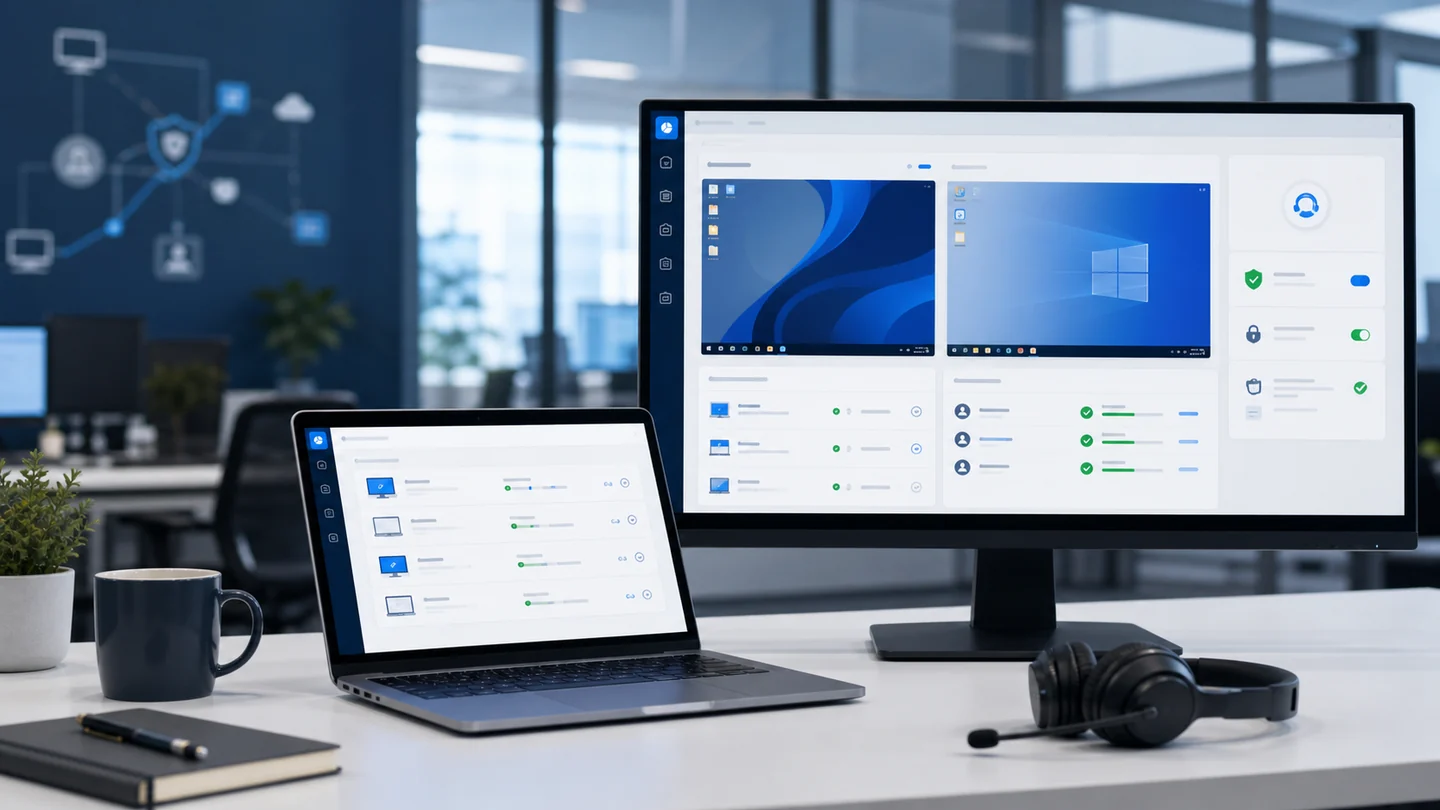
Remote Support
Remote access is not always remote support. For an MSP, the difference is permissions, context, traceability, and ticket closure.
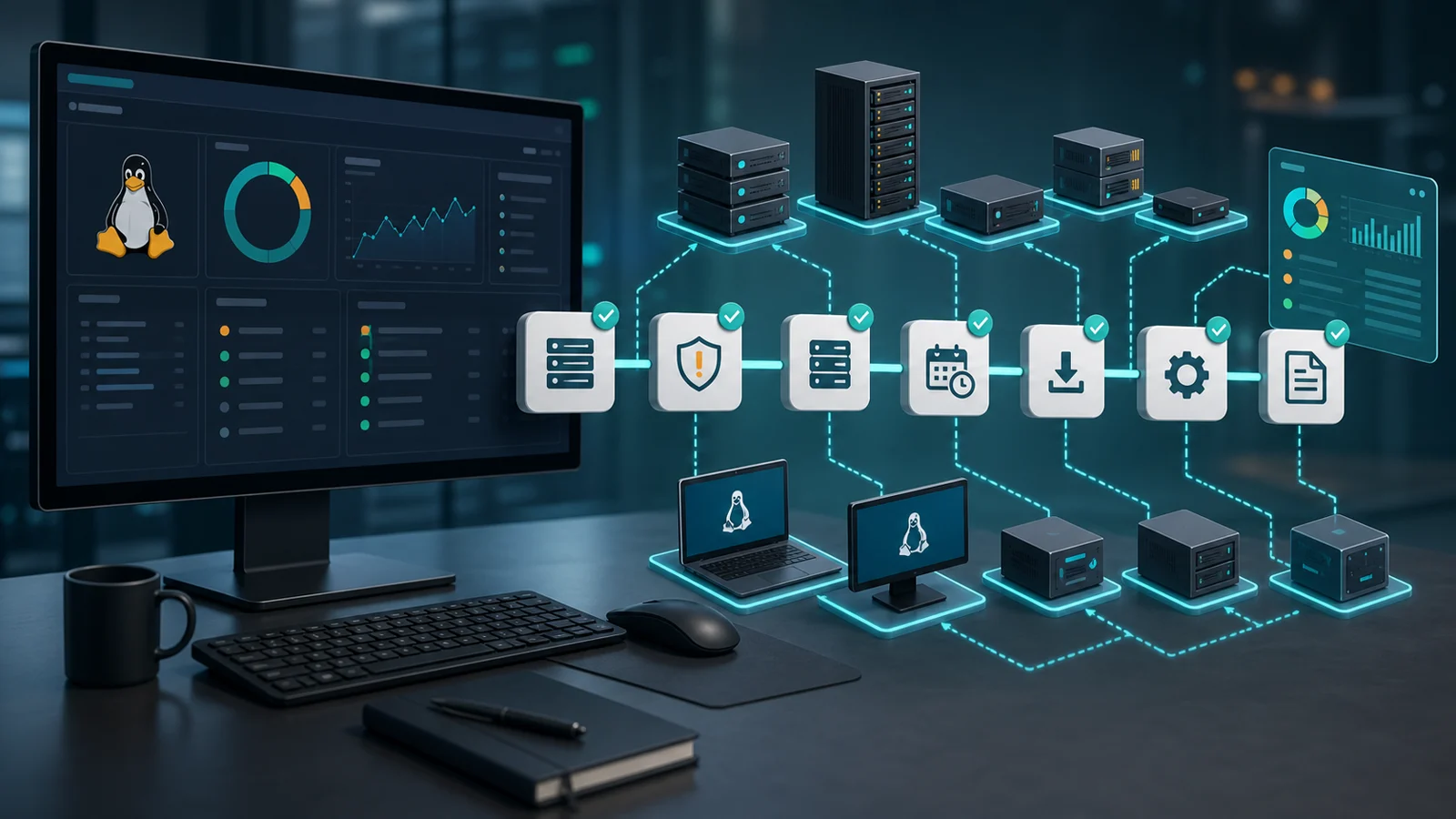
Patch management
Linux patch management works better when it moves beyond one-off commands and becomes a repeatable workflow with inventory, risk, testing, evidence, and follow-up.
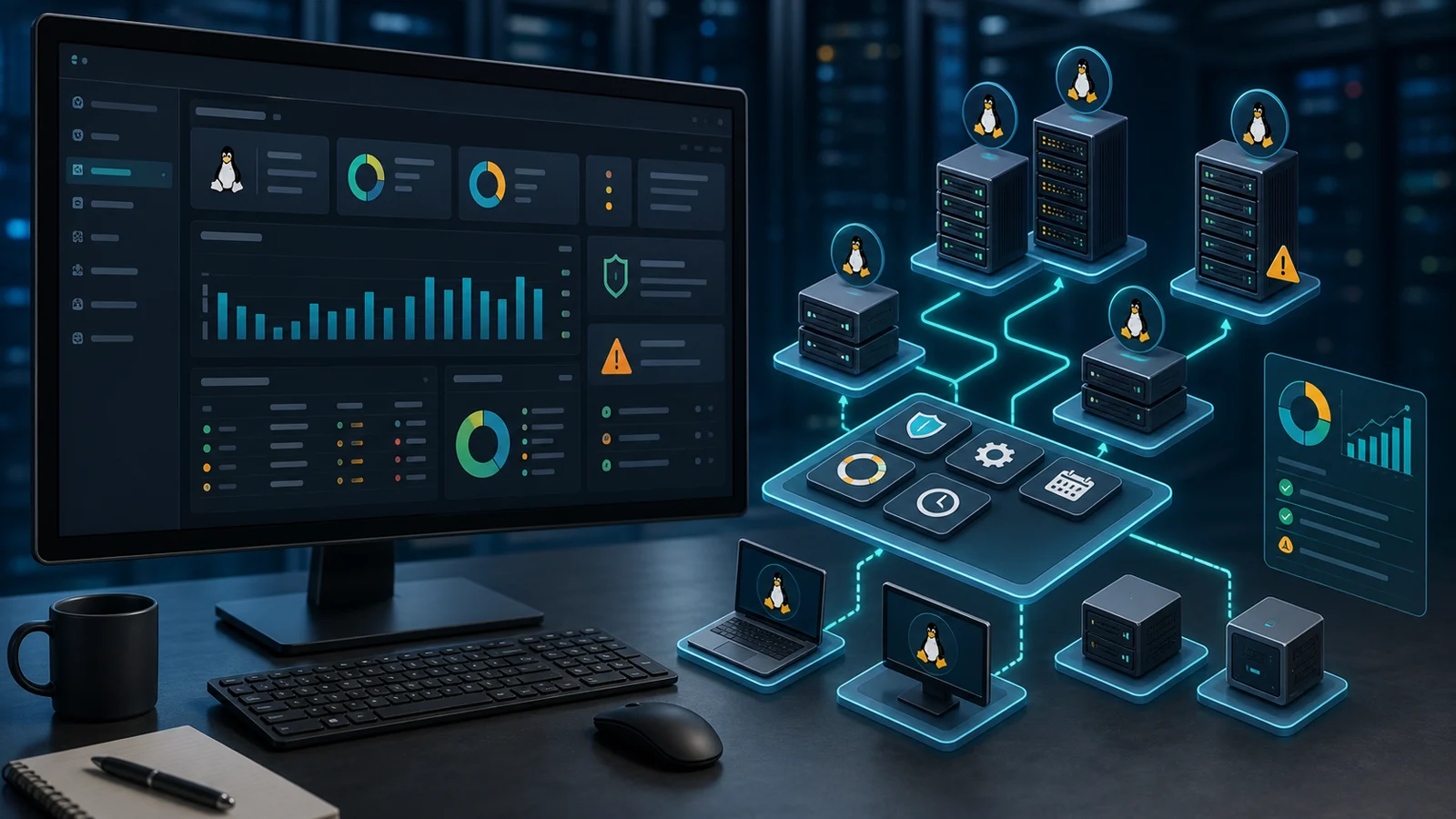
Patch management
A Linux patch management tool should not only run updates. It should provide inventory, risk context, control, evidence, and reporting.
RMM
Linux patch management is not about running isolated commands. It is knowing which servers are pending, which risk matters, and what was actually updated.
RMM
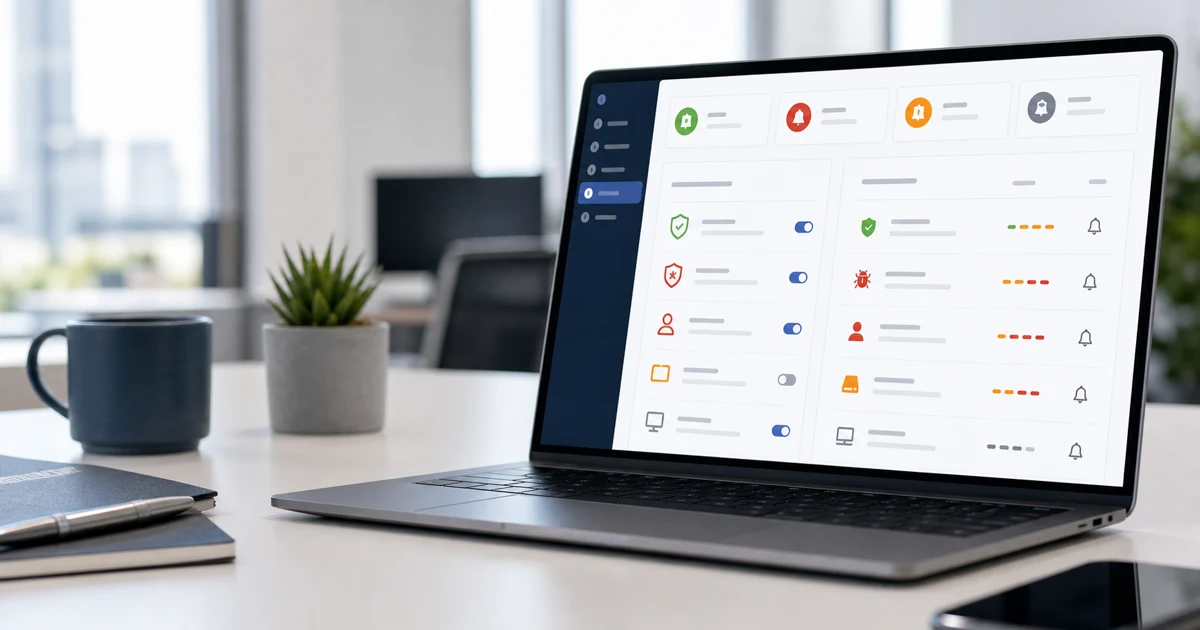
You don't need to alert on everything from day one. You need a few strong signals, clear owners, and a workflow that turns alerts into action.

RMM
The value is not having more lists. It is turning patching, vulnerability, and alert signals into prioritized, verified, and reportable work.

RMM
A ticket without context becomes one more loose item. The value is connecting endpoint, priority, SLA, conversation, and closure evidence.
RMM
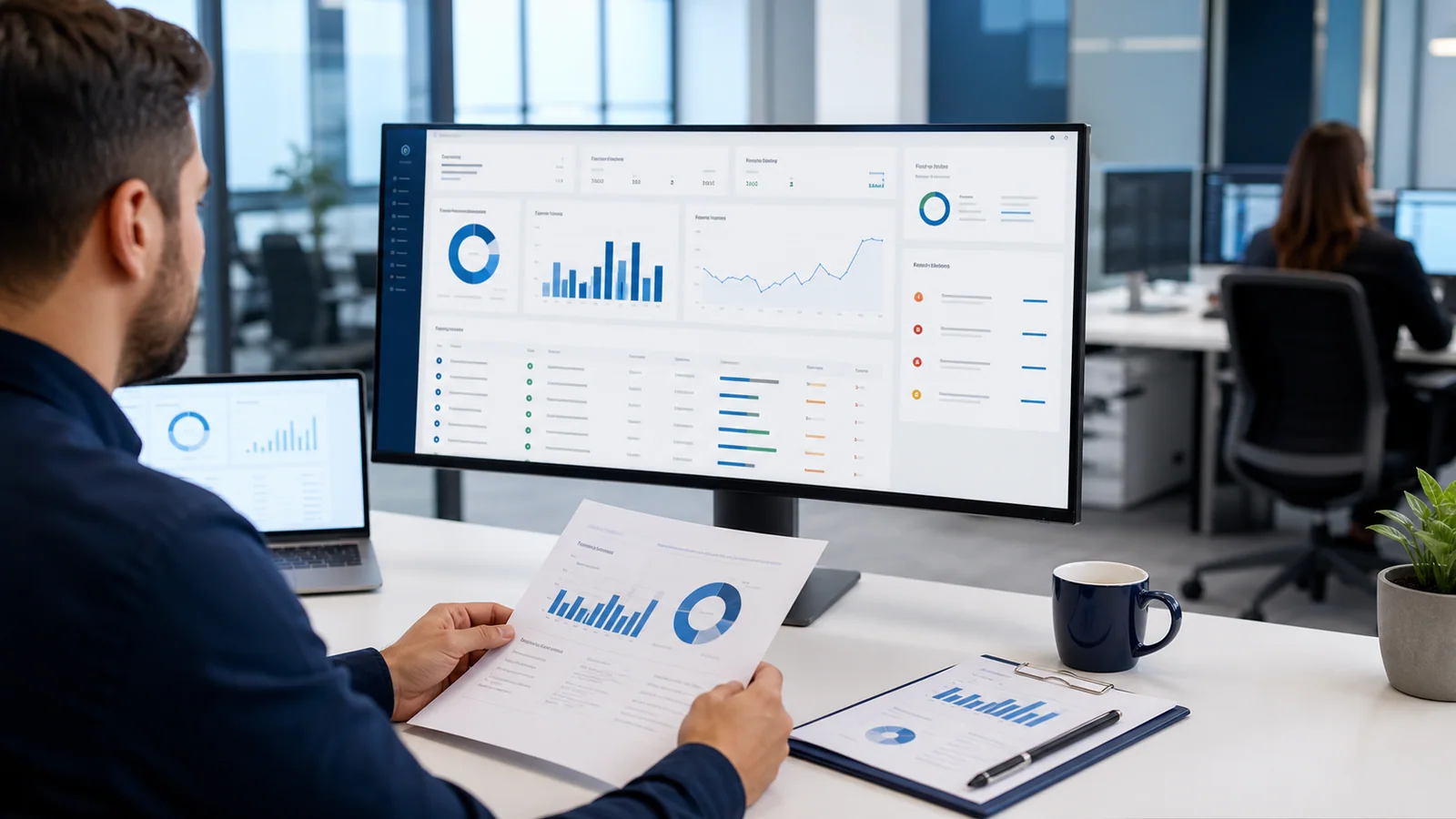
A strong RMM report makes preventive work visible: it shows coverage, changes, open risks, and the decisions that need follow-up.
RMM
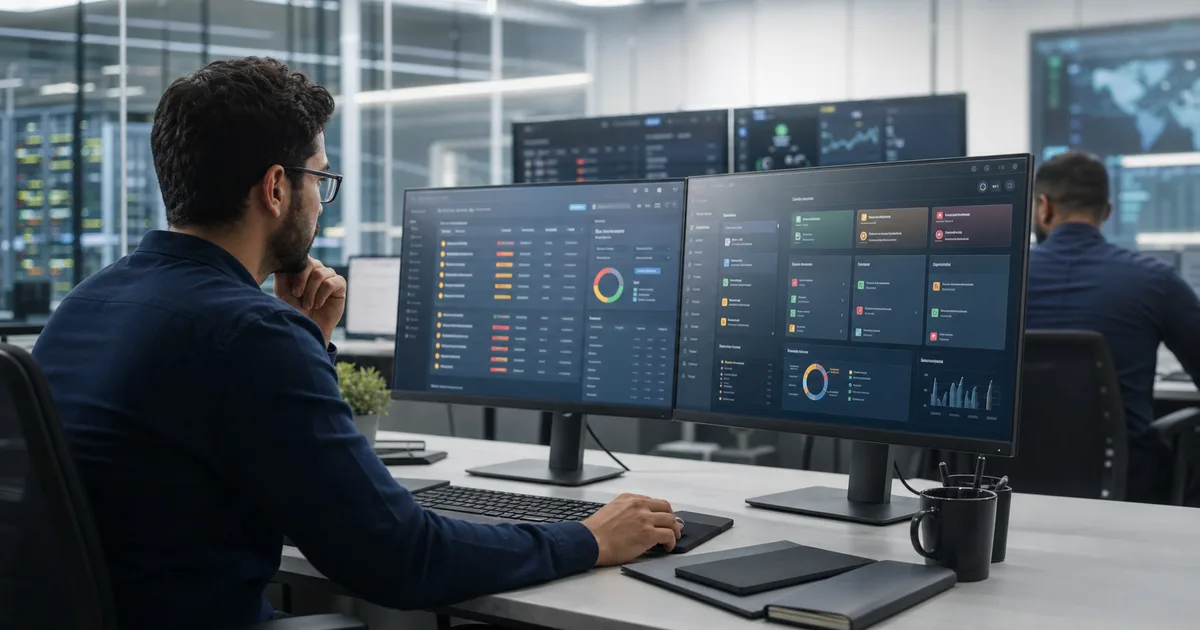
Not every pending item deserves the same urgency. The value is turning scattered signals into a clear support work queue.
RMM
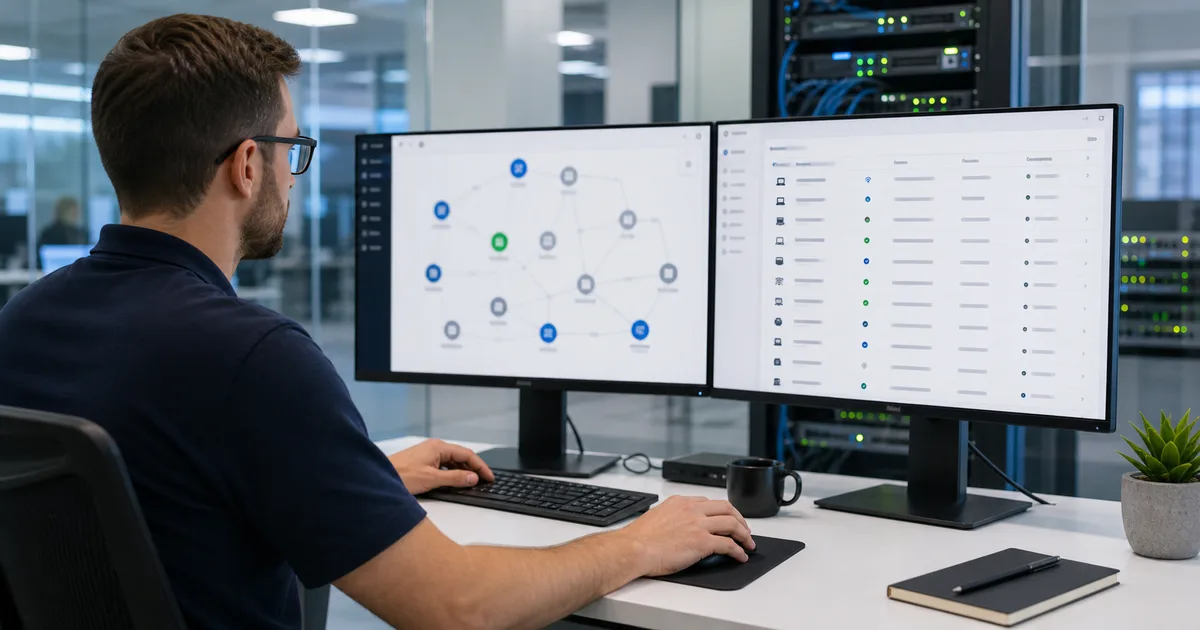
What is not inventoried can still fail. Network discovery helps find endpoints, printers, switches, and unknown devices before the ticket arrives.
RMM
Third-party patching is not running winget --all and hoping for the best. The value is mapping packages, controlling exceptions, and verifying real results.
Security
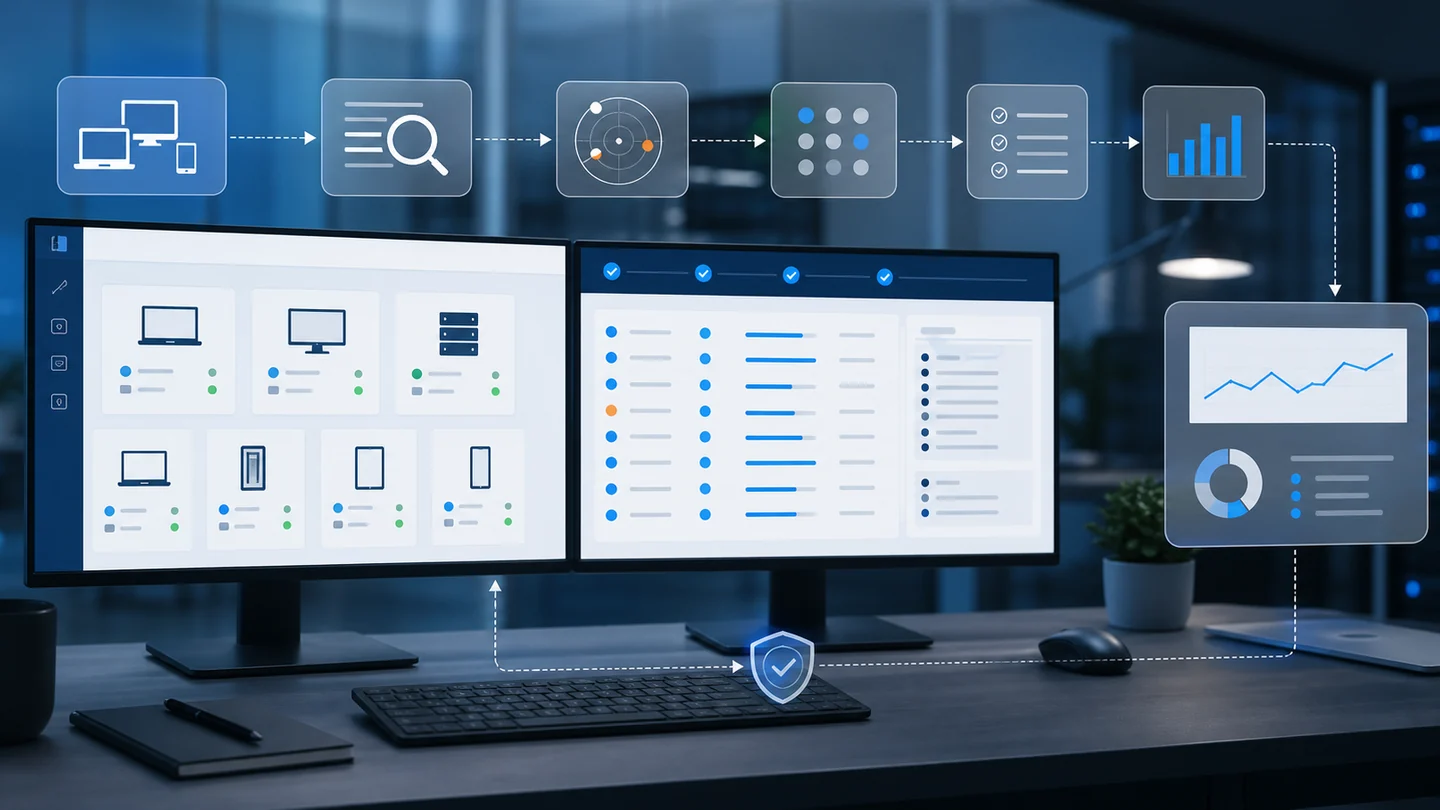
Not every CVE deserves the same urgency. The value is correlating real inventory, known exploitation, probability, and operational evidence.
Security
The installer name is now part of operational control: less impersonation, better traceability, and stronger RMM abuse defense.

MSP
Growth without process catches up with you. Before adding more clients, your MSP needs a repeatable way to operate.
RMM
Monday shouldn't start with firefighting. It should start with the signals that tell you where to act first.
Remote Support
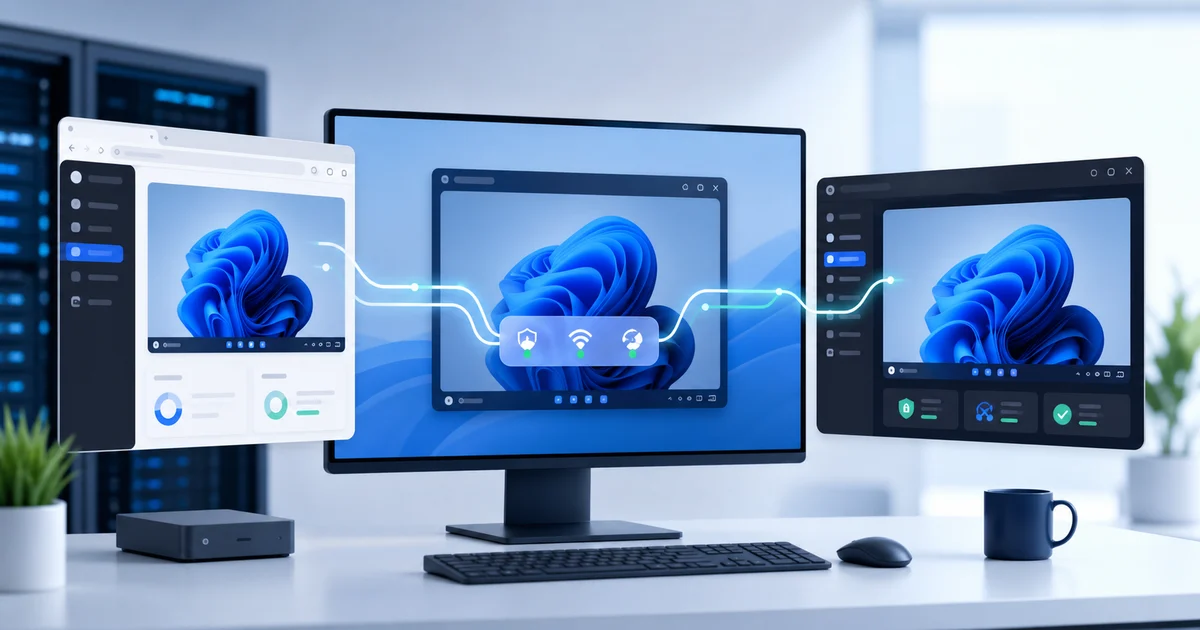
WebRTC improves the screen share path without losing auditability, MFA, RBAC, or session continuity.
Windows
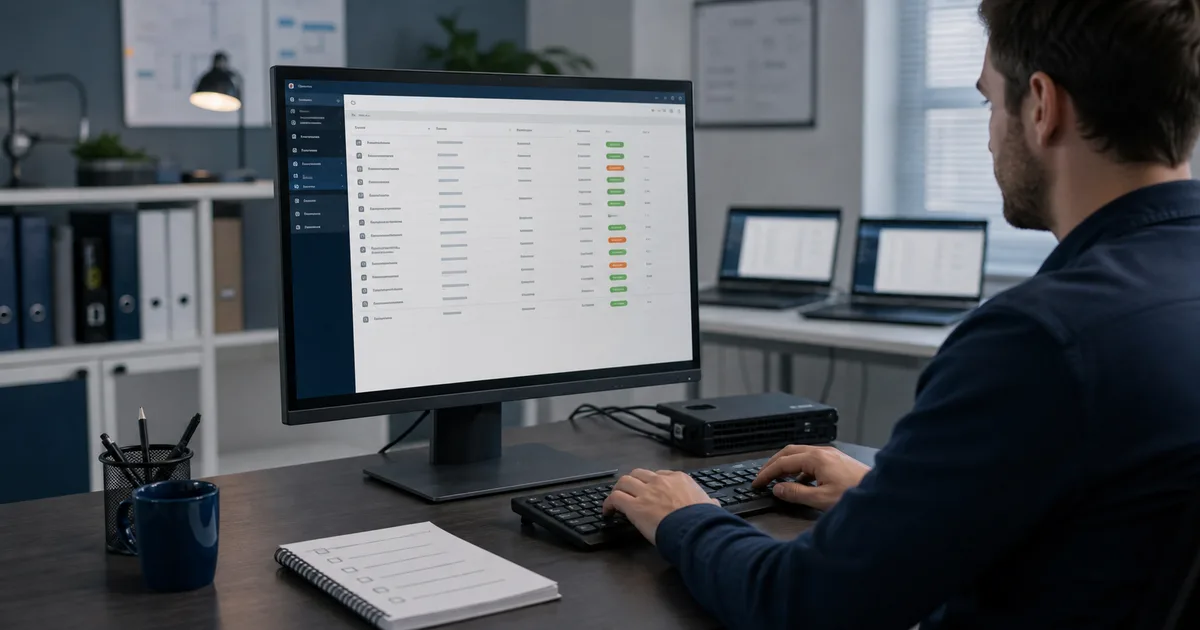
Good patching doesn't stop at installing updates. The value is detecting, prioritizing, deploying, and proving every endpoint is covered.
Product Updates
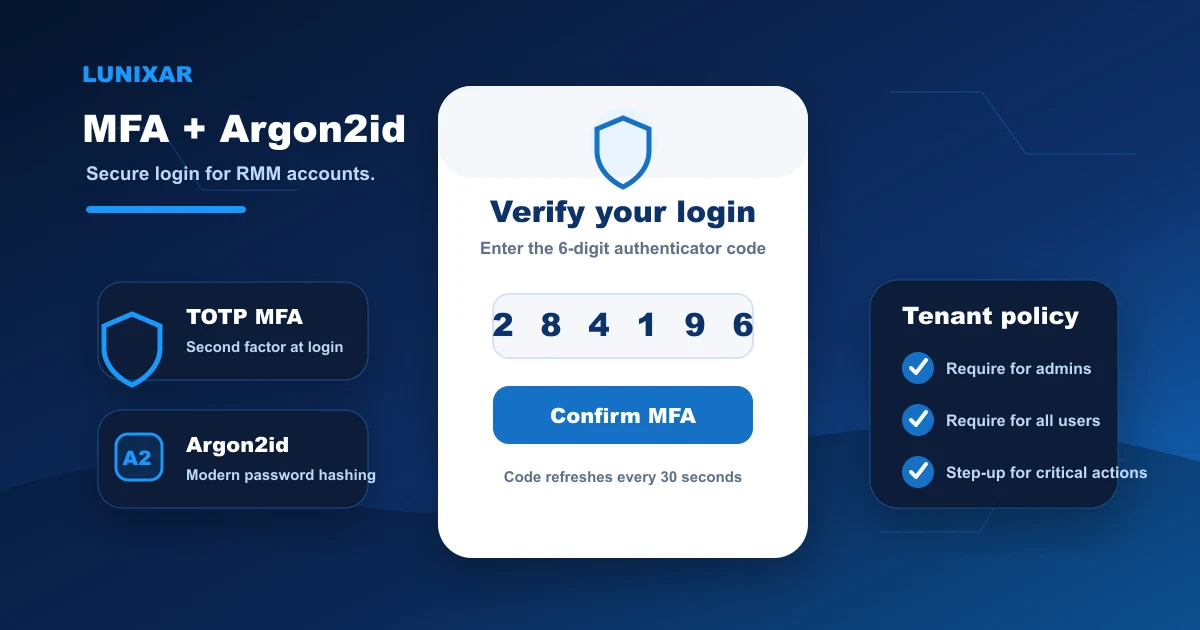
A real second verification layer for your RMM account, active today.
RMM
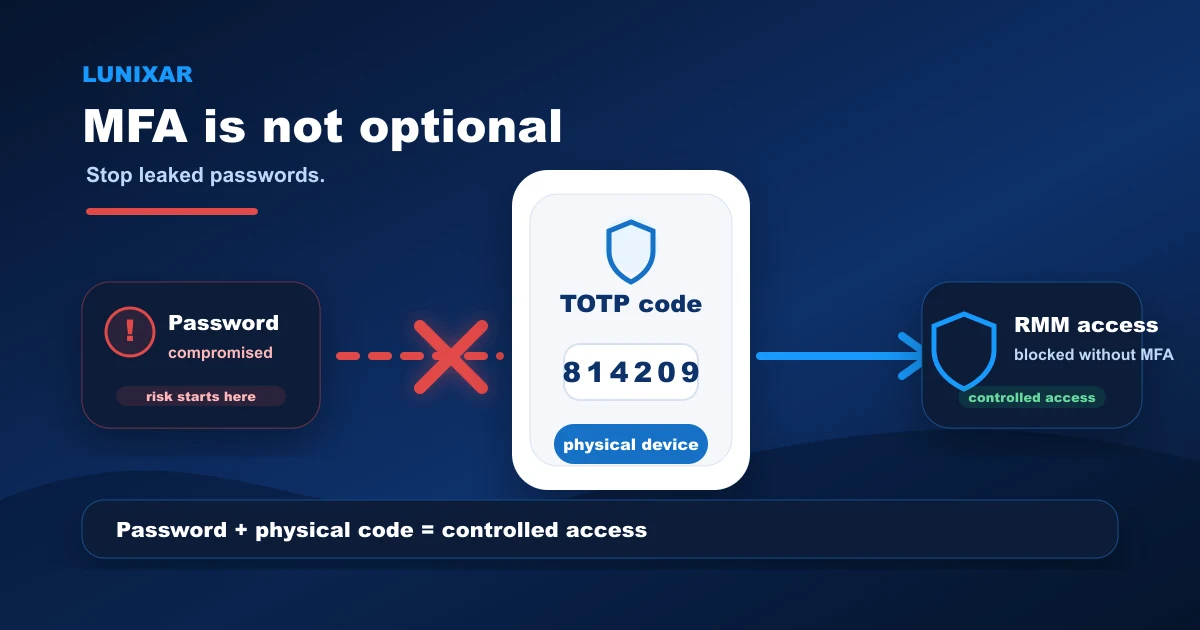
Without MFA, one leaked password becomes access to your entire fleet. That is the risk, plain and simple.
RMM
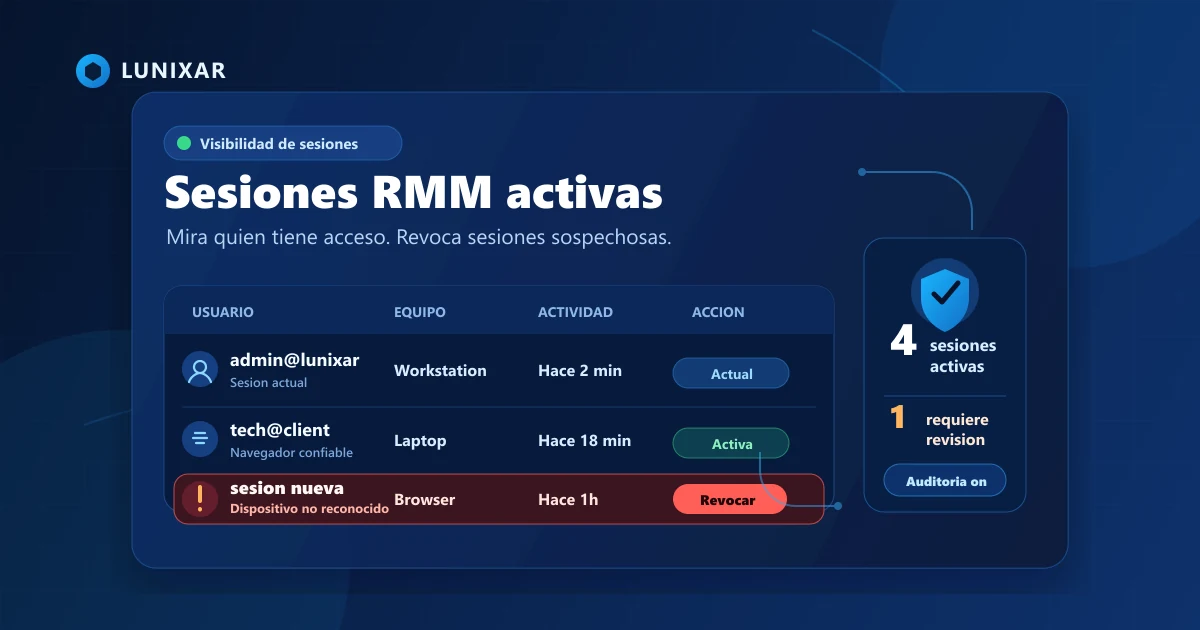
How many active sessions does your RMM account have right now? If you don't know, this post is for you.
RMM
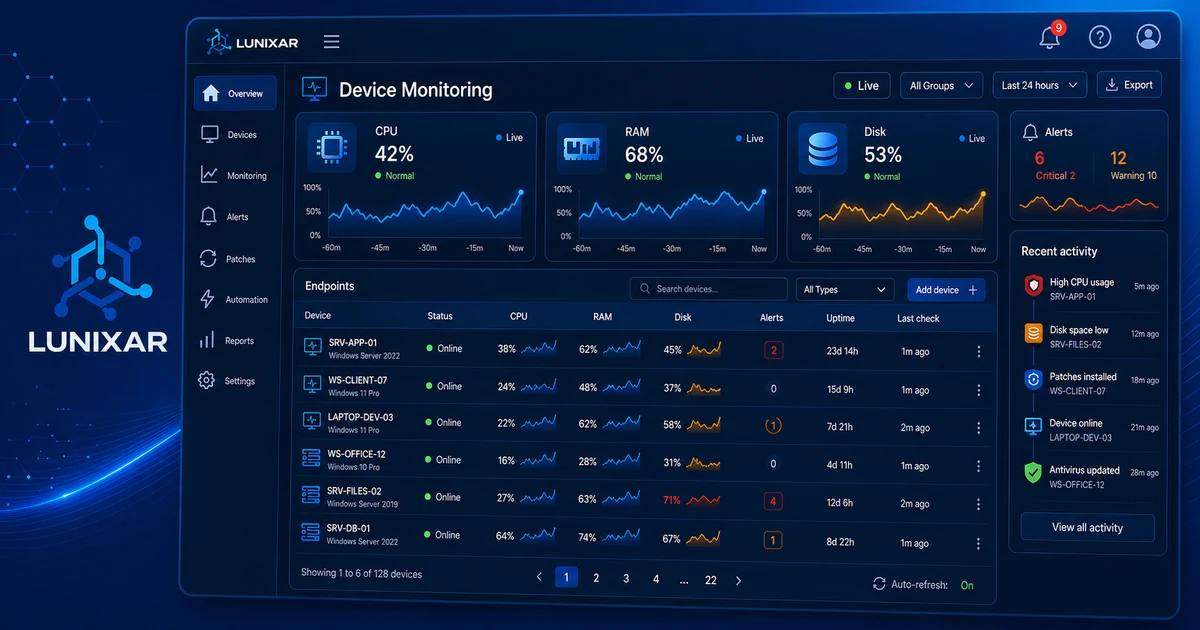
CPU, disk, antivirus, and security events: what monitoring shows you before the ticket arrives.

Security
Remote access. Mass script execution. In the wrong hands, that's a weapon. Here's how Lunixar blocks it.
RMM
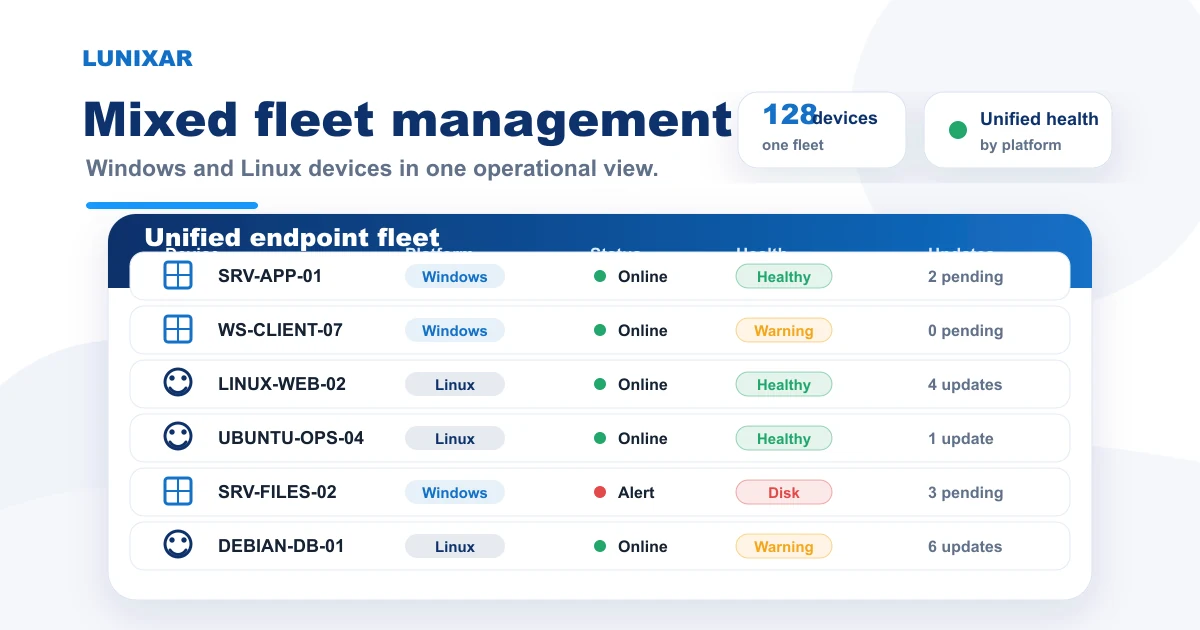
Windows and Linux in the same fleet: what the RMM gives you on each platform and how to work it without friction.
RMM
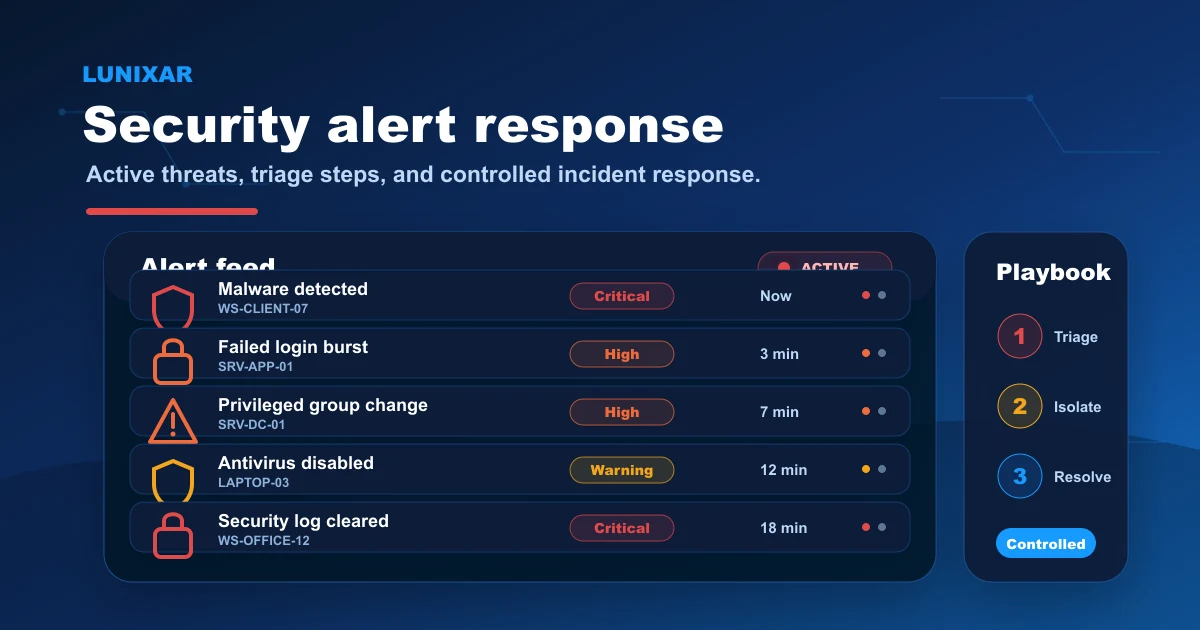
Every alert has a next step. Here's the full flow: alert, context, action, resolution.

RMM
RMM isn't just another IT acronym. It's the difference between finding out about problems before your users do — or after. Here's what it does and how it works.
RMM
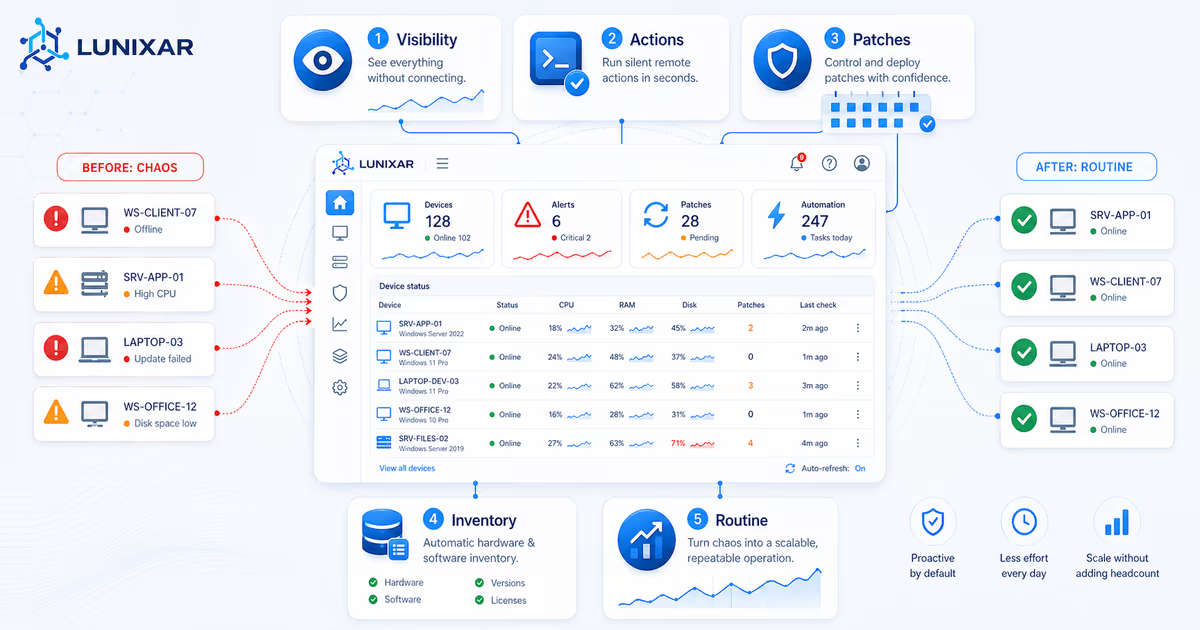
From chaos to control: what changes day-to-day when you have an RMM.
RMM
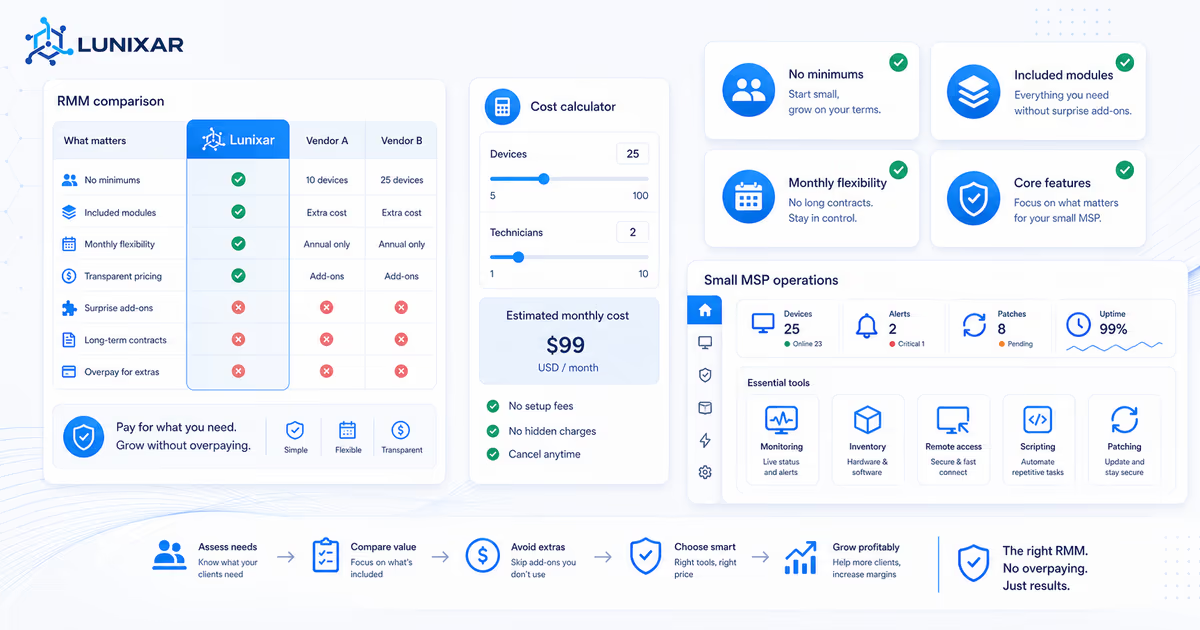
Enterprise RMMs are not built for every MSP. Compare pricing, contracts, included features, and real operating cost before choosing an RMM for a small MSP.
RMM
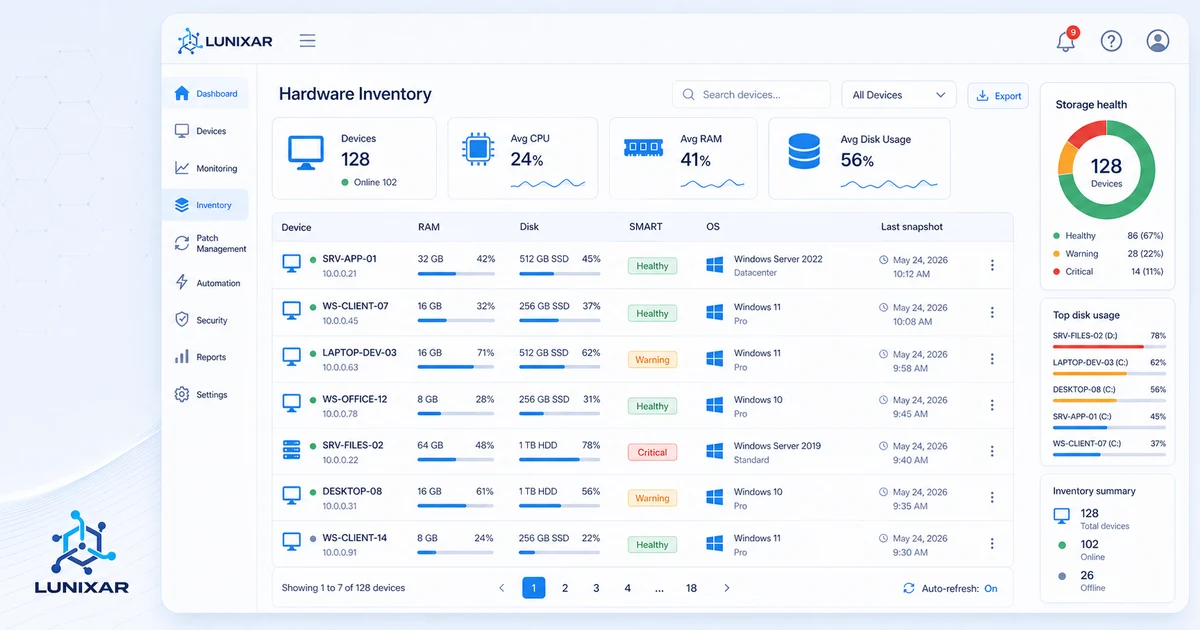
You cannot manage what you cannot see. Inventory is the first layer of centralized device management for MSPs and IT teams.
RMM
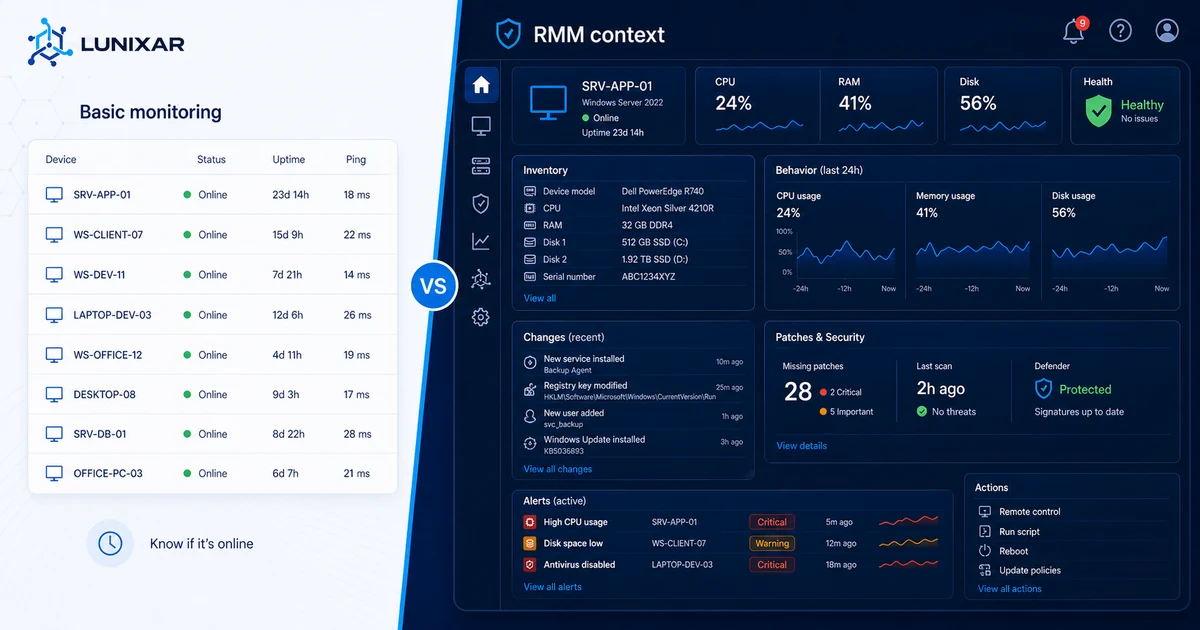
Knowing a device is online isn't the same as knowing what's wrong with it. Here's the difference.
MSP
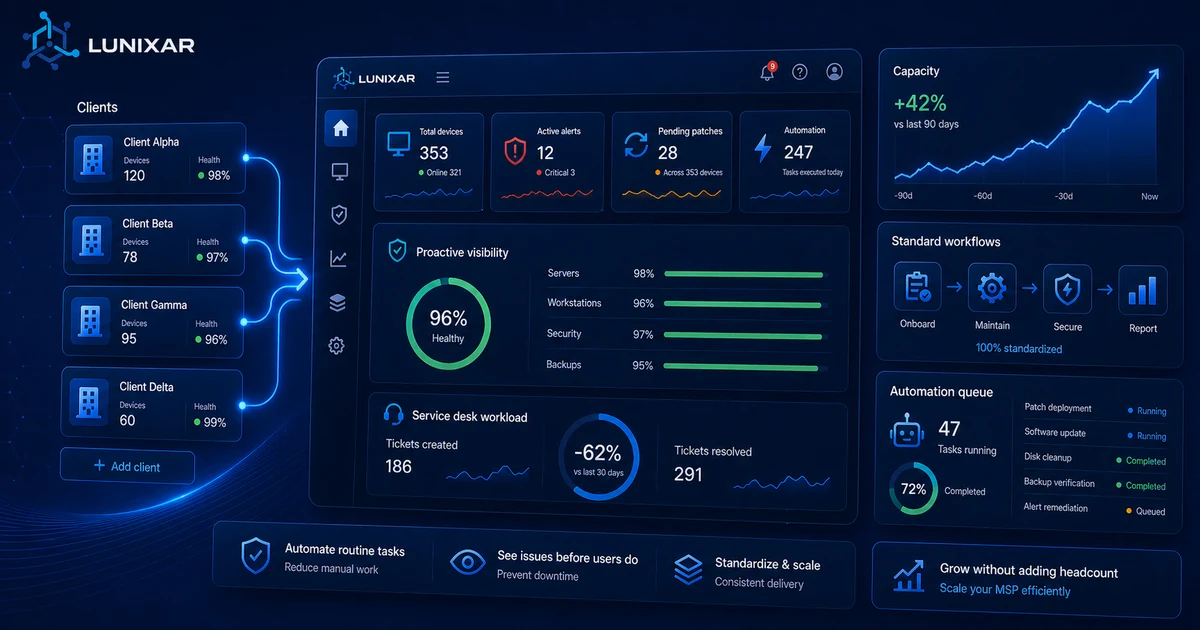
Hiring more techs isn't always the answer. Here are the levers that actually move the needle.
Windows
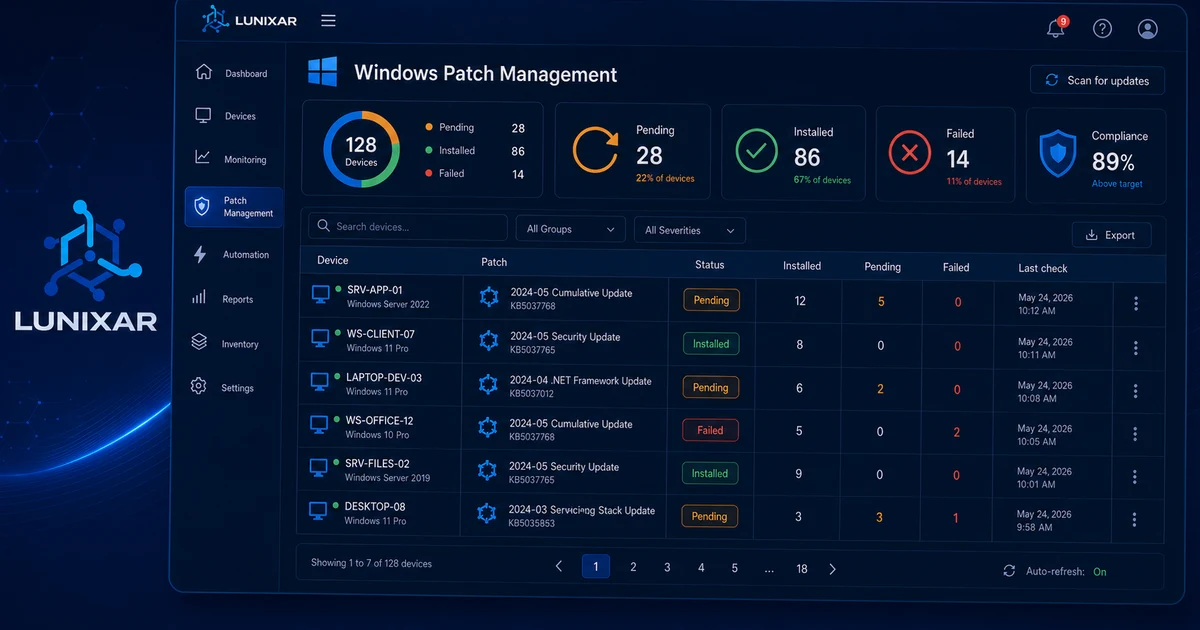
No visibility, no traceability, and too much manual work: signs your Windows patch management process needs a more centralized workflow.
Product Updates
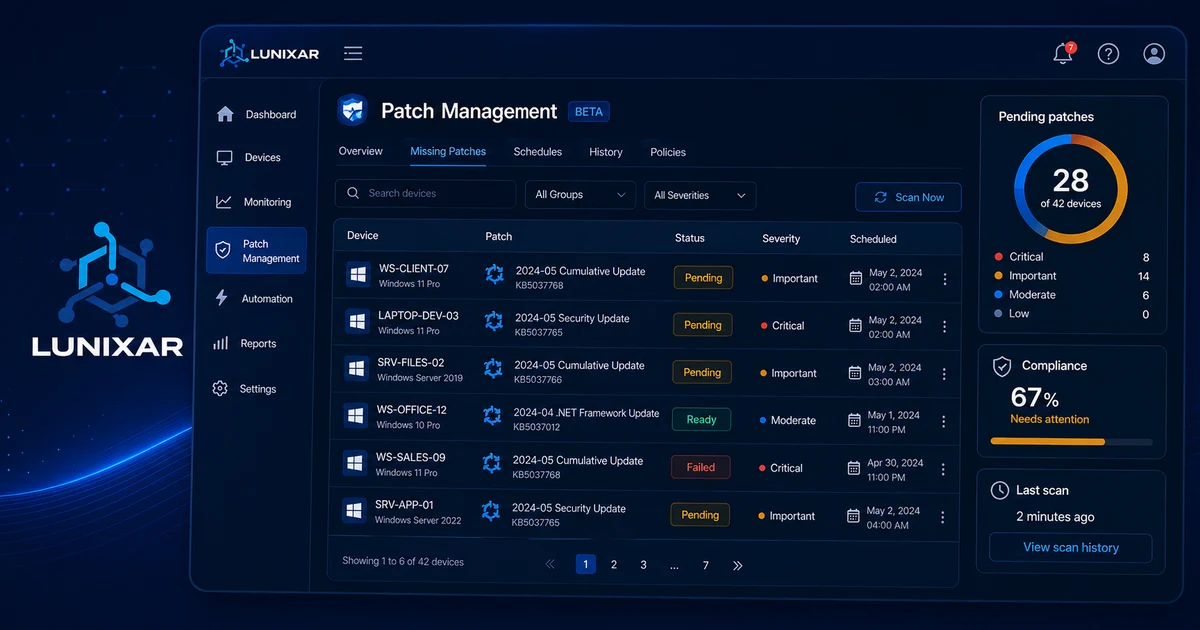
More visibility, more control, and a stronger foundation for handling updates from Lunixar.
Product Updates
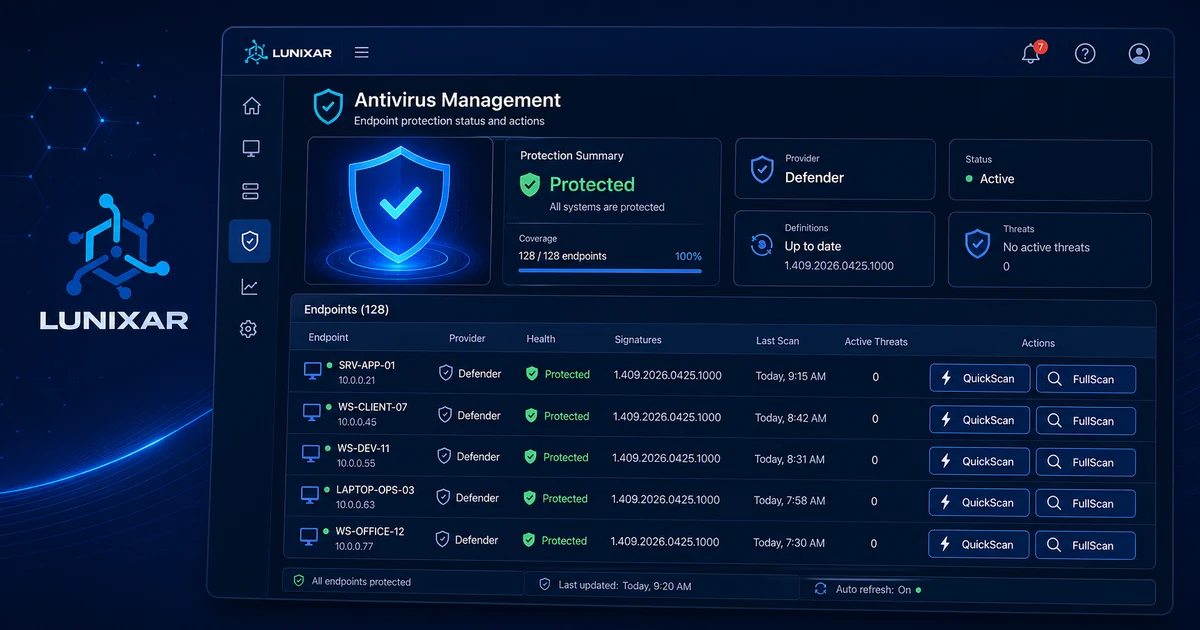
More security visibility in Windows from a single platform.
Product Updates
Better in-product support, stronger documentation coverage, and less friction in a critical operational flow.
Product Updates
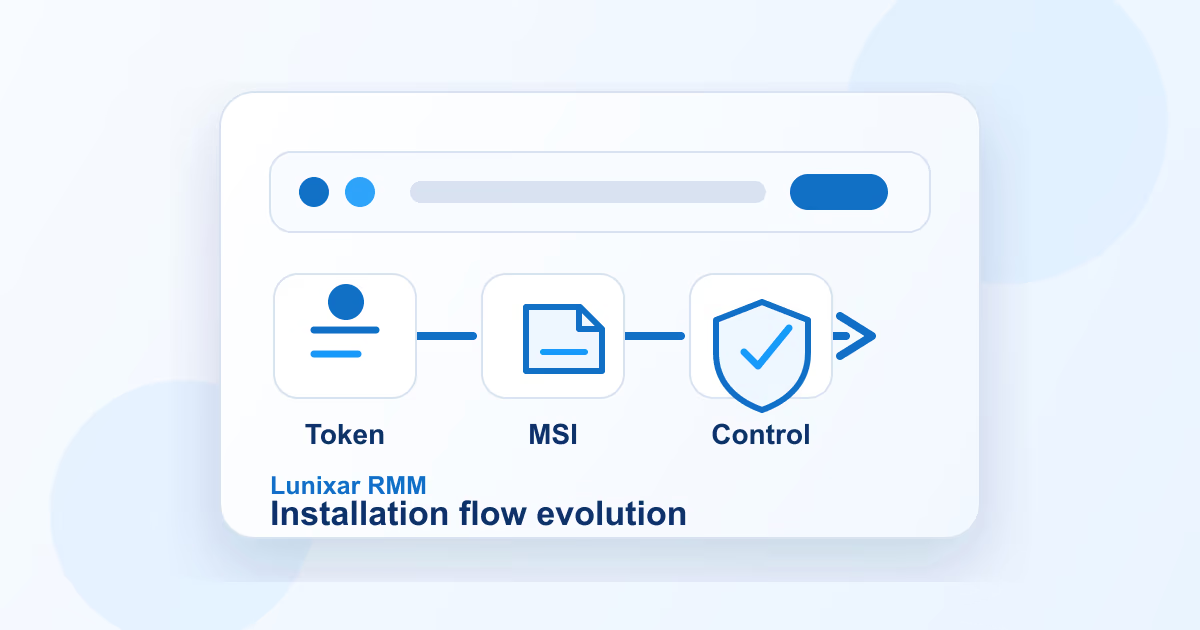
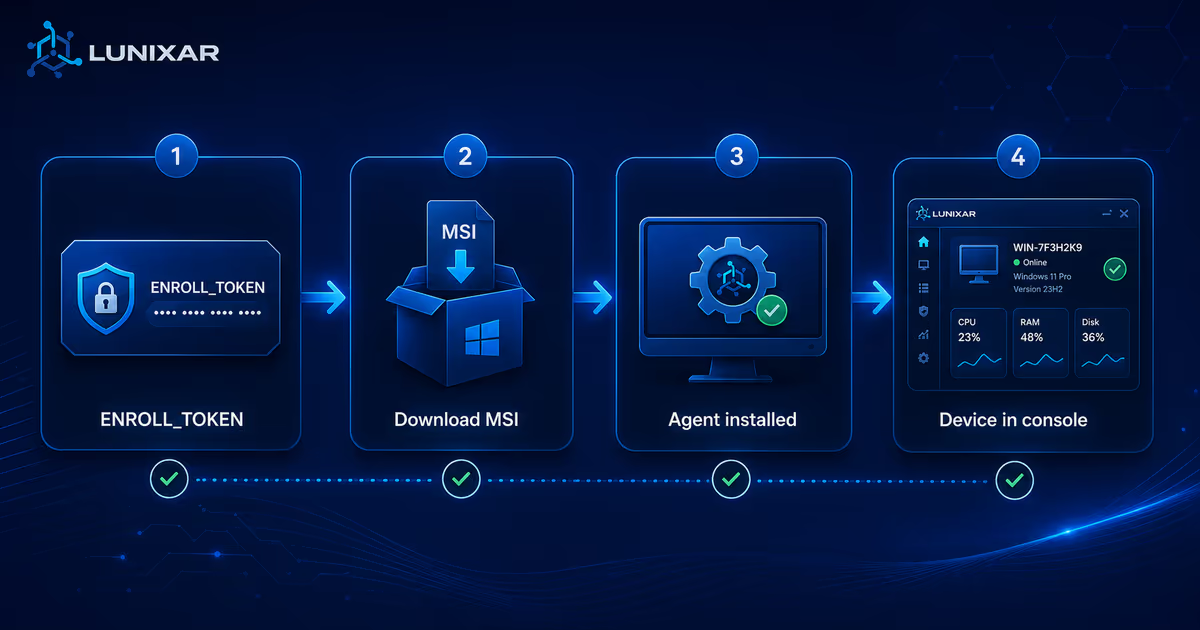
From token-based enrollment to dedicated MSI: the changes that most improved deployment in Lunixar.
Product Updates
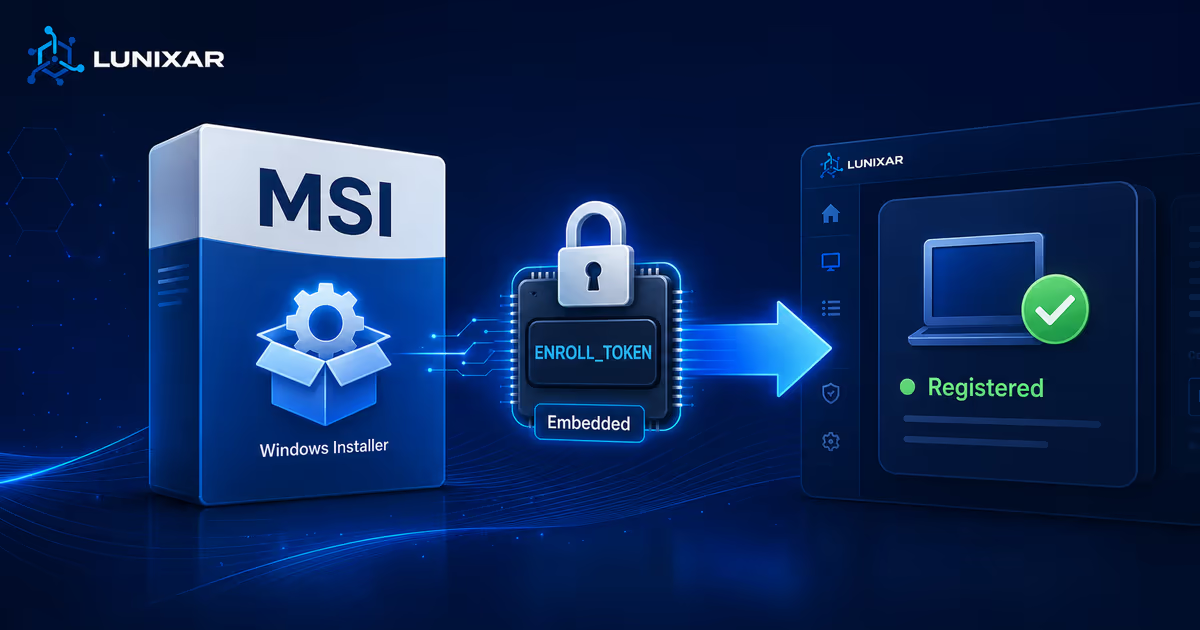
One MSI with an embedded token, expiration, and instant revocation—less friction, more control.
Product Updates
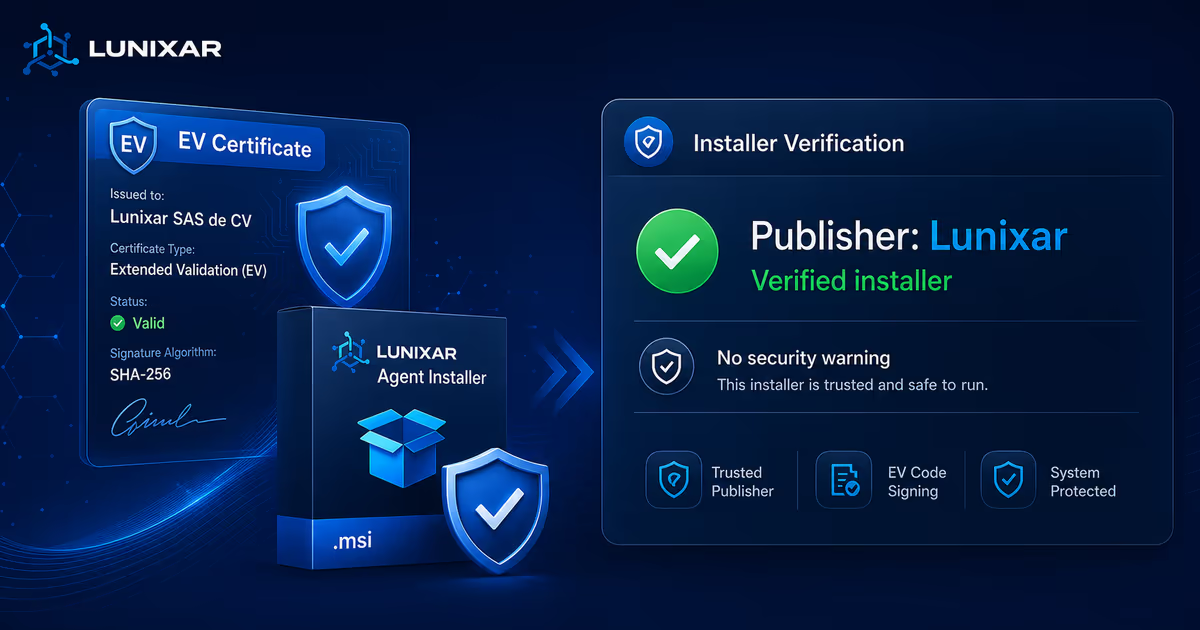
Lunixar Windows installers are now EV signed: fewer warnings, more trust, and cleaner automated deployments.
Product Updates
Less friction during deployment, more control with tokens and better operations from the first startup.
Product Updates
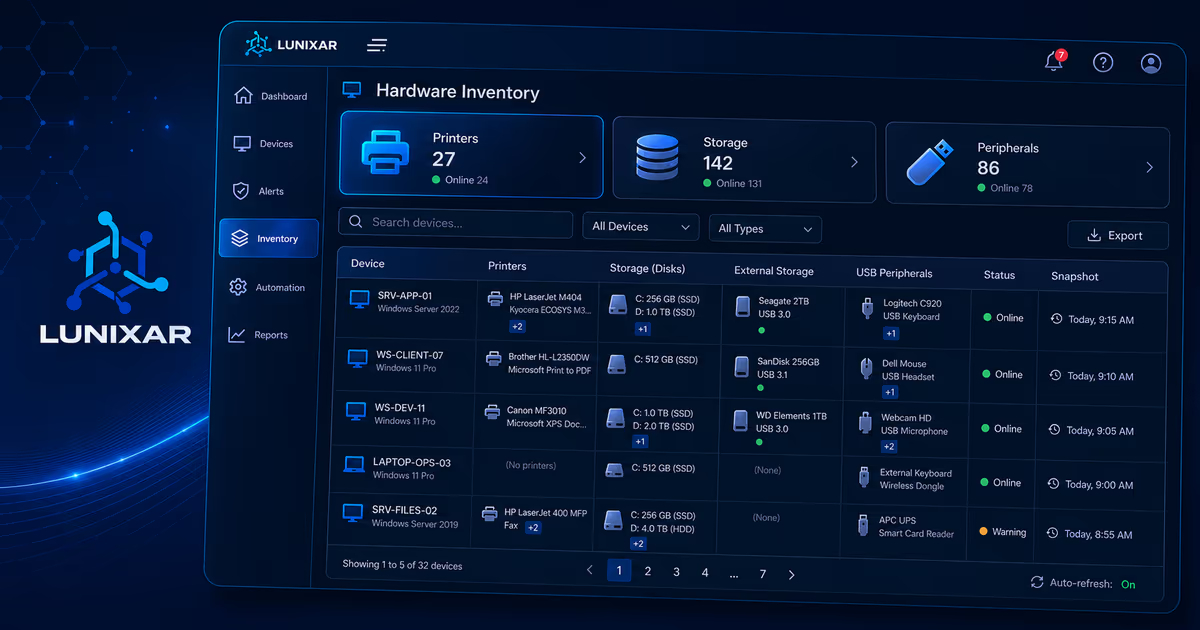
Less friction for techs: better print queue controls, clearer storage visibility and more useful peripheral inventory.
Product Updates
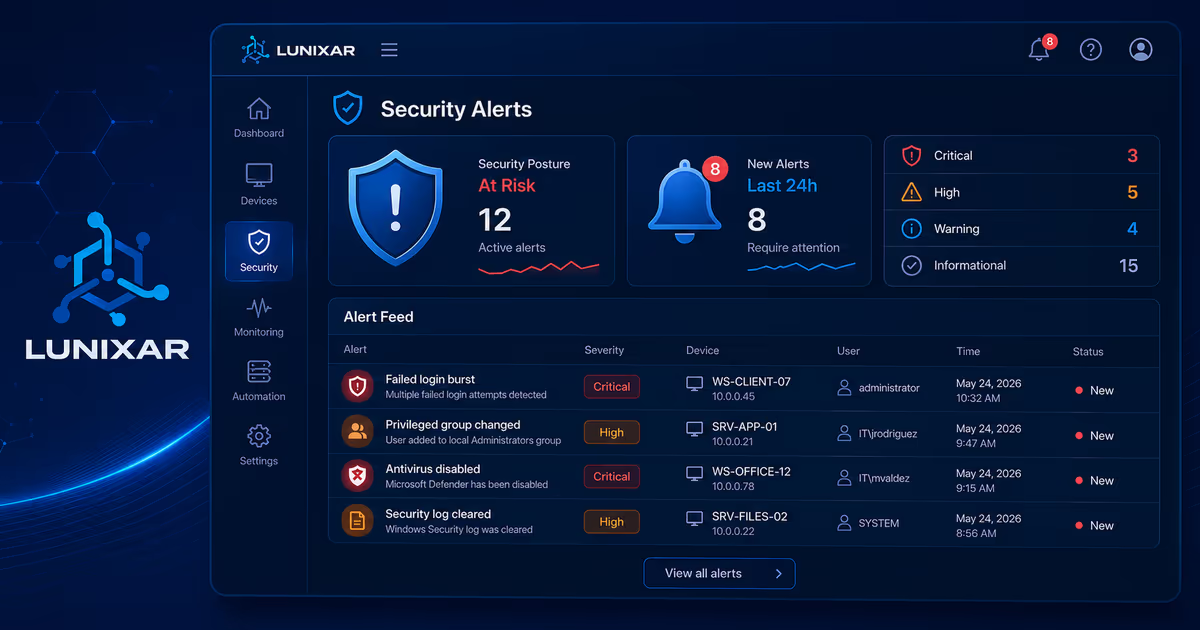
Earlier detection, less noise and stronger control at the agent level.
RMM
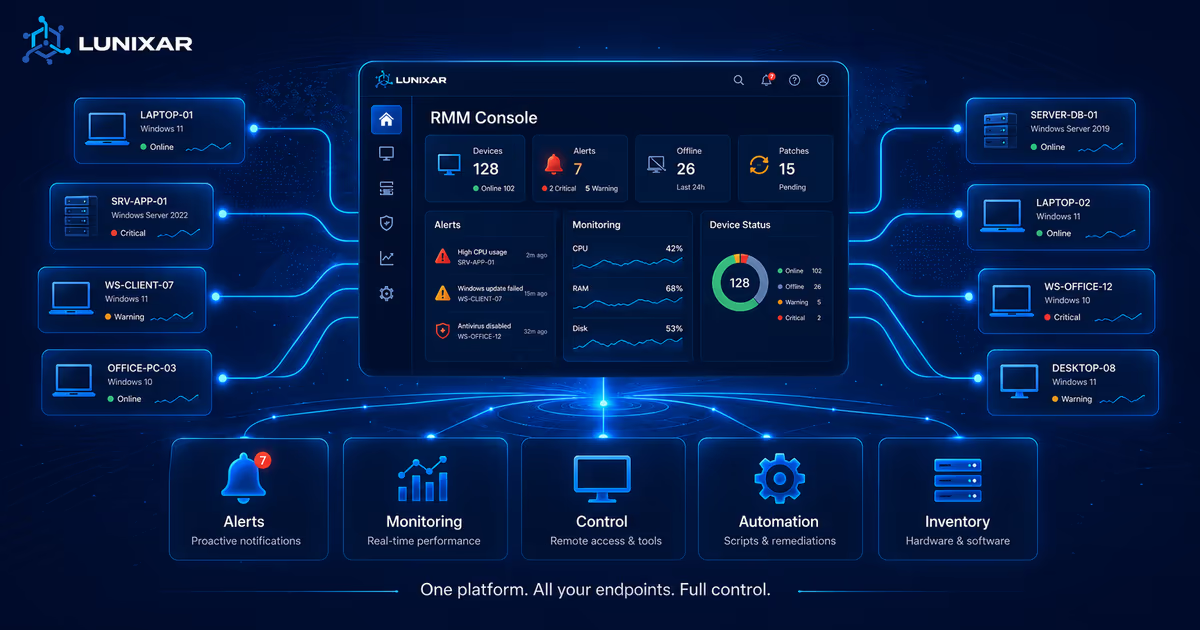
Fewer fires, more control: monitoring, context, and automation in one workflow.
Product Updates
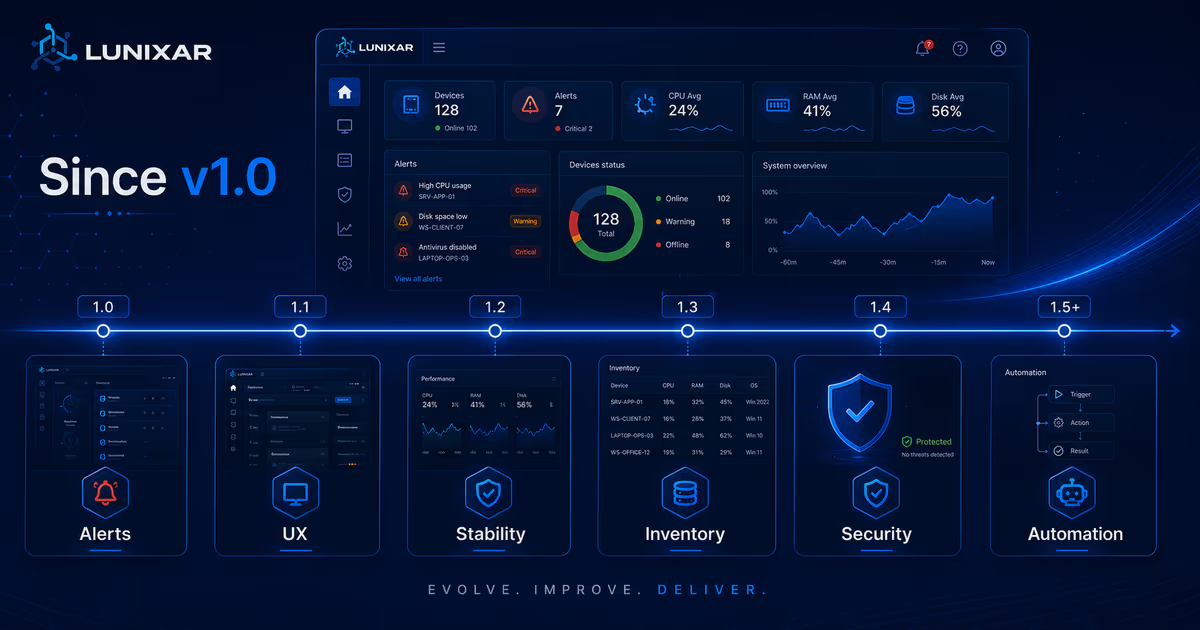
Smarter alerts, better UX and a stronger platform built to scale.

Remote Support
Speed, scalability and better user experience.
No articles found for this topic.
Reading paths
Guides are grouped by intent so you can move from a specific question to a concrete Lunixar capability.
RMM
Concepts, comparisons, and decisions for evaluating RMM operations clearly.
Security
MFA, sessions, Defender, alerts, and practices for reducing fleet risk.
Patching
Signals, processes, and updates for controlling Windows and Linux endpoints with less manual work.
Monitoring
Alerts, device context, hardware, software, and visibility before the ticket arrives.
MSP
Guides for scaling clients, choosing tools, and standardizing technician work.
Pricing
Plan comparisons, technician capacity, billing, and commercial decisions for MSPs.
LOLRMM
Guides about RMM tool abuse, remote execution, audit trails, and operational prevention.
Product
Recent changes in installers, security, agents, and Lunixar capabilities.


