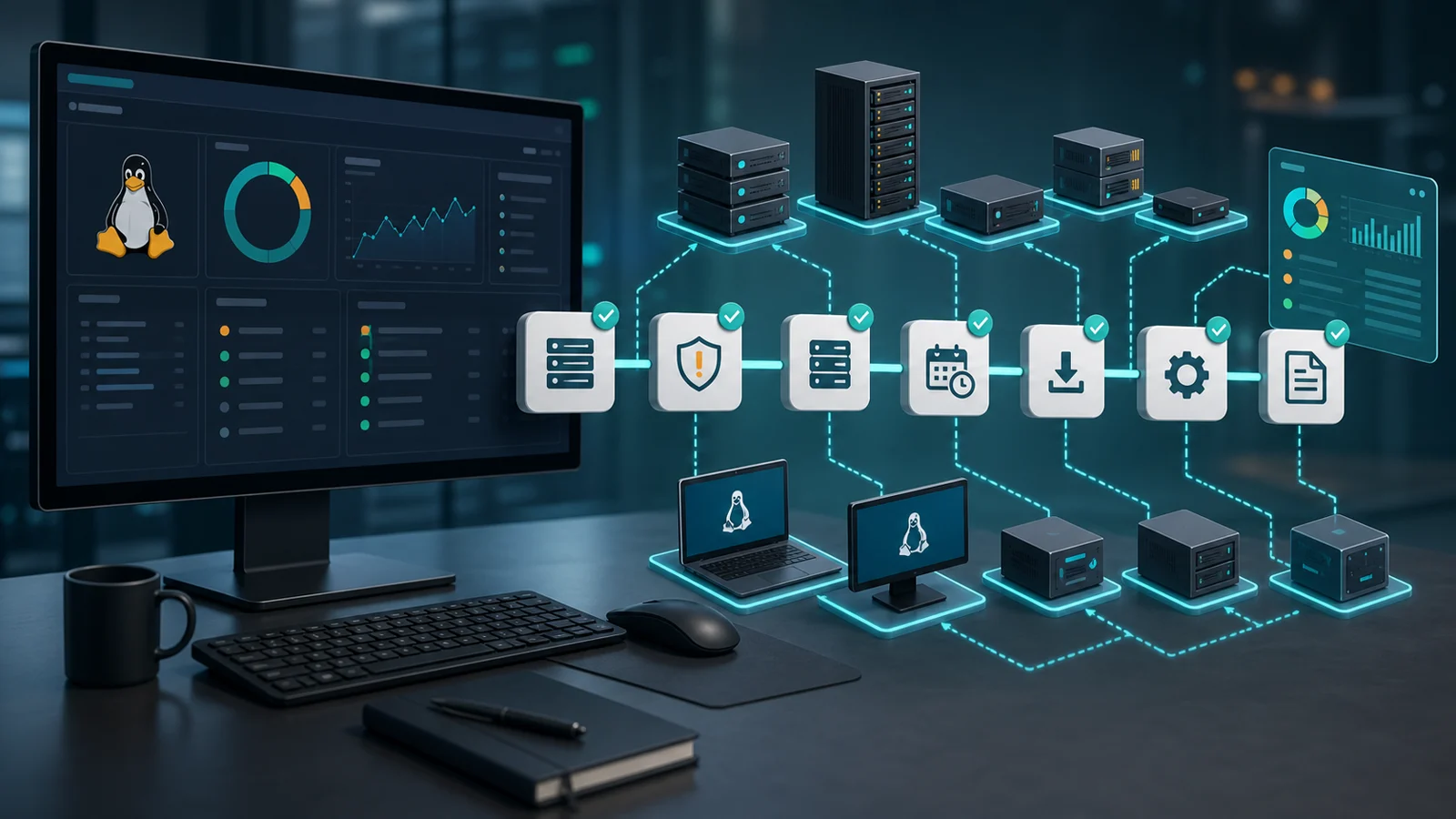



An RMM becomes more valuable when it stops showing separate lists.
Pending patches. Open vulnerabilities. Active alerts. Offline devices. Pending reboots. Unclosed tickets. Client reports.
If every signal lives alone, the technician becomes the integration layer: open one screen, jump to another, remember context, decide priority, and document by hand. That workflow does not scale.
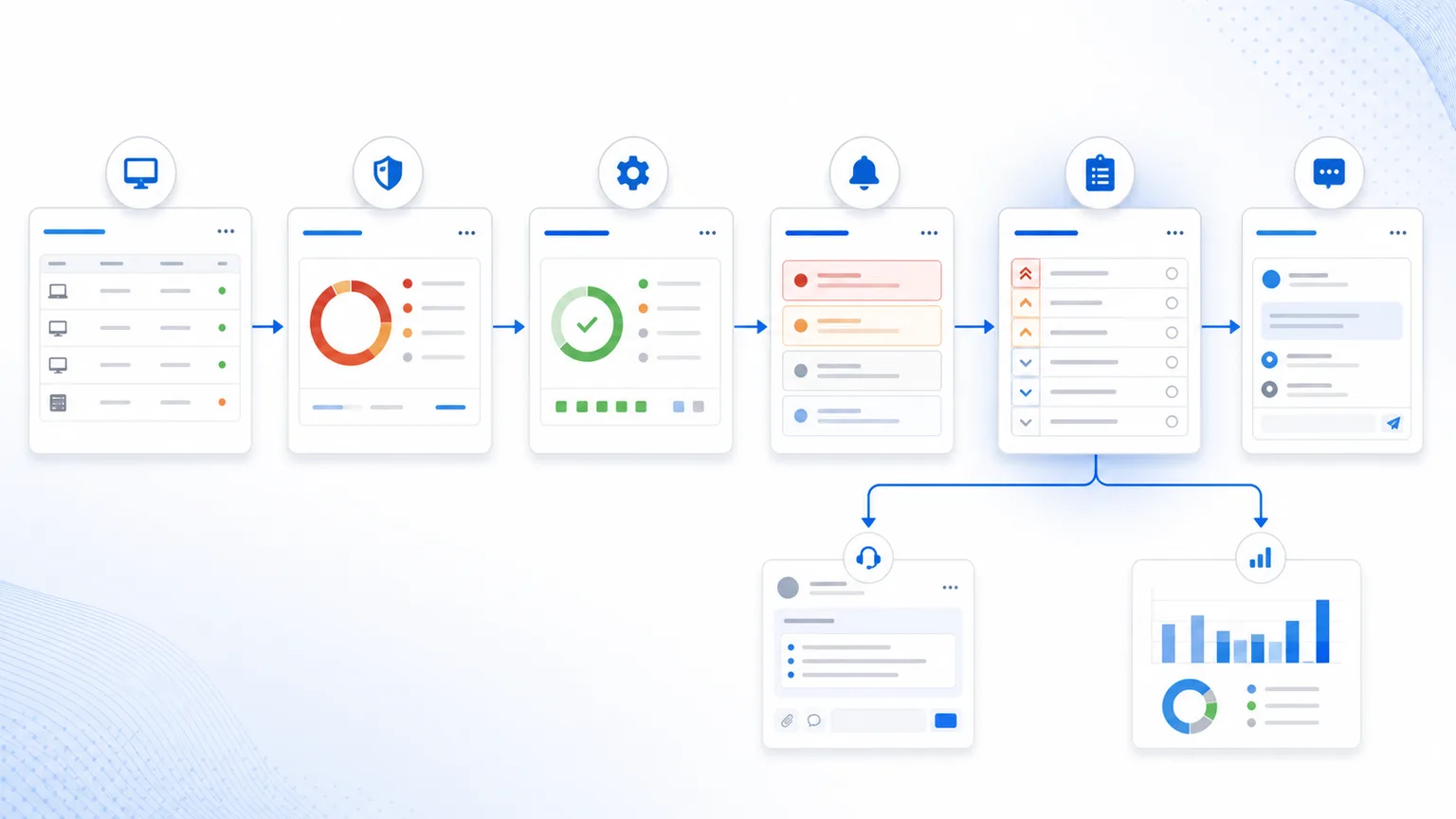
The end state of a mature RMM operation is connecting those signals into a work queue: what matters first, what action comes next, who owns it, how it gets verified, and how it gets reported.
1) Start with inventory, because everything depends on scope
You cannot prioritize what you cannot locate.
Before talking about CVEs, patches, or alerts, you need to know which endpoints exist, what software they run, which operating system they use, what recent signals they show, and how important they are to the operation.
Inventory turns a generic alert into a concrete question:
- which device is affected?
- which software or version is involved?
- is it managed or only discovered?
- does it have a clear user, client, or location?
- are there pending patches?
- are recent alerts related?
- are there open tickets for the same device?
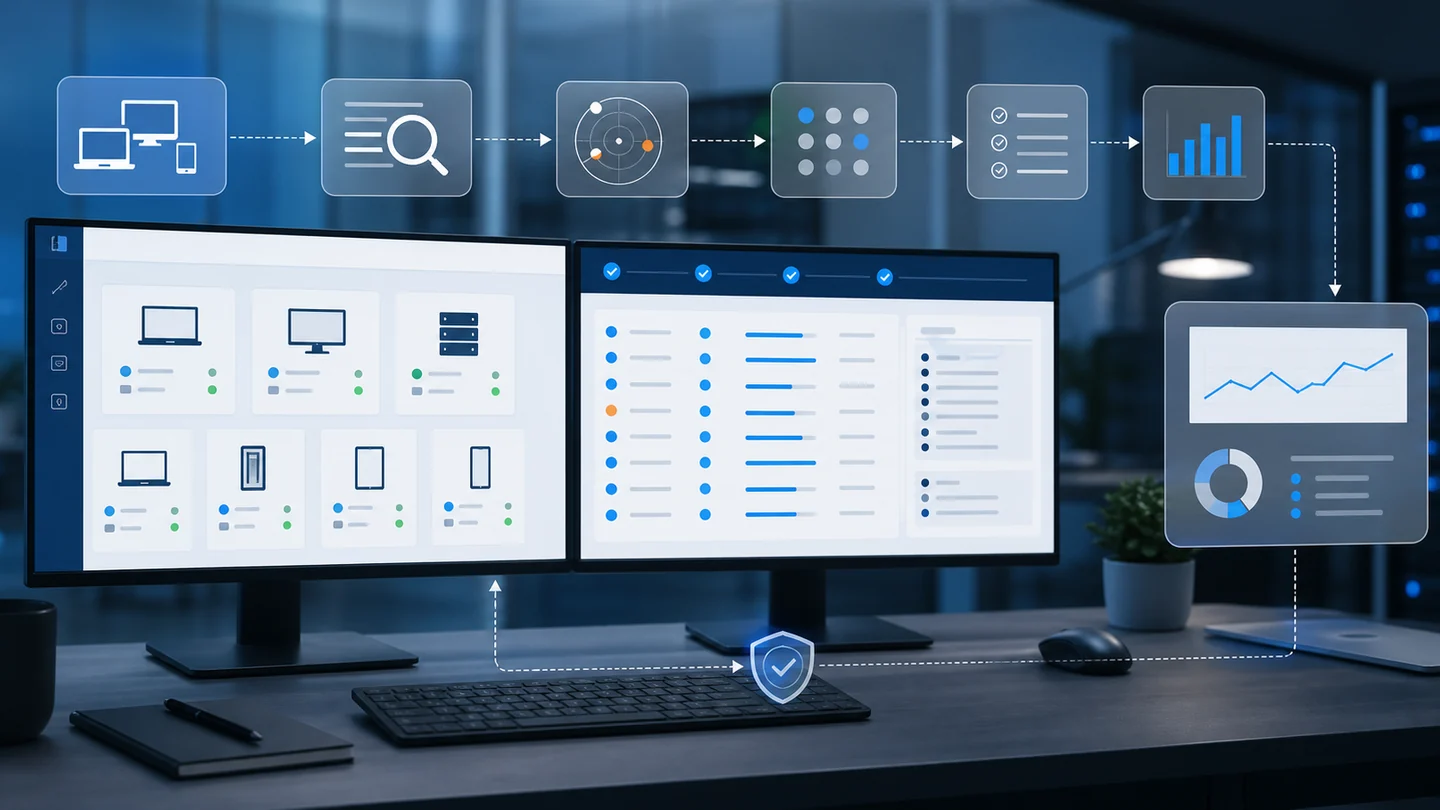
That is why the complete workflow connects inventory, device monitoring, and network discovery. Without scope, prioritization becomes theoretical.
2) Use vulnerabilities to explain risk, not to create another list
Vulnerability management should not become an endless list of CVEs.
It should answer one operational question:
what exposure exists in my fleet, and what action reduces it?
To answer that, you need to combine signals:
| Signal | What it adds |
|---|---|
| Software inventory | Where the affected component exists |
| CISA KEV | Whether a vulnerability has known exploitation |
| EPSS | Estimated probability of exploitation in the next 30 days |
| Patch state | Whether an action is available or pending |
| Endpoint criticality | Impact if the device fails or is compromised |
Software inventory
Where the affected component exists
CISA KEV
Whether a vulnerability has known exploitation
EPSS
Estimated probability of exploitation in the next 30 days
Patch state
Whether an action is available or pending
Endpoint criticality
Impact if the device fails or is compromised
This approach avoids treating everything as an emergency. It also avoids the opposite problem: ignoring risk because it is buried under hundreds of findings.
The guide on vulnerability management in an RMM covers this in detail: the value is turning findings into decisions, not collecting identifiers.
3) Connect patching with verification
Applying a patch does not always mean the risk is closed.
It can fail. It can require a reboot. It can apply only to some endpoints. It can leave a vulnerable version behind if the update did not finish cleanly.
Patch management needs three moments:
- Detection: which endpoint needs an update.
- Execution: which action was scheduled or applied.
- Verification: what actually changed afterward.
NIST SP 800-40 treats patch management as a planning, execution, and follow-up cycle. In an RMM, that cycle should land in visible states: pending, applied, failed, reboot required, review required, or documented exception.
This connects with third-party patching with WinGet and the patch workflow from detection to verification. The goal is not firing more actions. It is closing more pending work with evidence.
4) Use alerts to decide urgency
An important vulnerability may wait for a maintenance window.
But if the same endpoint also has low disk, disabled antivirus, malware detected, failed login bursts, or a failed critical patch, the reading changes.
Alerts help answer:
- is there an active signal?
- is there current impact?
- could the pending item become an incident?
- are multiple symptoms landing on the same endpoint?
- does support need to handle this today?
The RMM Action Center exists to organize that kind of signal. Not every pending item deserves the same urgency. Priority comes from context: risk, impact, technical state, and client.
5) Turn signals into tickets when human follow-up is needed
Not everything should become a ticket.
But when a signal needs conversation, approval, investigation, escalation, or closure evidence, it needs follow-up.
Examples:
- failed patch on a critical endpoint;
- vulnerability accepted as risk by the client;
- offline endpoint preventing remediation verification;
- recurring alert that needs investigation;
- pending reboot that requires coordination;
- exception that must be reviewed in the next report.
That is where the ticket connects technical work with accountability. The post on support tickets in an RMM covers that layer: status, priority, SLA context, replies, internal notes, related endpoint, and evidence.
6) Report progress, not just activity
The report should not say "we did things."
It should say what changed.
A useful RMM report connects:
- covered endpoints;
- applied and failed patches;
- reduced or accepted vulnerabilities;
- handled alerts;
- opened and closed tickets;
- risks that remain pending;
- decisions the client needs to make.
This changes the conversation with MSP clients. Instead of delivering a huge list of alerts or CVEs, you can explain: these endpoints were exposed, these actions were executed, these cases need approval, and this risk remains open for this reason.
That workflow connects with RMM reports for clients and audits. The report closes the loop; it is not an isolated export.
7) What the complete workflow looks like
A complete RMM workflow can be read like this:
| Step | Question | Expected output |
|---|---|---|
| Inventory | Where does the asset or software exist? | Real scope |
| Vulnerability | Which risk applies? | Technical priority |
| Patch | What action reduces the risk? | Executable remediation |
| Alert | Is there active signal or current impact? | Operational urgency |
| Action Center | What should be handled first? | Prioritized queue |
| Ticket | Who follows up? | Ownership and SLA context |
| Report | What changed and what remains? | Client evidence |
Inventory
Where does the asset or software exist?
Real scope
Vulnerability
Which risk applies?
Technical priority
Patch
What action reduces the risk?
Executable remediation
Alert
Is there active signal or current impact?
Operational urgency
Action Center
What should be handled first?
Prioritized queue
Ticket
Who follows up?
Ownership and SLA context
Report
What changed and what remains?
Client evidence
Lunixar RMM is built around that logic: inventory, monitoring, alerts, patching, vulnerability context, reports, and support should not operate as islands. They should help technicians decide faster and close with better evidence.
To evaluate the full workflow, review Lunixar RMM, patch management, alerts, pricing, and the 2-week free trial.