

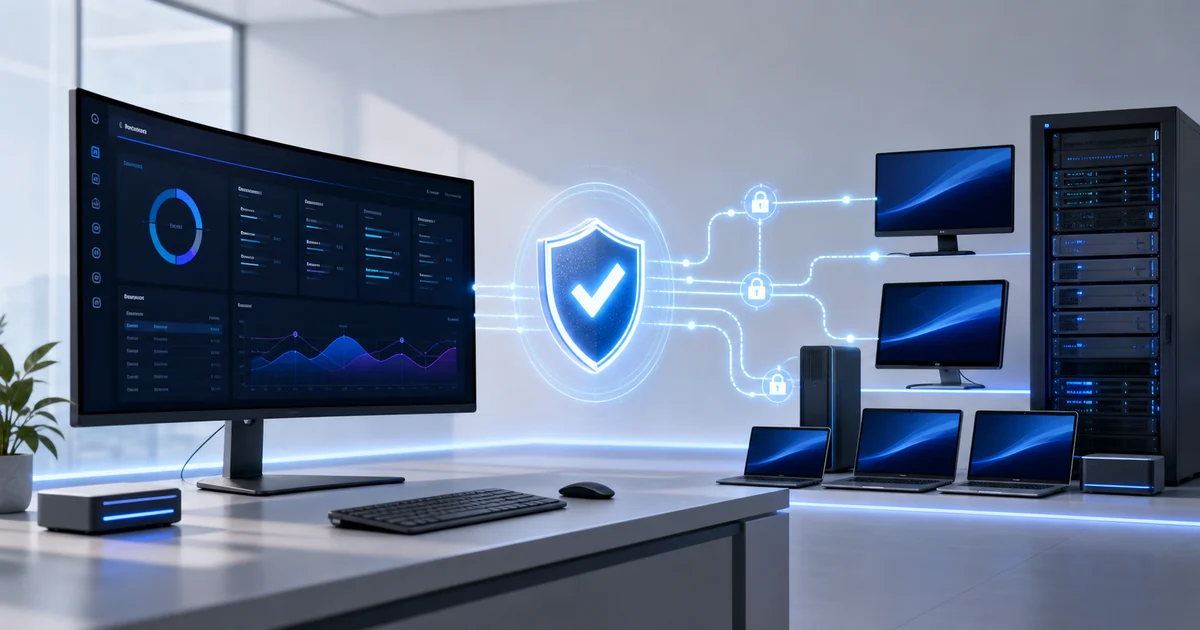
Lunixar is legitimate software.
It is designed to monitor, manage, and support real endpoints.
But that capability comes with one non-negotiable condition: you must own the device or have explicit authorization to service it as an MSP, IT provider, or internal technology team.
> Install and use Lunixar only on devices you own or on devices your organization is explicitly authorized to manage, support, or monitor.
1. Legitimate RMM requires legitimate authority
An RMM platform can show endpoint health, help teams respond to alerts, apply maintenance, and provide remote support. It is a normal operational tool for MSPs, help desks, and internal IT departments.
Legitimate software does not, however, authorize every installation. Authority comes from owning the device or having a clear service relationship with its owner: a managed-services agreement, a work order, a corporate policy, or equivalent permission.
Lunixar must not be installed to observe, control, or access someone else's device without permission. The agent must not be disguised, a person must not be deceived into running it, and access must not be retained after the service relationship ends.
Practical tip: record who approved the deployment, which endpoints it covers, which remote functions are allowed, and when the agent must be removed.
2. Permission separates management from abuse
The NSA, CISA, and MS-ISAC describe RMM as software commonly used by MSPs and help desks for monitoring, network management, and technical support. The same guidance warns that malicious actors can abuse legitimate tools and recommends allowing only authorized RMM solutions.
MITRE ATT&CK tracks this risk as T1219.002: legitimate remote-support software may also be used to establish interactive control over compromised systems. The problem is not the existence of remote functionality. The problem is using it without authority, through deception, or with a compromised account.
A responsible operation therefore requires more than a software license. It also requires consent, verifiable identity, least-privilege access, and traceability.
Practical tip: name your approved RMM in the remote-access policy and periodically check for additional tools outside that standard.
3. Responsible use starts before a remote session opens
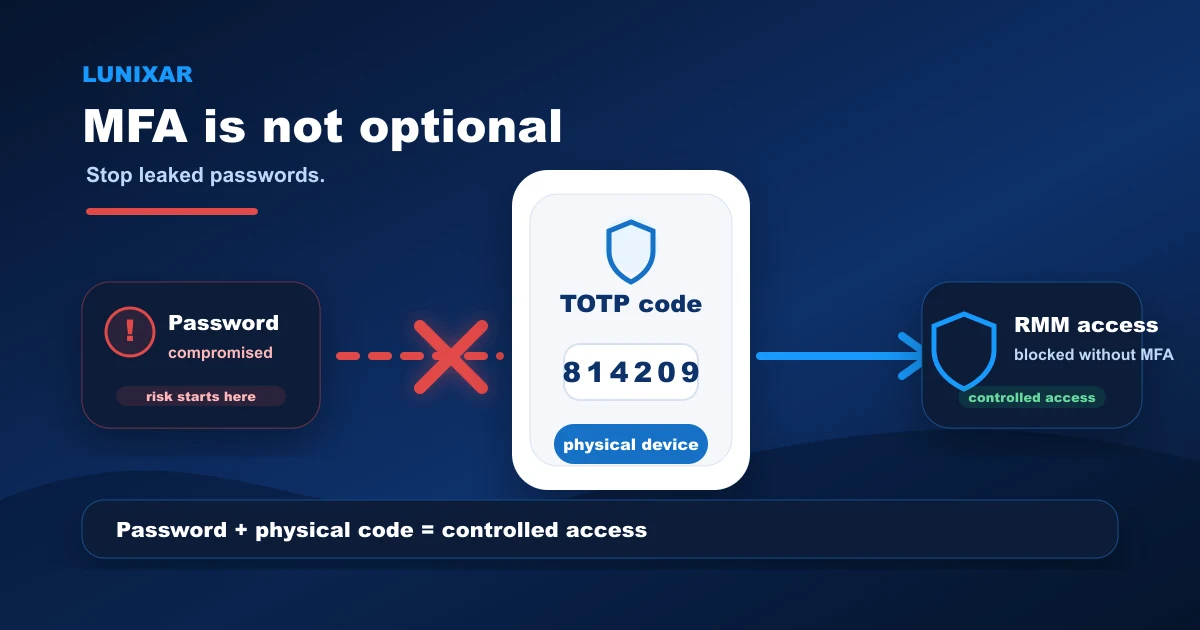
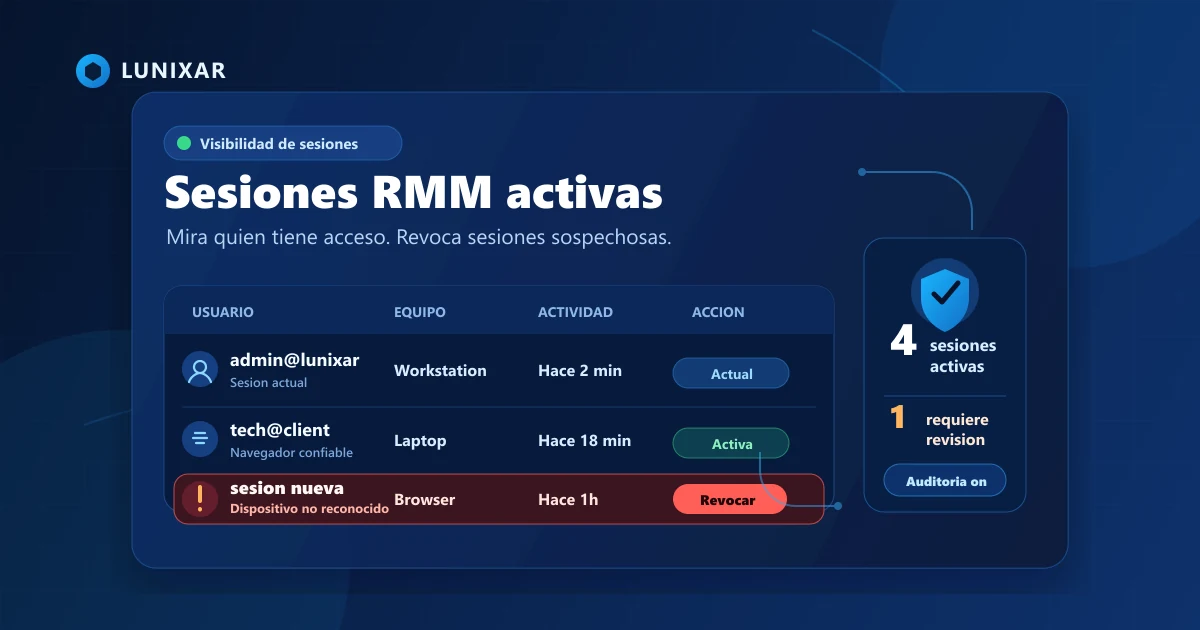
Abuse prevention begins with the technician account. Lunixar provides MFA, active-session visibility, session revocation, and role-based permissions. Sensitive operations can require a recent MFA verification.
These layers reduce the chance that a leaked password becomes direct control of the fleet. They also help limit what each person can do: not every user needs terminal, automation, installer, or security-administration privileges.
Read more about why MFA on your RMM is not optional and how to review who has access through active sessions.
Practical tip: use individual accounts, enable MFA, assign the minimum required role, and revoke sessions when someone changes responsibilities or leaves the team.
4. The installer must also be transparent
A legitimate deployment should be explainable. The file should come from Lunixar, belong to the correct tenant, and travel through an approved channel. Trial installers have limited validity and uses, and their tokens can be revoked when the deployment closes or a concern appears.
Lunixar also prevents installer renaming from the platform. This reduces the ability to present the agent as a different application, document, or generic file. See the full reasoning in why Lunixar agent installers cannot be renamed.
In 2026, Microsoft documented a campaign where signed malware impersonated workplace applications to deploy RMM backdoors. The lesson matters: a signature or legitimate function does not replace verification of origin, purpose, and authorization.
Practical tip: send each installer with recognizable instructions, verify its origin, and revoke its token when the enrollment window closes.
5. Lunixar applies controls before high-impact actions run
Remote execution helps automate support, but it deserves additional safeguards. Lunixar evaluates account state and trust before allowing sensitive operations. For untrusted accounts, execution policy can block high-risk download-and-execute chains; policy-flagged scripts are not dispatched as if nothing happened.
Remote-execution trust is not permanent: administrative trust grants expire. Even with a current approval, tenant isolation, role permissions, account status, and other operational validations continue to apply.
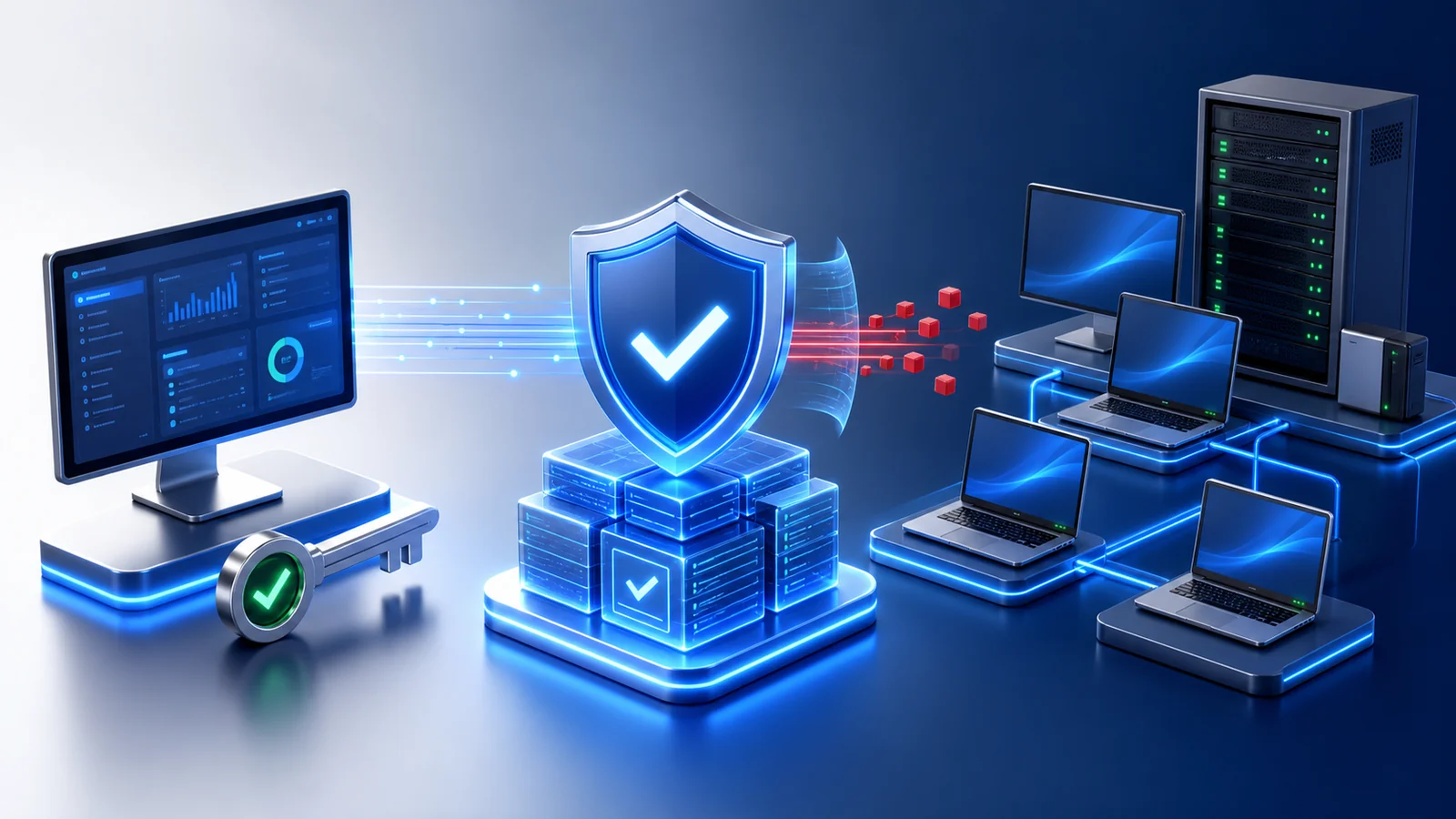
The goal is to preserve what a legitimate IT team needs without turning that capability into an unrestricted pass.
Practical tip: avoid improvised download-and-execute commands; use reviewed scripts with a documented purpose and a scope limited to authorized endpoints.
6. Restriction and blocking are not the same response
When a signal needs review, Lunixar can restrict sensitive capabilities while the context is clarified. A restricted account remains separated by tenant but cannot use critical paths such as terminal, scripts, scheduling, network discovery, or sensitive remote access under the applicable policy.
Blocking is a stronger response. It can revoke sessions, tokens, and installers, cancel pending jobs, and cut realtime routes to stop the account's operational capability. This separation supports a proportional response instead of treating every anomaly as identical.
The public model is explained on RMM Abuse Prevention and Platform Security.
Practical tip: if your account enters review, pause new deployments, gather proof of ownership or authorization, and respond through the designated channel; do not attempt to bypass the restriction.
7. Useful audit trails should not become another exposure
Traceability helps answer practical questions: who initiated an action, against which tenant or endpoint, from what context, and with what result. Lunixar records security events and policy blocks to support that review.
At the same time, a log should not copy passwords, tokens, keys, or sensitive commands without control. Security flows preserve operational evidence such as identifiers, lengths, hashes, and relevant metadata while redacting known secret material.
That approach supports investigation without creating a second problem inside the logs.
Practical tip: keep tickets, approvals, and maintenance windows with your technical audit trail; authorization evidence is part of incident evidence too.
8. What to do if you detect unauthorized use
If you find Lunixar on a device where it should not be, do not treat the situation as normal. Isolate the endpoint according to your procedure, preserve available evidence, and report the case through the RMM Abuse Prevention form.
Include dates, the affected organization, visible identifiers, and a precise description. Do not send passwords, tokens, private keys, or unnecessary personal data.
For legitimate operations, the rule remains simple: devices you own or devices you are explicitly authorized to manage. Lunixar RMM is built for MSPs and IT teams that can demonstrate that relationship and want clear controls, traceability, and boundaries.
Practical tip: create an authorization list before the first deployment; when a contract ends, use it as the removal and revocation checklist.
Explore Lunixar RMM's abuse-prevention model or get started with Lunixar to manage only the endpoints under your responsibility.