What makes third-party patching with WinGet reliable?
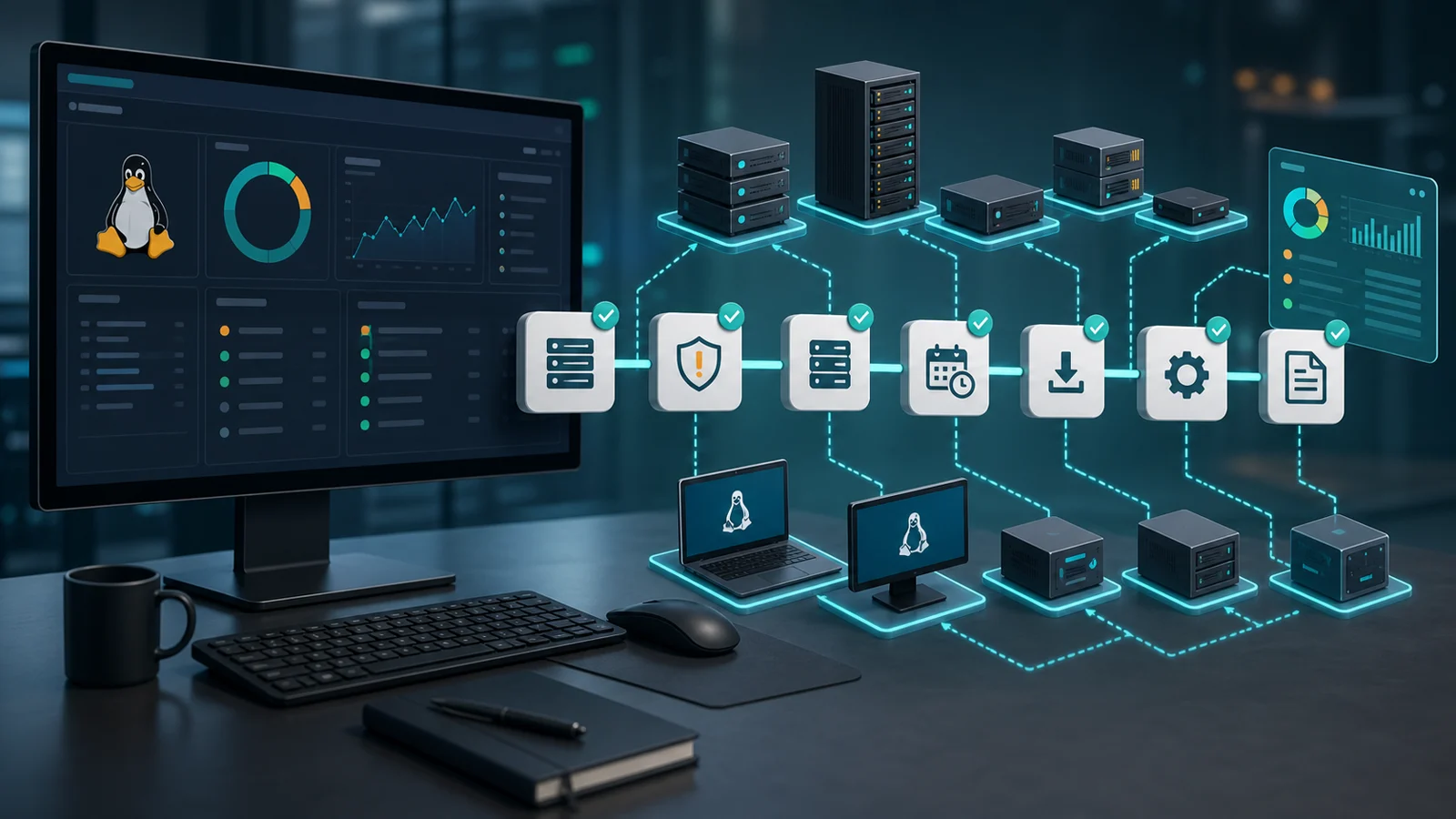
Reliable WinGet patching combines inventory, exact catalog mapping, exclusions, pilot groups, maintenance windows, and post-update verification. Whether WinGet complements Intune or covers applications outside its workflows, running winget upgrade --all without those controls does not prove endpoints were updated.
There's a risky way to patch third-party apps.
Open a terminal. Run everything. Hope nothing breaks.
That's not patch management. That's a bet.
WinGet helps a lot, but inside an RMM operation it still needs discipline: inventory, catalog mapping, exclusions, maintenance windows, result evidence, and follow-up when something fails.
1) Separate third-party patching from Windows Update
When someone searches for third-party patch management, they're usually not talking about Windows Update. They're talking about Chrome, 7-Zip, Zoom, PDF readers, runtimes, remote tools, and other applications installed outside the operating system.
That workflow needs more control than a mass command. Even if you already use Intune, SCCM, or another console for Windows patches, external applications still need reliable inventory, catalog mapping, exclusions, maintenance windows, and post-update verification.
The important difference is this: Windows Update covers the operating system and related components. A third-party app workflow inside an RMM should tell you which software exists, which provider can update it, which endpoints have it, and which version remains afterward.
2) Start with inventory, not winget upgrade --all
Before you update, you need to know what's actually installed.
It's not enough to say "there's Chrome, 7-Zip, Zoom, or some runtime on the machine." You need name, version, publisher, device, and operational context. Otherwise, you're patching blind.
The right question is:
which third-party apps are installed, at which version, and on which endpoints?
WinGet can help list installed applications and show available updates. But in MSP operations, that is not enough: you need to relate that data to client, site, criticality, user, maintenance window, and risk.
That inventory is the bridge between software inventory and patch management. Without it, WinGet may find updates, but your operation doesn't know which one matters first.
3) Map against the right catalog
WinGet works with package sources. Microsoft documents WinGet as a tool for discovering, installing, upgrading, removing, and configuring applications on Windows. Microsoft also documents that WinGet sources should be secure and trusted.
That matters because the installed name in Windows does not always map cleanly to the package identifier.
You'll run into cases like:
- product name differs from package ID;
- apps installed by MSI, EXE, or Microsoft Store;
- versions reported incompletely;
- packages that require agreements;
- pinned, blocked, or excluded applications.
Serious mapping stores the relationship between detected software and candidate package. It shouldn't rely on "the name looks close enough."
4) Define exclusions before you automate
Not every update should run automatically.
Accounting apps, CAD tools, ERP clients, drivers, plugins, or specialized business tools can break workflows if the version changes without validation. In those cases, an exclusion is not laziness. It's operational control.
WinGet supports mechanisms to limit or block package updates through pins. In an RMM workflow, that idea should become visible policy:
- apps allowed for automatic update;
- apps that require a pilot;
- apps blocked until approval;
- maximum versions or accepted ranges;
- exceptions by client or endpoint.
5) Test before opening the maintenance window
A third-party update can fail because of permissions, an interactive installer, open apps, language, architecture, dependencies, or a version that won't replace cleanly.
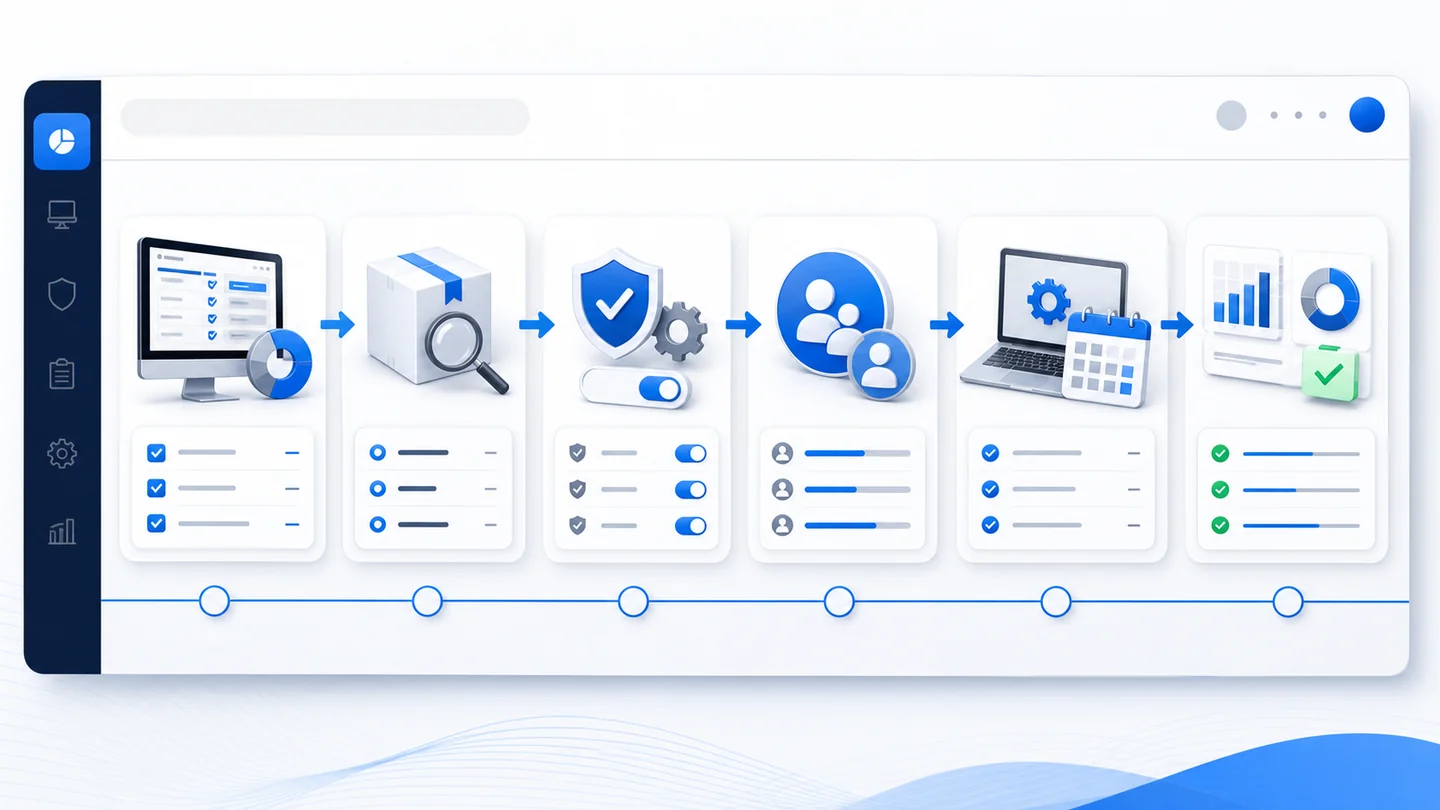
A healthy flow looks like this:
- Detect installed apps.
- Map the WinGet package.
- Mark exclusions and apps in review.
- Test on a small group.
- Review result, reboots, and errors.
- Open the maintenance window.
- Verify the final installed version.
NIST frames patch management as preventive maintenance, not improvised reaction. That mindset fits perfectly here: plan first, execute next, verify after.
6) Don't confuse "executed" with "resolved"
The classic mistake is closing the work when the command exits.
But a finished command can mean many things:
- it upgraded correctly;
- it didn't find the package;
- it found an ambiguous package;
- it asked for interaction;
- the installer failed;
- the app was already current;
- it needs a reboot;
- the installed version couldn't be read.
Post-update verification is where the RMM earns its place. You read inventory again, compare expected version against real version, and separate successful endpoints from pending ones.
7) Connect third-party patches with vulnerabilities
Not every pending app update deserves the same urgency.
If an update fixes a vulnerability being actively exploited, it moves up. If it's a minor fix in a rarely used app, it can wait for the next window.
This is where the workflow should connect with RMM vulnerability management: inventory, CVEs, CISA KEV, EPSS, endpoint criticality, and patch status should talk to each other.
It's also worth using a weekly RMM console review so pending work doesn't disappear into an endless list.
8) What this should look like inside an RMM
A good third-party patching workflow shouldn't force you to jump between console, terminal, spreadsheet, and ticket.
It should answer quickly:
- which apps have an update available;
- which WinGet package will be used;
- which endpoints are targeted;
- which exclusion or pin applies;
- which maintenance window applies;
- what failed and why;
- which version was installed after the update.
The goal isn't "run WinGet." The goal is operational control: know what changed, where it changed, what's still pending, and what evidence you can show.
To evaluate the full flow, review patch management, inventory, device monitoring, and RMM reports.