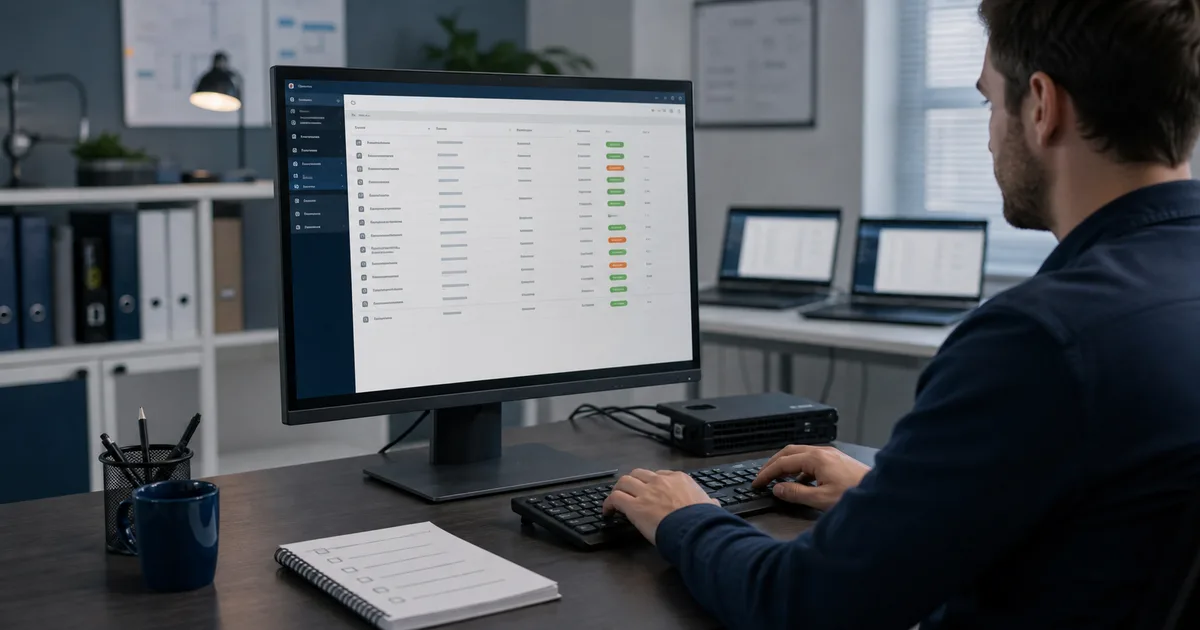
Some patches get installed.
Some patches get verified.
That difference shows up when something breaks, when a client asks for proof, or when an active vulnerability appears and you need to know which endpoints are still exposed.
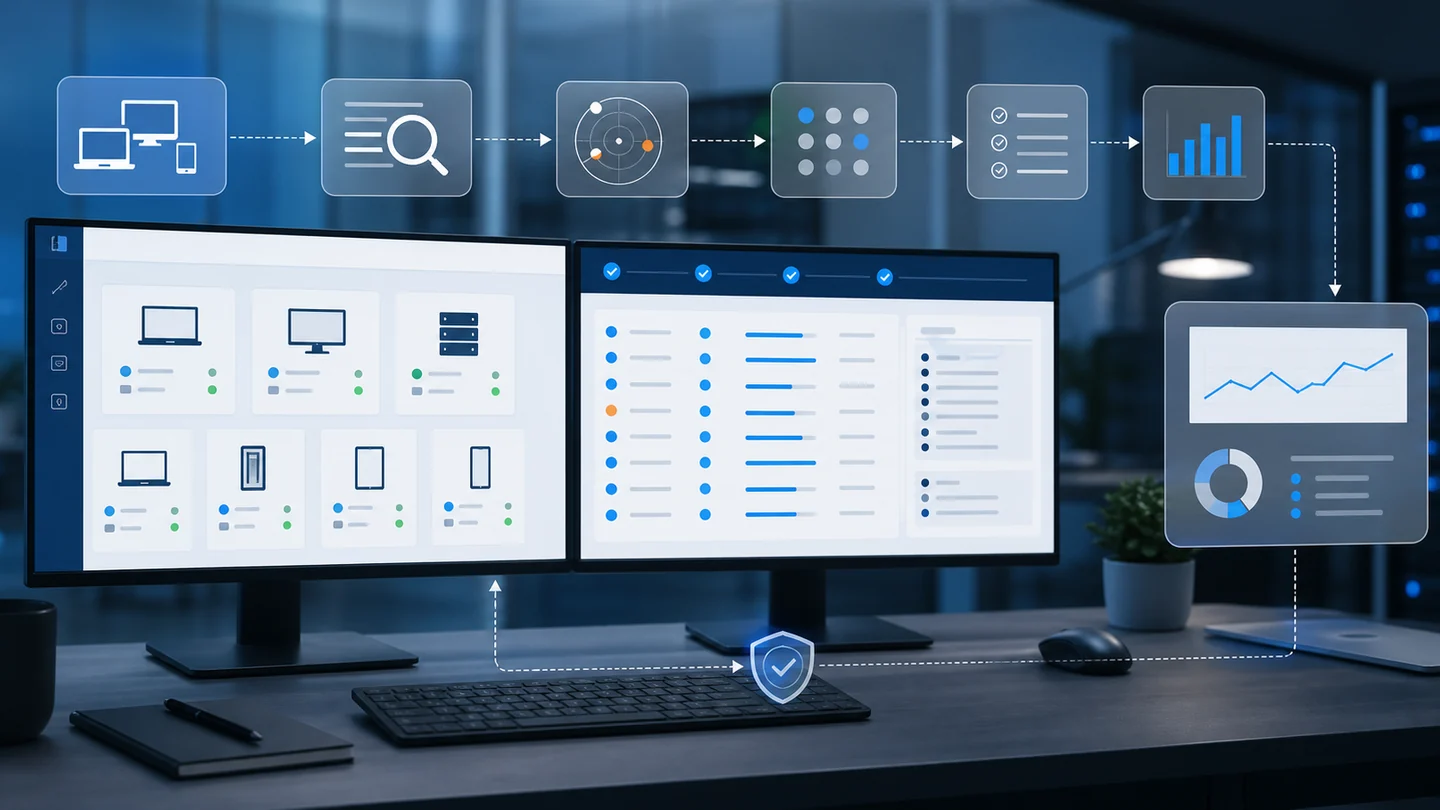
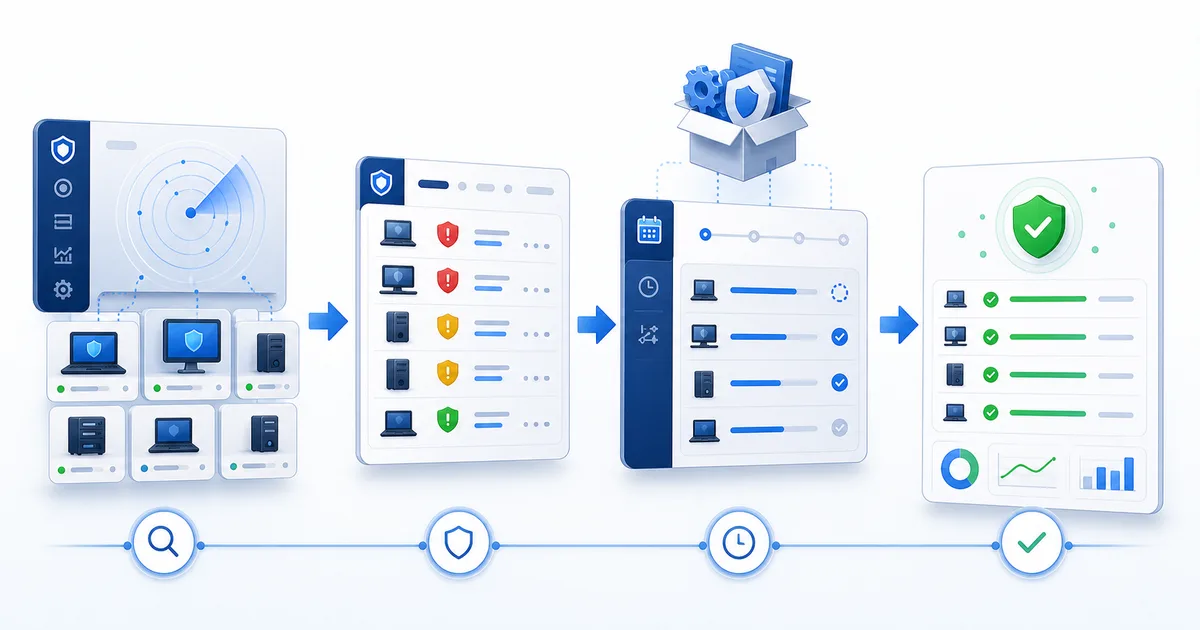
Good patching isn't clicking "update". It's a full workflow: detect, prioritize, deploy, and verify.
1) Detect what's missing before opening remote sessions
The first mistake in patching is starting with a remote connection.
If your workflow depends on opening each machine just to learn what's missing, you're already behind. Before touching anything, you need a central view: which endpoints have pending patches, which are current, which failed, and which haven't reported a recent state.
That's where the work changes. You're not hunting updates blind. You're reading an operating list.
The point isn't just seeing "updates available". It's separating:
- Endpoints with pending patches.
- Endpoints waiting for reboot.
- Endpoints that haven't reported state.
- Endpoints where installation failed.
- Clients or groups with accumulated exposure.
2) Prioritize by risk, not alphabetically
When everything looks urgent, nothing is.
A minor patch on a lab computer doesn't carry the same weight as a critical update on an exposed endpoint, an administrative workstation, or a laptop used to support clients.
Prioritization should combine three things:
- Patch severity: whether it fixes a relevant or actively exploited vulnerability.
- Endpoint exposure: whether the machine is used daily, has sensitive access, or is more exposed.
- Operational impact: whether installation or rebooting could interrupt important work.
For exploited vulnerabilities, the CISA Known Exploited Vulnerabilities catalog is a useful reference. CISA maintains it as a source for vulnerabilities exploited in the real world, so it can become one input for prioritization when you need to separate noise from real risk.
External reference for prioritizing risk
Use it as one signal in the workflow, not as a replacement for your technical judgment. If a vulnerability appears in KEV and you have pending endpoints, that update should move up the queue.
- Check whether the vulnerability appears in CISA's KEV catalog.
- Cross-reference that signal with endpoints that still need updates.
- Treat exposed machines as critical priority when operational impact supports it.
The point is simple: don't start with "every machine at once" if you don't know which risk you're closing. Start with what hurts most if it stays pending.
3) Group endpoints by maintenance window
The right patch at the wrong time can still cause trouble.
If you install updates while a user is closing payroll, helping customers, or presenting to leadership, the patch becomes the villain. Not because patching is wrong, but because the workflow ignored operations.
Group by context:
- Office machines with stable schedules.
- Laptops that appear and disappear from the network.
- Clients with specific maintenance windows.
- Critical devices that need notice before rebooting.
- Pilot groups where you validate first before expanding.
This lowers interruption risk and gives you a natural order: pilot, normal groups, sensitive endpoints.
4) Deploy with traceability, not memory
"I think it installed" doesn't work across 80 endpoints.
You need to know which action was launched, which machines were targeted, when it started, what stayed pending, and what failed. Without traceability, follow-up depends on scattered notes, screenshots, or memory. And memory doesn't scale.
The ideal workflow should answer concrete questions:
- Which endpoints received the action?
- Which installed successfully?
- Which are waiting for reboot?
- Which failed?
- Which weren't available?
That also protects the technician. If the client asks what happened, nobody has to reconstruct the story. The evidence is already in the workflow.
5) Verify before closing the cycle
The update that "finished" didn't always close the risk.
A reboot may still be pending. A patch may have failed. A new update may appear after another one installs. The endpoint may not have reported an updated state yet.
Verification is the part many teams skip because it feels boring. Until a client asks: "Are we covered now?"
The closeout should confirm:
- Final endpoint state.
- Installed patches.
- Pending patches.
- Required reboots.
- Failures that need follow-up.
If you can't prove it, it isn't closed. It's assumed.
| State | What it means | Action |
|---|---|---|
| Pending | The patch still needs to be installed | Schedule a window or include it in the next cycle |
| Reboot required | Installation did not fully close | Coordinate reboot and validate again |
| Failed | The cycle did not complete cleanly | Review cause, connectivity, or endpoint error |
| Unavailable | The endpoint did not report state | Validate agent, connection, or availability |
| Postponed | The team chose not to deploy yet | Record reason and follow-up date |
Pending
The patch still needs to be installed
Schedule a window or include it in the next cycle
Reboot required
Installation did not fully close
Coordinate reboot and validate again
Failed
The cycle did not complete cleanly
Review cause, connectivity, or endpoint error
Unavailable
The endpoint did not report state
Validate agent, connection, or availability
Postponed
The team chose not to deploy yet
Record reason and follow-up date
6) Document just enough to make the next cycle better
You don't need to write a novel.
But it helps to leave useful evidence: which groups were covered, what percentage succeeded, what failed, what was postponed, and what needs manual intervention.
That helps in three places:
- Operations: you know what to check tomorrow.
- Security: you can show progress against risk.
- Client communication: you can explain what happened without sounding improvised.
Good documentation isn't the longest. It's the kind that lets you make the next decision without starting the investigation over.
How this maps to Lunixar RMM
In Lunixar RMM, Windows Patch Management is in beta and is built around this kind of workflow: patch visibility, selective installation, basic policies, and follow-up from the same console where you manage your endpoints.
The goal isn't adding another screen. It's connecting patching to daily operations: see what's missing, act by group, and return to verify without jumping between tools.
For an MSP or internal IT team, that changes the conversation. It isn't "we'll patch when we get time". It's a clear operating routine:
- Detect exposure.
- Prioritize by risk.
- Deploy in controlled windows.
- Verify results.
- Follow up on exceptions.
Lunixar RMM helps turn that cycle into a repeatable practice. If you want to test it on your own fleet, the free trial lasts 2 weeks, doesn't require a credit card, and lets you validate up to 5 devices.
Related reading
If you want to connect this workflow with practical decisions, continue with these guides: