
Some Mondays start by themselves.
Three messages before coffee.
One client saying "everything is slow."
And a console full of alerts nobody reviewed on Friday.
The difference between starting the week with control and starting it in chaos isn't luck. It's a short routine. A weekly review that tells you what's healthy, what's weird, and what needs action before it turns into another ticket.
This guide is for small MSPs and internal IT teams. Not a bureaucratic ritual. A practical way to use your RMM as the Monday operating board.
For external grounding, use three official references: NIST's guide to enterprise patch management planning, CISA's Cybersecurity Performance Goals, and CISA's Known Exploited Vulnerabilities Catalog. In day-to-day operations, that translates into accurate inventory, prioritized patching, evidence of exploitation, and steady follow-up.
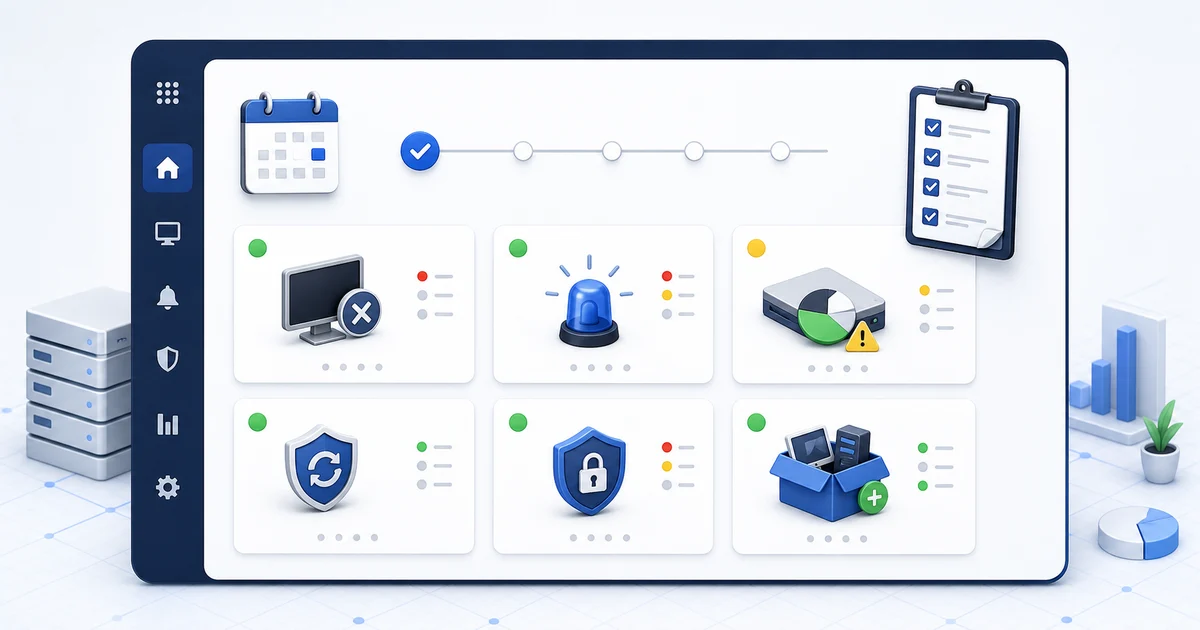
1) Offline devices: who disappeared from the map
Start with the simple thing: which devices stopped reporting.
One offline endpoint can be normal. A laptop powered down, a PC outside business hours, a device someone left at home.
But it can also be:
- a broken agent,
- a machine with no network,
- an endpoint retired without notice,
- a server that stopped responding,
- or a whole client site with a connectivity issue.
The point isn't to panic. The point is to separate expected silence from suspicious silence.
For an MSP, this also reveals clients with weak operational discipline: machines that come and go, agents that never return, devices nobody can identify.
2) Open alerts: old noise catches up with you
Monday alerts are not all equal.
There are new alerts, repeated alerts, and old alerts someone left for "later."
Sort them like this:
- new since Friday: something may have happened after hours;
- repeated on the same endpoint: usually points to an unresolved root cause;
- open for more than a week: now it's operational debt;
- security or authentication: never mix these with normal noise.
In Lunixar RMM, alerts like LowDiskSpace, DiskSmartPredictedFailure, AntivirusDisabled, MalwareDetected, FailedLoginBurst, AccountLockoutBurst, SecurityLogCleared, or PrivilegedGroupMembershipChange shouldn't live in the same bucket. Some are maintenance. Some are investigation.
3) Disk and hardware health: before the user loses work
Low disk doesn't feel urgent.
Until there's no room for updates, logs, temporary files, or actual work.
SMART risk doesn't feel urgent.
Until the drive fails and now you're restoring, not preventing.
On Monday, review:
- devices with low free space;
- endpoints with fast disk growth;
- disk health alerts;
- servers or key user PCs near their limit;
- repeated patterns by client or department.
Inventory gives you context here. If a device changed software, started generating logs, or picked up large files, you can see the story before opening a remote session.
4) Patches: what's missing, what hurts, and what goes first
NIST frames patch management as preventive maintenance, not last-minute reaction. That matters: patching isn't a separate chore. It's part of keeping operations healthy.
On Monday, review:
- devices with pending patches;
- endpoints where updates failed;
- systems that have gone the longest without maintenance;
- clients or departments with higher exposure;
- vulnerabilities with evidence of public exploitation.
This is where CISA KEV helps. If a vulnerability is in the Known Exploited Vulnerabilities catalog, it isn't just "high severity." There is evidence of real-world exploitation. That list helps you decide what goes first when everything looks urgent.
5) Security: signals that shouldn't be mixed with maintenance
Monday is also a good time to review security changes that happened while nobody was watching closely.
Look for:
- antivirus disabled;
- malware detected;
- new Defender exclusions;
- multiple failed login attempts;
- account lockouts in volume;
- privileged groups changed;
- security logs cleared;
- audit policy changed.
Not every signal means incident. But every signal deserves context.
If you see AntivirusDisabled, check whether new software was installed. If you see FailedLoginBurst, check source and account. If you see SecurityLogCleared, don't close it as maintenance without investigation.
6) Inventory: what changed without anyone telling you
Inventory isn't just a nice list.
It's the operating memory of your fleet.
On Monday, review:
- newly installed software;
- removed software;
- hardware changes;
- new devices;
- devices that should no longer be active;
- unusual differences between snapshots.
This matters for MSPs because clients change things without warning. It matters for internal IT because users install software, connect hardware, or move machines without opening tickets.
7) Follow-up actions: what happens today, what gets scheduled, what gets closed
A weekly review is useless if it ends with "we should look at that."
End with three lists:
- action today: security, critical disk, servers, high-risk patches;
- scheduled action: maintenance, updates, cleanup, user follow-up;
- close or document: resolved alerts, retired devices, confirmed false positives.
For an MSP, this list is also proof of value for the client: "we found this, fixed this, and this remains pending." For internal IT, it helps justify preventive work nobody normally sees.
Closing
A good Monday in IT doesn't mean zero problems.
It means knowing which problems matter first.
A weekly RMM routine helps you move from reacting to prioritizing: offline devices, alerts, disk, patching, security, inventory, and follow-up. You don't need to review everything with the same depth. You need an order.
Lunixar RMM fits that workflow because it connects monitoring, inventory, alerts, security, and operational actions in one console. If your Monday still depends on chats, spreadsheets, and memory, a 2-week trial can help you turn it into a process.
Related reading to keep going
If you want to turn this routine into a stronger operation, continue with these guides: