If you manage Windows endpoints — for clients or internally — you already know that patches are one of those items that always sit on the list but rarely make it to the top of the priority queue.
The problem usually isn't lack of intent. It's that without the right tooling, the process is heavier than it needs to be… and what should be preventive maintenance ends up being weekend work or "whenever there's time."
Here are 5 clear signs your operation needs to stop managing patches manually, with concrete examples and what you can do about it.
1) You don't know which endpoints have pending updates without connecting to each one
Quick question: how many of your Windows machines have pending updates right now?
If the answer is "I don't know" or "I'd have to check each one," that's the problem right there.
Without centralized visibility, patching becomes reactive: you find out when something breaks, when a user complains, or when you manually check and get an unpleasant surprise.
At 30, 50, or 100 endpoints, that doesn't scale. And the time you spend checking one by one is time that should be going somewhere else.
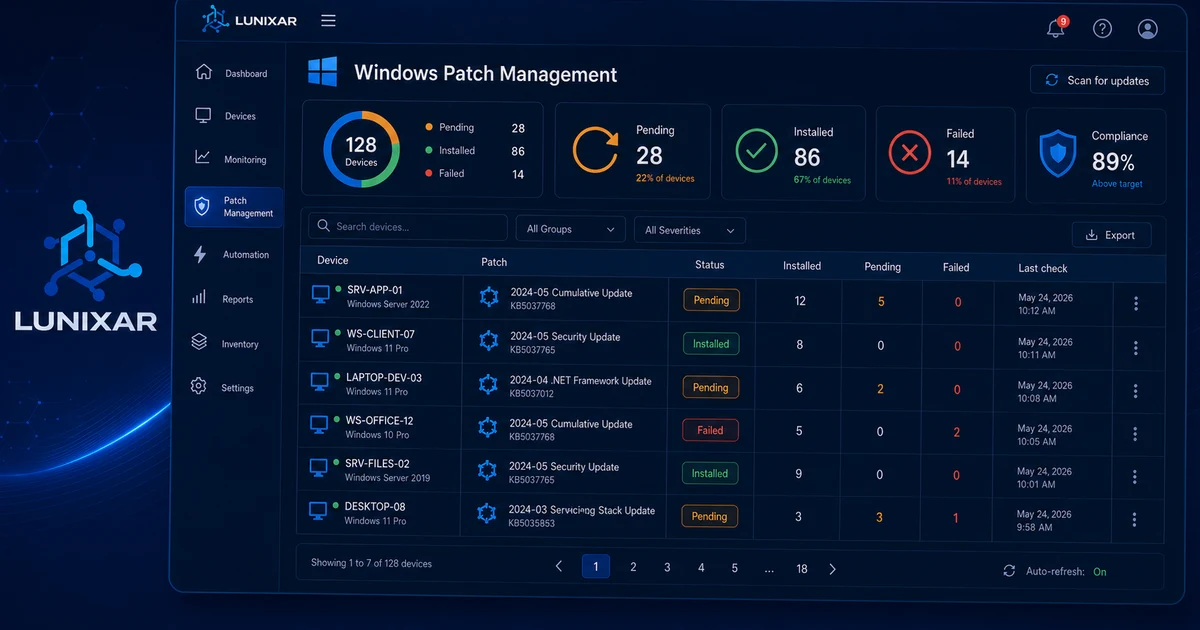
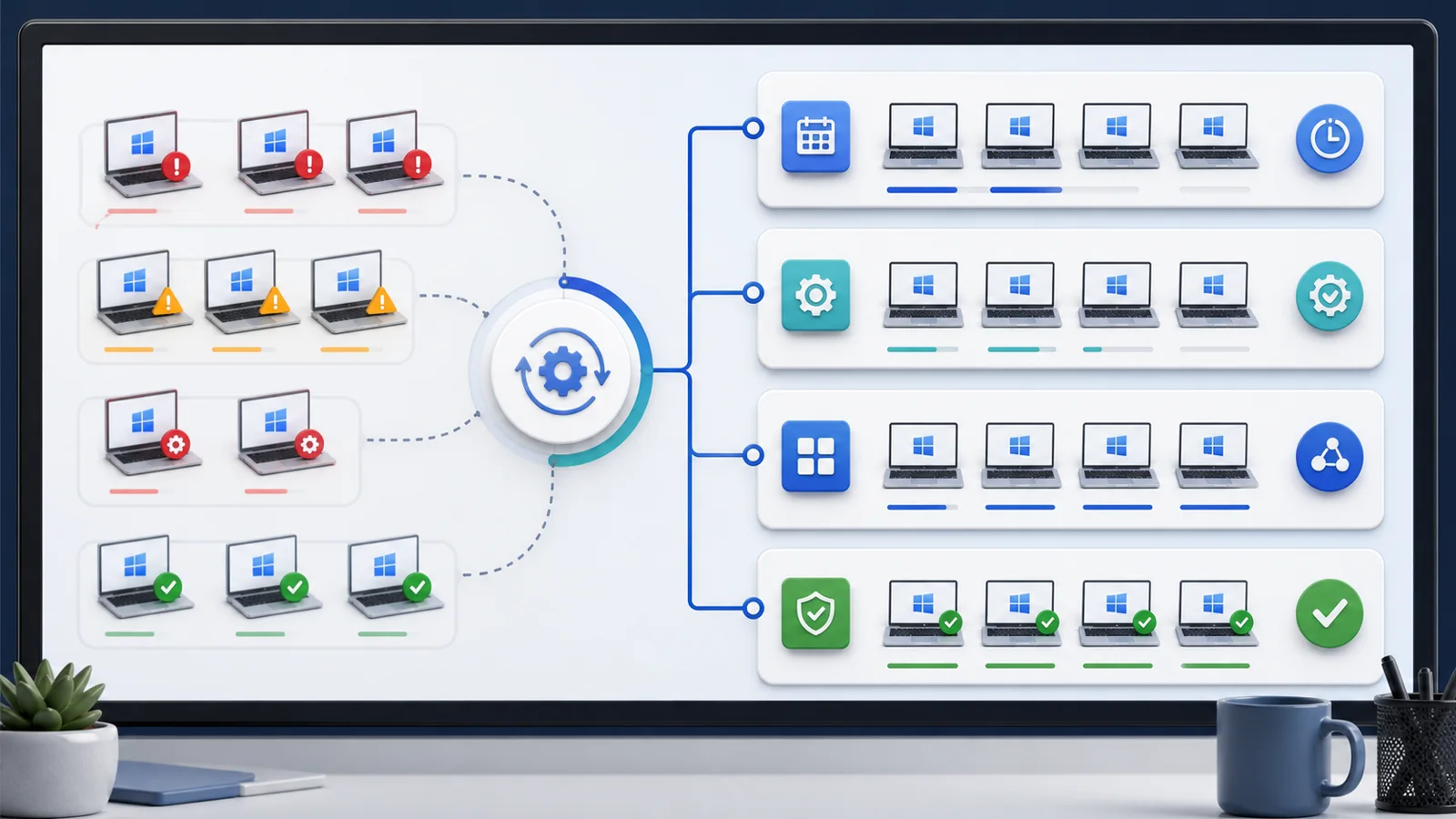
What should happen: a consolidated view that shows you, per device or per client, which updates are pending, which were installed, and which failed.
2) You found out about a critical Windows vulnerability from the news — not your own system
Every few months, a significant CVE comes out. The security channels announce it, Microsoft publishes the bulletin, and you… do you actually have a way to know which of your machines are exposed?
If the answer involves checking each device manually or trusting that Windows Update did its job, that's a real operational gap.
It's not paranoia. It's that when a vulnerability has an active exploit, the time between "I heard about this" and "my endpoints are protected" matters a lot.
What should happen: when a critical patch drops, be able to quickly identify which devices don't have it and act in bulk — without manually connecting to each one.
3) Patching always ends up as "weekend work"
There's a reason techs patch late at night or on weekends: they don't want to interrupt users during the day.
And that makes sense. But if every patching cycle requires you to be there, connected, tracking each machine one by one, the process isn't sustainable.
Especially as you grow. Every new client, every additional device adds more manual time to something that should be schedulable with minimal supervision — and should let you sleep.
What should happen: define maintenance windows, push updates to device groups, and review results without needing to be present at every step.
4) You have endpoints with months of pending updates without realizing it
This is probably the quietest of the problems.
No alert, no ticket, no complaint. The computer works, the user is productive, and in the meantime it hasn't updated in 4 months.
It happens for a dozen reasons: the user dismisses the prompts, Windows Update fails silently, the machine wasn't on when the update window ran. The result is always the same: a device more exposed than it should be.
And if you don't have per-device patch visibility, you won't find out until something goes wrong.
What should happen: a per-device indicator showing when it last updated, what patches are currently pending, and whether there were any errors in the process.
5) Every update requires its own individual remote session
Connect, wait, click "Install," wait some more, confirm, disconnect. Repeat for the next machine.
If this is your current patching workflow, you're burning valuable time on work that should be automatable.
Not because remote sessions are bad — but because applying updates at scale shouldn't require opening a separate session for each endpoint. That's not management, that's manual labor.
What should happen: select a group of devices, push pending patch installs, get the results — all from the same console, without jumping machine to machine.
Bonus: the patch that "did install" doesn't always install correctly
One of the most time-consuming parts of patching isn't the installation. It's the follow-up.
You pushed the update. Did it install correctly? Was there an error? Does the machine need a reboot? Is it still pending?
Without traceability, you end up assuming everything went fine. And when something didn't, you find out late and the hard way.
What should happen: after each update operation, have a clear record of what happened — completed, pending, failed, and why.
Did you recognize any of these signs?
If you spotted one or more of these in your operation, it doesn't mean you're doing something wrong. It means the process doesn't have the right technical support yet.
Because good patch management isn't just "installing updates." It's having visibility, control, and traceability over every device — without that consuming hours of manual work every week.
That's exactly what Lunixar RMM is building with its Patch Management module (currently in beta for Windows): a cleaner way to see what's pending, act in bulk, and track what gets executed — all from the same platform where you already manage your devices.
If you want to start operating with more order on this front, Lunixar has a 2-week free trial, no credit card required.
Related reading to keep going
If you want to turn this topic into a real operating workflow, continue with these guides: