

Linux patch management usually does not fail because teams lack commands.
It fails because there is no operating process.
An engineer can know apt, dnf, yum, or zypper well and still lose visibility across servers, technical workstations, VMs, base images, and customer environments. The real problem is not installing packages. It is knowing what is pending, what risk matters, what was tested, what was applied, and what is still exposed.
This checklist is built for MSPs and IT teams that want Linux patching to become a repeatable, auditable operation instead of an exercise in memory.
For the complete workflow behind this checklist, read the operational guide to Linux patch management with RMM.
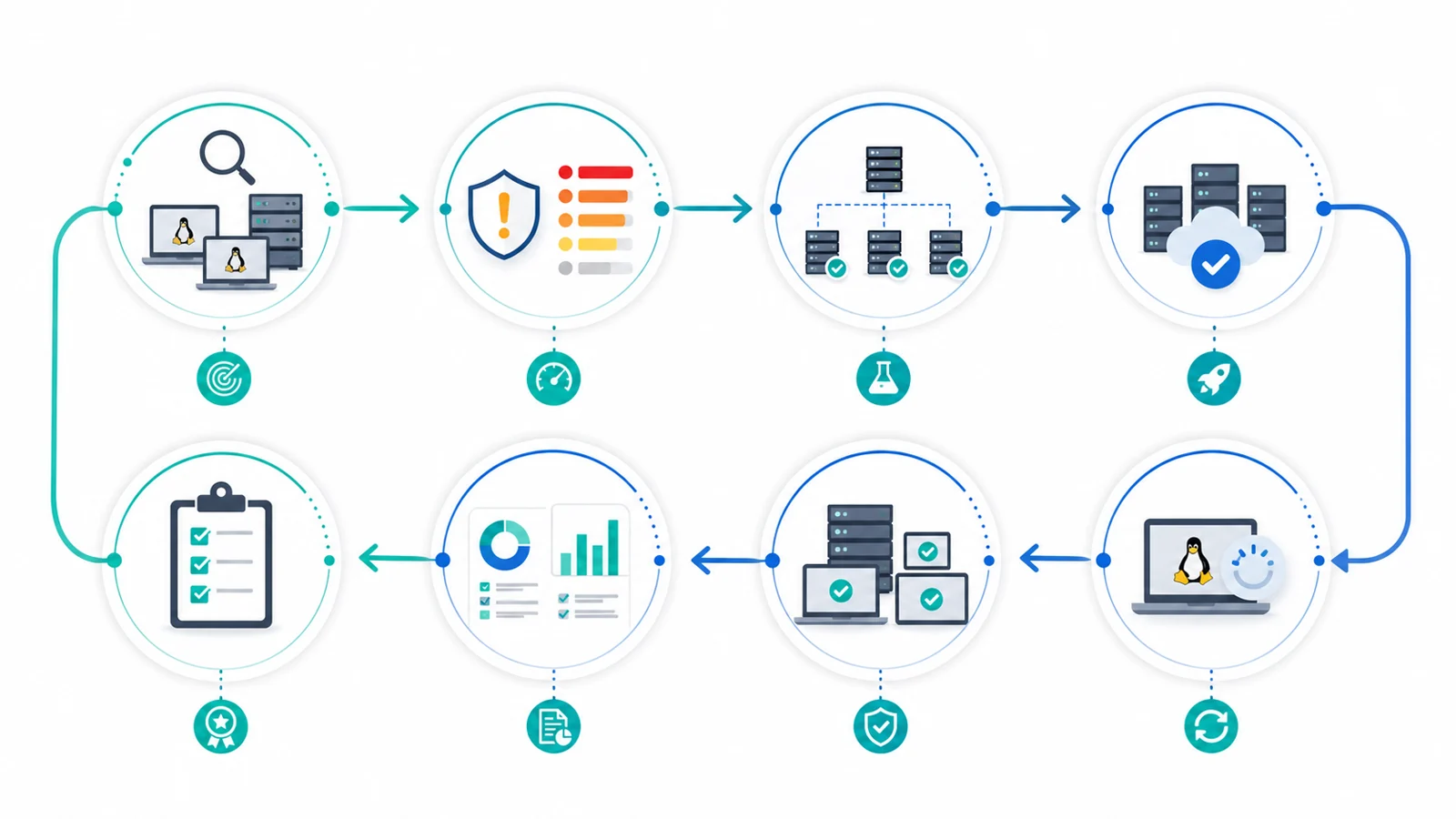
Quick checklist
Before running a maintenance window, confirm that you can answer these questions:
- Which Linux endpoints exist and which distributions do they run?
- Which OS version, active kernel, and critical packages do they report?
- Which assets are production, internet-facing, or business-critical?
- Which CVEs, vendor advisories, or known exploited vulnerabilities affect those packages?
- Which endpoints go to testing first and which wait for production rollout?
- Which services may restart and which require coordination?
- What evidence will remain afterward: pending, installed, failed, reboot required, or verified?
If one of those answers only exists in a terminal session, chat thread, or manual spreadsheet, the process is still fragile.
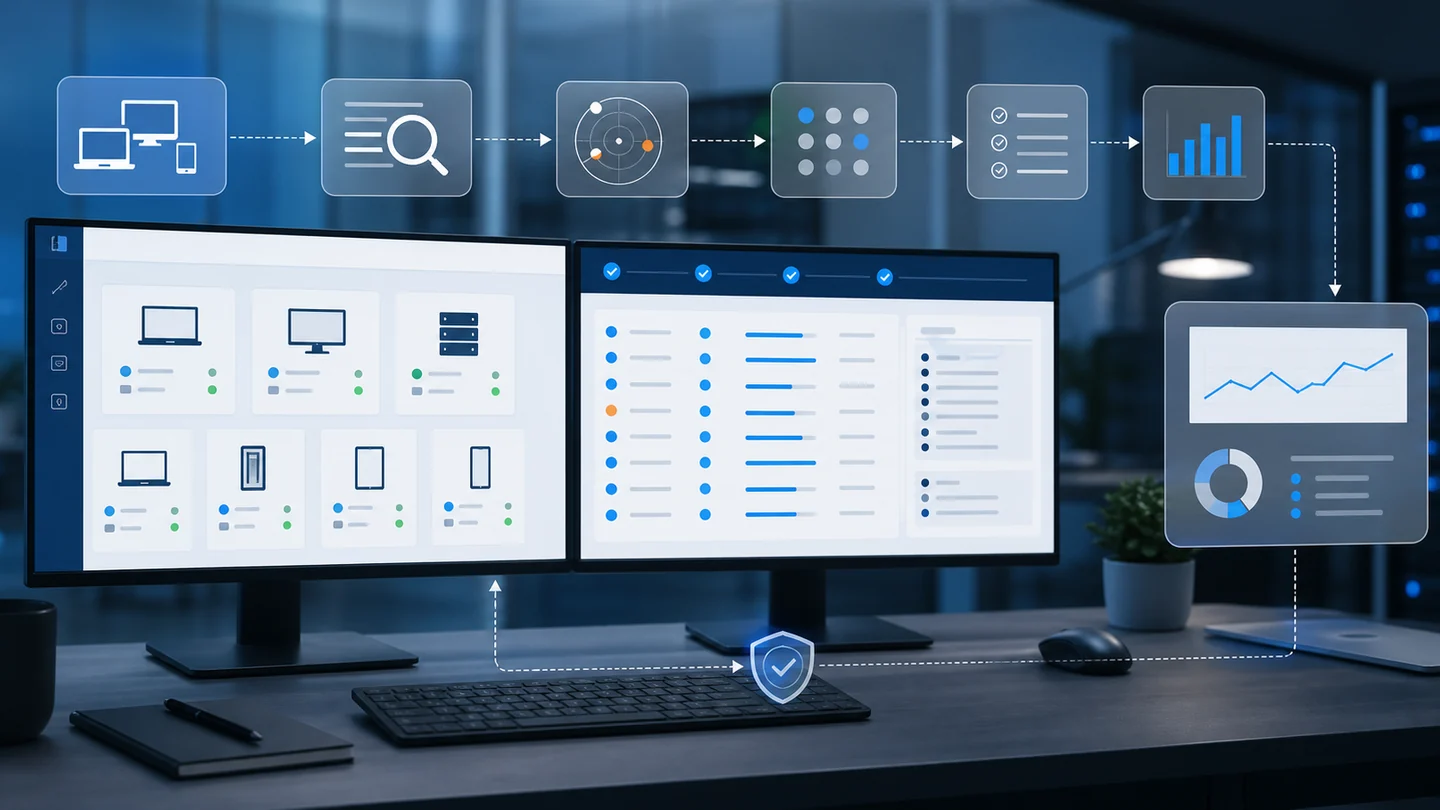
1) Inventory: start with what actually exists
Linux patch management starts with inventory.
It is not enough to know that “we have Linux servers.” You need distribution, version, active kernel, configured repositories, endpoint role, business criticality, technical owner, and connection status.
A mixed fleet may include Ubuntu, Debian, Rocky Linux, AlmaLinux, Red Hat Enterprise Linux, support workstations, lab machines, and production servers. Treating everything the same creates noise. Ignoring that diversity creates risk.
In Lunixar, this connects with device management, inventory, and patch management. Maintenance should start from known endpoints, not incomplete lists.
2) Prioritize by risk, not by volume
A long list of pending packages does not tell you what to fix first.
For prioritization, combine several signals:
- asset criticality;
- service exposure;
- CVE severity;
- evidence of real-world exploitation;
- exploit likelihood;
- operational impact if the patch fails;
- maintenance-window availability.
The CISA Known Exploited Vulnerabilities Catalog helps identify vulnerabilities with known exploitation. The NIST National Vulnerability Database provides CVE and vulnerability data. FIRST EPSS can support prioritization with a probability-based exploitation score.
The practical decision is straightforward: not every pending patch deserves the same urgency.
3) Separate security, kernel, runtimes, and services
On Linux, an update can be minor or it can touch a sensitive component.
Updating documentation or a small utility is not the same as changing the kernel, OpenSSL, glibc, OpenSSH, application runtimes, drivers, agents, databases, or exposed services.
Classifying changes helps decide:
- what can run in a normal maintenance window;
- what requires testing first;
- what needs a reboot;
- what must be coordinated with an application owner;
- what should not be mixed with other changes.
Distribution advisories matter too. For Linux, use sources such as Ubuntu Security Notices, Red Hat Security Data, and the Debian Security Tracker.
4) Test in rings before production
A healthy workflow does not start with every production server.
It starts with small groups.
You can organize rings such as:
- lab or test environment;
- low-impact internal endpoints;
- non-critical servers;
- pilot customers or departments;
- critical production.
The goal is not to delay security. The goal is to reduce the chance of breaking services through dependencies, repositories, pending reboots, or behavior changes.
This is especially useful when managing a mixed Windows and Linux fleet. Each operating system has its own rules, but the operational control should live in one maintenance view.
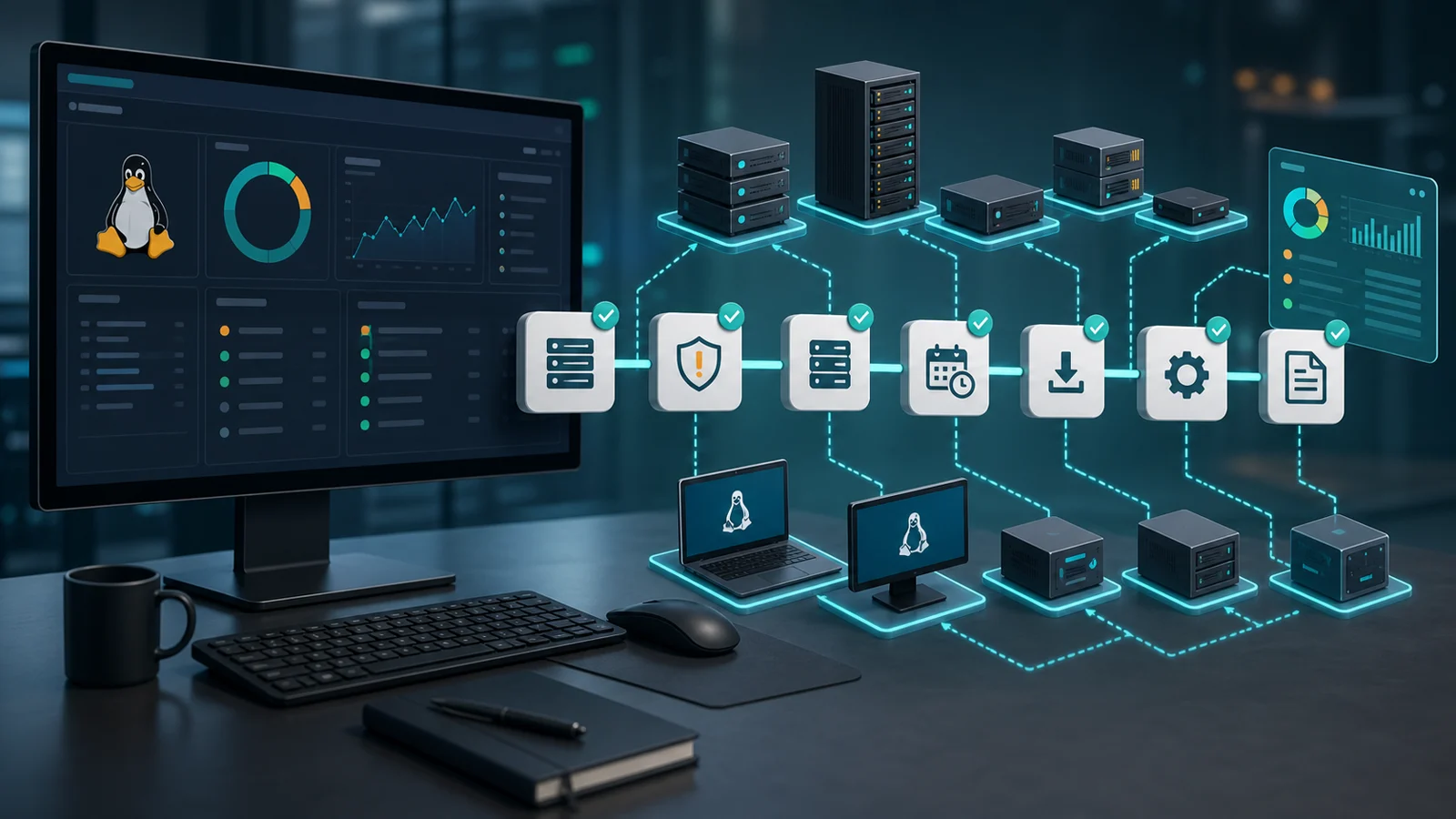
5) Define maintenance windows and exit criteria
A patch window should not simply say “update servers.”
It should include:
- endpoint scope;
- expected package groups;
- start and end time;
- owners;
- services to validate;
- reboot policy;
- stop conditions;
- completion criteria.
The most important item is completion criteria. “The command finished” does not mean “the vulnerability is closed.”
A useful outcome distinguishes pending, installed, failed, held, reboot required, and verified. That detail lets you explain real status to a customer, security team, or leadership.
6) Verify after the update
Post-update verification is where many patching processes fall short.
After installing patches, check at least:
- whether the active kernel changed or requires a reboot;
- whether services are down;
- whether packages were held back;
- whether repositories responded correctly;
- whether the vulnerable package actually changed version;
- whether the endpoint checked in again;
- whether new alerts appeared after maintenance.
For a fuller process, connect this with the patch detection and verification workflow. The important metric is not only “executions started,” but “endpoints actually corrected.”
7) Report compliance, failures, and residual risk
Reporting is part of the work, not an afterthought.
A useful Linux patch management report should show:
- endpoints up to date;
- endpoints still pending;
- critical patches applied;
- failures by endpoint;
- pending reboots;
- vulnerabilities still open;
- owner and next action.
For an MSP, this helps demonstrate service quality. For internal IT, it helps justify maintenance windows, prioritize work, and show risk reduction.
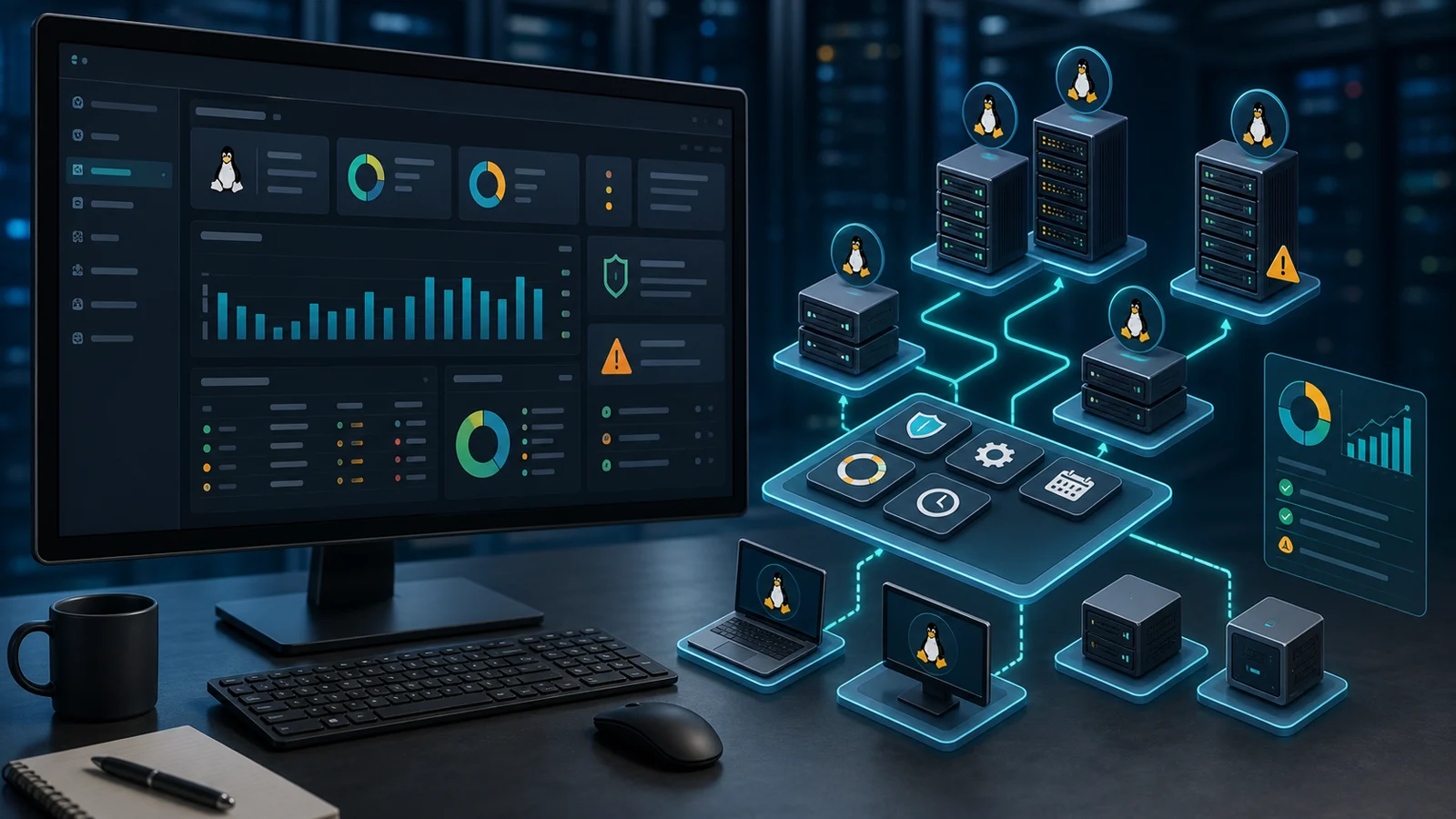
8) How an RMM helps
An RMM should not be just a button to run updates.
It should centralize context:
- endpoint inventory;
- patch status;
- operational prioritization;
- controlled execution;
- alerts and failures;
- post-update evidence;
- reporting by customer or department.
If Linux patching currently depends on one-off SSH sessions, untracked scripts, or manual notes, the first improvement is not to automate everything. It is to organize visibility.
From there, review Lunixar RMM, patch management, and the dedicated article on Linux patch management from an RMM. To test it with a real fleet, start a free trial.