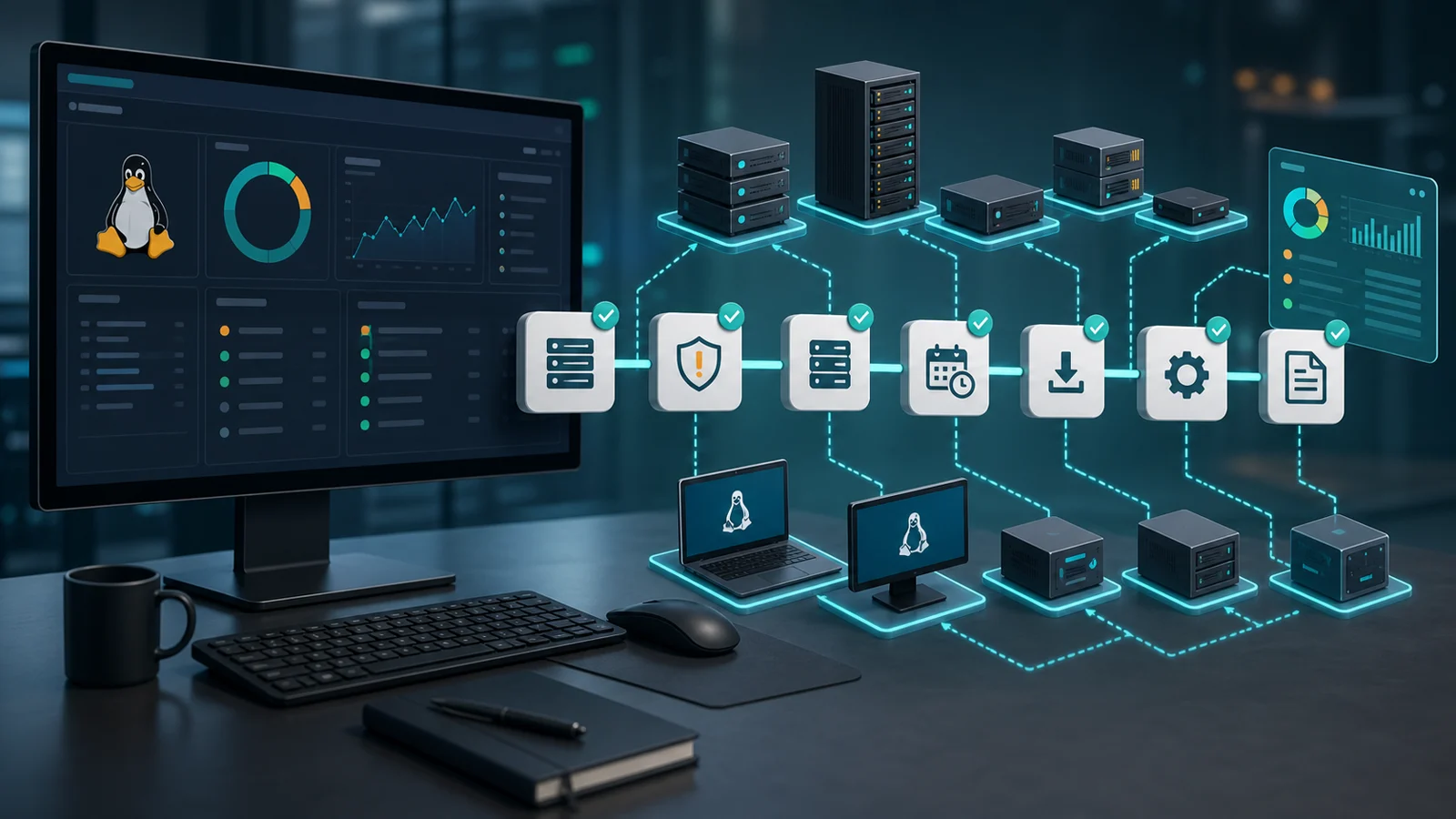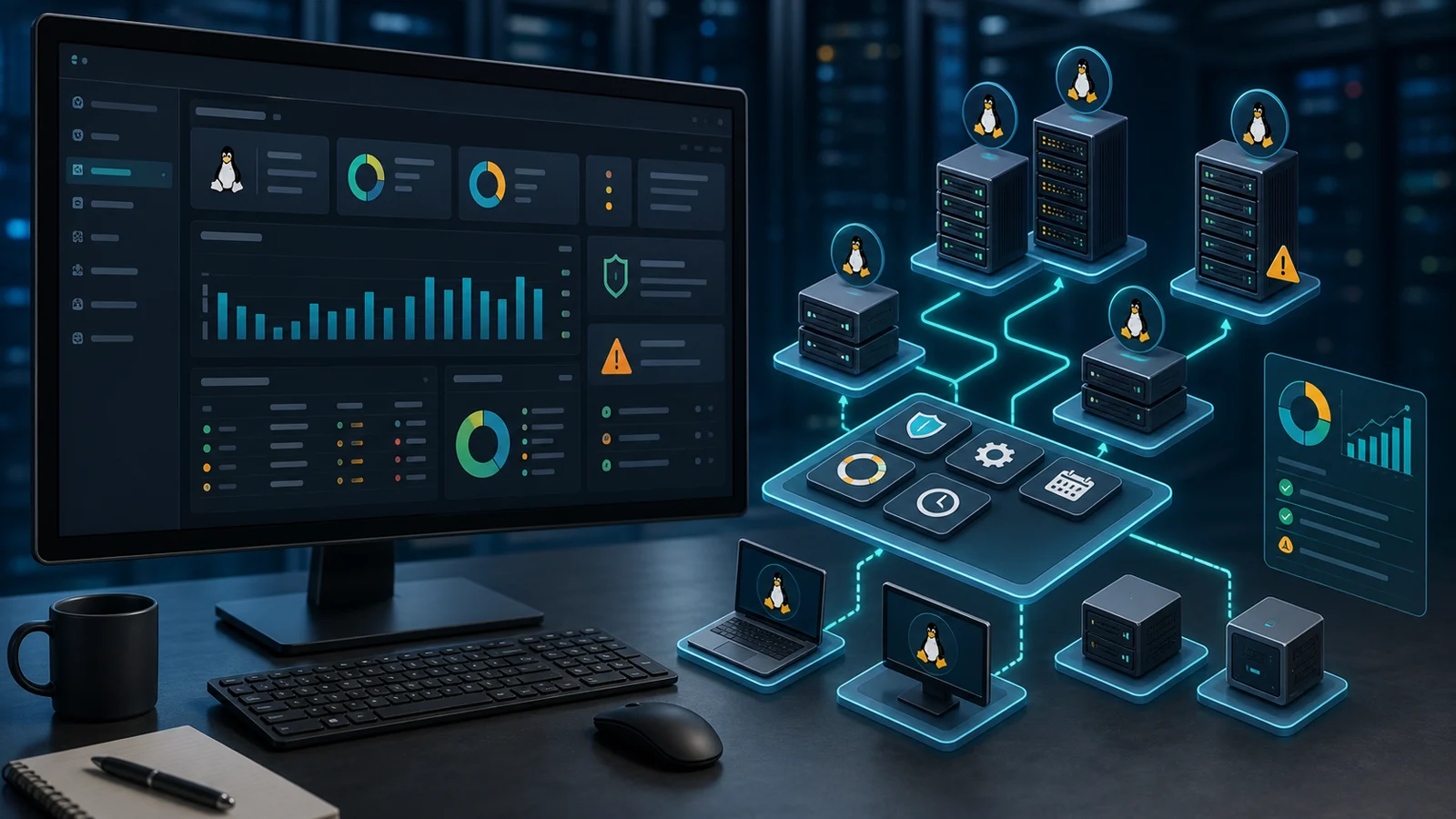


There is a trap with Linux patching.
Because "everything can be done from the terminal", it feels enough to log in server by server.
Until you have 20, 50, or 200 systems.
And nobody is fully sure what was actually updated.
Linux patch management needs more than a command. It needs inventory, priority, maintenance windows, evidence, and follow-up. That matters even more when you run an MSP or manage several internal teams with a small IT staff.
1) Start by knowing which Linux systems are in the fleet
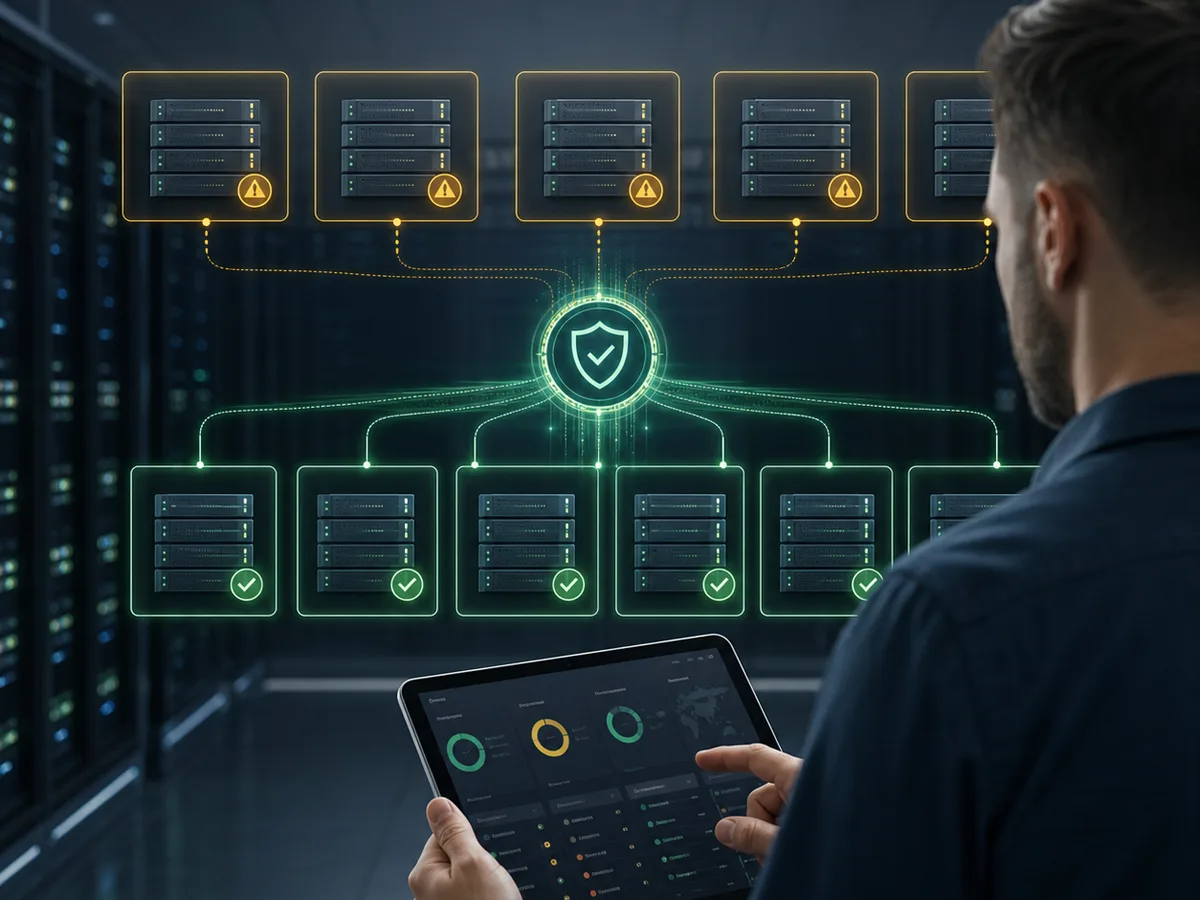
Before updating anything, you need to know what you manage.
An Ubuntu server running an internal service is not the same as a Debian lab VM, a production Rocky Linux instance, or a technical workstation with specialized packages.
The base question is simple:
Which Linux systems do I have, which version do they report, and which packages are pending?
Without that visibility, patching becomes technician memory: "I think I updated that server." That catches up with you.
In Lunixar RMM, operations start with inventory and monitoring so maintenance work does not live apart from real endpoint state. You can connect that context with patch management, inventory, and device monitoring.
2) Prioritize by risk, not by an endless list
A long list of pending packages does not help if everything looks equally urgent.
Some patches fix critical flaws. Some close vulnerabilities already exploited in the wild. Others are normal maintenance.
CISA maintains the KEV catalog as an input for prioritizing vulnerabilities with evidence of real exploitation. NIST also treats patch management as preventive technology maintenance, not an improvised reaction.
For Linux, that means the workflow should connect:
- operating system and distribution;
- pending packages;
- asset criticality;
- associated vulnerabilities;
- maintenance window;
- post-install result.
3) Control maintenance windows
Linux is easy to automate.
That is useful.
It is also risky without clear rules.
An update can touch the kernel, libraries, runtimes, services, or packages that require a reboot. If you run it at the wrong time, the problem stops being security and becomes business continuity.
A healthy Linux patch workflow should answer:
- Which systems are included in the window.
- Which packages will be installed.
- Which servers need a reboot.
- Which failures appeared.
- Which systems remain pending.
4) Do not close the work when the command finishes
This is where many operations fail.
The command finished.
That does not mean the risk is resolved.
There may be held packages, broken dependencies, unavailable repositories, services that did not restart cleanly, or new kernels waiting for a reboot. If you do not verify afterward, your report can say "executed" while the exposure remains.
Real follow-up should distinguish:
- patches detected;
- patches executed;
- patches installed successfully;
- pending reboots;
- failures that need intervention;
- devices that were offline.
5) Use reports for MSPs and internal audits
If you manage clients, reporting matters.
If you manage internal IT, it also matters.
Leadership does not need terminal output. They need to understand state, risk, and progress: what percentage is up to date, which servers are still pending, which vulnerabilities are priority, and which actions were already taken.
That is why Linux patching should live alongside RMM reports for clients and audits, vulnerability management, and Action Center. Maintenance is more valuable when it leaves evidence.
6) How Lunixar RMM connects it
Lunixar RMM is built for MSPs and IT teams that need to operate Windows and Linux endpoints with more order.
The goal is not "run updates".
The goal is to know which endpoints exist, what state they are in, which patches are missing, which risk matters, and what follow-up remains from one console.
To evaluate the full workflow, review Lunixar RMM, patch management, and Lunixar for MSPs.