

Searching for a Linux patch management tool often starts with a technical question:
Can it run updates?
That is not enough.
For an MSP or IT department, the right tool does more than install packages. It also shows which endpoints exist, which ones carry risk, which patches matter first, when updates were applied, what failed, and what evidence remains for customers or internal audits.
If you need to define the process first, read the operational guide to Linux patch management with RMM; this page focuses on tool evaluation criteria.
What a Linux patch management tool should solve
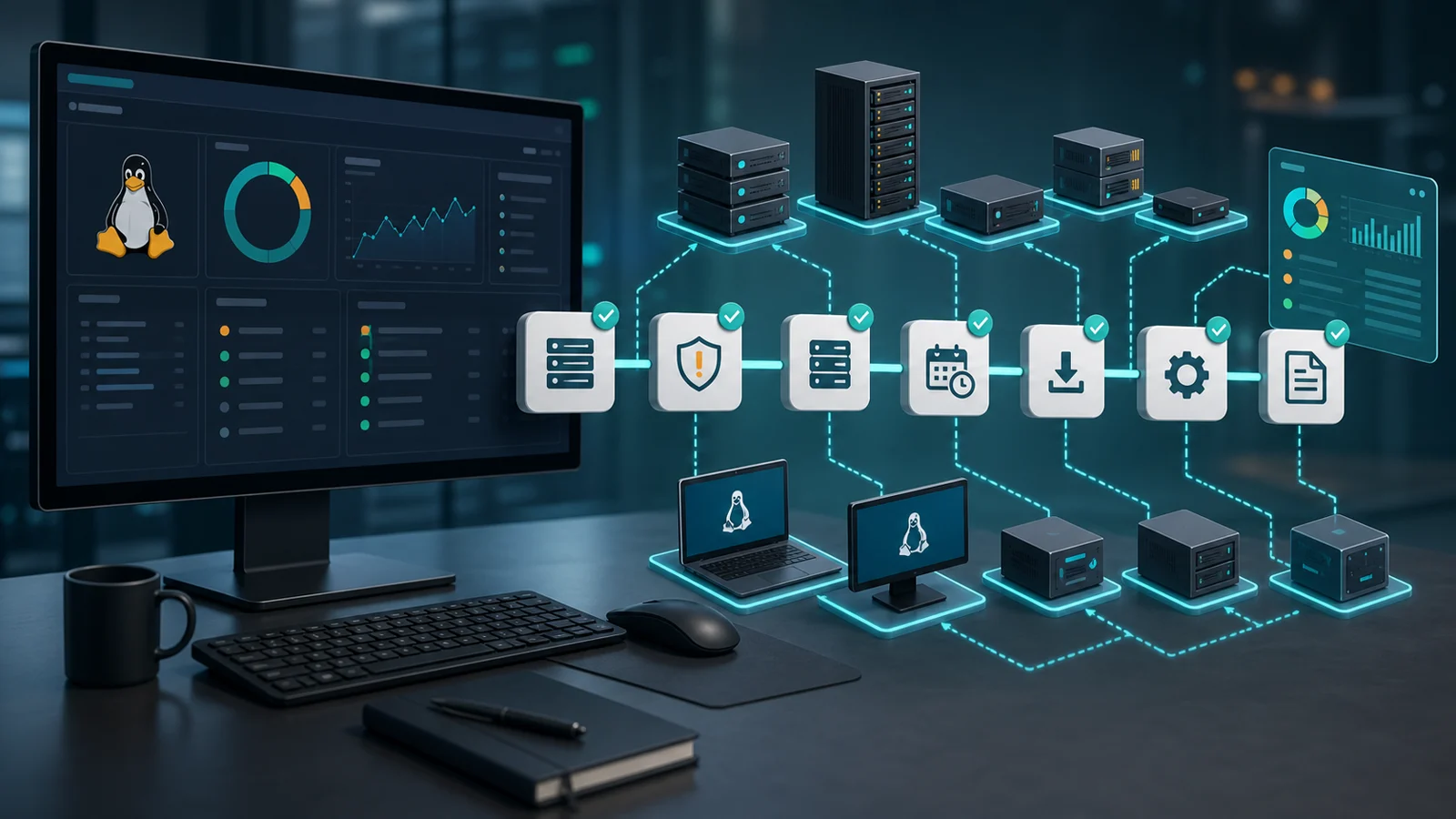
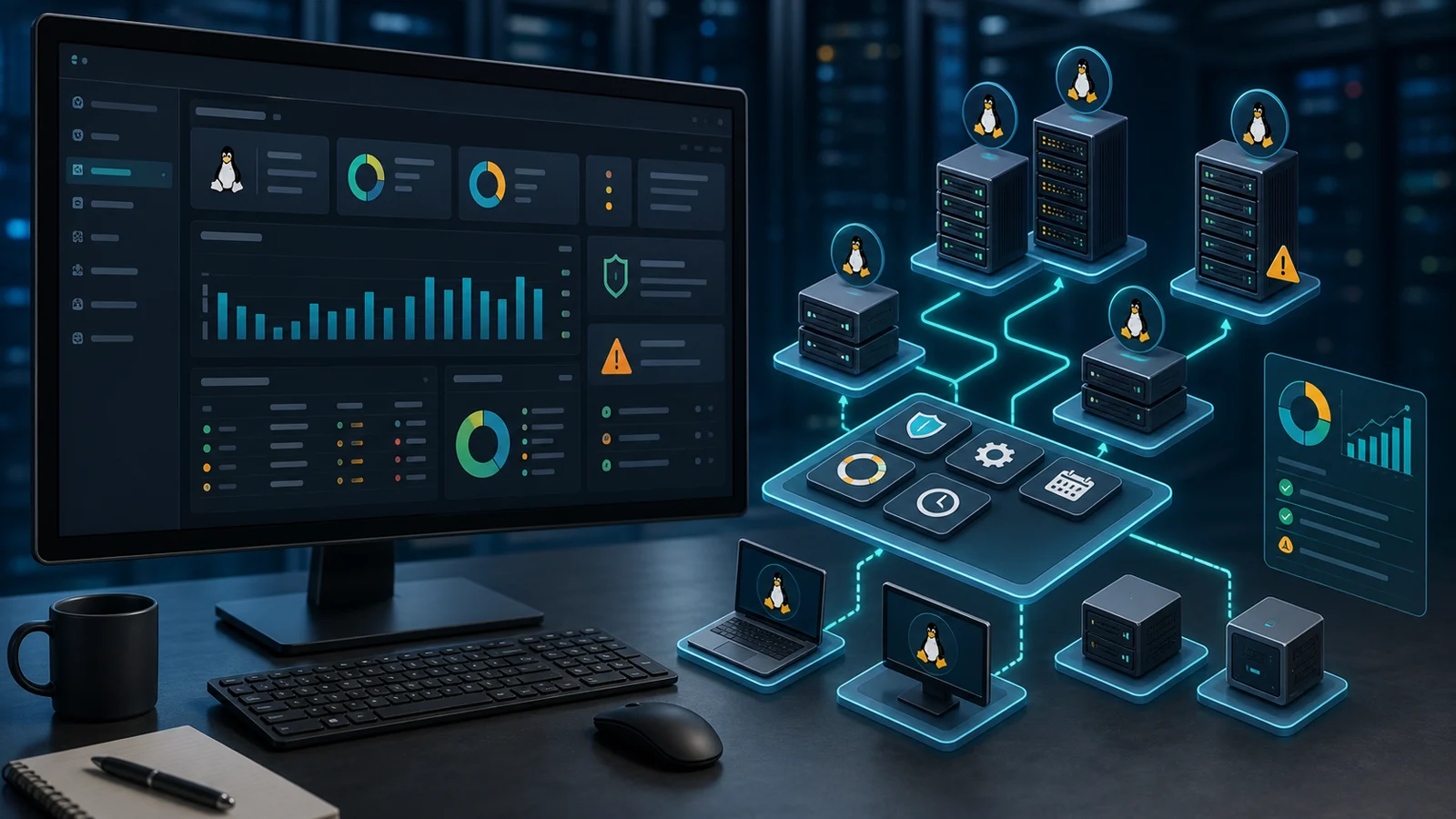
A good tool should cover the full workflow:
- discover Linux endpoints;
- show distribution, version, and status;
- identify pending patches;
- prioritize by risk and criticality;
- schedule maintenance windows;
- execute with control;
- detect failures and pending reboots;
- verify that the endpoint is updated;
- report compliance by customer, department, or group.
If a solution only launches remote commands, it helps with one part of the job. If it does not leave evidence, it does not solve the operation.
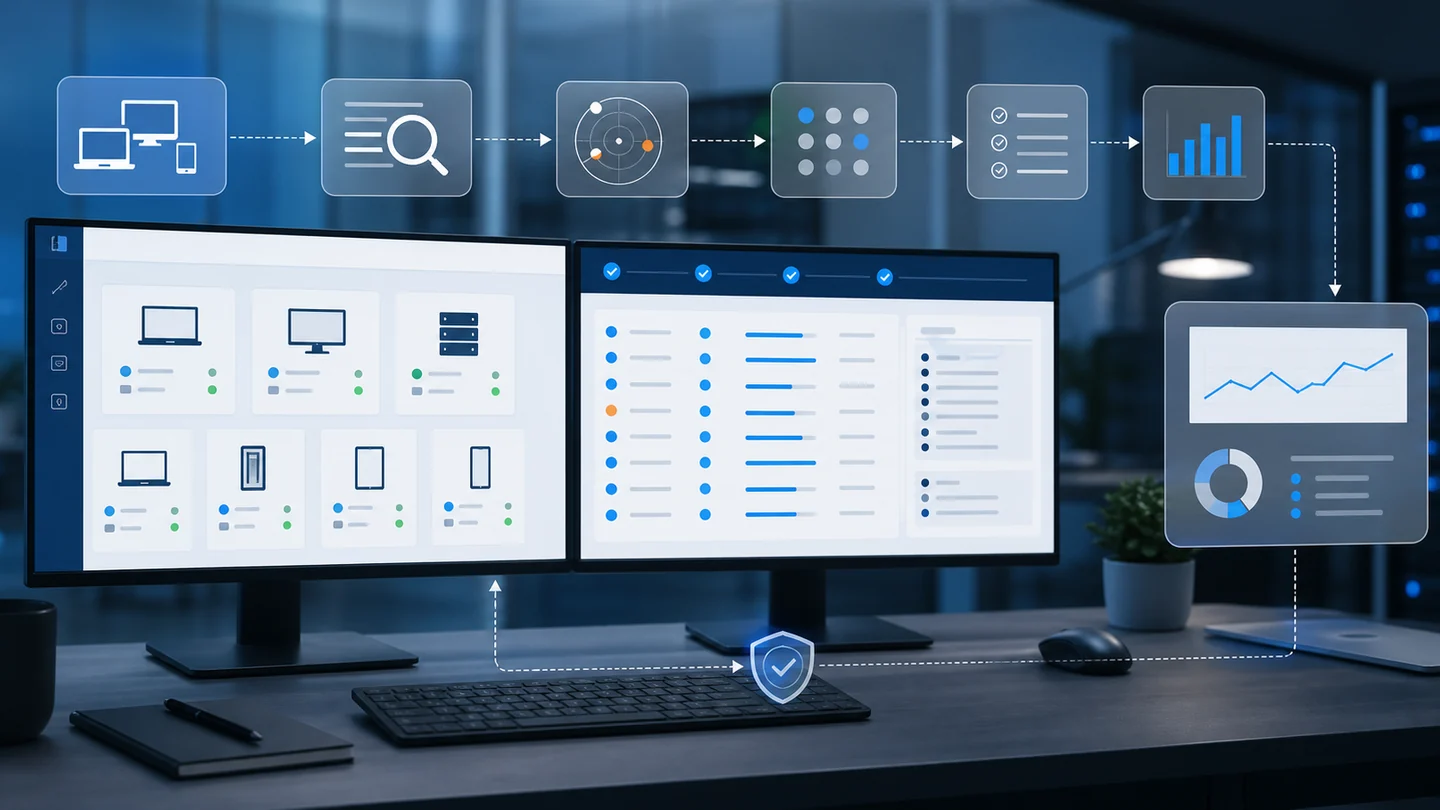
1) Inventory before automation
Automation without inventory creates a false sense of control.
Before running Linux patches, you need to know whether you manage Ubuntu, Debian, Rocky Linux, AlmaLinux, Red Hat Enterprise Linux, or other variants. You also need to separate production servers, technical workstations, labs, internet-facing systems, and low-impact endpoints.
That is why the tool should connect with device management and inventory, instead of living as an isolated utility.
2) Prioritization with vulnerability context
Not every pending patch has the same urgency.
The tool should help you sort by:
- severity;
- related CVE;
- asset criticality;
- exposure;
- evidence of exploitation;
- ability to patch without disrupting services.
NIST describes patch management as an enterprise process, not a one-off task. Sources such as CISA KEV, NVD, and FIRST EPSS also help teams decide which risk deserves attention first.
The operational question is simple: if you can fix only 20 endpoints tomorrow, which ones do you choose and why?
3) Maintenance windows and test rings
Linux is highly automatable.
That does not mean everything should run at the same time.
A serious tool lets you group endpoints, separate pilots from production, schedule windows, and keep control over reboots. This is especially important when you manage a mixed Windows and Linux fleet, where each operating system has its own rhythm but the IT team needs one operational view.
4) Post-update verification
The common mistake is closing the ticket when the command finishes.
Patch management does not end there.
After the update, the tool should show:
- packages installed successfully;
- held or failed packages;
- required reboots;
- services with issues;
- offline endpoints;
- vulnerabilities still open.
This connects with the patch detection and verification workflow. The important status is not “it ran,” but “it was corrected.”
5) Reporting for MSPs and internal teams
If you manage customers, you need to prove service.
If you manage internal IT, you need to prove progress.
A Linux patch management tool should generate reports that people outside the technical team can understand: compliance, pending work, failures, residual risk, and next actions.
This also helps justify maintenance windows and prioritize work when the team is small.
Standalone tool vs RMM
A standalone tool may be enough for a simple fleet.
But if you also need monitoring, inventory, alerts, remote access, reports, and operations by customer or department, an RMM is worth evaluating.
In that model, Linux patch management stops being a separate module and becomes part of the operating console. In Lunixar, review Lunixar RMM, patch management, and the practical guide to Linux patch management from an RMM.
You can also use the Linux patch management checklist to evaluate your current process before automating it.
Signs you need a tool
You probably need a tool if:
- you have more servers than you can manually review every week;
- you manage multiple customers or departments;
- you do not know which Linux endpoints are pending;
- your reports depend on screenshots or manual notes;
- you cannot prioritize CVEs clearly;
- you do not know which endpoints require reboots;
- maintenance windows depend on memory.
When the process starts depending on specific people, operational risk goes up.
To compare scope and cost, review pricing or start a free trial.