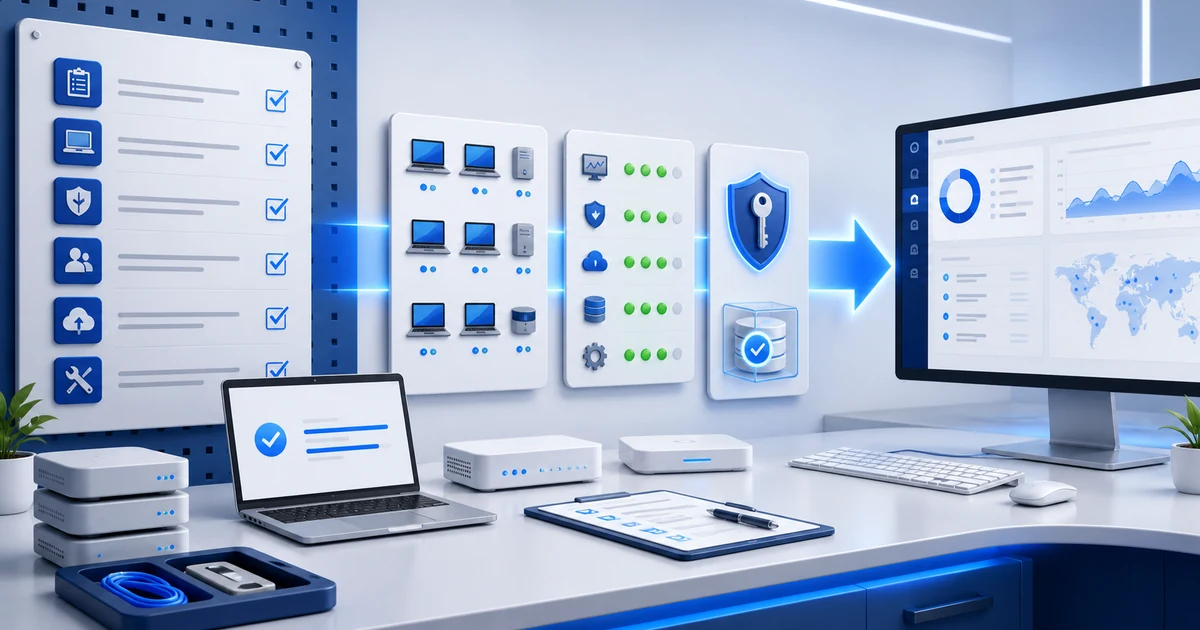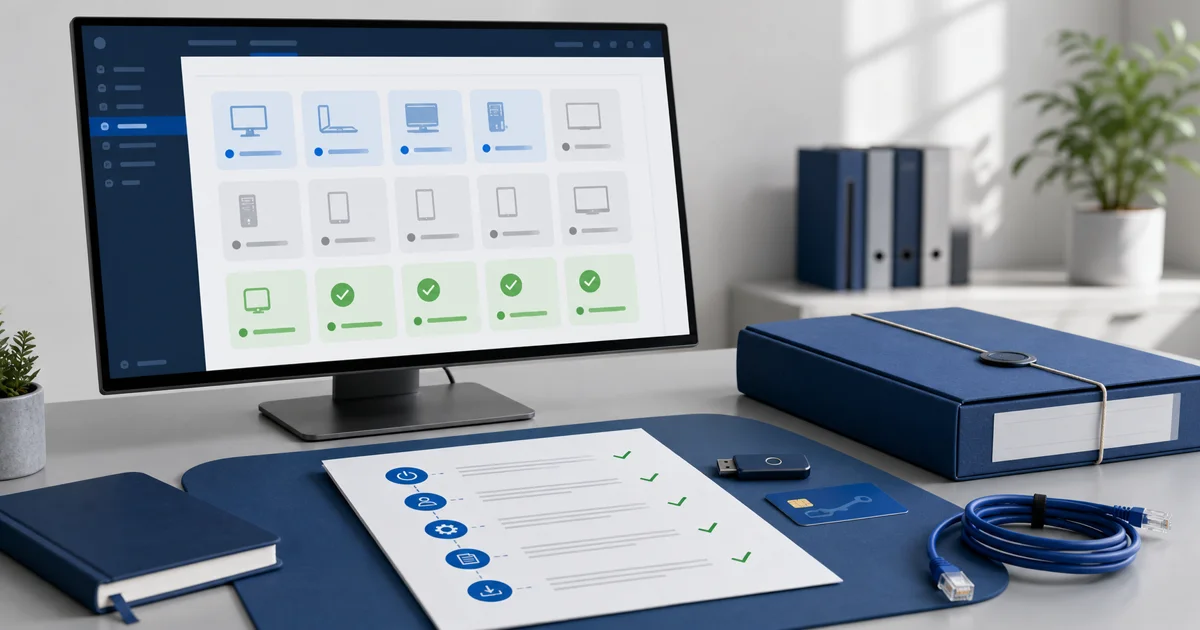
The first month with a new client is dangerous.
Everything feels urgent.
Everything looks important.
And if you do not close it cleanly, month two starts just as messy.
Closing the first month is not sending a nice "everything is fine" email. It is turning onboarding into evidence: what you found, what you fixed, what is still open, and what the client needs to decide.
1) Start with the real inventory
Before you talk about results, confirm what is actually under support.
Not "around 20 machines."
The real list.
Endpoints, related users, operating system, relevant software, initial alerts, and maintenance status.
CISA includes asset inventory in its Cybersecurity Performance Goals because it helps identify known, unknown, and unmanaged assets. For monthly IT support, that source makes the point practical: if you do not know what exists, you cannot claim you are managing it.
Tie this to your endpoint onboarding checklist and the scope you sold in your first monthly IT support package. The month-end close should prove that scope no longer lives in memory.
2) Summarize alerts without hiding noise
The client does not need to read 200 events.
They need to know what mattered.
Group alerts by impact:
- availability;
- disk or hardware;
- security;
- failed patches;
- offline endpoints;
- repeated issues by user or location.
If an alert had no action, say it. If it was noise, say that too. The value is showing judgment, not pretending everything was critical.
3) Close patches with verification, not intention
"We tried to update it" is not closure.
"It is updated" is.
NIST defines enterprise patch management as the process of identifying, prioritizing, acquiring, installing, and verifying patches across an organization in SP 800-40 Rev. 4. That source matters because it keeps maintenance from becoming a magic button promise. Verification is part of the job.
In the first-month report, show:
- which endpoints are up to date;
- which updates failed;
- what needs a reboot;
- which app or system needs an exception;
- what risk remains open.
If you already have a patching, vulnerabilities, and alerts workflow, use it as the base. The client should see that you did not just "run updates"; you closed a loop.

4) Clean tickets before presenting results
A monthly closeout with unexplained open tickets feels weak.
Before the report, review:
- closed tickets with unclear notes;
- tickets waiting on the client;
- duplicate tickets;
- incidents that are really projects;
- repeated issues that deserve a recommendation.
This connects with support tickets inside an RMM and RMM reports for clients and audits. The monthly report should not be detached from daily work.
5) Prepare one executive page
The client should understand the month in 5 minutes.
A good executive page answers:
| Question | What to show |
|---|---|
| What is under support? | managed and pending endpoints |
| What was fixed? | alerts, patches, tickets, and actions |
| What remains open? | risks, failures, reboots, exceptions |
| What decision is needed? | purchase, replacement, window, permission, or project |
| What happens next month? | 3 concrete priorities |
What is under support?
managed and pending endpoints
What was fixed?
alerts, patches, tickets, and actions
What remains open?
risks, failures, reboots, exceptions
What decision is needed?
purchase, replacement, window, permission, or project
What happens next month?
3 concrete priorities
Do not fill the closeout with screenshots without context. Use evidence, but summarize like an operator.
6) Ask for decisions, not generic approval
The first-month closeout is the right moment to organize the relationship.
Ask for specific decisions:
- approve a maintenance window;
- replace a machine with recurring failures;
- add endpoints that were not included;
- confirm the official support channel;
- separate projects from monthly support;
- define priority for open patches or vulnerabilities.
If you do not ask for those decisions, month two fills up with operational debt.
7) Set the rhythm for month two
The closeout is not the end.
It is the handoff.
Define the cycle:
- quick weekly review;
- critical alert follow-up;
- patch window;
- ticket cleanup;
- monthly report;
- priority conversation.
That rhythm turns reactive support into managed service. It is the same idea behind operating like an MSP from month one and the small MSP operational playbook.
FAQ: first-month IT support closeout
What should the first monthly report include?
Validated inventory, relevant alerts, patches, tickets, open risks, required decisions, and priorities for the next month.
Should I show every alert?
No. Show the relevant alerts and group the noise. The client needs impact, status, and next action.
What if the first month was messy?
Do not hide it. Present the mess as the initial diagnosis: what was missing, what you already organized, and what process you will apply next month.
How many recommendations should I include?
Three is a good number. If everything is a priority, nothing is.
How does Lunixar RMM help with this closeout?
It connects inventory, monitoring, alerts, patching, remote support, tickets, and reports so the monthly closeout does not depend on scattered spreadsheets or memory.
Close with evidence
The new client does not need to feel that you "worked hard."
They need to see control.
Clear inventory. Understandable alerts. Verified patches. Organized tickets. Concrete decisions. Month two defined.
Lunixar RMM helps build that closeout from daily operations: inventory, device monitoring, alerts, patch management, remote connection, and reports in one console. You can try it for 14 days, no credit card, with up to 5 devices and full access.
Keep going with these guides: