

A client leaves.
You close the invoice.
But one agent is still installed, a session still works, and nobody knows which data should be retained.
That's where the risk starts.
Offboarding isn't a button. It's a controlled closeout that protects the client, the MSP, and the evidence of what happened.
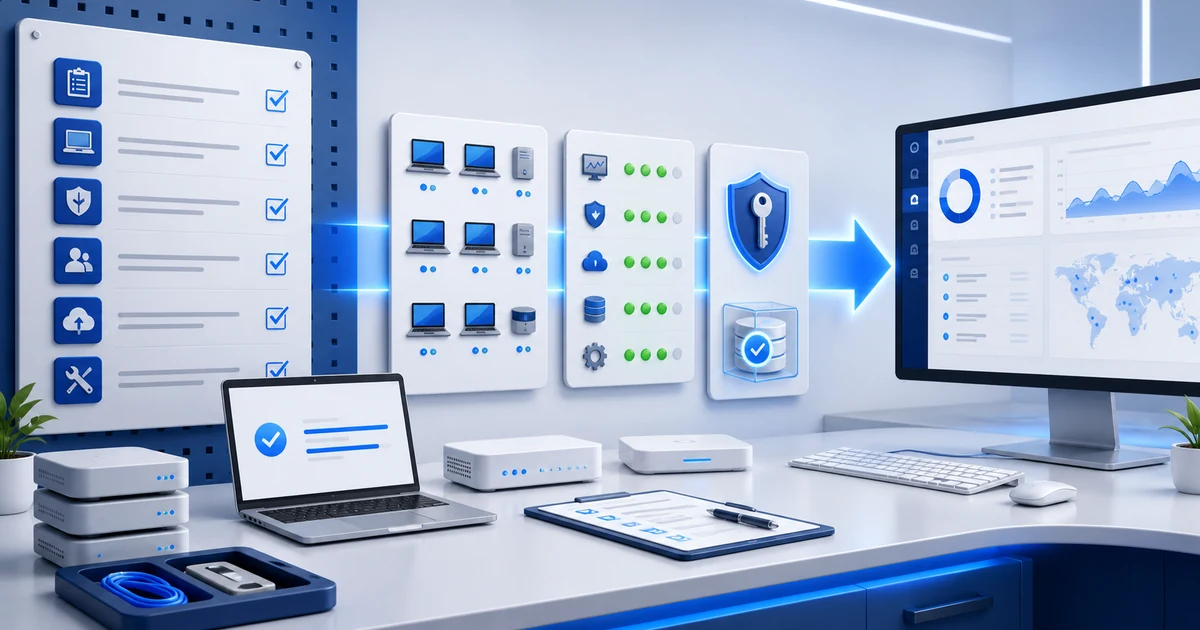
> Download the MSP offboarding XLSX template. It includes 26 controls, automatic progress, and Spanish, English, and Portuguese tabs.
1) Define who authorizes the closeout and when it happens
Don't start by uninstalling agents.
First, document:
- who requested termination;
- who is authorized to approve actions;
- the cutoff date, time, and time zone;
- the services, locations, users, and endpoints in scope;
- any transition period;
- outstanding contractual obligations;
- who will receive documentation, secrets, and reports;
- which actions need additional approval.
This prevents the worst-case scenario: removing access too early, interrupting operations, or handing information to a contact who is no longer authorized.
Your MSP SLA should also explain what happens during termination: which channels remain active, when support coverage ends, and how open incidents are handled.
2) Freeze the inventory before changing anything
You need a final picture of the environment.
Before revoking or deleting, record:
- managed endpoints and their last contact;
- users and accounts with access;
- agents, remote tools, and installed utilities;
- licenses, subscriptions, and renewals;
- integrations, webhooks, API keys, and enterprise applications;
- backups and every location where copies exist;
- open tickets, projects, incidents, and changes;
- offline, missing, or unreachable devices.
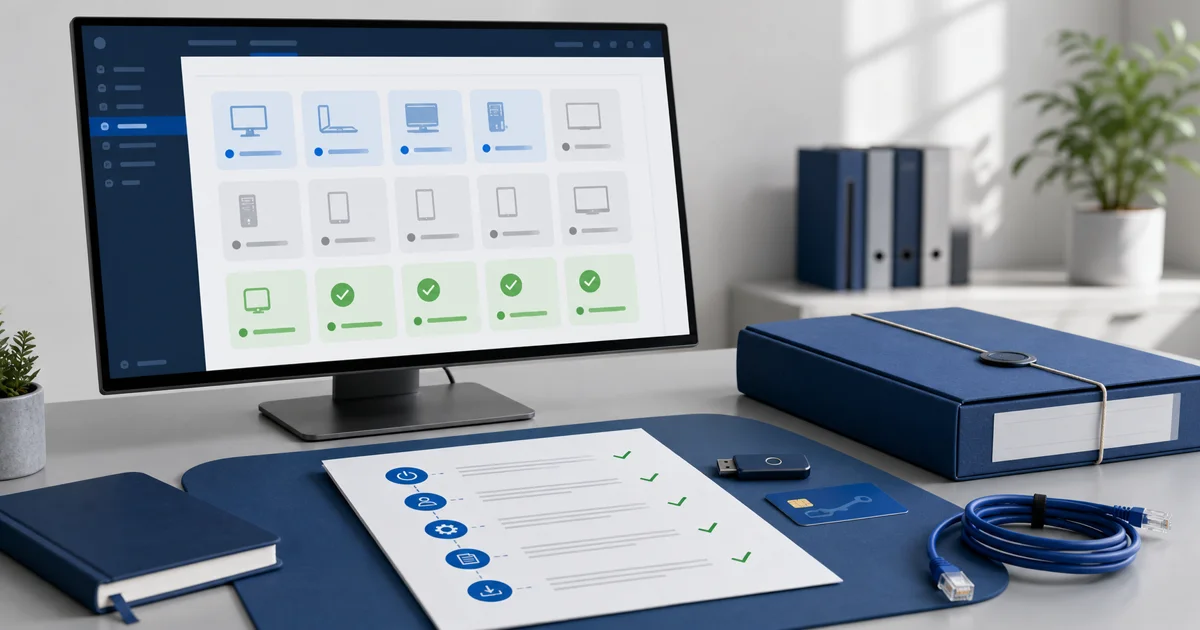
Use the same scope that started the engagement. If the endpoint onboarding checklist recorded 42 devices and your console now shows 39, don't assume the other three disappeared. Investigate and record the exception.
| Item | Expected | Found | Difference | Owner |
|---|---|---|---|---|
| Endpoints | [ ] | [ ] | [ ] | [ ] |
| Users with access | [ ] | [ ] | [ ] | [ ] |
| RMM agents | [ ] | [ ] | [ ] | [ ] |
| Licenses | [ ] | [ ] | [ ] | [ ] |
| Integrations | [ ] | [ ] | [ ] | [ ] |
Endpoints
[ ]
[ ]
[ ]
[ ]
Users with access
[ ]
[ ]
[ ]
[ ]
RMM agents
[ ]
[ ]
[ ]
[ ]
Licenses
[ ]
[ ]
[ ]
[ ]
Integrations
[ ]
[ ]
[ ]
[ ]
3) Prepare a handover package the client can actually use
Don't deliver a folder full of files with no context.
Depending on scope, the exit package should include:
- final hardware and software inventory;
- patch, alert, and known-risk status;
- open tickets and their next actions;
- relevant network diagrams and dependencies;
- current runbooks and procedures;
- vendor contacts;
- client-owned licenses and assets;
- backup location, validity, and responsibility;
- decisions the next provider or internal team still needs to make.
Mark which documents are final, which are reference-only, and which information expires after cutoff. If you're transferring secrets, use a separate encrypted channel and confirm the recipient can open them.
RMM reports for clients can provide starting evidence, but the handover package also needs context: pending work, exceptions, and decisions.
4) Revoke access, sessions, and credentials
Disabling an account doesn't always terminate every existing session.
Microsoft explains that some applications keep their own session cookies or tokens. In addition to blocking new sign-ins, you may need to revoke sessions and deprovision access inside each application.
As a control reference, NIST SP 800-171 Rev. 3 includes termination actions such as disabling access and revoking authenticators and credentials. That doesn't make the publication mandatory for every MSP; it does show why closeout actions should be timely and verifiable.
Review at least:
- technician, administrator, and subcontractor accounts;
- client users in the MSP's RMM, PSA, documentation, and portals;
- active sessions and refresh tokens;
- remote access, VPN, and support tools;
- Microsoft 365, cloud, SaaS, and vendor portals;
- shared passwords;
- API keys, secrets, SSH keys, and recovery codes;
- integrations, enterprise applications, and webhooks;
- registered or trusted devices;
- emergency and temporary accounts.
If the MSP knew a credential, the closeout should state who will rotate it, when, and how the result will be verified. Our guide to active RMM sessions explains why closing a browser isn't the same as revoking access.
5) Remove or transfer agents without losing traceability
An agent shouldn't remain installed out of habit.
It also shouldn't be removed before confirming the endpoint's destination and the required authorization.
Classify every device:
| Status | Action | Minimum evidence |
|---|---|---|
| Online and in scope | uninstall or transfer as authorized | action result and last contact |
| Temporarily offline | schedule follow-up | date, owner, and next attempt |
| Unreachable or missing | record an exception | client approval and residual risk |
| Out of scope | don't act until ownership is validated | exclusion evidence |
| Moving to another provider | coordinate a window | recipient acceptance |
Online and in scope
uninstall or transfer as authorized
action result and last contact
Temporarily offline
schedule follow-up
date, owner, and next attempt
Unreachable or missing
record an exception
client approval and residual risk
Out of scope
don't act until ownership is validated
exclusion evidence
Moving to another provider
coordinate a window
recipient acceptance
Then review scheduled tasks, scripts, policies, automated deployments, tunnels, local accounts, and support utilities created by the MSP. The visible agent is usually only one part of operational access.
In Lunixar RMM, endpoint inventory and last-reported state can help you reconcile devices. Authorization, transfer, and final verification still belong to the offboarding process.
6) Decide which data is returned, retained, and deleted
“Delete everything” can be just as wrong as “keep everything forever.”
Separate information into three groups:
- Return: inventories, reports, documentation, configurations, and client-owned assets.
- Retain: billing, approvals, contractual evidence, or records that must remain for a defined period.
- Delete: operational copies, temporary exports, secrets, and data with no remaining valid purpose.
Within its digital identity scope, NIST SP 800-63A says personal information associated with terminated accounts should be removed according to a documented retention and disposal policy. The useful idea for an MSP is simple: define the period and reason before retaining information.
When media or copies need sanitization, NIST's 2025 SP 800-88 Rev. 2 organizes sanitization decisions around information sensitivity, media type, and the effort required to prevent recovery.
Don't turn those references into automatic legal advice. Your contract, data type, jurisdiction, and tax or regulatory duties determine what you actually need to do.
7) Close licenses, renewals, and billing
Forgotten costs are part of offboarding too.
Review:
- licenses purchased by the MSP for the client;
- client-owned licenses managed by the MSP;
- auto-renewing subscriptions;
- domains, DNS, certificates, and hosting;
- backup, email, security, and cloud services;
- warranties and third-party agreements;
- final charges, credits, or outstanding consumption;
- the exact recurring billing cutoff.
Don't cancel a client resource just because it appears on your card or inside your portal. First decide whether it will be canceled, transferred, or reassigned — and who accepts that change.
8) Obtain evidence and acceptance, not just a goodbye
The closeout record should answer:
- What was completed?
- What couldn't be completed?
- Which access was revoked, transferred, or rotated?
- Which agents remain pending, and why?
- Which information was delivered?
- Which data will be retained, and until when?
- Which residual risks did the client accept?
- Who executed and approved each action?
Use a final matrix:
| Action | Owner | Due date | Evidence | Status | Exception approved by |
|---|---|---|---|---|---|
| Revoke MSP accounts | [ ] | [ ] | [link] | [ ] | [ ] |
| Rotate shared secrets | [ ] | [ ] | [link] | [ ] | [ ] |
| Remove agents | [ ] | [ ] | [link] | [ ] | [ ] |
| Deliver documentation | [ ] | [ ] | [link] | [ ] | [ ] |
| Define data deletion | [ ] | [ ] | [link] | [ ] | [ ] |
Revoke MSP accounts
[ ]
[ ]
[link]
[ ]
[ ]
Rotate shared secrets
[ ]
[ ]
[link]
[ ]
[ ]
Remove agents
[ ]
[ ]
[link]
[ ]
[ ]
Deliver documentation
[ ]
[ ]
[link]
[ ]
[ ]
Define data deletion
[ ]
[ ]
[link]
[ ]
[ ]
The record doesn't need twenty pages. It needs scope, results, exceptions, owners, and acceptance.
9) Download and adapt the template
We prepared a spreadsheet to run the process:
Download the MSP client offboarding checklist (.xlsx)
It includes:
- 26 controls across six phases;
- owner, due date, evidence, and exception columns;
- status dropdowns;
- automatic progress;
- ES, EN, and PT tabs;
- official references and a contractual reminder.
Use it as a starting point. Add the systems, vendors, deadlines, and approvals that apply to each client.
FAQ: MSP client offboarding
When should offboarding begin?
As soon as you have valid notice and a confirmed termination date. Preparation can start earlier; destructive or access-revocation actions should follow the authorized cutoff.
Should every agent be uninstalled immediately?
Not before reconciling inventory, ownership, connectivity, and authorization. Some endpoints may be offline, in transition, or temporarily managed during handover.
Does blocking an account terminate every session?
Not always. Some applications issue their own tokens or cookies. Verify session revocation inside each critical platform.
How long should an MSP retain client data?
There's no universal period. Base it on contract, purpose, sensitivity, applicable law, and relevant obligations. Document the deletion date.
Does this template replace a contract or legal advice?
No. It's an operational tool. Adapt it with professional advice when legal, tax, regulatory, or privacy requirements apply.
A professional closeout matters too
Onboarding wins the client.
Offboarding shows how you operate when the relationship ends.
With Lunixar RMM for MSPs, you can centralize endpoint inventory, state, alerts, and reports that help build evidence. A proper closeout adds what no console decides for you: authorization, transfer, revocation, retention, and acceptance.
No forgotten access.
No orphaned agents.
No data kept “just in case.”