You have a backup.
The checklist says so.
But when the database goes down, that is not the real question.
The real question is: can you restore it?
That changes everything.
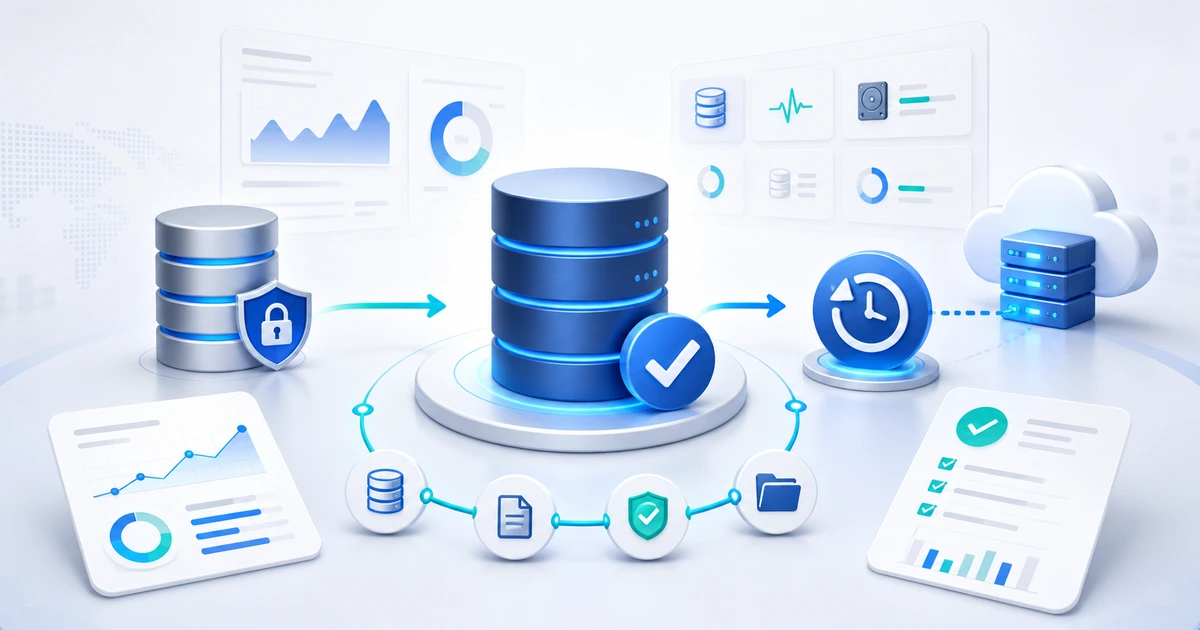
Direct answer: a database backup only counts if you can restore it in a separate environment, meet the agreed RPO/RTO, validate that the application opens, and keep evidence of the result. The file alone does not prove recoverability.
A .bak file, a dump, a snapshot, or a cloud folder is not the same as recoverability. It means a copy exists. Recoverability starts when you can turn that copy into a usable database within an acceptable time and prove that it worked.
The sources say the same thing from different angles. Microsoft documents backup and restore for SQL Server. PostgreSQL separates logical backups, physical backups, and continuous archiving with WAL. MySQL has a full section on backup and recovery. NIST, in its contingency planning guide, treats recovery as part of continuity, not as a one-off technical task.
1) Define what "recovery" means before you back up
A backup without a target is a bet.
"We back it up daily" is not enough. Daily at what time? What happens if you lose the morning's work? How long can the operation stay down? Who decides whether to restore?
You need two basic numbers:
- RPO: how much data you can afford to lose.
- RTO: how long recovery can take.
If a client invoices all day from a database, a nightly backup may leave a huge loss window. If the system is used once a week, the risk may be different.
2) Separate the copy from recovery
The copy is the file.
Recovery is the process.
In SQL Server, for example, you may have full, differential, and log backups. In PostgreSQL, you may combine base backups with WAL to reach a specific point in time. In MySQL, binary logs may be part of recovering changes after a base copy.
But none of those pieces help if you do not know the sequence:
- where the copy lives;
- which engine version can read it;
- which additional logs or files it needs;
- which server will receive the restore;
- who validates that the app opens;
- what evidence gets saved.
3) Do not trust a backup that lives on the same server
This happens a lot.
The job runs.
The file is created.
Everything looks fine.
And the file stays on the same disk that may fill up, fail, or get encrypted.
A serious backup needs separation. That does not always mean a huge architecture. It can start with an external copy, a separate location, different permissions, and a clear retention window.
The point is simple: if the server is lost, the backup should not be lost with it.
4) Validate the file, but do not stop there
Microsoft includes RESTORE VERIFYONLY for SQL Server. It is useful because it helps check whether the backup set is readable and appears complete.
But do not confuse that with a real restore.
A verification can catch obvious issues. A restore test catches operational issues:
- the file takes too long;
- a log is missing;
- the user lacks permission;
- the engine version does not match;
- the database restores, but the app cannot connect;
- the process does not fit the recovery window.
In short: verification helps. Restoring proves.
5) Run a restore test that leaves evidence
The test does not need theater.
It needs repeatability.
A minimum flow looks like this:
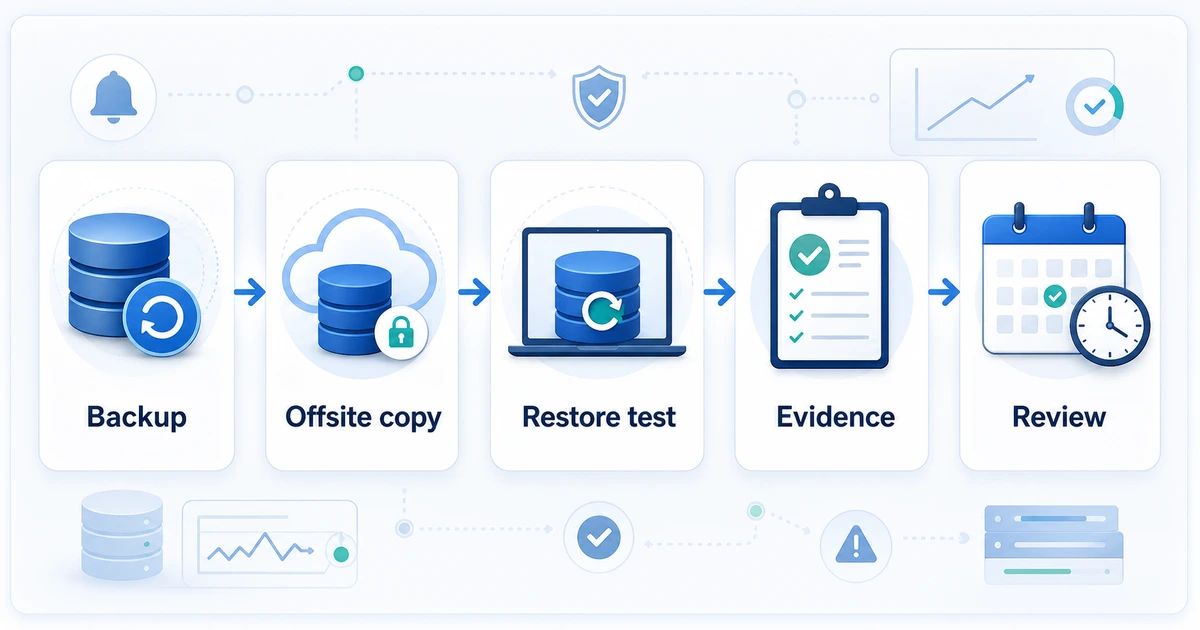
- Take the most recent backup.
- Read it or copy it from the external location.
- Restore it in an isolated environment.
- Run a basic validation: key tables, counts, application login, or a critical query.
- Save evidence: date, file used, restore time, result, errors, and owner.
The goal is not to fill folders with PDFs. The goal is to say: "this backup was restored on this date and it took this long."
6) Monitor the signals around the backup
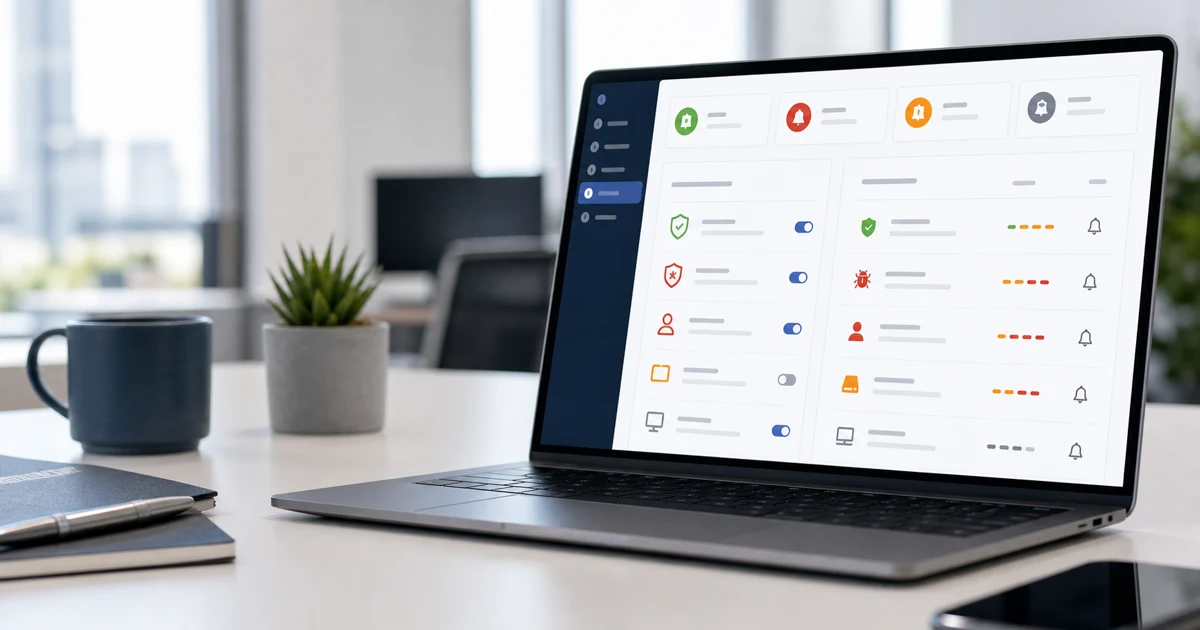
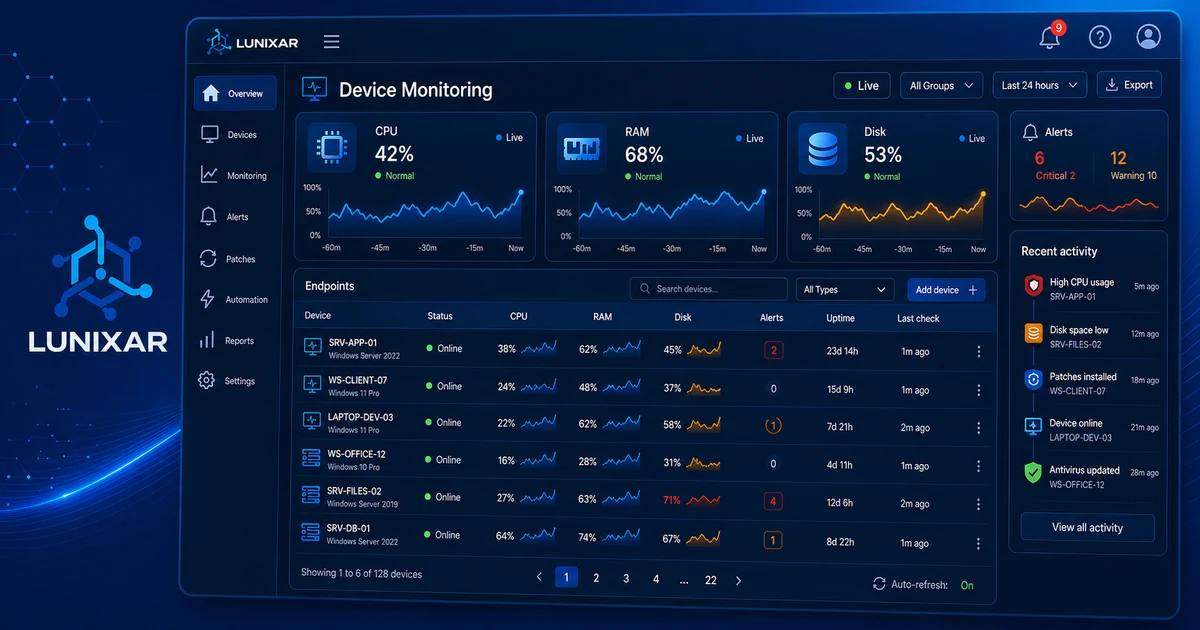
Lunixar RMM does not replace your database backup strategy.
And it should not pretend to.
But it can help with signals that often break backup routines silently:
- low disk space before the job fails;
- stopped critical services;
- offline server;
- inventory changes that explain a failure;
- disk or endpoint health alerts;
- operational evidence for reports.
That connects with device monitoring, alerts, inventory, and RMM reports for clients and audits. Your data policy defines the backup. Monitoring helps keep the workflow from failing quietly.
7) Report restores, not just backups
A report that says "backup successful" sounds good.
But the client needs to know whether recovery is possible.
Report better signals:
- last generated backup;
- last confirmed offsite copy;
- last tested restore;
- real restore time;
- errors found;
- pending risks;
- next scheduled test.
That changes the conversation. It is no longer "yes, it backed up." It becomes "yes, it restored in 38 minutes, and we still need to reduce the data loss window on this database."
8) Minimum checklist for your next review
Use this as a starting point:
- Which databases exist and who uses them?
- What is the RPO and RTO for each one?
- Which backup type runs?
- Where is the primary copy stored?
- Is there an offsite copy?
- How many days of retention do you keep?
- Who receives failure alerts?
- When was the last restore test?
- How long did it take?
- What evidence was saved?
If you cannot answer those questions, the problem is not only technical. It is operational.
FAQ: database backups and restore testing
How often should I test a database restore?
It depends on the system's criticality, but an important database should have periodic restore tests and recent evidence. For small clients, monthly or quarterly validation is usually more realistic than waiting until the incident.
Does RESTORE VERIFYONLY or automated verification replace a restore test?
No. Verification can catch readability or consistency issues in the file, but it does not prove the whole operational flow. A real restore validates permissions, engine version, recovery time, application connectivity, and evidence.
What evidence should I keep after a restore test?
Keep the date, database tested, file used, source location, restore target, duration, result, errors, owner, and next action. That evidence turns backup status into an operational conversation, not just a checked box.
What if the backup lives on the same production server?
That is a fragile copy. If the server fails, gets encrypted, fills up, or is lost, the backup may be lost with production. At minimum, separate location, permissions, retention, and administrative access.
Does Lunixar RMM replace a backup tool?
No. Lunixar RMM does not replace your database engine or backup tool. It supports the operation with monitoring, alerts, inventory, and reports that help catch signals around the backup process.
Your backup does not count until you restore it
Having a backup is the start.
Restoring is the proof.
Documenting is what turns that proof into trust.
If you manage clients, do not sell peace of mind based on files nobody has tested. Build a routine: backup, offsite copy, restore test, evidence, and review.
With Lunixar RMM for MSPs, you can support that routine with monitoring, alerts, inventory, and operational reports. It does not replace your database engine or backup tooling. It helps you see signals, maintain follow-up, and deliver evidence before the issue becomes a fire.
To connect this topic with daily operations, also review First RMM Alert Policy and Device monitoring deep dive.