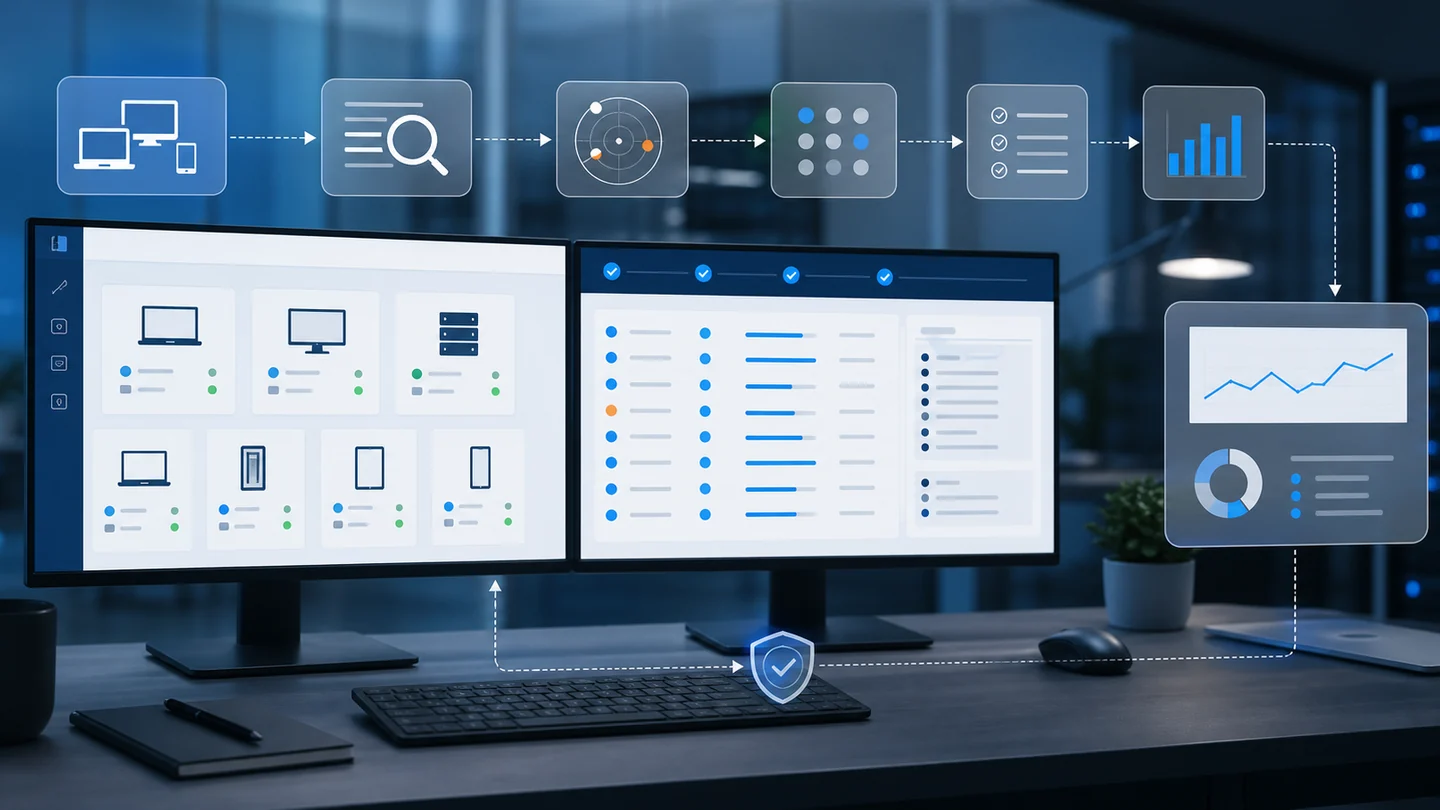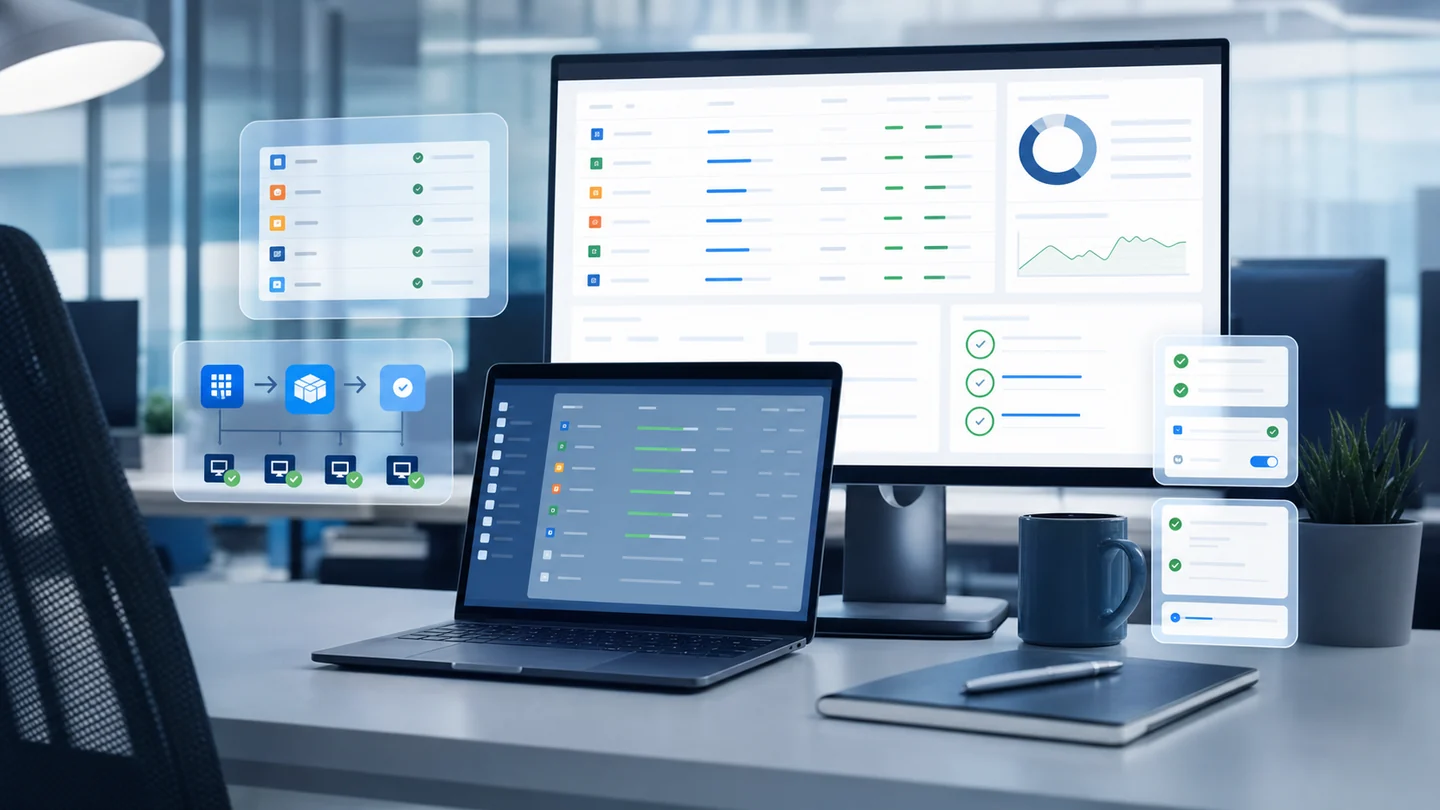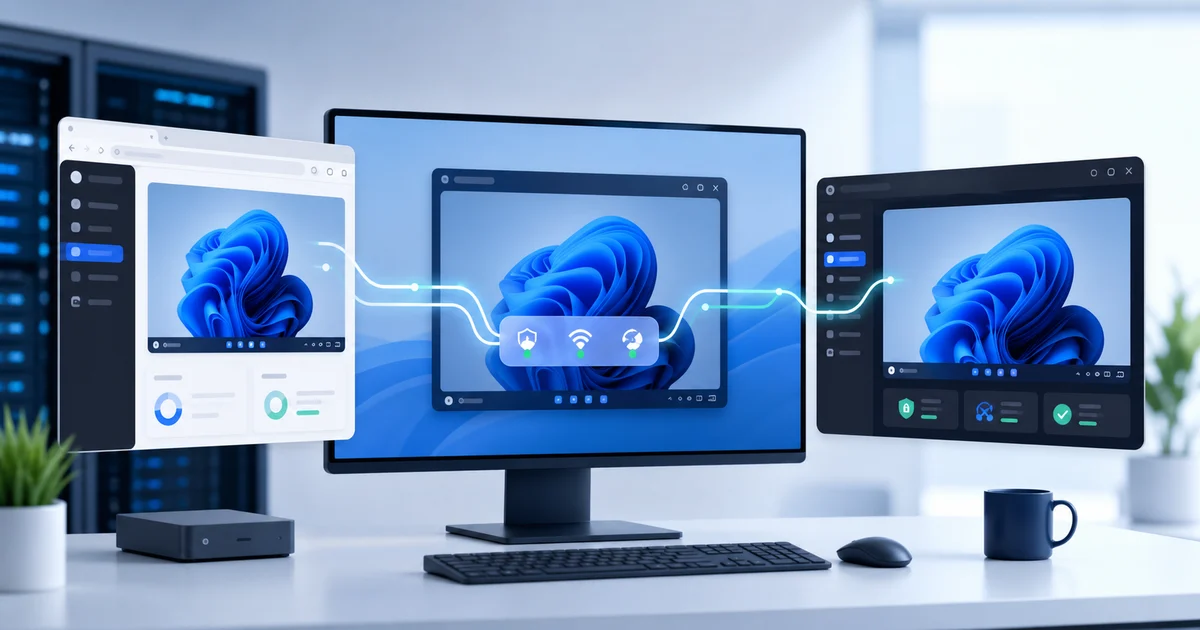



June expanded what you can do with Lunixar RMM.
July made that experience faster, clearer, and more resilient.
Over these weeks, we improved the console, the agent, and the server with one practical goal: help you manage more endpoints with less friction and better information for every decision.
Here is the commercial summary of how Lunixar RMM evolved during June and July 2026.
A clearer console for faster decisions
Daily operations should not start with a search for the problem.
We improved the main dashboard, device list, and detail views so important information is easier to understand. We also refined patching, security, vulnerabilities, compliance, Action Center, and PSA ticket workflows.
It is now easier to:
- Identify endpoints that need attention.
- Understand why a task failed or remains pending.
- Preserve context while investigating diagnostics.
- Move from an executive summary to a technical action.
- Work with clearer lists and detail views on desktop and mobile.
We also streamlined application startup and dashboard loading to reduce unnecessary work and surface useful information sooner.
Patching and software: a more complete cycle
Patch management advanced beyond showing a list of pending updates.
We expanded Windows application catalog coverage, improved the connection between detected software and available packages, and added a clearer path for installing supported software from inventory.
We also strengthened outcome tracking:
- Partial attempts better explain what installed and what remains pending.
- History keeps readable information about the targeted update.
- Post-install verification avoids reporting an unverifiable change as successful.
- Windows driver and firmware updates receive specific safety checks.
- Linux uses more consistent release paths and manifests across package formats.
- macOS coverage advanced for operating system and Homebrew updates, with additional visibility for package-receipt applications.
For a closer look at this operating model, read third-party patching with WinGet in an RMM.
Vulnerabilities turned into operational priorities
A large CVE count does not tell a technician what to fix first.
We improved analysis confidence, software-to-vulnerability matching, catalog coverage, and follow-up workflows. The console can present exposure by software and CVE with signals such as severity, known exploitation, priority, and attention state.
We also made finding processing more efficient so the experience remains useful as data volume grows.
The result is a more actionable exposure view: less noise, better context, and direct routes toward remediation. Learn more about vulnerability management inside an RMM.
More security around every account and operation
During June and July, we strengthened the protection of sensitive actions, sessions, operational data, and payment workflows.
The improvements include:
- More consistent access controls for high-impact actions.
- Better evaluation of each account's trust state.
- A security event inbox for important signals.
- Additional abuse protection for registration, sign-in, and payments.
- Clearer separation between what a user can see and what they can execute.
- Stronger secret and sensitive-data redaction in diagnostics.
- Tighter validation for communication between internal services.
These improvements work alongside MFA, RBAC, tenant isolation, and audit history. The goal is not to add unnecessary steps. It is to preserve control as operations grow.
More reliable remote support with better diagnostics
We continued improving remote access so sessions recover more gracefully across changing networks and technicians can better understand the active connection route.
We refined direct connections, secure relay, and image continuity when video is unavailable. We also improved remote input recovery, high-load handling, screen synchronization, on-demand capture, and connection diagnostics.
In practice, this is designed to provide:
- A clearer remote-session start.
- Fewer blank screens during connection.
- Better recovery when a route changes or stalls.
- More consistent keyboard and mouse input under load.
- More information for investigating a degraded session.
- Manual video selection without removing image fallback.
The transport route may change, but authorization, audit, and isolation controls remain in place. Read more about WebRTC remote access in Lunixar RMM.
Agent changes: lower overhead and greater confidence
We grouped multiple internal improvements into one agent evolution because that is what matters to the people managing endpoints.
Lunixar agents now provide better health diagnostics, confirmation for delivered inventory, safer shutdown and restart boundaries, less repeated work, and more efficient communication with the platform.
We also improved:
- Accurate device-type identification.
- Remote installation of supported software.
- Handling of targeted operating system updates.
- Auto-update reliability.
- Integrity and trust verification for update packages.
- Controlled agent restart when recovery requires it.
- Linux process, service, and network data stability.
- The macOS compatibility foundation for automation, patching, and security posture.
The benefit is less operational noise and a platform that can better explain the real state of every endpoint.
A faster server built to grow
The server received a major update focused on performance, security, and distributed operation.
We optimized dashboard queries, events, diagnostics, and realtime communication paths. We also reduced repeated work, bounded queues and caches, improved connection ownership validation, and added telemetry for volume, latency, and failures.
These changes help the platform maintain more consistent responses as device, session, and event volumes increase.
For customers, the outcome is simple: a console that loads better, actions delivered with stronger control, and infrastructure with better tools for detecting and resolving degradation.
Network discovery with fewer duplicates and better context
We also strengthened network discovery and SNMP checks.
The platform is better at distinguishing a discovered device from an endpoint that is already managed, preventing incorrect actions on enrolled devices and reconciling identity as more information becomes available.
We also refined probe selection, network data serialization, and messages that explain why an SNMP check could not complete.
This makes discovery more useful for finding unmanaged infrastructure instead of creating another list to clean up. Read network discovery and unmanaged devices in an RMM.
Reports, automation, and support with better continuity
The workflows connecting technical operations with customer service also improved.
We polished reports, exports, and inventory follow-up; strengthened permission scope; improved PSA tickets, alerts, and compliance pages; and protected script scheduling so each task respects the target platform and clearly shows when it should run.
We also improved pending-job recovery and the way the console explains partial states, restrictions, and outcomes.
More control across your entire workflow
Together, the June and July updates strengthen the complete workflow:
- Detect the issue with better context.
- Prioritize with less noise.
- Execute with clearer controls.
- Verify the outcome.
- Document and follow up from the same platform.
That is the goal of Lunixar RMM: help an MSP, independent technician, or IT team operate with the clarity of a larger platform without turning the day into a collection of disconnected tools.
Continue evaluating the platform through centralized device management, antivirus monitoring and Defender actions, and RMM pricing.
You can also explore Lunixar RMM for MSPs or start a two-week trial with no credit card and up to five devices.